How to Check Zong Balance (Simple and Quick Guide)
Check your Zong balance with *222# or *6767#, through helpline 310, or in the My Zong app. Also see remaining MBs, minutes and SMS.
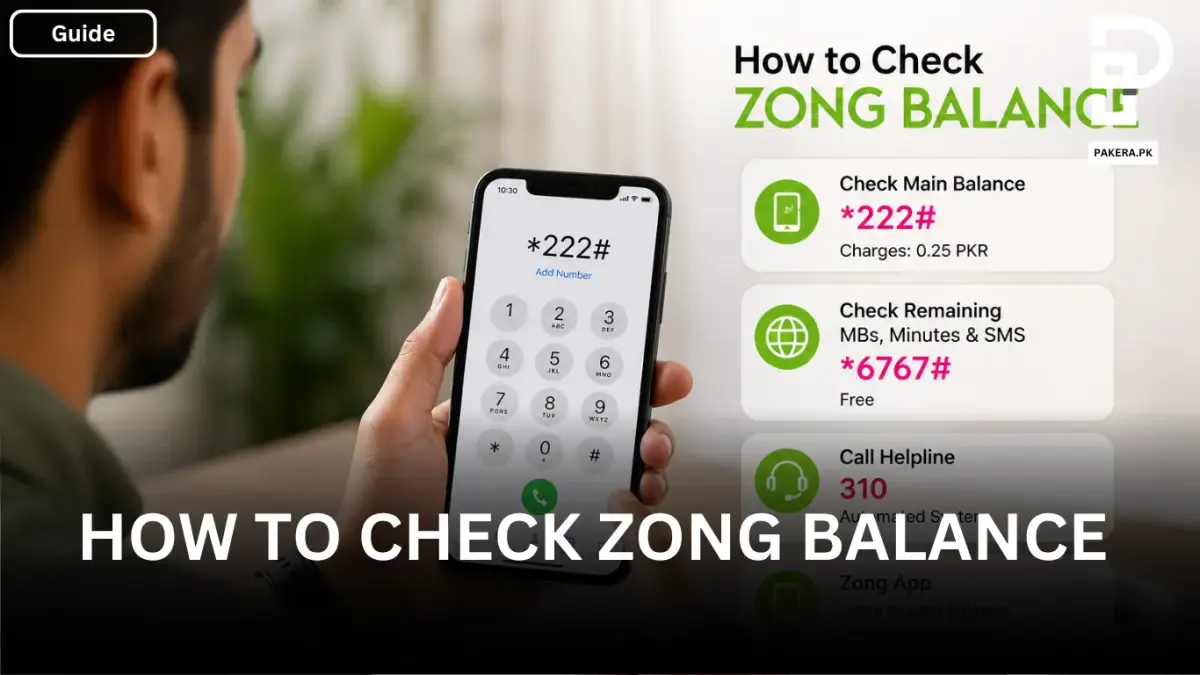
Sometimes you recharge your SIM, but you’re not really sure how much balance you actually have left. Other times, you subscribe to a package and then forget how many MBs, minutes, or SMS are still remaining. It happens to almost everyone.
If you’re using a Zong SIM and facing this confusion, don’t worry. There are a few simple ways to check your balance, and once you know them, it only takes a few seconds.
In this guide, I’ll walk you through the easiest methods both offline and online so you can check your Zong balance anytime without any hassle.
Checking Zong Balance Using Offline Methods
If you don’t have internet access or just want a quick way, offline methods are the fastest option. You can use USSD codes or even call the helpline to get your balance details.
Using the USSD Code for Main Balance
The most common way to check your Zong balance is by dialing a simple code.
Just open your phone’s dialer and dial *222#.
Within a few seconds, your main balance will appear on the screen. It’s quick, simple, and works on any phone.
There is a small charge of 0.25 PKR for this check, so keep that in mind.
Checking Remaining MBs, Minutes, and SMS
If you’re using a package and want to see what’s left like internet data, call minutes, or SMS you can use another code.
Dial *6767# from your master number.
This will show you the remaining resources of your active package. The good thing is that this option is free, so you can check it as many times as you want without worrying about charges.
Calling the Helpline
Another easy option is to call the Zong helpline.
Dial 310 from your Zong number and follow the automated system instructions. It will guide you step by step and let you know your current balance and other details.
This method is helpful if you prefer listening instead of reading or if the codes are not working for some reason.
Checking Zong Balance Using Online Method
If you have internet access, the online method is even more convenient and gives you a complete overview of your account.
Using the Zong Mobile App
Zong also provides an official mobile app that makes everything easier.
Once you download the app and sign up or log in, you can see your balance right on the main screen. Not just that, it also shows your remaining MBs, minutes, and SMS in a clean and simple interface.
The app is useful if you want all your details in one place without dialing codes again and again.
Frequently Asked Questions
How can I check my Zong balance for free?
What is the code to check Zong balance?
How do I check remaining internet on Zong?
Can I check my Zong balance without a code?
What is Zong helpline number?
Conclusion
Checking your Zong balance is not complicated at all once you know the right methods. Whether you prefer dialing a quick code, calling the helpline, or using the mobile app, each option is simple and works in seconds.
If you just need your main balance, *222# is the fastest way. If you want full package details, *6767# is the better option. And if you like everything in one place, the Zong app makes it even easier.
Once you get used to these methods, you’ll never have to guess your balance again.
About the author

Tax, Bills and Technology Writer
Ali Akhtar is a young and curious voice here at Pakistan Era. He is currently pursuing his A-Levels and has a growing interest in Pakistan’s changing industrial landscape and educational trends. Ali likes to write in a way that helps him explain and explore the world around him. His writing reflects the perspective of the new generation navigating the evolving trends of Pakistan where technology, youth innovation, and shifting opportunities are reshaping the country’s future.