How to Check Telenor Balance
Check your Telenor balance, remaining SMS, minutes and internet data using short codes. What each code returns, in seconds.
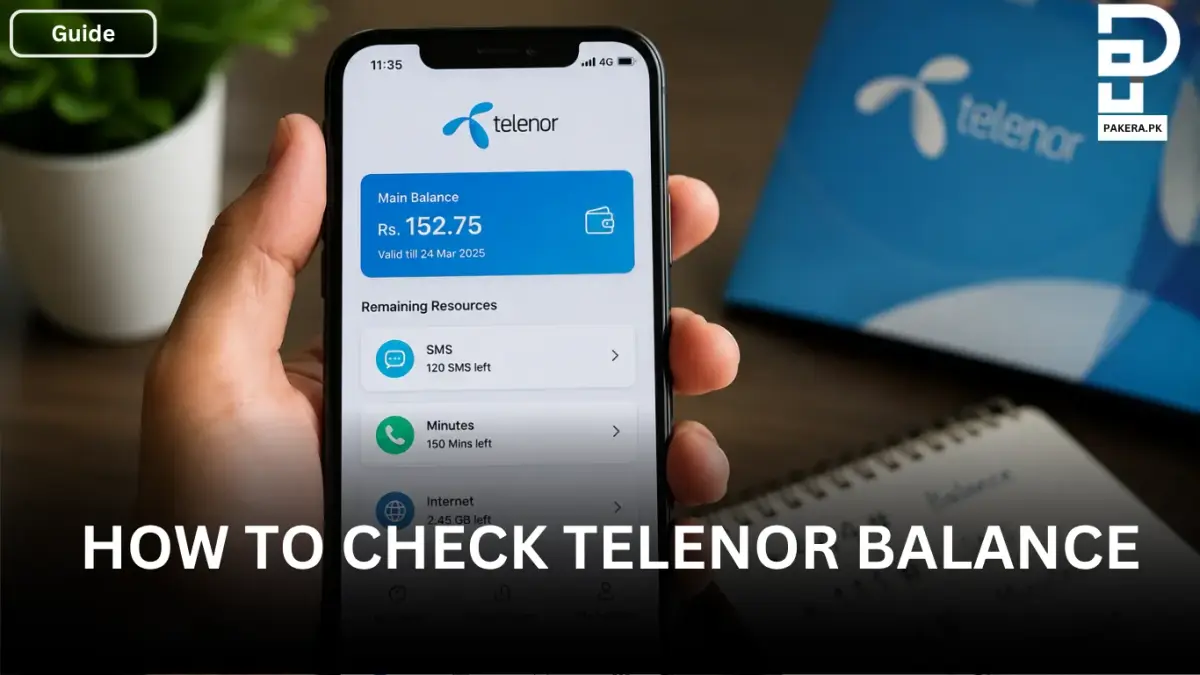
Keeping track of your Telenor balance is important, especially when you regularly make calls, use mobile data, or subscribe to different Telenor packages. Many users often forget how much balance is available in their SIM or how many resources are left in their active package.
Fortunately, Telenor provides several easy ways to check your remaining balance, minutes, SMS, and internet data. Whether you prefer using USSD codes or checking everything online through an app, the process is simple and only takes a few seconds.
How to Check Telenor Balance
If you want to check the main balance available in your Telenor SIM, you can do it directly from your phone's dialer.
Simply dial *444# and wait for the balance information to appear on your screen. This is the quickest way to see your current available balance without needing an internet connection.
How to Check Remaining Telenor Package Resources
If you have subscribed to a Telenor package and want to know how many SMS, minutes, or internet MBs are left, Telenor provides separate codes for each service.
Check Remaining SMS
To check your remaining SMS, dial:
*111#
Please note that standard charges may apply when using this code.
Check Remaining Minutes
To view the remaining call minutes in your package, dial:
*222#
Charges may apply according to Telenor's current rates.
Check Remaining Internet Data
To check your remaining internet MBs or data balance, dial:
*999#
This code allows you to see how much internet data is still available in your active package. Standard charges may apply.
How to Check Telenor Balance Online
Users who prefer a digital method can also check their balance and package details online through the My Telenor App.
The app provides a complete overview of your account, including:
- Main balance
- Remaining SMS
- Remaining minutes
- Available internet data
- Active packages and offers
The My Telenor App is a convenient option because it allows you to manage your account without remembering multiple codes.
Why You Should Regularly Check Your Telenor Balance
Regularly checking your balance helps you avoid unexpected service interruptions and keeps you informed about your package usage. It also allows you to monitor how much data, minutes, or SMS you have left so that you can recharge or subscribe to a new package when needed.
Whether you use Telenor for calls, messaging, or internet browsing, staying updated on your balance ensures a smoother mobile experience.
Frequently Asked Questions
What is the code to check Telenor balance?
How can I check my remaining Telenor SMS?
How do I check my Telenor remaining minutes?
How can I check my remaining Telenor internet data?
Can I check my Telenor balance online?
Conclusion
Checking your Telenor balance is quick and easy. You can use *444# to view your main balance, while separate codes are available for checking SMS, minutes, and internet data. If you prefer a more detailed overview, the My Telenor App provides all your account information in one place. By regularly monitoring your balance and package resources, you can stay connected without any surprises.
About the author

Public Services and Education Journalist
Fajr Riaz is a journalist and content writer at Pakistan Era, based in Lahore. She covers the questions people meet in everyday life in Pakistan: how a public service works, what a change in the rules means, and where to find a reliable answer.