How to Link a Bank Account with a JazzCash Wallet
Link your bank account with a JazzCash wallet using the app or Raast. Follow the steps and start transferring money quickly.
Linking your bank account with your JazzCash wallet is one of the easiest ways to move money between your bank and mobile wallet. Once your account is connected, you can transfer funds more conveniently without entering your banking details every time.
Whether you want to link your bank account directly through the JazzCash app or connect it using Pakistan's Raast payment system, the process is straightforward and only takes a few minutes. If your goal is simply to transfer money from your bank to JazzCash, you can also do that through your bank's mobile app or internet banking.
How to Link a Bank Account Through the JazzCash App
The JazzCash app provides a simple way to connect your bank account with your mobile wallet.
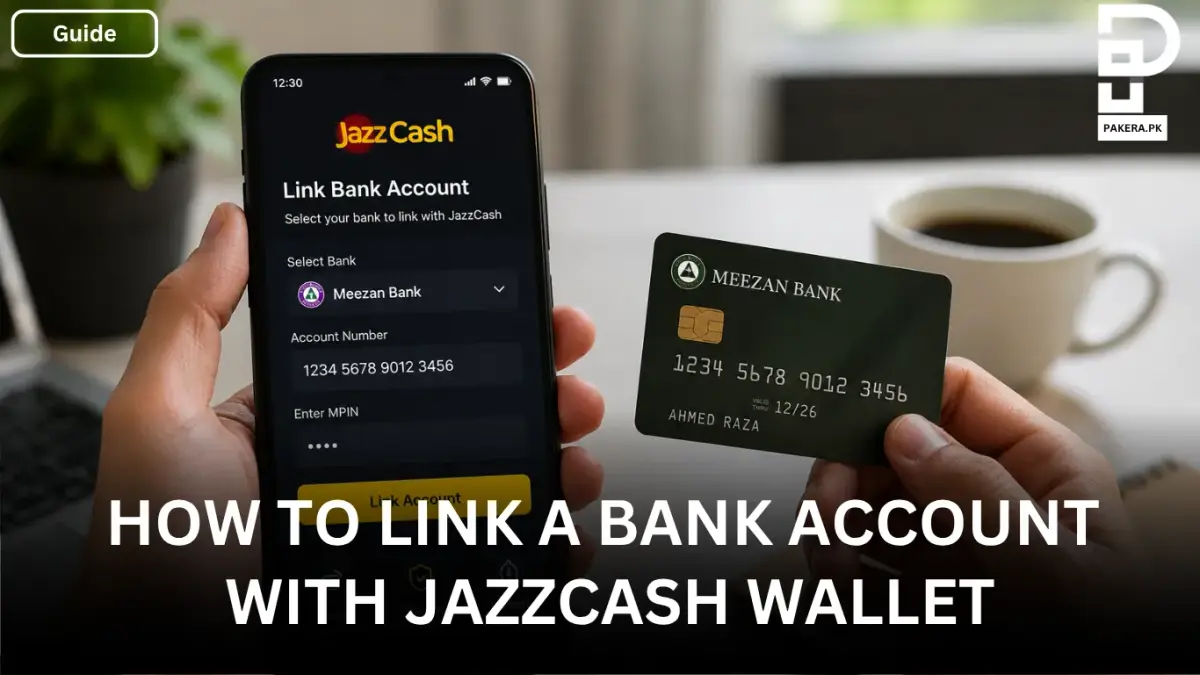
After opening and logging in to the JazzCash app, tap Link Bank Account or Money Transfer from the main dashboard. Select your bank from the list of supported banks, then enter your 14- to 16-digit bank account number along with any required verification details.
Once the information has been verified, confirm the request by entering your 4-digit Mobile Account PIN (MPIN). After successful verification, your bank account will be linked to your JazzCash wallet, making future transfers faster and more convenient.
How to Link Your Bank Account Through Raast
You can also link your bank account with JazzCash using Pakistan's Raast payment system.
To do this, dial *786# from your mobile phone and press the call button. From the menu, select My Account (usually option 6), then choose Raast ID Management.
Create Your Raast ID
Inside the Raast ID Management menu, select Create Your Raast ID and follow the on-screen instructions to complete the linking process. Once your Raast ID is created and connected, you can use it for seamless digital payments and transfers.
How to Transfer Money From Your Bank Account to JazzCash
If you don't want to permanently link your bank account and only need to transfer money, you can do it directly from your bank's mobile banking app or internet banking portal.
Log in to your bank account and go to Funds Transfer. Select Other Wallets or Mobile Account as the transfer option, then choose JazzCash as the recipient wallet.
Enter your JazzCash mobile number as the account number, specify the amount you want to send, review the transaction details, and confirm the transfer. In most cases, the money is transferred to your JazzCash wallet instantly.
Benefits of Linking Your Bank Account to JazzCash
Connecting your bank account with JazzCash offers several advantages:
- Faster transfers between your bank account and JazzCash wallet.
- Convenient digital payments without repeatedly entering bank details.
- Easy access to funds whenever you need them.
- A smoother experience for everyday financial transactions.
Frequently Asked Questions
Can I link any bank account to JazzCash?
Do I need an MPIN to link my bank account?
Can I transfer money to JazzCash without linking my bank account?
How long does a bank transfer to JazzCash take?
Conclusion
Linking your bank account with your JazzCash wallet makes managing your money much easier. Whether you connect your account through the JazzCash app or use the Raast payment system, the process is quick and straightforward. If you only need to add funds occasionally, you can also transfer money directly from your bank's mobile app to your JazzCash wallet in just a few simple steps.
About the author

Public Services and Education Journalist
Fajr Riaz is a journalist and content writer at Pakistan Era, based in Lahore. She covers the questions people meet in everyday life in Pakistan: how a public service works, what a change in the rules means, and where to find a reliable answer.