How to Link Your Bank Profile on PSW and Skip the EIF and EFE Forms in Pakistan
Pakistan Single Window says traders no longer need an EIF or EFE. See how to link your bank profile, attach a financial instrument and fix errors, step by step.
Short answer: On the Pakistan Single Window (PSW) portal, open Registration, choose "Associate New Profile" under Banks, pick your bank, and enter the IBAN with the mobile number and email registered at that bank. Your bank confirms the link electronically. After that you need no EIF or EFE form for each shipment.
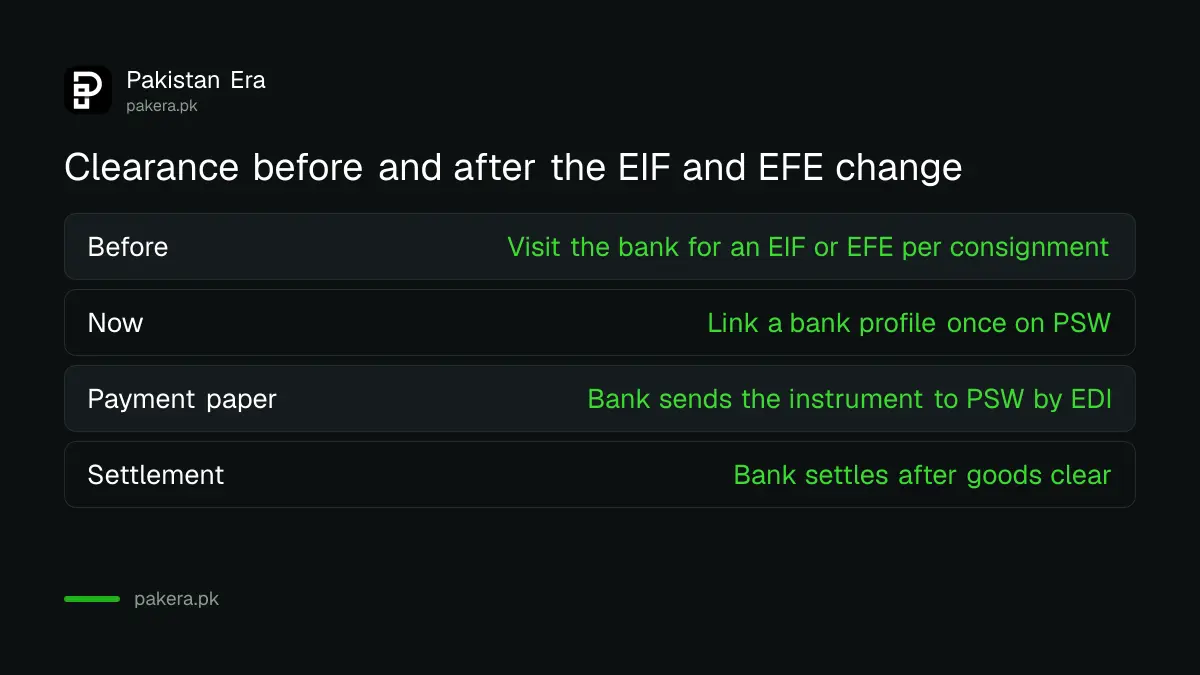
Traders used to walk into a bank for a separate Electronic Import Form (EIF) or Electronic Form-E (EFE) for every consignment. PSW says this step is gone. What replaces it is a one-time bank profile and a financial instrument that the bank sends to PSW.
The bank profile replaces the EIF and EFE forms
PSW says traders no longer need an EIF or EFE before clearing a consignment. Instead, banks, called authorised dealers, keep a trader's profile and exchange it with PSW electronically. The PSW page for this change is titled "Elimination of EIF and EFE".
The bank profile follows the bank's Know Your Customer checks. PSW then checks the declaration against the profile in real time and tells the bank which consignments cleared, so the bank can settle the payment.
Check three things before you start
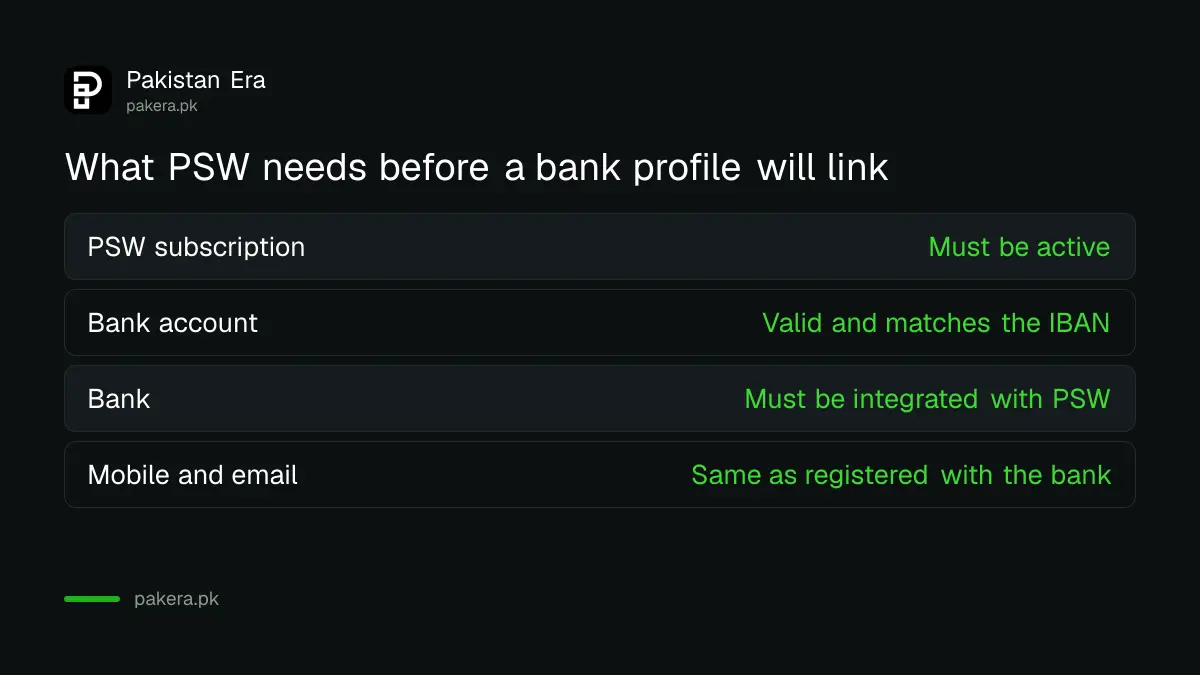
PSW lists three requirements for linking a bank profile. You must be an active subscriber of the PSW portal. You must hold a valid account with the bank. And that bank must be integrated with PSW. If any of the three is missing, the link will fail.
| Requirement | Why it matters |
|---|---|
| Active PSW subscription | Only subscribers can use the Registration tab |
| Valid account with the bank | The IBAN must match the bank's records |
| Bank integrated with PSW | The bank must exchange data with PSW electronically |
| Mobile and email registered at the bank | PSW rejects details that differ from the bank's records |
Link your bank profile in six steps
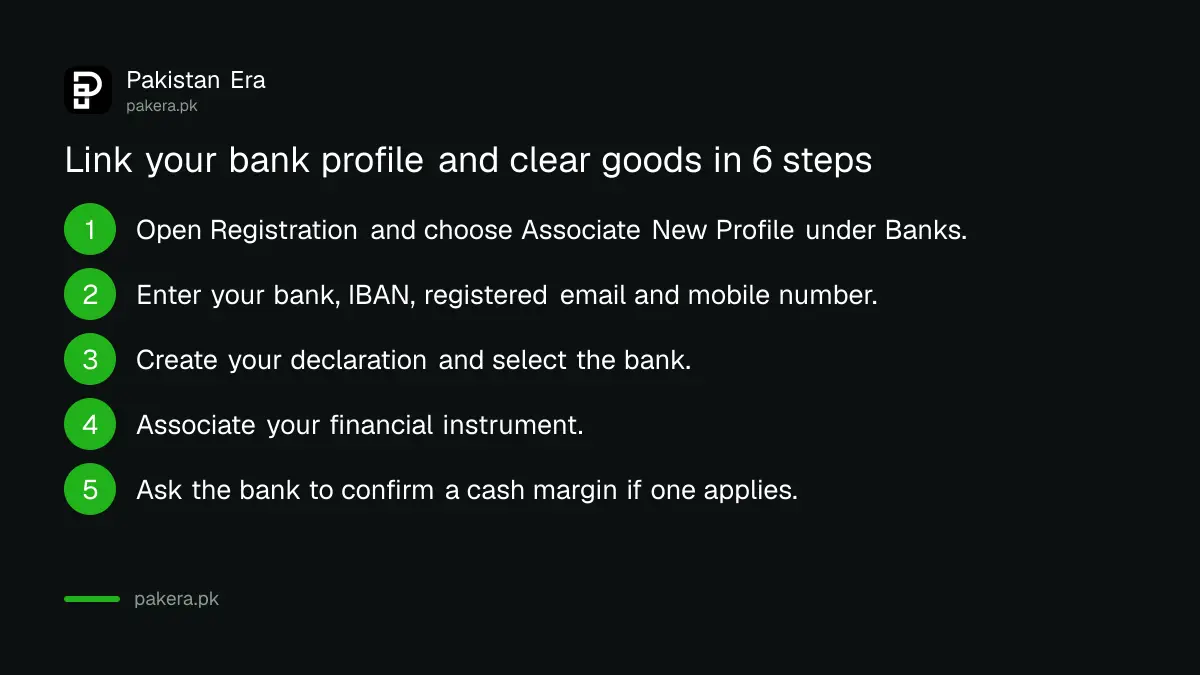
PSW describes the process in six steps. The first three link your bank and create a declaration. The last three attach the financial instrument and clear the goods. A financial instrument is the payment paper for the deal, such as a letter of credit or an advance payment.
- In the PSW portal, go to Registration and choose "Associate New Profile" under Banks.
- Select your bank. Enter a valid IBAN, your registered email and your mobile number, then submit for verification by the bank.
- Create your import or export declaration and select your bank.
- Associate your financial instrument, such as a letter of credit, advance payment, or contract or collection mode of payment.
- For open account trade no financial instrument is needed. For an import with a cash margin, ask your bank to confirm the margin to PSW.
- After goods clear, the bank settles the financial instrument and the remittance.
The details you type must match the bank's records for that IBAN. A different mobile number or email is the most common reason for an error, according to PSW's own help text.
Know how financial instruments move between banks
You can use one financial instrument for many declarations, and several instruments for one declaration if funds are short. A financial instrument is in one currency, and you must pick that currency when you file. You can move an instrument to another bank only after it has been used in at least one declaration.
If you attached the wrong instrument to a declaration, you need the customs officer who handles MIS in the concerned collectorate to replace it. PSW says this is possible at any status of the declaration but subject to extra checks. For wider filing choices, see the guide on WeBOC or PSW for a goods declaration.
Fix an error when the bank profile will not link
If PSW shows an error, check first that the mobile number and email are the ones registered with your bank. The other cause PSW names is that your bank is not integrated with PSW. If that does not fix it, PSW's help desk is the next step.
PSW lists its help desk as 021-111-111-779 and support@psw.gov.pk on this page. Keep the bank's name, the IBAN and a screenshot of the error ready when you write. Do not share your PSW password or any one time code with anyone, including someone who says they are from the bank or PSW.
Why the bank link also matters for price checks
The bank link is separate from the SBP circular on price checks, but both put the bank at the centre of your trade file. Read our note on the bank's import and export price check so the invoice, contract and declaration agree.
Common questions about the PSW bank profile
Do I still need an EIF or EFE?
No. PSW says the requirement for an EIF or EFE before filing a declaration with Customs has been eliminated and replaced by electronic trader profiles.
Can I link more than one bank account?
Yes. PSW says you can associate multiple bank accounts against the same user ID.
Do I need to visit the bank to get a financial instrument?
No. Once your remittance contract with the bank is in place, the bank shares the financial instrument with PSW automatically, according to PSW.
Do I need a financial instrument for open account trade?
No. PSW says none is required for open account import or export. An import with a cash margin needs your bank to confirm the margin.
What if I use One Customs?
PSW says you still need a financial instrument if your bank is integrated with PSW, and a customs officer associates it with your One Customs declaration at out of charge.
How we verified this
What we checked, where we read it, and what we could not confirm.
Last checked 11 October 2026. We read the PSW pages "Elimination of EIF and EFE", "Single Declaration - Imports" and "Single Declaration - Exports" on psw.gov.pk. We did not log in to the portal, so we have not tested the screens. The page does not show a date of the change, and the list of integrated banks is not on that page.
About the author

Global Affairs & Political Economy Writer
Muhammad Hatim is a book lover who started writing because he enjoys it. At Pakistan Era he writes about international relations, geopolitics and the global economy, with a particular interest in South Asia and the forces behind current events.