How to Register and File a Sindh Ombudsman Complaint Online
Register on the Sindh Ombudsman (Mohtasib) complaint portal with your CNIC and NADRA registered phone, log in, file free and fix the usual sign up errors.
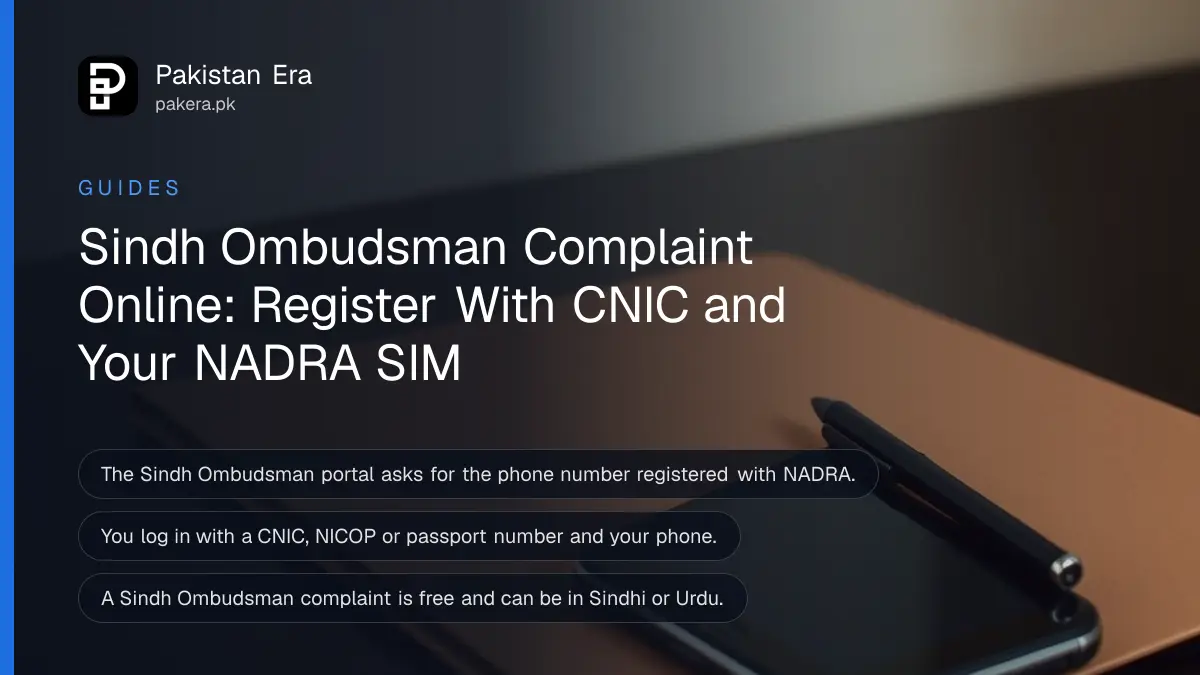
To file a complaint with the Sindh Ombudsman (Mohtasib Sindh) online, open complaints.mohtasibsindh.gov.pk, press Register, and sign up with your CNIC (13 digits, no dashes) and your NADRA registered mobile number. After that you log in with your CNIC, NICOP or passport number plus your phone number, file the complaint and follow it from your account. It is free.
The Sindh Ombudsman's complaint portal replaced the old one page form. It now works like an account: you register once, then every complaint you file sits under your login. That makes the first sign up the step people get stuck on.
| Task | Where | What you need |
|---|---|---|
| Register | complaints.mohtasibsindh.gov.pk, Register | CNIC, NADRA registered phone, email, date of birth, district |
| Log in | Same portal, Login | CNIC, NICOP or passport number, and phone number |
| File without the portal | Form A by post, email or in person | CNIC copy and letters to the department |
| Phone help | Head office, Karachi | 021-99211026 or 021-99211031 |
Registration asks for your CNIC and the phone number on NADRA's record
The Register form is headed Citizen Registration (Pakistani Citizen). Its first field is your phone number in the format 00923001234567, with a note to use the number registered with NADRA against your CNIC. A different SIM is the most common reason sign up fails.
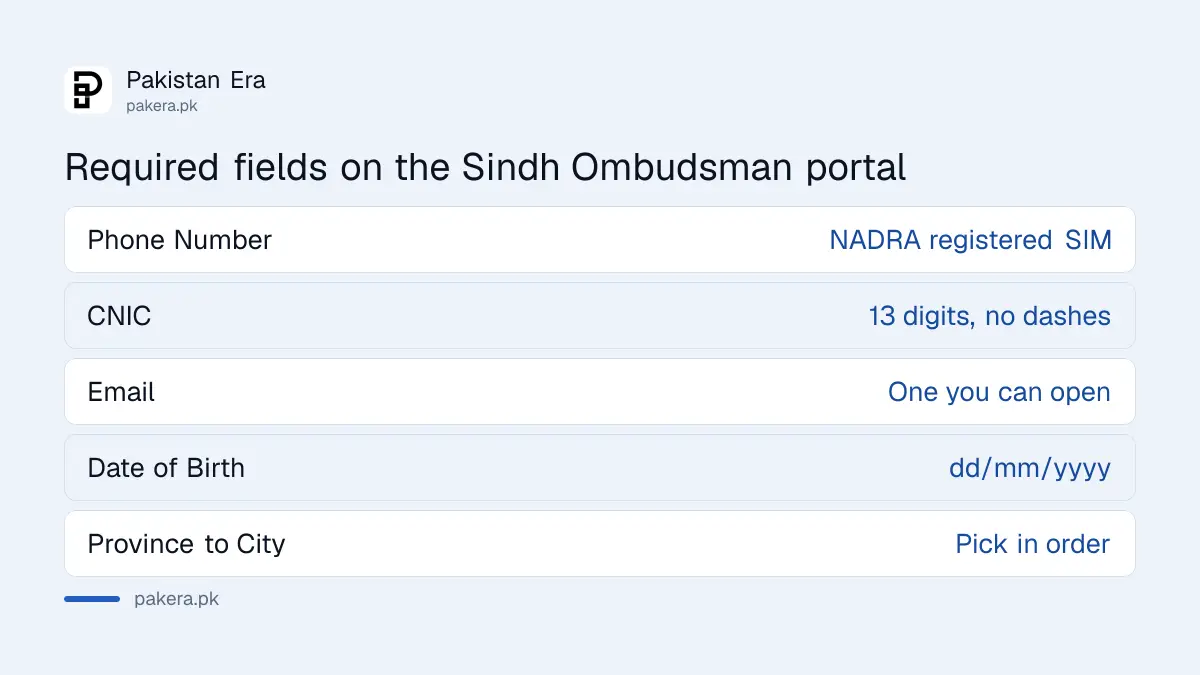
The required fields are phone number, email, full name, CNIC, residence country, nationality, province, district, city or town, date of birth and gender. Guardian, father or husband name, an alternate phone, a landline and a postal address are optional. At the end you tick "I affirm the Affidavit" and press Register.
| Field | Required | How to fill it |
|---|---|---|
| Phone Number | Yes | 00923001234567 format, the SIM on your CNIC |
| CNIC | Yes | 13 digits without dashes |
| Yes | One you can open; updates may come here | |
| Date of Birth | Yes | dd/mm/yyyy, as on the CNIC |
| Province, District, City/Town | Yes | Pick in order; each list opens after the last |
Register and file a Sindh Ombudsman complaint in six steps
Sign up once, log in, then file. Write to the department first, because the Ombudsman asks complainants to approach the higher authority before coming to it. Keep that letter ready to attach.
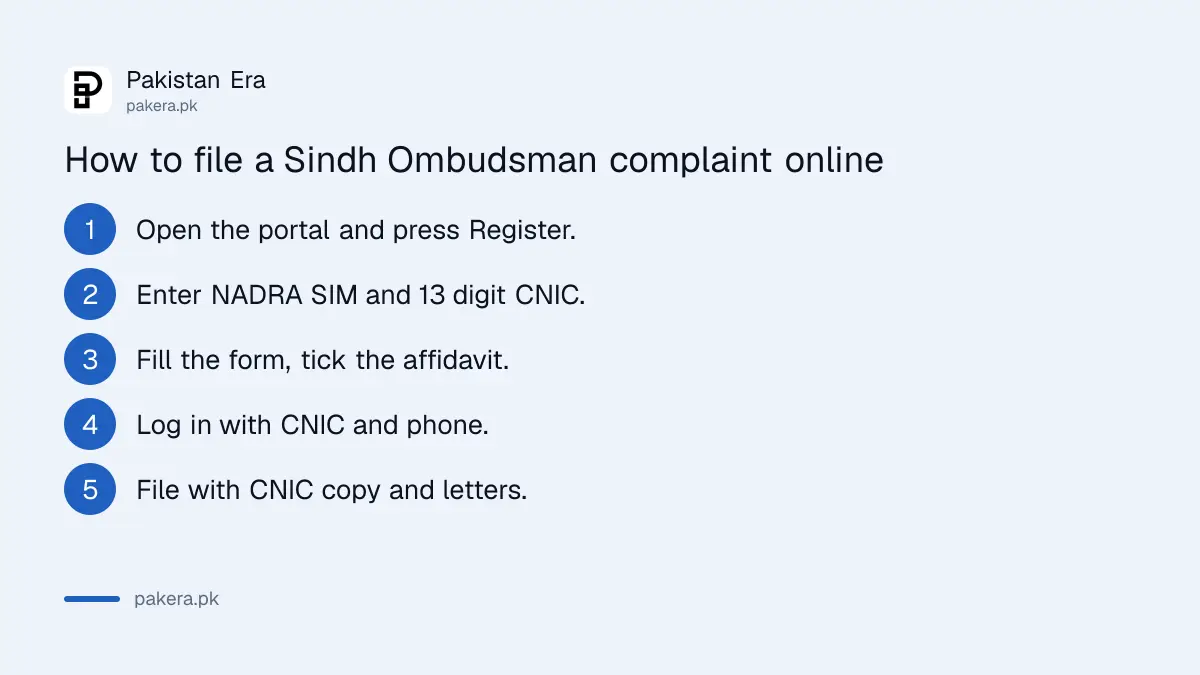
- Open complaints.mohtasibsindh.gov.pk and press Register.
- Enter your NADRA registered phone number as 00923001234567 and your CNIC as 13 digits.
- Fill email, name, date of birth, gender, province, district and city, tick the affidavit and press Register.
- Go back to the portal and press Login. Enter your CNIC and the same phone number.
- File the complaint: name the department, say what happened and when, and attach your CNIC copy and the letters you sent.
- Save the complaint number or reference the portal shows, then return to your account to follow its progress.
Log in with a CNIC, NICOP or passport number
The Login page has two boxes: CNIC/NICOP/PASSPORT and Phone Number. So an overseas Pakistani with a NICOP, or a person holding a passport, can use the same portal. Use the same phone number you registered with, in the same format.
If you live abroad, the registration form asks for your residence country, so pick it from the list rather than leaving Pakistan selected. The Ombudsman also publishes a Sindh Ombudsman app on Google Play, linked from the main website at mohtasibsindh.gov.pk.
Paper, email and walk in complaints still work
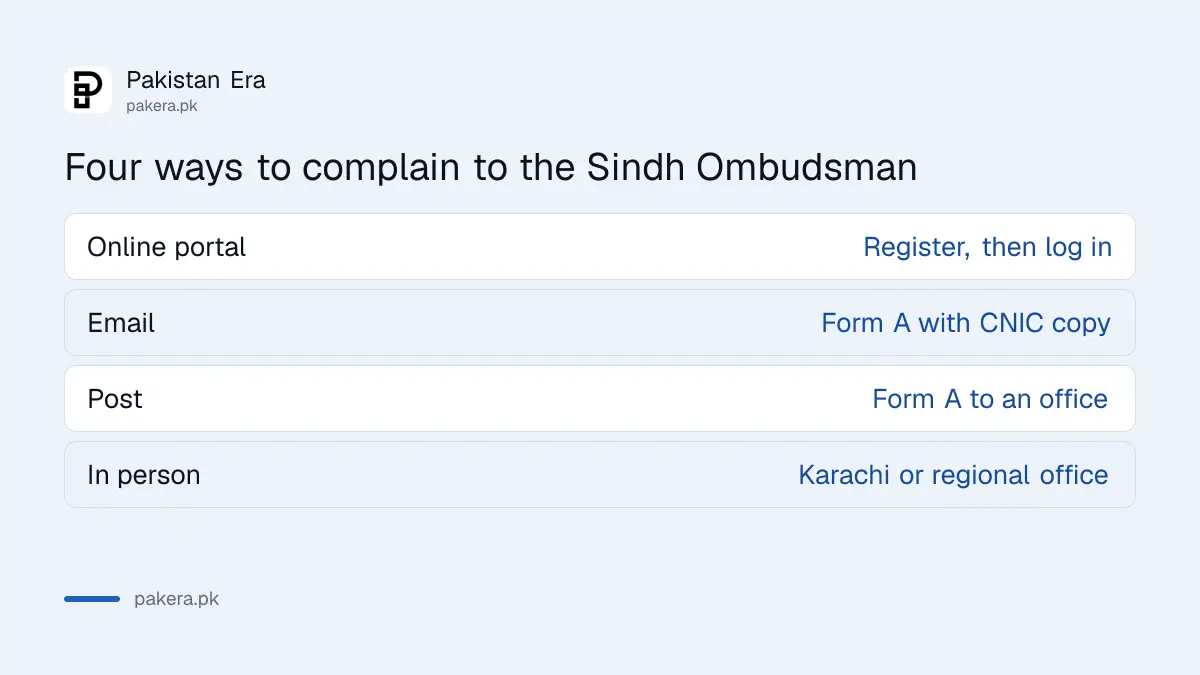
The portal is one route, not the only one. You can write in English, Urdu or Sindhi on Form A and send it by post, email it to mohtasibhd@yahoo.com, or hand it in at the head office in Karachi or a regional office. Attach your CNIC copy and recent letters to the department.
The paper route suits anyone whose CNIC is not linked to their current SIM. Download Form A from the Make A Complaint section of the main website. The rules on what the Ombudsman covers, the three month time limit and the 30 day appeal to the Governor are in the guide to complaining to the Sindh Ombudsman.
| Stage | Limit |
|---|---|
| Filing | Normally within 3 months of the grievance |
| Ombudsman's aim to decide | 3 to 6 months |
| Representation to the Governor Sindh | Within 30 days of the decision |
Fix the usual sign up and login problems
Most failures come from the phone number. It must be the SIM registered against your CNIC, typed with 0092 at the start and no spaces. CNIC dashes also break the form, because the box takes 13 digits only.
- Phone number refused. Check which SIMs are on your CNIC with your operator, then use one of those.
- District list will not open. Pick the province first. District and City/Town open only after it.
- Login fails after registering. Type the phone number exactly as you did at sign up, 0092 then the number without the first zero.
- Complaint about a child. The Sindh Ombudsman runs a Children's Complaints Office for complaints by or about children against a Sindh department. Its page links to the same online registration portal, so file there and say the complaint concerns a child.
- Problem is with police. The Sindh Police have their own complaint system, covered in the steps to complain against Sindh Police.
Federal offices in Sindh, such as SSGC, NADRA or passport offices, go to the Wafaqi Mohtasib through its federal complaint process, not to the Sindh Ombudsman.
Common questions
Is there a fee to complain to the Sindh Ombudsman online?
No. The Sindh Ombudsman's service is free, online or on paper.
Why does the portal ask for my NADRA registered number?
The registration form says to use the phone number registered with NADRA. It ties your account to your CNIC, so use a SIM issued on your own CNIC.
Can overseas Pakistanis use the Sindh Ombudsman portal?
Yes. The Login page accepts a CNIC, NICOP or passport number, and the registration form lets you choose your residence country.
Can I write my complaint in Sindhi?
Yes. The Sindh Ombudsman accepts complaints in English, Urdu or Sindhi.
How do I follow my complaint after filing?
Log in to your account on the portal with your CNIC and phone number. Keep the complaint number for any call to the head office.
What is the Sindh Ombudsman's phone number?
The website lists 021-99211026 and 021-99211031 for the Karachi head office, and the email mohtasibhd@yahoo.com.
How we verified this
What we checked and where we read it.
We checked the Sindh Ombudsman complaint portal, its Register and Login pages, and the How To Lodge A Complaint and Children Complaints Office pages on mohtasibsindh.gov.pk on 24 November 2026. The field names, the required marks, the 00923001234567 phone format and the CNIC, NICOP and passport login are as the portal shows them. The portal pages build in a browser, so we opened them that way to read the forms. One detail on the registration form displays a placeholder instead of the affidavit wording, so read the affidavit text on screen before you tick it. The time limits come from our Sindh Ombudsman filing guide, which read them on the Ombudsman's website. The main site's phone links show the numbers 021-99211026 and 021-99211031, 25, 28.
About the author

Global Affairs & Political Economy Writer
Muhammad Hatim is a book lover who started writing because he enjoys it. At Pakistan Era he writes about international relations, geopolitics and the global economy, with a particular interest in South Asia and the forces behind current events.