How to Register on Visit Japan Web From Pakistan: Free Immigration and Customs QR Code
Register on Visit Japan Web from Pakistan: free, five steps from account to the 2D code you show at immigration and customs, plus tax-free rules and fixes.
Visit Japan Web is the Japanese government's free website for doing immigration and customs forms before you land. Pakistanis create an account with an email, add passport details and the trip, fill the immigration and customs section, then show the 2D code on a phone at the airport. It costs nothing; Japan's Digital Agency never asks for a fee.
Visit Japan Web is not a visa. A Pakistani passport holder still needs a Japanese visa first. The service only replaces the paper forms you would otherwise fill on the plane, and it saves time at the immigration and customs counters.
| Question | Answer |
|---|---|
| Run by | Digital Agency, Government of Japan |
| What it covers | Immigration clearance, customs declaration, quarantine health questions, tax-free shopping |
| Fee | Free |
| What you need | Email address, passport, trip details |
| At the airport | Show the 2D code on a smartphone or tablet |
| Help | Chatbot on the official site |
Visit Japan Web is free, and paid lookalike sites are not the government
Japan's Digital Agency issued a notice on 5 June 2025 after finding a website that charged Visit Japan Web users an "application fee". The Agency said it never asks users to pay. If a page asks for card details to register you, close it and start from the Digital Agency's own page.
Sort out your visa first. The Japan visit visa from Pakistan guide covers the documents and the Embassy process. Workers going under the Specified Skilled Worker route should follow the Japan SSW work visa steps. Once the visa is in your passport and the flight is booked, set up Visit Japan Web.
Register on Visit Japan Web in five steps
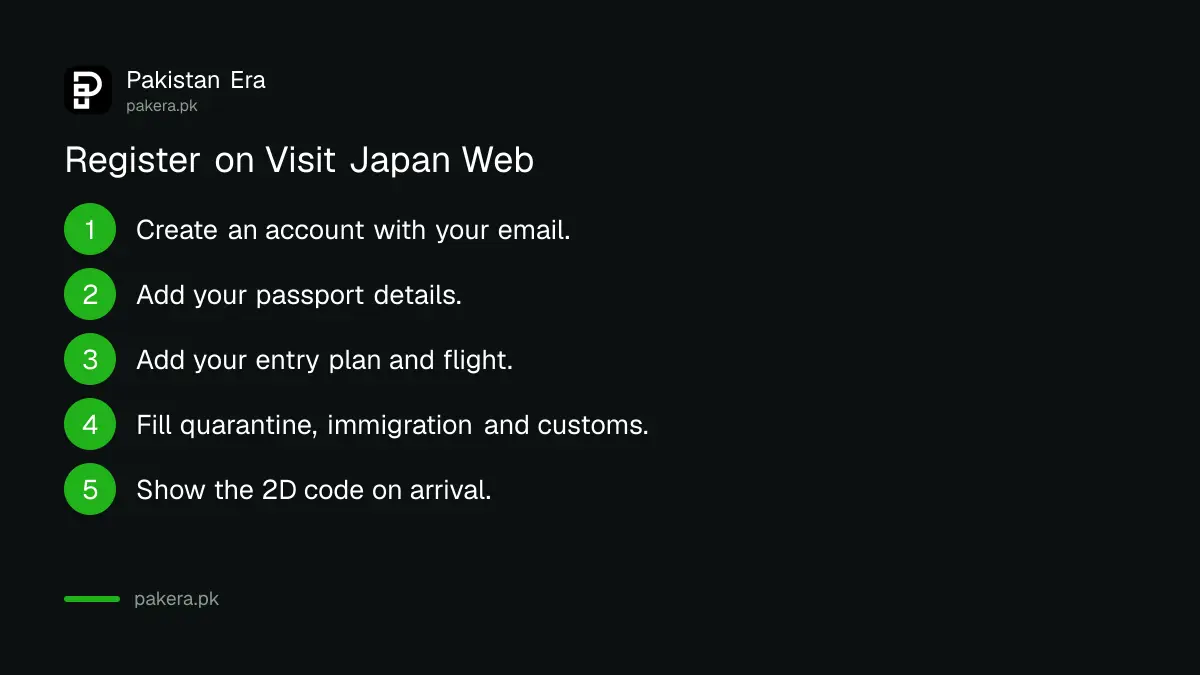
Make an account with your email, add your passport as user information, add your trip as an entry plan, then open the plan and fill the quarantine questions and the immigration and customs section. On arrival, open the plan on your phone and show the 2D code.
- Step 0: Create an account and log in. You need an email address.
- Step 1: Register user information, such as your passport details.
- Step 2: Register your entry plan: arrival date, flight and where you will stay.
- Step 3: Open the plan, answer "Quarantine (Confirmation of Health Condition)", then fill "Immigration clearance and Customs declaration".
- Step 4: At the airport in Japan, open the plan and show the 2D code.
You can fill everything from a computer at home. But the 2D code must be shown from a smartphone or tablet at the airport, so log in on your phone too before you fly. Make sure the phone will have data on landing; read how to activate international roaming on Jazz, Ufone and Zong.
Keep passport, flight and address ready before you start
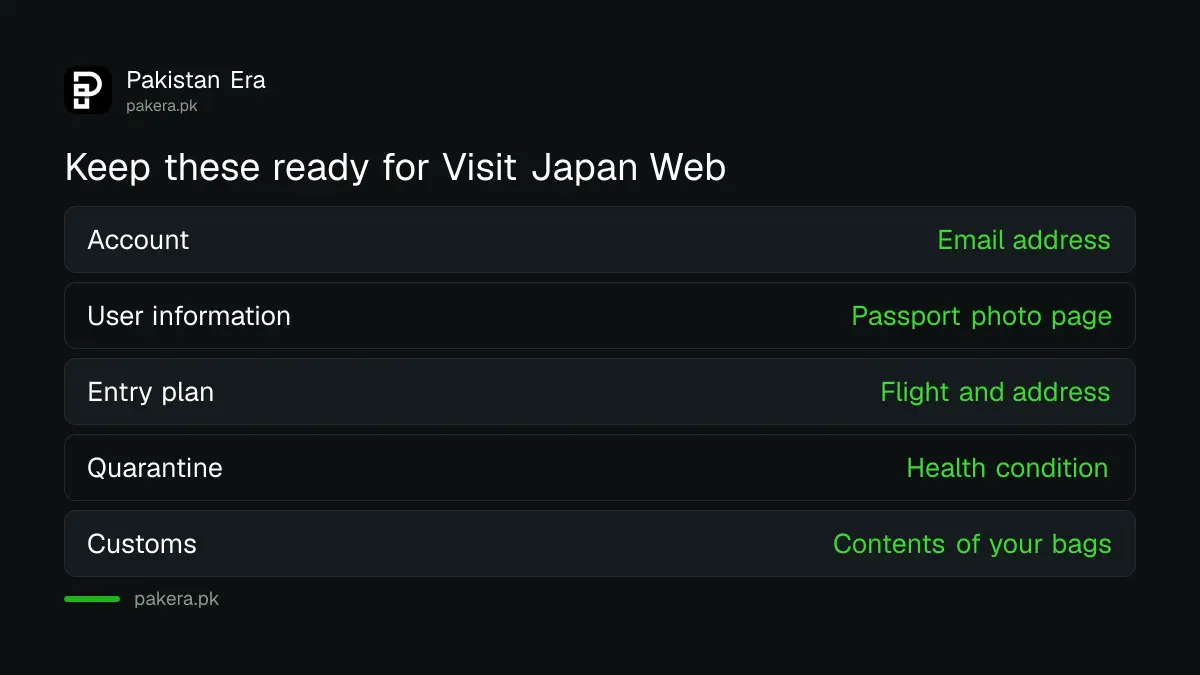
The form follows your trip. You will need the passport, an email you can open in Japan, the arrival flight number and date, and the address of your hotel or host. The customs part asks what you are carrying, so pack before you fill it.
| Section | What to have ready |
|---|---|
| Account | Email address and a password |
| User information | Passport photo page |
| Entry plan | Arrival date, flight number, address in Japan |
| Quarantine | Your current health condition |
| Customs declaration | What is in your bags, including cash and goods for others |
Be careful with the customs answers. Pakistani travellers often carry food, medicines and gifts. Japan's customs rules on what visitors may bring are set by the Ministry of Finance, and animal and plant products are checked by Japan's quarantine services. If in doubt, declare it.
Show the 2D code at immigration and again at customs
The same 2D code works at the immigration counter and at customs. At customs you can scan it at the electronic declaration terminal or show it at the inspection table. After the terminal, you can use the electronic declaration gate.
| Where at the airport | What to do |
|---|---|
| Immigration counter | Show the 2D code with your passport |
| Customs electronic terminal | Scan the 2D code and your passport |
| Customs inspection table | Show the 2D code if you are sent there |
| Electronic declaration gate | Walk through after the terminal |
Keep your phone charged. A flat battery at the counter means falling back to paper forms. A small power bank in hand luggage solves it.
Families should set up every traveller well before the flight
The Digital Agency's announcements list records that the "substitute entry function was discontinued" on 2 June 2025. If you are travelling with children or elderly parents, set up each person's details a few days before the flight, not at the boarding gate.
Use the official chatbot for help with family set-up and log-in problems. The Agency also posted improved guidance on authentication during account creation on 11 November 2026, so follow the on-screen prompts closely when you sign up.
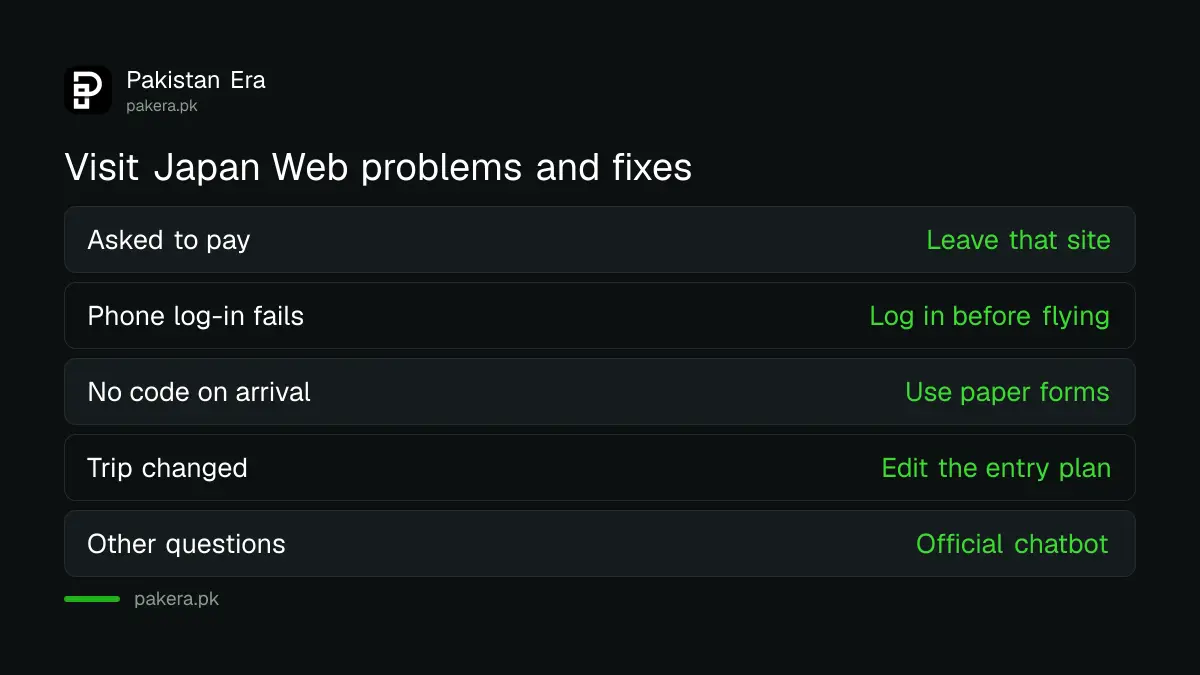
| Problem | What to do |
|---|---|
| A site asks you to pay | Leave it; the Digital Agency never charges |
| Cannot log in on the phone | Log in before you fly, while on home Wi-Fi |
| No 2D code on arrival | Fill the paper forms at the airport |
| Trip details changed | Edit the entry plan before you land |
| Other questions | Use the official chatbot |
Visitors can also use it for tax-free shopping in Japan
Foreigners staying as Temporary Visitors can use Visit Japan Web for tax-free shopping. Register your passport face image and the details of your landing permission seal, the entry sticker placed in your passport, to get a Tax-Free 2D Code. Screenshots of the code are not accepted at shops.
On departure, the same service handles online customs confirmation for goods bought tax-free, through a "Tax Refund procedure" button. The Digital Agency posted an announcement on this procedure on 2 November 2026, so read it on the official site before shopping. Workers and students on longer-stay status are not eligible for this part.
Common questions
Does Visit Japan Web cost money?
No. Japan's Digital Agency says it never asks users to pay any fee.
Is Visit Japan Web a Japanese visa?
No. It handles arrival forms only. Pakistani passport holders need a Japanese visa first.
Can I fill Visit Japan Web on a laptop?
Yes, but you must show the 2D code from a smartphone or tablet at the airport.
Can one person register the whole family?
The Agency discontinued its substitute entry function on 2 June 2025. Set up each traveller early and ask the official chatbot how to add family members.
Can a Pakistani worker in Japan use the tax-free code?
No. Tax-free use is for Temporary Visitors, diplomats and official visitors only.
What if my phone dies at the airport?
You will have to use the paper immigration and customs forms instead. Carry a charged power bank.
How we verified this
What we checked and where we read it.
We checked these official pages of Japan's Digital Agency on 25 November 2026:
- Visit Japan Web: what it covers, PC registration with the 2D code on a phone, the announcements list (11 November 2026, 2 November 2026, 5 June 2025, 2 June 2025, 7 March 2024) and the chatbot.
- Visit Japan Web, How to use: Steps 0 to 4, the quarantine and customs sections, the terminal and electronic gate, and tax-free eligibility and rules.
- Announcement of 5 June 2025: a site charging users a fee; the Digital Agency never asks for payment.
The airport list and the full field-by-field form sit inside the logged-in service, so the steps above follow the Agency's own How to use page.
Free on WhatsApp
Get last dates and rule changes on WhatsApp
We post new last dates, fee changes and fixes for common problems, a few short posts a day.
Follow Pakera on WhatsAppOther followers cannot see your number.
Pakera Solves It
Which online process wasted your time this week?
A portal that will not load, a form nobody explains, a complaint that went nowhere. Tell us. Every week we pick one, solve it step by step and publish the answer.
About the author

Global Affairs & Political Economy Writer
Muhammad Hatim is a book lover who started writing because he enjoys it. At Pakistan Era he writes about international relations, geopolitics and the global economy, with a particular interest in South Asia and the forces behind current events.