Fiverr ID Verification in Pakistan: CNIC, Selfie, Phone Code and Fixes When It Fails
Verify your Fiverr ID from Pakistan with your CNIC, a selfie and a phone code. You get 14 days. Fix glare, VPN and SMS problems, and spot fake requests.
Fiverr ID verification in Pakistan uses your original CNIC, passport or driving licence: on a computer go to Account settings, then Personal and business info, click Verify, and use your phone to photograph the ID and take a selfie. Once Fiverr asks, you have 14 days, or you lose the ability to sell. Below are the three checks new sellers face, the photo and phone rules, the 6 hour wait after a failed try, and the scams that copy this process.
We read Fiverr's help pages "Verify your identity", "Verifying your identity as a new freelancer" and its account access guide on 27 October 2026. Fiverr says some new freelancers must also pay a one time verification fee, but its pages do not state the amount.
New sellers face three checks: phone, business status and ID
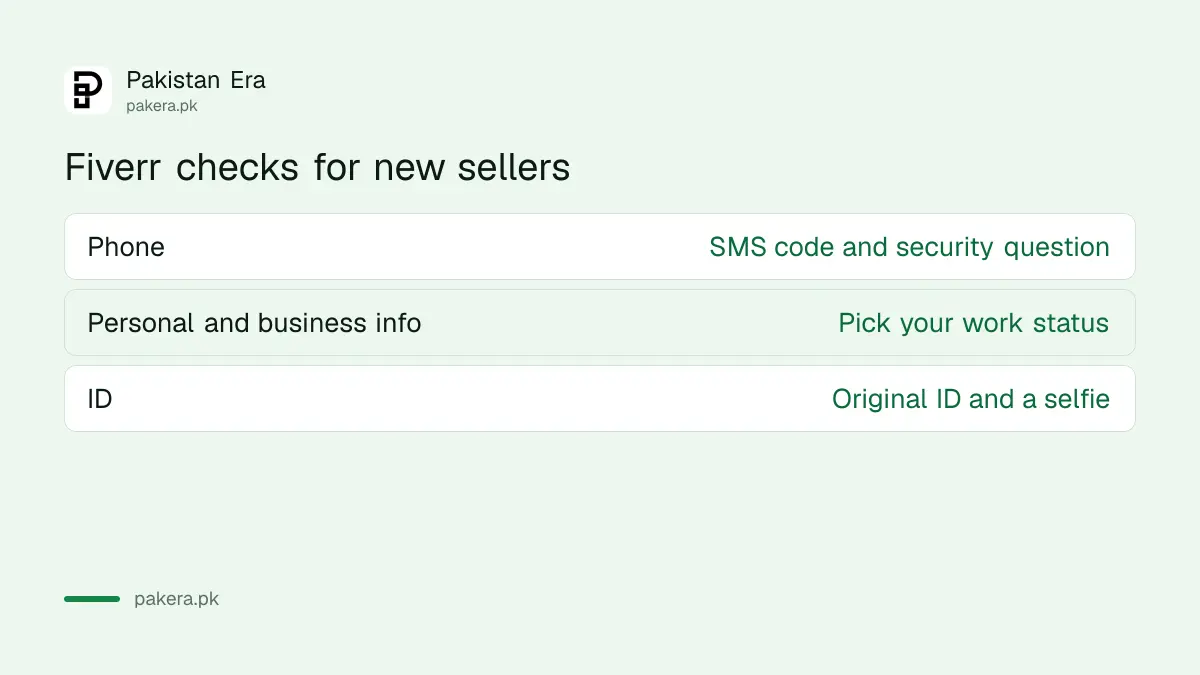
Fiverr's new freelancer page lists three parts: phone verification, personal and business verification, and ID verification. New freelancers may need all three before their Gigs appear in the Fiverr catalogue. The verification task stays locked until you publish your first Gig.
| Check | What you do | Common problem in Pakistan |
|---|---|---|
| Phone | Enter your number, click Verify by text, type the code, add a security question | Code not arriving |
| Personal and business info | Choose "Outside of my primary job" or "As part of my primary job" | Confusion over the business option |
| ID | Photograph your original ID and take a selfie | Glare, wrong country, VPN |
You can follow progress on your Talent Dashboard, which you open by clicking Dashboard on your freelancer profile. When it is done, your status under Personal and business info reads successfully verified.
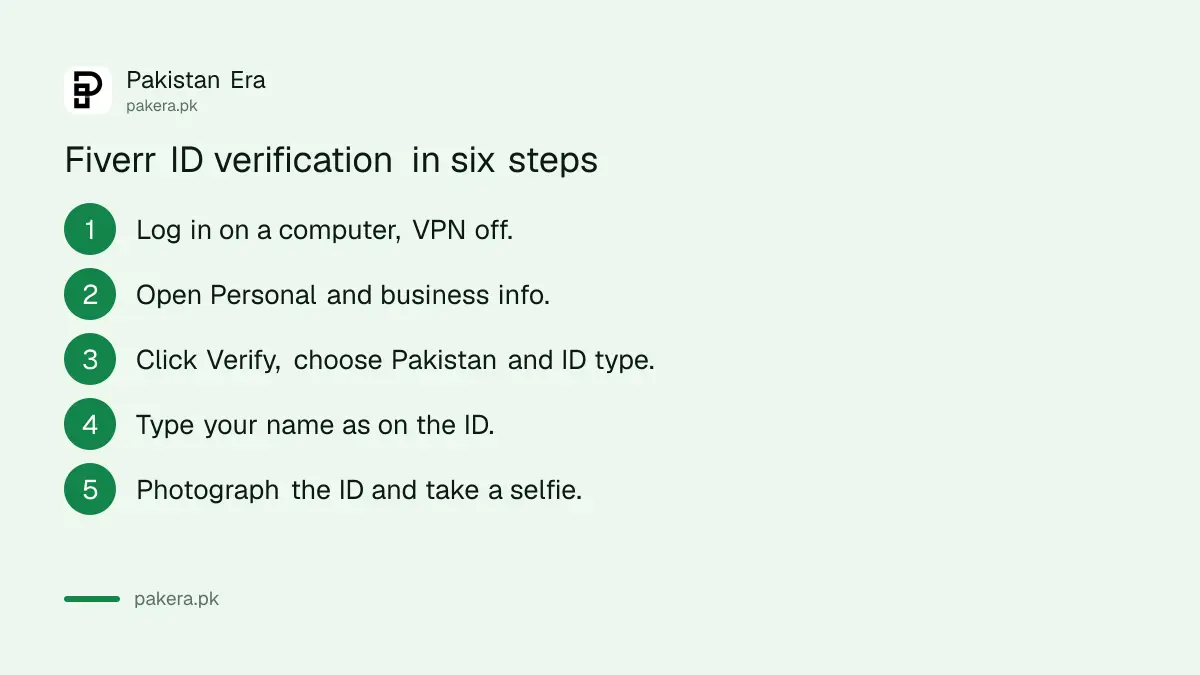
Verify your ID in six steps
Start on a computer, not the Fiverr app. Log in, open Account settings, then Personal and business info, and click Verify. Fiverr also gives a direct link at fiverr.com/verification/user. Keep your phone ready, because the photos are taken on its camera.
- Log in to Fiverr on a computer and turn off any VPN.
- Go to your profile picture, then Account settings, then Personal and business info.
- Click Verify, select Pakistan as the issuing country and choose your ID type.
- Type your name exactly as it appears on the ID, in English.
- Switch to your phone and photograph the original ID, then take a selfie.
- Wait for the notification and email with your result.
Fiverr says its ID partner first checks that the image is from an official government ID and that the selfie is real, then compares the two. That is why a screenshot, a scanned copy or a photo of another screen fails every time.
Use the original card and follow the photo rules
Fiverr accepts physical government IDs such as an ID card, passport or driving licence. Digital copies, screenshots and saved images are rejected. The ID must be current, not expired, with all four corners in the frame and no glare across the text.
- Light: move away from direct lamps. A CNIC's shiny surface reflects strongly.
- Corners: all four must show.
- Selfie: a well-lit room and a plain background.
- Country: the issuing country you pick must match the ID, so choose Pakistan for a CNIC.
- Language: enter details in English exactly as on the ID. A CNIC carries English and Urdu, so use the English line.
If your CNIC has expired, renew it before starting. Fiverr will not take it, and the 14 day clock keeps running. Start the expired CNIC renewal first.
Phone codes on Pakistani SIMs: what to try
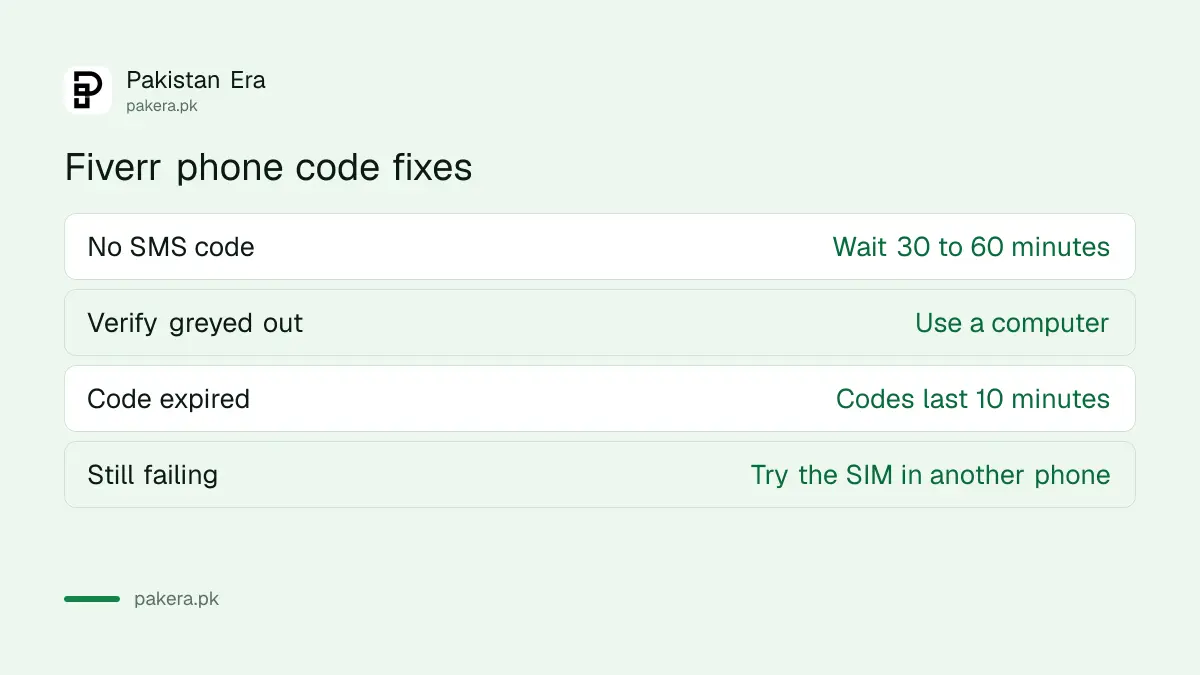
Fiverr does not support Google Voice or similar internet numbers, so use a normal Pakistani SIM. If no code arrives, wait 30 to 60 minutes before asking again. Fiverr says verification attempts are limited, so do not keep requesting new codes.
| Problem | Fiverr's fix |
|---|---|
| No SMS code | Wait 30 to 60 minutes, then try again |
| Verify button greyed out | Use a computer, not the mobile app |
| Code expired | Codes last 10 minutes; use the newest one |
| Still nothing | Restart the phone, or test the SIM in another phone |
| No mobile at all | An SMS-enabled landline or a voice call |
Fiverr's account page adds that some carriers limit SMS from international senders. If one Pakistani network keeps failing, try a number on another network. Check also that no app on your phone is filtering unknown SMS.
If it fails, wait 6 hours and change one thing
Fiverr says to wait at least 6 hours after a failed attempt so the system can reset. Before retrying, clear your browser cache and cookies, turn off any VPN or proxy, try another browser or incognito mode, and allow camera access in your phone browser.
Change something real before the next try. A second attempt with the same glare and the same VPN will fail the same way.
If your account still says verification is required after you finished, Fiverr's access guide suggests signing out and back in. If the restriction stays, contact support with a screenshot. Fiverr support cannot verify your ID through a ticket, so do not email them your CNIC.
Accounts that stay unverified past 14 days lose the ability to sell. If that has already happened, the steps for a restricted or disabled Fiverr account apply.
Fiverr never asks for your ID by email
Fiverr says plainly that it will never ask for ID verification by email. The process only runs inside your account. Anyone who emails or WhatsApps you a "verification link", or asks you to pay the fee by JazzCash, is not Fiverr.
Fiverr's safety advice is to check the sender's address, avoid links from unknown senders and never share banking or tax details. Fiverr says your ID is not shared with other users or used for marketing.
Once you are verified and earning, the next step is getting the money out, covered in withdrawing Fiverr earnings in Pakistan.
Common questions
Does Fiverr accept a Pakistani CNIC for ID verification?
Yes. Fiverr accepts a government ID card, passport or driving licence. Use the original card, not a photo or scan.
How long do I have to verify my ID on Fiverr?
14 days from the notification. After that, Fiverr removes your ability to sell.
Is Fiverr ID verification free?
Not always. Fiverr says some new freelancers pay a one time fee, which Seller Plus Kickstart members do not. It does not publish the amount on its help page.
Why can't I find the Verify button on Fiverr?
Use a computer and look under Account settings, then Personal and business info. For new sellers the task unlocks only after the first Gig is published.
How long should I wait after a failed Fiverr verification?
At least 6 hours, Fiverr says, before trying again.
Can I verify Fiverr with a VPN on?
No. Fiverr tells you to disable any VPN or proxy before starting, because it may block verification.
How we verified this
What we checked, where we read it, and what we could not confirm.
We read Fiverr's Verify your identity, Verifying your identity as a new freelancer and Account access troubleshooting guide on 27 October 2026. We did not verify an account ourselves. We could not confirm the size of the one time fee, the exact list of Pakistani ID types the form shows, or how often CNIC checks fail on the first attempt.
About the author

Tax, Bills and Technology Writer
Ali Akhtar is a young and curious voice here at Pakistan Era. He is currently pursuing his A-Levels and has a growing interest in Pakistan’s changing industrial landscape and educational trends. Ali likes to write in a way that helps him explain and explore the world around him. His writing reflects the perspective of the new generation navigating the evolving trends of Pakistan where technology, youth innovation, and shifting opportunities are reshaping the country’s future.