How to Set Up Bing Webmaster Tools for a Pakistani Website, Free Import From Search Console
Set up Bing Webmaster Tools for a Pakistani website: import from Google Search Console with automatic verification, or verify by XML file, meta tag or DNS.
The quickest way to add a Pakistani website to Bing Webmaster Tools is to sign in free at bing.com/webmasters and choose Import from Google Search Console. Bing copies your verified sites and sitemaps and verifies them automatically, with no code to paste. Data usually appears within 48 hours. If you do not use Search Console, add the site by hand and verify it with an XML file, a meta tag or a DNS record.
Most small business owners in Pakistan set up Google Search Console and stop there. Bing is a second search engine with its own index, and its webmaster account also shows how your pages appear in Microsoft's AI answers. Setting it up takes about ten minutes.
Bing Webmaster Tools is free and opens with a Google login
Bing Webmaster Tools is a free Microsoft service for site owners. You can open an account with an existing Microsoft, Google or Facebook login, or make a new Microsoft account. Adding and verifying a site are the only two required steps.
- Go to bing.com/webmasters and click Sign in.
- Choose Microsoft, Google or Facebook, and sign in with that account.
- On the welcome screen, choose Import from Google Search Console, or Add your site manually.
If you plan to import, sign in with the same Google account that owns your site in Search Console. You will need its permission to read Search Console in the next step.
Import your sites from Google Search Console
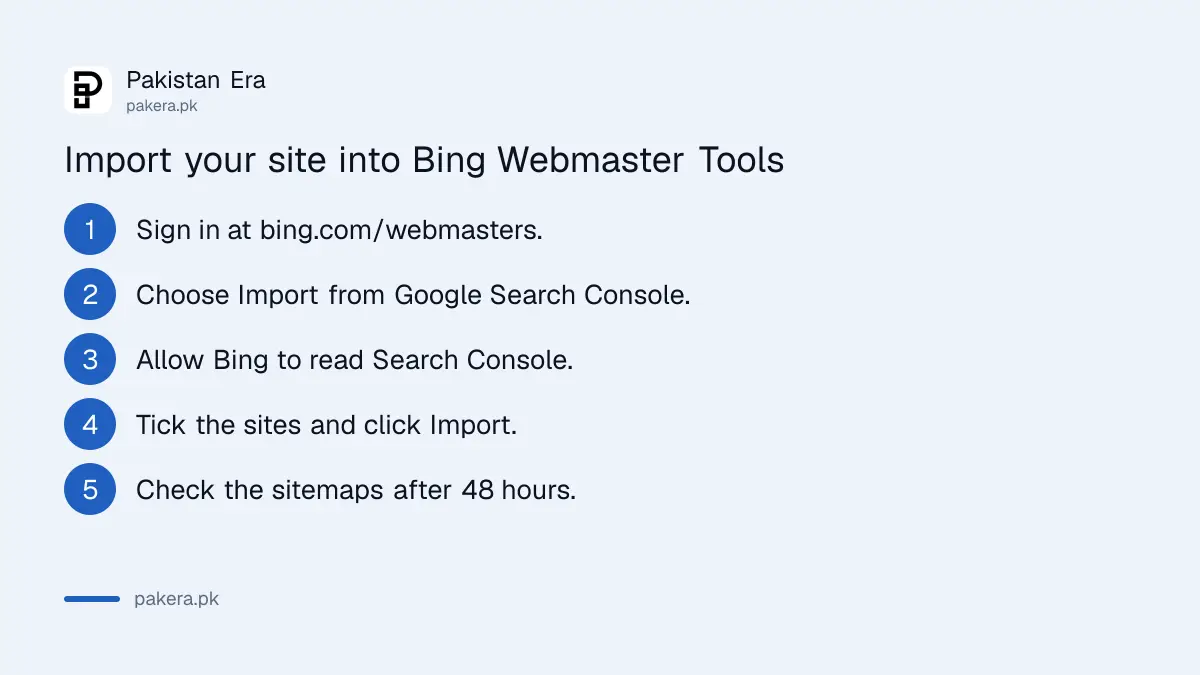
Import is the fastest route if your site is already verified in Search Console. Bing asks permission to read your Search Console account, lists your verified sites with their sitemaps, and verifies the ones you pick automatically. You paste no code and change no DNS.
- Click Import under Import your sites from Google Search Console.
- Allow Bing Webmaster Tools to read your Search Console data.
- Tick the sites you want to add. Bing shows each site's sitemaps and your role on it.
- Click Import. The sites appear in your account already verified.
Bing keeps checking ownership through that link, and it imports any new sitemap you later add in Search Console. To end the link, open your Profile in Bing Webmaster Tools and choose Disconnect next to the Google account.
A few limits apply. You can import 100 sites at a time and hold up to 1,000 in one account. The import list can show fewer sites than Search Console, because Bing skips sites already in your account and groups some URL versions together.
If your site is not yet in Google's tool, verifying a website in Search Console first and then importing is still quicker than doing both by hand.
Add and verify a site by hand
Without Search Console, type your site URL and verify ownership with one of four methods. Domain Connect verifies through your DNS provider in seconds where supported. Otherwise use the BingSiteAuth.xml file, a meta tag in your page head, or a CNAME record.
| Method | What you do | Best for |
|---|---|---|
| Domain Connect | Log in to your DNS provider when asked; Bing adds the record | Providers that support it |
| XML file | Download BingSiteAuth.xml and upload it to your site's root folder | cPanel or FTP hosting |
| Meta tag | Paste Bing's meta tag at the end of the head section of your home page | WordPress and site builders |
| CNAME record | Add the code Bing gives you as a CNAME in your domain's DNS | Owners with DNS access |
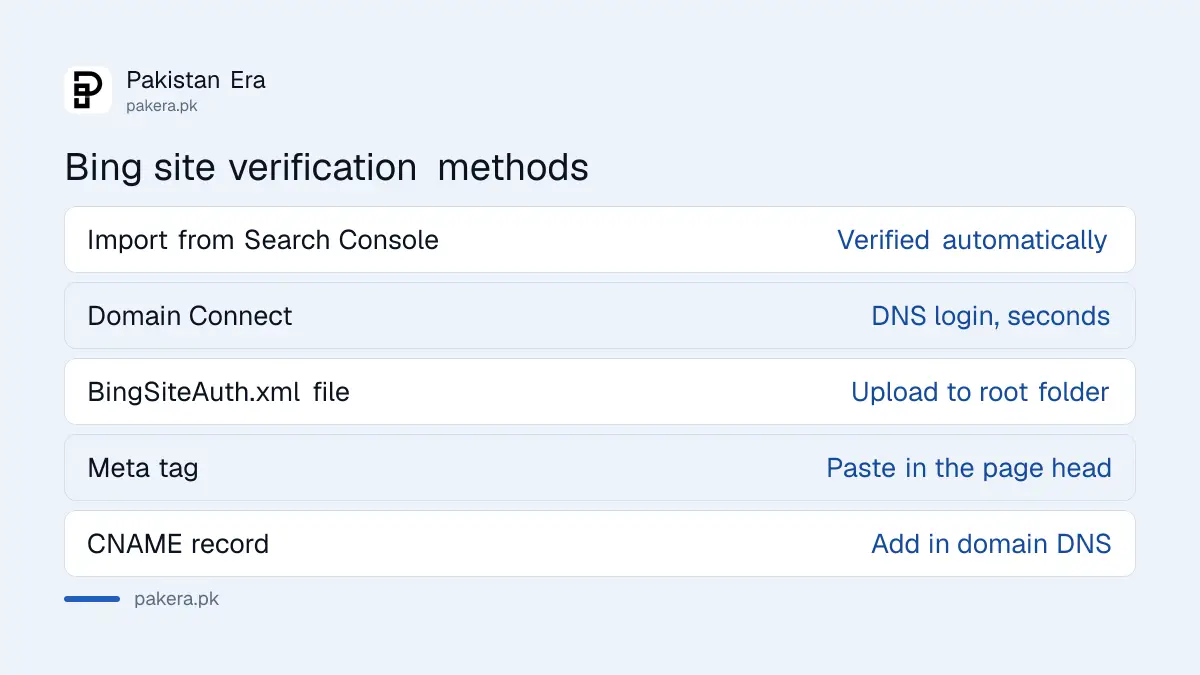
Domain Connect only shows when your DNS provider supports it and works with Bing. If yours does not, you will see the other three options instead. For a .pk domain whose DNS sits with your hosting company, the XML file or meta tag is usually simplest.
A green tick means the site is verified. A red cross comes with an error message. Fix the issue, such as a file in the wrong folder or a tag outside the head, and try again later.
Submit your sitemap so Bing finds every page
Bing accepts XML sitemaps, sitemap index files and plain text files with one URL per line. Open Sitemaps, click Submit sitemaps, and paste the full sitemap address. Imported sites may already show their sitemaps from Search Console.
- Pick your site from the site list at the top left.
- Open Sitemaps in the left menu.
- Click Submit sitemaps and enter the address, for example
https://yourshop.pk/sitemap.xml. - Open the sitemap row later to see its processing status and any errors.
You can also add a Sitemap: line to your robots.txt file, which Bing reads too. The steps are close to submitting a sitemap in Google Search Console, so one sitemap serves both.
What to check after the first 48 hours
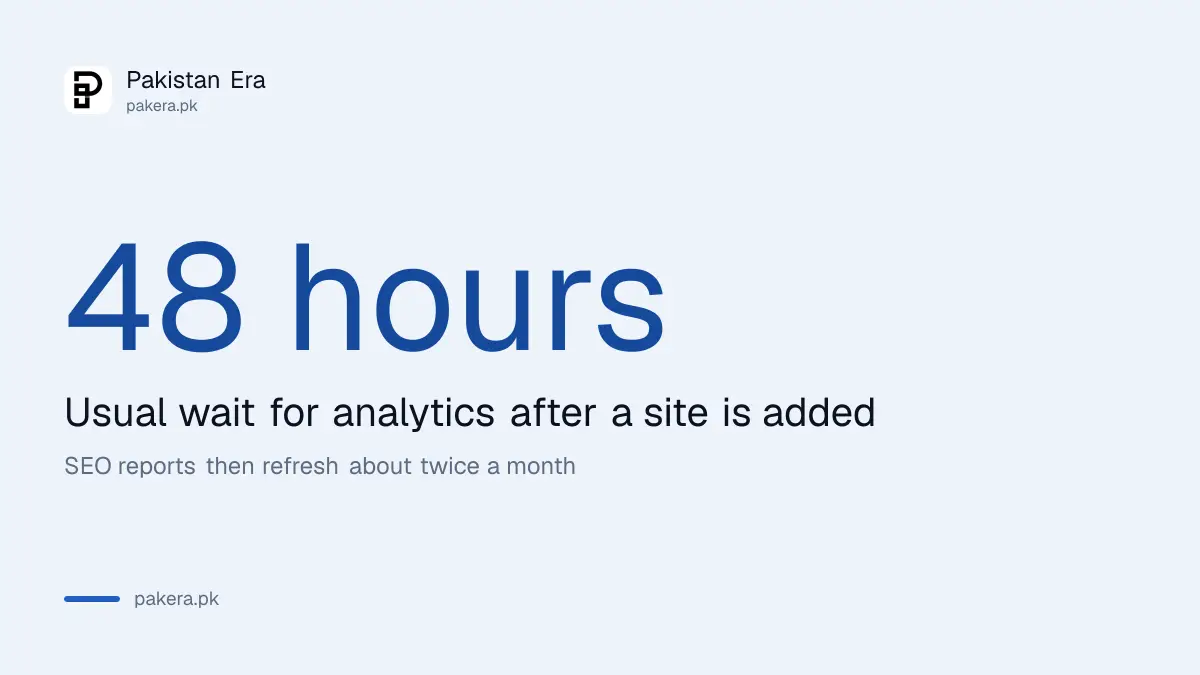
Bing says it usually takes 48 hours to build analytics for a new site. After that, check search performance, the sitemap status and the SEO reports. Bing runs SEO reports on every verified domain every alternate week, about twice a month.
- Search performance: clicks and impressions from Bing for your pages and queries.
- SEO reports: issues Bing found on your pages, refreshed about twice a month.
- Backlinks and keyword research: listed under SEO in the left menu.
- User management: add your developer or agency without sharing your password.
For new pages, IndexNow tells Bing about new pages as soon as you publish, instead of waiting for a crawl. Bing also shows how often Copilot cites your pages in its AI performance report, inside the same account.
Common questions about Bing Webmaster Tools in Pakistan
Is Bing Webmaster Tools free?
Yes. Microsoft offers Bing Webmaster Tools free. You can sign in with a Microsoft, Google or Facebook account.
Do I need to verify again if I import from Search Console?
No. Sites imported from Google Search Console are verified automatically, and Bing keeps checking ownership through that link.
How long does Bing take to show data for a new site?
Bing says it usually takes 48 hours after the site is added to generate analytics and data.
How many sites can I add to one Bing account?
Up to 1,000 sites per account. An import from Search Console can bring in 100 at a time.
Which verification method is easiest for a WordPress site?
The meta tag, pasted into the head section through your theme or SEO plugin. The XML file also works if you have cPanel access.
How we verified this
What we checked and where we read it.
Last checked 15 November 2026. We read Bing Webmaster Tools help pages Getting started checklist, Add and verify site and Sitemaps. These pages load their text with JavaScript, so we read them in a full browser. Menu names in the live tool may differ slightly from the help screenshots.
About the author

Founder and Editor
Umer Kureshi founded Pakistan Era in July 2024 and runs it as administrator, SEO lead and writer, overseeing website operations, search growth, content strategy and coverage of technology and current affairs.