How to Submit a Sitemap in Google Search Console for Your Pakistani Website
Submit your sitemap in Google Search Console in six steps. We read Google's rules: the 50,000 URL limit, ignored tags and what each status means. Try it now.
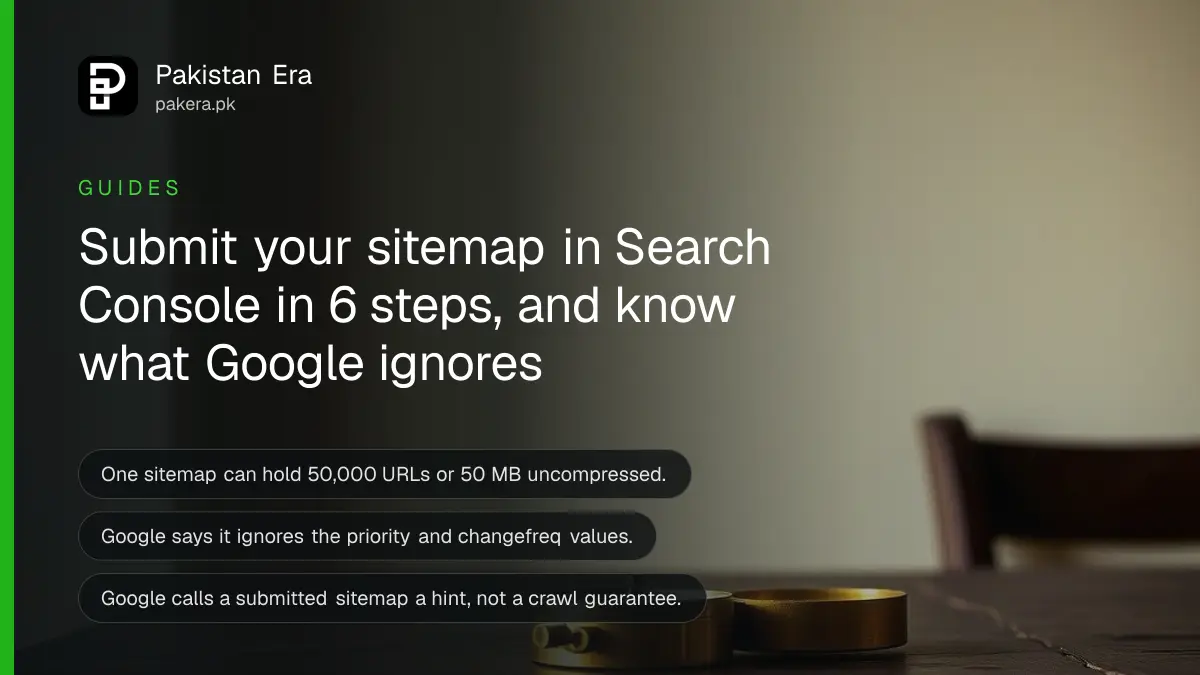
Short answer: Open the Sitemaps report in Google Search Console, paste your sitemap address into the "Add a new sitemap" box and press Submit. Google says a sitemap is only a hint. It does not promise that Google will fetch every page in it. A small site of about 500 pages or fewer may not need one at all.
Picture a shop owner in Lahore who launches a new website on Friday. By Monday, only the home page shows in Google. He asks his web developer for "a sitemap" and nobody tells him what it will and will not do. This guide fixes that.
We read Google's own sitemap documentation and the Search Console help page on 12 October 2026. Every limit and rule below comes from those pages. We did not submit a sitemap for a client site for this article, so we describe the steps as Google lists them.
A sitemap is a file that lists the pages you want Google to find
A sitemap is a plain file on your website that lists your page addresses. Google's crawler, called Googlebot, can read it to find URLs it has not reached through links. It is a list of suggestions, not an order.
Google supports four formats: XML, RSS, mRSS and Atom 1.0, plus a simple text file. XML is the most common. WordPress, Wix and Blogger usually build it for you, so you rarely write one by hand.
One sitemap can hold at most 50,000 URLs or 50 MB uncompressed. If your site is bigger, split it into several sitemaps and list them in one index file.
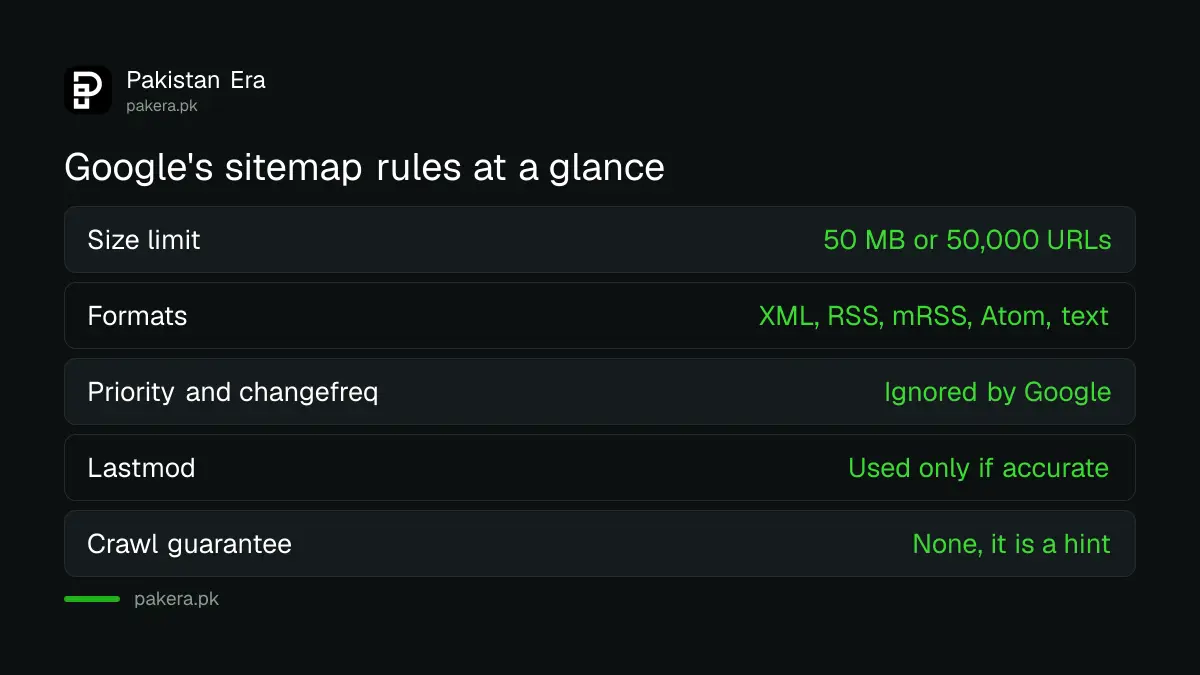
| Question | What Google's documentation says |
|---|---|
| Formats Google reads | XML, RSS, mRSS, Atom 1.0 and text files |
| Size limit for one file | 50 MB uncompressed or 50,000 URLs |
| Does Google use priority and changefreq? | No, Google ignores both values |
| Does Google use lastmod? | Yes, if it is consistently and verifiably accurate |
| Does a sitemap guarantee crawling? | No, it is a hint only |
You may not need a sitemap if your site is small and well linked
Google says you probably do not need one if your site has about 500 pages or fewer and Googlebot can reach every important page by following links from the home page. Submitting one anyway does no harm.
You do need to think about one when the site is large, when it is new with few outside links, or when it carries a lot of video, images or news content. A new Pakistani business site with almost no backlinks is in the second group.
A sitemap cannot fix thin pages. If Google has seen a page and chosen not to index it, the sitemap will not change that. For that problem, read our steps to fix pages not indexed in Search Console.
How to submit your sitemap in Search Console
You need a verified property in Search Console. Then you test the sitemap address, open the Sitemaps report and paste the address. Google says the file should be fetched straight away after you press Submit.
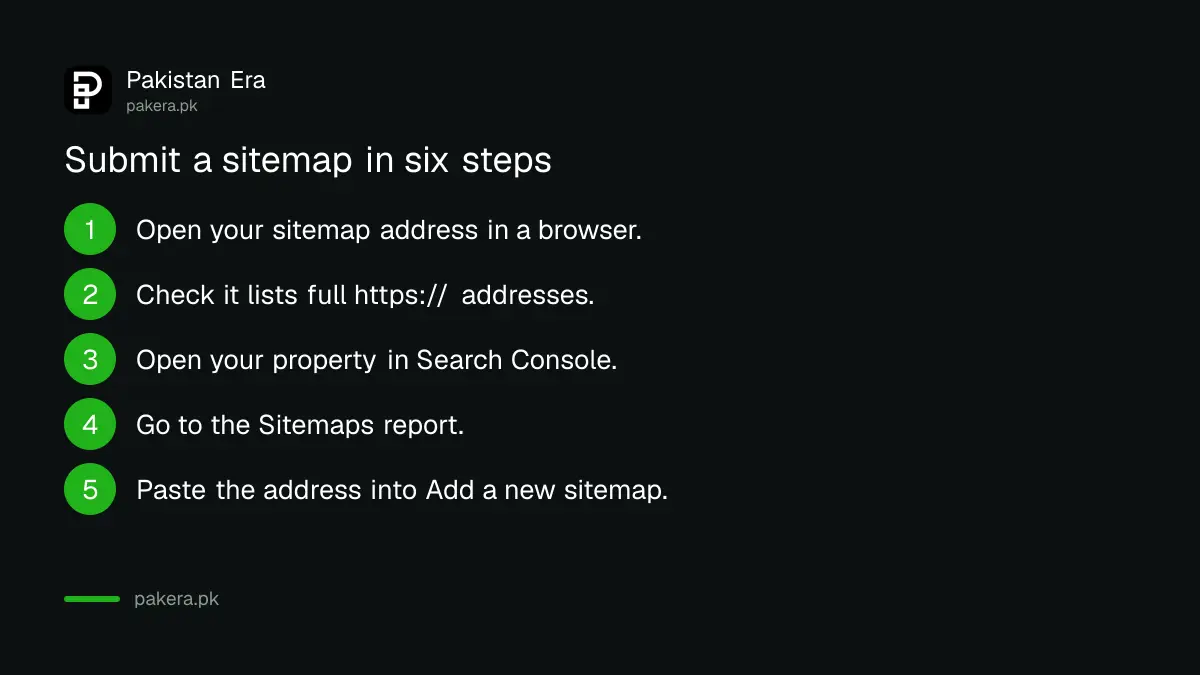
- Open your sitemap address in a browser first. Common ones are yourdomain.pk/sitemap.xml and yourdomain.pk/sitemap_index.xml.
- Check that the page loads and lists full addresses starting with https://. Relative paths such as /about are not processed correctly.
- Open Search Console and choose your property.
- In the left menu, open Sitemaps.
- Paste the sitemap address into "Add a new sitemap".
- Press Submit and read the status next to the file.
Google also lets you place a line in your robots.txt file, written as Sitemap: followed by the full address. That is an extra route, not a replacement for the report.
Read the status Google shows next to your sitemap
The report shows one of three results. Success means Google fetched and read the file without errors. Couldn't fetch means Google could not retrieve it. Has errors means it was fetched but has one or more problems inside.
| Status | Meaning | What to do |
|---|---|---|
| Success | Fetched and read without errors | Nothing. Wait for Google to crawl the URLs |
| Couldn't fetch | Google had a problem retrieving the file | Open the address yourself, fix the block or error, then resubmit |
| Has errors | Fetched, but one or more errors inside | Open the report details, fix the listed lines, resubmit |
Google says it retries a failed fetch for several days before it stops. After that you must fix the cause and submit again. Success is not an indexing result. Google notes that crawling can take time and that not every URL in a sitemap is guaranteed to be crawled.
What to put in the file and what to leave out
List only the pages you want people to find from Google. Use full https:// addresses. Leave out redirected pages, login pages, thank-you pages and anything marked noindex. A clean list gives Google a clear signal.
Skip priority and changefreq. Google ignores both. Add lastmod only if you can keep it true. If every page shows today's date after each small edit, Google has no reason to trust the field.
Keep one preferred version of every page. If the same page opens at two addresses, list only the one you want ranked. Our guide on Google choosing a different canonical explains what happens when you do not.
If you run a news or media site, the same sitemap thinking applies. Make it easy for Google to see fresh pages. Our note on adding the Preferred Sources button to a Pakistani news site covers a separate step that works alongside it.
Common questions
Does submitting a sitemap make Google index my pages faster?
It can help Google find them, but it is not a promise. Google calls a sitemap a hint and says it may not use the file for crawling at all.
How many URLs can one sitemap hold?
One sitemap can hold 50,000 URLs or 50 MB uncompressed, whichever limit you reach first. Larger sites split the list into several files.
Do I need to set priority and change frequency?
No. Google's documentation says it ignores both values, so you can leave them out.
My sitemap says "Couldn't fetch". What should I check first?
Open the address in a browser. If it does not load, fix that first. Also check that your robots.txt file or a security plugin is not blocking it. Then submit it again.
Do I need to resubmit the sitemap every time I publish?
Usually not. Google says CMS tools such as WordPress, Wix and Blogger generally build the file for you. Resubmit after you fix a fetch problem or move the file to a new address.
Is a sitemap the same as an HTML site map page for visitors?
No. The sitemap you submit to Google is a machine-readable file. A visitor-facing site map page is just an ordinary page with links. You can have both.
How we verified this
What we checked, where we read it, and what we could not confirm.
We read Google's sitemaps overview, its guide to building a sitemap and the Search Console help page on submitting a sitemap on 12 October 2026. Google can change these limits, so check the pages before you rely on a number. We did not test a live submission.
About the author

Founder and Editor
Umer Kureshi founded Pakistan Era in July 2024 and runs it as administrator, SEO lead and writer, overseeing website operations, search growth, content strategy and coverage of technology and current affairs.