Add Google's Preferred Sources Button to Your Pakistani News Site in 2 Lines
Add Google's preferred sources button to a Pakistani news site with 2 lines of code, show it in Urdu, or use a plain link so readers pick you in Top Stories.
To add Google's preferred sources button to a Pakistani news site, paste two lines: the script https://news.google.com/swg/js/v1/publisher.js in your page head, and <div google-add-preferred-source-btn></div> where the button should show. If your CMS blocks scripts, link to google.com/preferences/source?q=yourdomain.pk instead.
A reader who picks your site as a preferred source sees your stories more often in Google's Top Stories box, marked with a "preferred" badge. Google says the same badge can appear in AI Mode and AI Overviews. The feature works in every language where Google Search runs, so it works for Pakistani readers today.
We read Google's publisher guide for preferred sources, its reader help page and its list of button languages on 9 October 2026. The code below is copied from Google's own guide.
Preferred sources put your stories higher for loyal readers
Preferred sources is a Google Search setting. A reader ticks the news sites they trust, and Google then shows those sites more often in Top Stories when they publish something fresh on the topic searched. It does not change rankings for anyone else.
That last part is the honest limit. The button wins nothing from strangers. It helps you keep readers who already like you, which is exactly the group most Pakistani news sites lose to bigger outlets in Top Stories.
Google says the feature is available globally in Top Stories in all languages where Search is available. In AI Mode and AI Overviews, your site must also be included in Search generative AI features in Search Console. That is the default setting, so most sites are already in.
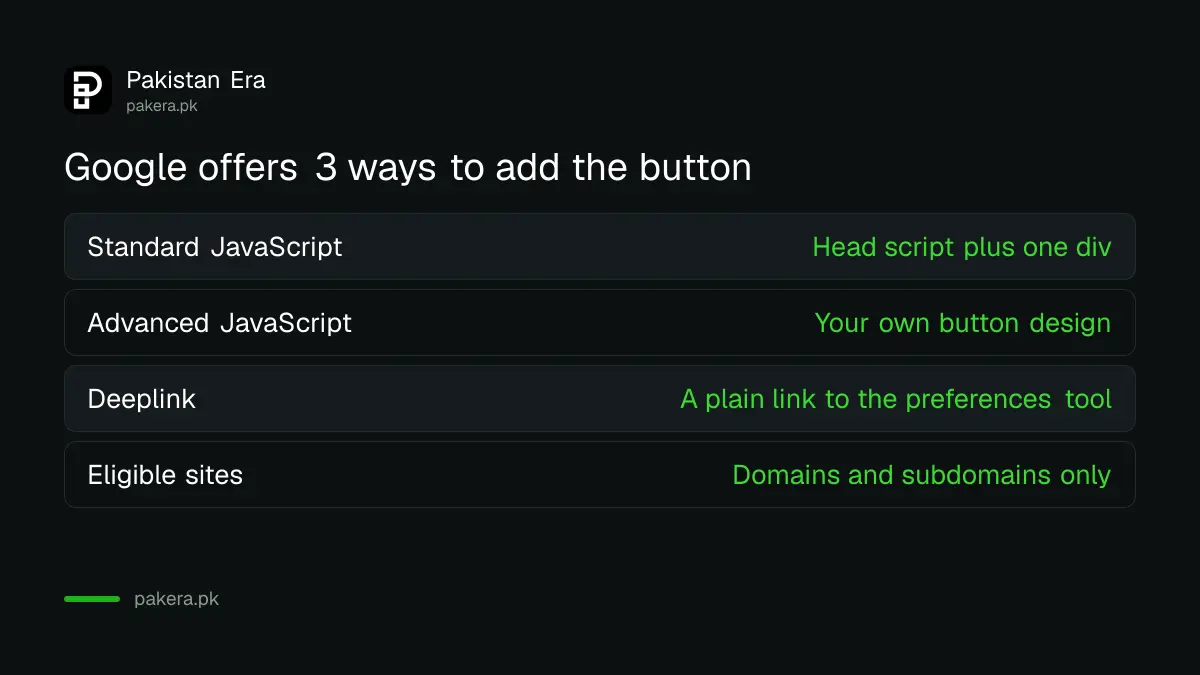
Only whole domains and subdomains count. example.pk and news.example.pk are eligible. A folder such as example.pk/news is not, so a blog sitting inside a company site cannot be picked on its own.
Check that your site is listed first
Open Google's source preferences tool at google.com/preferences/source and type your domain in its search box. If your site appears, you can add the button. Google notes that sources which are not updated regularly may not be available.
A site that posts twice a month may simply not show up. Publishing regularly comes before any button, and so does a site that came through Google's September 2026 spam update cleanly. If you have just switched off AI features by mistake, Search Console's control under Settings, then Search generative AI, decides whether your site can show as preferred in AI Overviews and AI Mode.
While you are in Search Console, it is worth a look at whether Google's AI Overviews cite your Pakistani website. That report shows how much of your traffic already comes from those features.
Add the button in two lines of code
Google's recommended method is a standard JavaScript button. Load Google's publisher script once in the page head, then place a single div wherever you want the button. Google draws the button, translates it, and sends the reader back to your page after they tick your site.
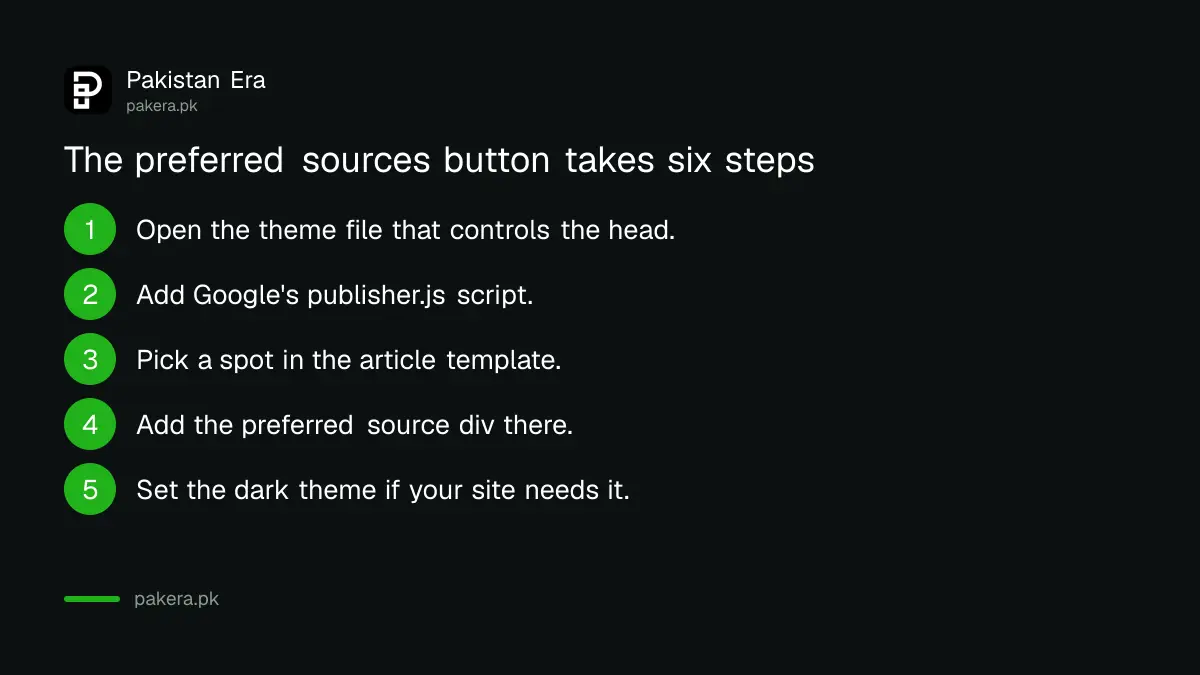
- Open your theme or layout file, the one that controls the
<head>of every page. - Add
<script async src="https://news.google.com/swg/js/v1/publisher.js"></script>inside the head. - Open your article template and pick a spot, such as under the headline or at the end of the story.
- Add
<div google-add-preferred-source-btn></div>there. - For a dark site, use
data-theme="dark"on the div. Light is the default. - Publish, open a live article, and click the button yourself to see the flow.
On WordPress, a header and footer code plugin can hold the script, and a custom HTML block can hold the div. On a custom site, your developer adds both to the templates in a few minutes.
Google also offers an advanced JavaScript method for publishers who want their own button design. The reader's flow stays the same. Most small sites do not need it.
Show the button in Urdu or use a plain link
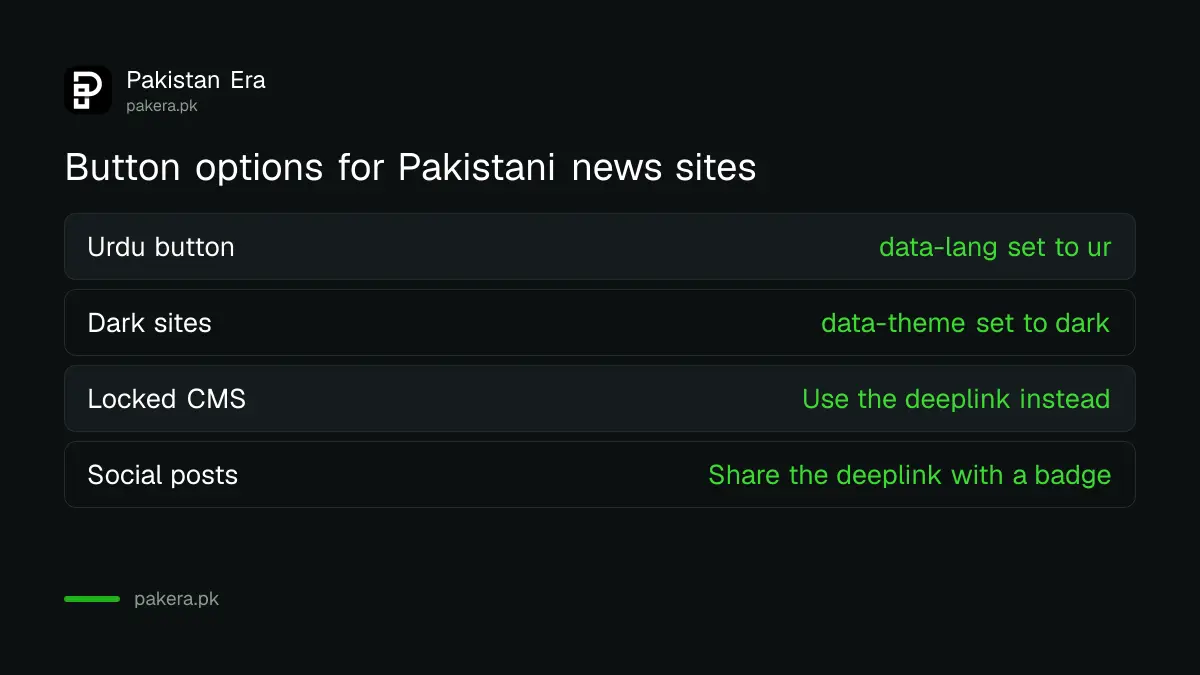
The button follows each reader's browser language by default. Add data-lang="ur" to show it in Urdu. Google's language list has 51 languages, including Urdu and Punjabi. If your CMS cannot run scripts, a plain link to the preferences tool does the same job.
| Method | What you add | Best for |
|---|---|---|
| Standard JavaScript | Head script plus one div | Most news sites, Google's recommendation |
| Advanced JavaScript | Script plus your own button design | Sites with a design team |
| Deeplink | A link to google.com/preferences/source?q=yourdomain.pk | Locked CMS, newsletters, social posts |
| Language option | data-lang="ur" or data-lang="en" on the div | Urdu or bilingual sites |
| Theme option | data-theme="dark" or "light" | Matching your site colours |
The deeplink is the one to use outside your site. Put it in a WhatsApp channel post, a Facebook caption or a newsletter footer. Google provides official translated badge images to pair with it.
Readers can also pick sources without any button
A reader can add any listed site straight from Google. On the Google app or google.com, tap the profile picture, open Search personalization, then Source preferences, search for the site and tick it. On a computer, the star icon beside the Top Stories header opens the same list.
Tell your readers this in plain words once in a while. Many Pakistani readers follow a few favourite news sites but have never seen this setting. A short line at the end of a popular article, with the deeplink, is enough.
Do not oversell it. Picking a preferred source does not hide other sites. Google still shows other sources in Top Stories, and your stories still need to be fresh and useful. Strong basics matter more, and what Pakistani businesses should do for AI Overviews applies to publishers too.
Common questions
Is Google's preferred sources feature available in Pakistan?
Yes. Google says preferred sources works globally in Top Stories in all languages where Google Search is available.
Can the button show in Urdu?
Yes. Add data-lang="ur" to the button div. Urdu and Punjabi are both on Google's list of supported button languages.
Does the button improve my Google ranking?
Not for everyone. It only makes your stories more likely to show in Top Stories for readers who picked your site.
Why can't I find my site in the source preferences tool?
Google says sources that are not updated regularly may not be available. Only full domains and subdomains are eligible, not folders.
Can I use the button on a site without JavaScript?
Yes. Use a plain link to google.com/preferences/source?q= followed by your domain, as a text link or a badge image.
How we verified this
What we checked, where we read it, and what we could not confirm.
Last checked 9 October 2026. Sources: Google Search Central, preferred sources guide for web publishers, and its list of supported button languages; Google Search Help, customise your source preferences; Google Search Console Help, Search generative AI control. Google does not publish how much a preferred source lifts a site's visibility.
About the author

Founder and Editor
Umer Kureshi founded Pakistan Era in July 2024 and runs it as administrator, SEO lead and writer, overseeing website operations, search growth, content strategy and coverage of technology and current affairs.