LESCO Tax Certificate Download: Electricity Bill Tax Deduction Certificate by Customer ID, Plus GEPCO by Reference Number
Download the LESCO electricity bill tax certificate: register with your 7 digit Customer ID and CNIC, then sign in. GEPCO uses the 14 digit reference number.
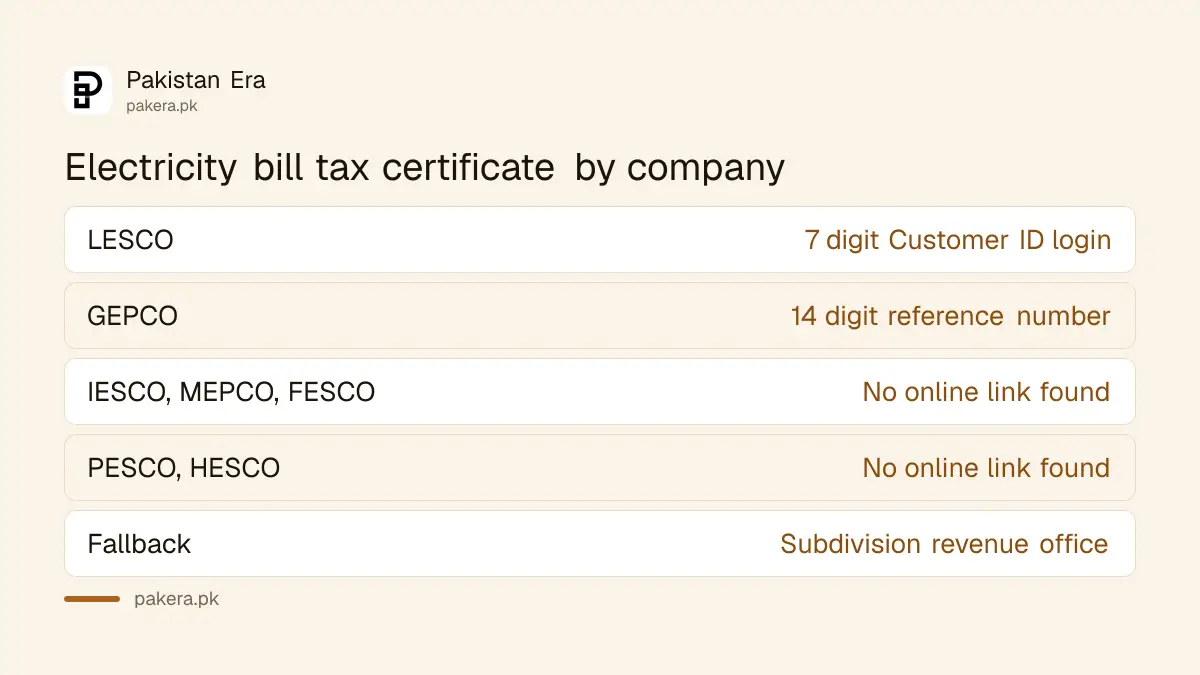
To download a LESCO tax certificate, open the Tax Deduction Certificate page on lesco.gov.pk, register once with your 7 digit Customer ID and CNIC, then sign in with that Customer ID and your password. The certificate records the income tax LESCO collected through your electricity bills. GEPCO has its own page that works with the 14 digit reference number instead. Both routes, the fields they ask for, and what to do for other companies are below.
Shop owners, factory owners and landlords ask for this certificate most, usually when filing an income tax return. We read the LESCO and GEPCO pages on 2 November 2026. The LESCO page is a login system, not a one click download, so the first visit takes about five minutes.
LESCO issues its tax certificate through a Customer ID login
LESCO's Tax Deduction Certificate page opens a sign in screen that asks for a Customer ID and password. First time users must register. The Customer ID is the 7 digit customer code printed on your LESCO bill, not the 14 digit reference number.
| Company | Page | What it asks for |
|---|---|---|
| LESCO | Tax Deduction Certificate, lesco.gov.pk | 7 digit Customer ID and a password you create |
| GEPCO | Income Tax and GST, gepco.com.pk | 14 digit reference number |
| IESCO, MEPCO, FESCO, PESCO, HESCO | No online certificate link found on their home pages | Ask your subdivision or revenue office |
| K-Electric | Private company in Karachi, own systems | Not covered by these pages |
Register once on LESCO's tax certificate page
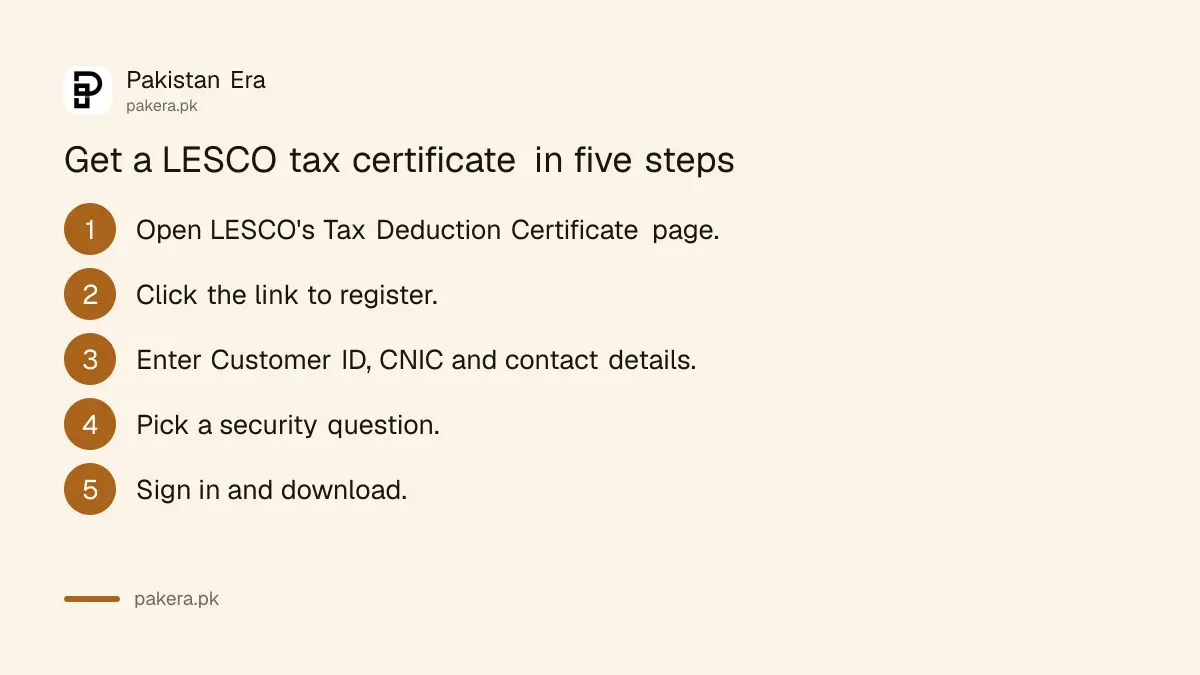
The LESCO registration form asks for your Customer ID, a password, CNIC, name, mobile number, email and address. NTN and a landline are optional. You also pick a security question, which LESCO uses if you forget the password.
- Open the LESCO Tax Deduction Certificate page. It sends you to the sign in screen.
- Click the link for unregistered users to open "Register for Tax Deduction Certificate".
- Enter the 7 digit Customer ID from your bill and choose a password.
- Enter your CNIC in the 12345-1234567-1 format, your name, mobile number, email and address.
- Add your NTN if you have one, pick a security question and type the answer.
- Submit, return to the sign in screen and log in with the Customer ID and password.
Type the CNIC exactly as it appears on the card, with the two dashes. A mistyped CNIC means the certificate will not match the CNIC on your return.
Where the 7 digit LESCO Customer ID is on your bill
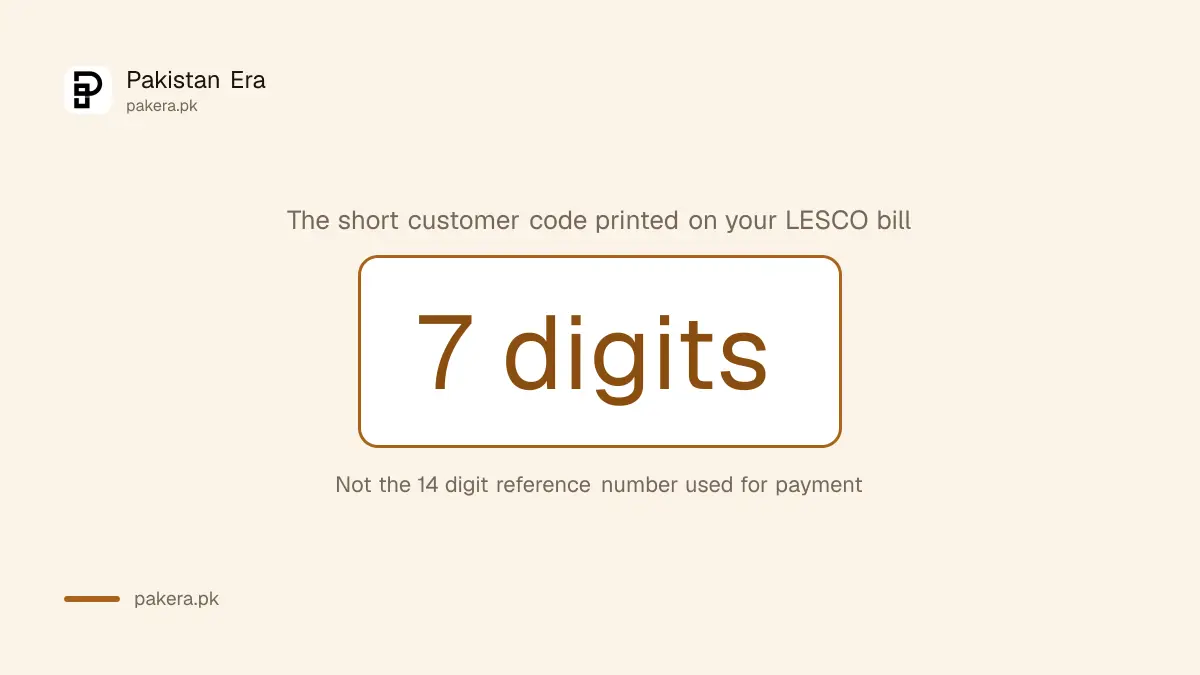
A LESCO bill carries two numbers. The 14 digit reference number identifies the connection for payment. The 7 digit Customer ID is a shorter code that LESCO's own services use, including the tax certificate and SMS alerts.
LESCO's SMS alert form describes it in the same words: "Enter the 7 digits Customer ID code without spaces from your Electricity Bill". If you have lost the bill, get a free duplicate first through the LESCO bill check, and read the Customer ID from it.
Forgot the password later? The sign in page has a Reset Password link, which uses the security question you chose.
GEPCO's Income Tax and GST page uses the reference number
GEPCO consumers in Gujranwala, Sialkot, Gujrat and Narowal have a simpler route. GEPCO's Income Tax and GST page asks only for the 14 digit reference number from the bill. There is no registration step on the page we saw.
Open gepco.com.pk/ITax.aspx, type the 14 digit reference number without spaces and submit. The page warns if the number is not exactly 14 digits. We did not run a real reference number through it, so we cannot show the certificate it returns.
For IESCO, MEPCO, FESCO, PESCO, HESCO, SEPCO, QESCO and TESCO, we found no tax certificate link on their home pages on 2 November. Ask the revenue officer at your subdivision for a tax deduction statement, and take your CNIC and a recent bill.
What the certificate is for, and the tax on your bill
The certificate lists income tax your electricity company collected through your bills. You report that tax in your income tax return. Commercial and industrial bills carry advance tax under section 235, and domestic bills do too unless you are on the Active Taxpayers List.
For shops and factories the rates are set out in the breakdown of income tax on shop and factory electricity bills. Home users on the Active Taxpayers List should not be charged at all, as the advance tax rule for filers explains. Whether the tax is adjustable in your case depends on your return, so check with your tax adviser.
Before you file, check the certificate against your bills. The tax year, your CNIC and the total should match. The general checks for any withholding tax certificate apply here too.
Common questions
How do I download my LESCO tax certificate?
Register on LESCO's Tax Deduction Certificate page with your 7 digit Customer ID and CNIC, then sign in with your Customer ID and password.
What is the LESCO Customer ID?
It is the 7 digit customer code on your LESCO bill. It is different from the 14 digit reference number.
Is the LESCO tax certificate free?
Yes. We saw no fee on the registration or sign in pages.
Can I get a GEPCO tax certificate online?
GEPCO's Income Tax and GST page takes your 14 digit reference number. We did not test it with a real account.
Do I need an NTN to register?
No. NTN is optional on LESCO's form. CNIC, name, mobile, email and address are required.
What if I forget my LESCO tax certificate password?
Use the Reset Password link on the sign in page. It asks your security question.
How we verified this
What we checked, where we read it, and what we could not confirm.
We read LESCO's Tax Deduction Certificate sign in page, its registration form and its SMS alert form on 2 November 2026, and GEPCO's Income Tax and GST page the same night. We also checked the home pages of IESCO, MEPCO, FESCO, PESCO and HESCO for a certificate link and found none. We did not register a real account or download a certificate, because that needs a customer's own details, so we cannot show the certificate's layout.
About the author

Global Affairs & Political Economy Writer
Muhammad Hatim is a book lover who started writing because he enjoys it. At Pakistan Era he writes about international relations, geopolitics and the global economy, with a particular interest in South Asia and the forces behind current events.