Honhaar Scholarship Status Check 2026 in Punjab: CNIC Login, Rejection Fixes and Help Desk Numbers
Check your Honhaar Scholarship 2026 status by signing in with your CNIC. See what each stage means, how to fix a focal person rejection and the help desk line.
To check your Honhaar Scholarship 2026 status, sign in at honhaarscholarship.punjabhec.gov.pk with your CNIC (no dashes) as the username and your password. Your status shows after the application ID. PHEC also sends updates to the email in your form, so check your spam folder too. The help desk is 042-99231903-4, from 9 am to 5 pm.
This guide covers the steps after you apply: how to see your status, what to do if your institution's focal person rejects your form, and how to reach the help desk. The last date to submit is now 19 November 2026, so a form that is still a draft can still be finished.
Sign in with your CNIC to see your Honhaar status
The status sits inside your student account on the official portal. The username is your CNIC number written without spaces or dashes. After you submit, the portal gives an application ID and shows your application status on screen.
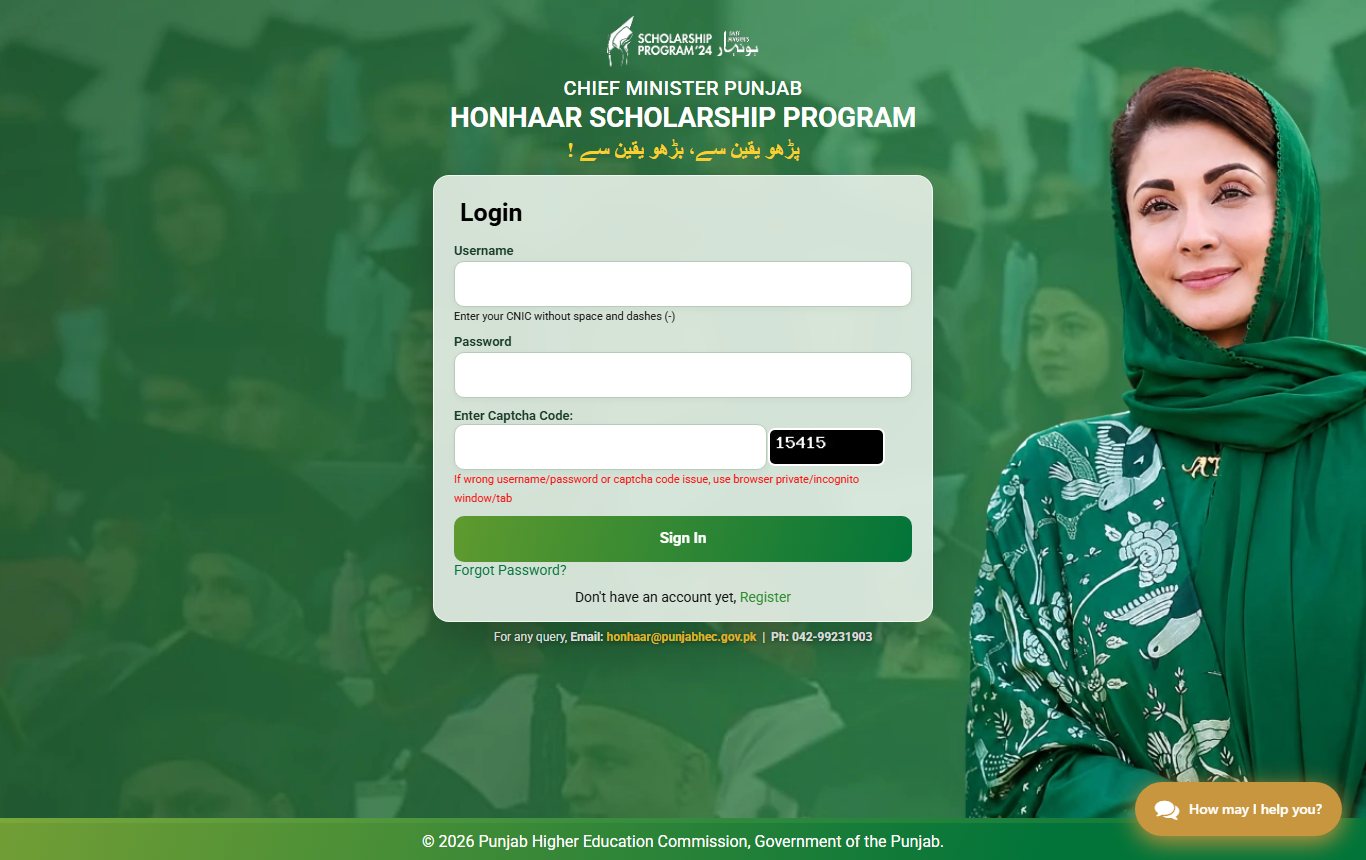
- Open honhaarscholarship.punjabhec.gov.pk yourself and click Login.
- Type your CNIC in the Username box, with no spaces or dashes.
- Type your password and the captcha code shown in the black box.
- Press Sign In. Your student portal opens with its tabs.
- Look for your application ID and the status line. You can print or save the form from here.
The login page itself gives one tip. If the portal says the username, password or captcha is wrong when you are sure it is right, open the page in a private or incognito browser window and try again.
The status you see depends on how far your form has gone
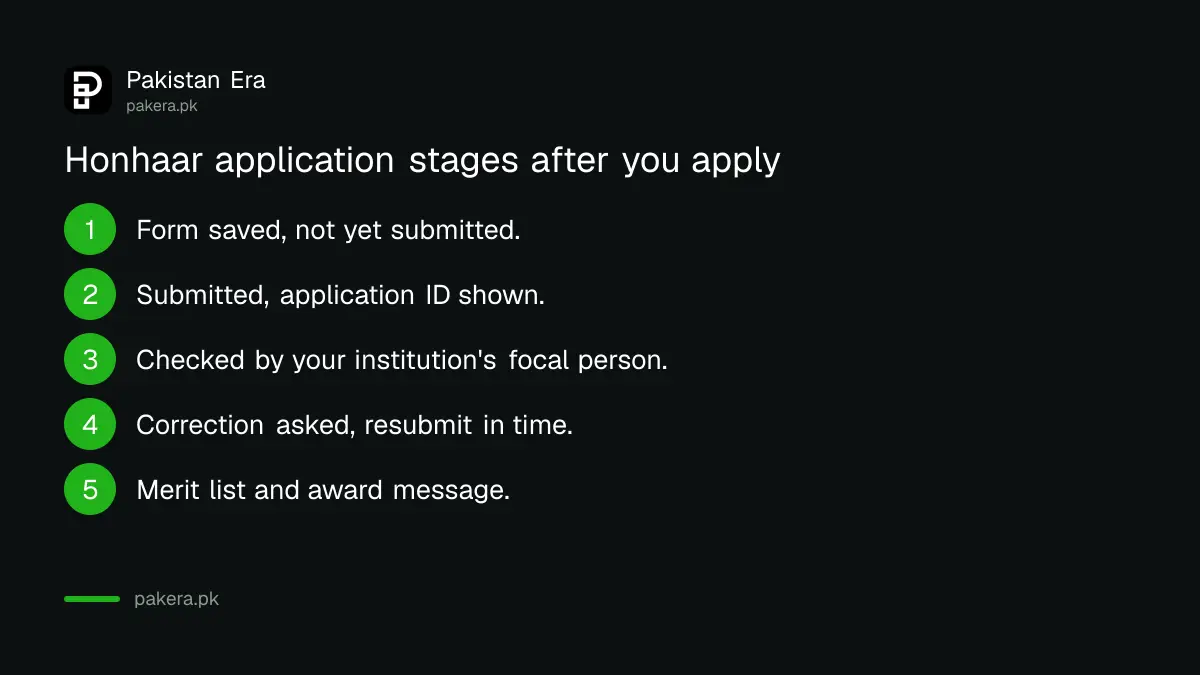
The portal does not publish a list of status names, so read what your screen shows. In general a form moves from saved, to submitted, to checked by your institution, to merit. Only a submitted form with an application ID counts.
| What you see or get | What it means | What to do |
|---|---|---|
| Form open, no application ID | Saved but not submitted | Finish the tabs and press Submit before 19 November |
| "Thank you for applying in Honhaar Scholarship!" and an ID | Submitted | Note the ID, then wait for your institution to check it |
| Email or portal message asking for a correction | Your focal person found a problem | Correct it and resubmit within the time given |
| No change for days | Still under checking | Check email and spam, then ask your focal person |
| Award message | Selected on merit | Read the terms before you sign the agreement |
Updates come by email, on the portal and from your institution
PHEC's FAQ says applicants may get updates in three places: the email address in the form, the official portal, and their own university or college. It tells students to check their spam or junk folder as well. So use an email you open every day.
If you typed your email wrong, you may miss a correction request. The FAQ says wrong details after submission are fixed by contacting your institution's focal person. A focal person is the officer at your university or college who checks Honhaar forms for that institution.
Fix a rejection by your focal person before time runs out
Your institution checks your details first. If it rejects the form for wrong information, the FAQ says you must correct it and resubmit within the time allowed, where a correction chance is given. If you do not respond in time, the form may be treated as ineligible.
Most rejections come from a small set of problems. Check these before you call anyone:
- Your discipline or institute is not on the approved list. Check the Honhaar university and discipline list.
- Your FSc marks are below the minimum for your type of institute.
- A document is blurred, cut off or not the right one. Each upload must be JPG or PNG under 200 KB.
- The income affidavit is missing, unsigned or not on e-stamp paper. See our Honhaar affidavit guide.
- Your registration or roll number does not match your institution's record.
Contact the Honhaar help desk on these numbers
The help desk page lists phone 042-99231903-4, WhatsApp 0303-4002777 and 0303-4002999, and two emails: complainthonhaar@punjabhec.gov.pk and honhaar@punjabhec.gov.pk. Hours are 9 am to 5 pm. You can also open a complaint on the portal's help desk page.
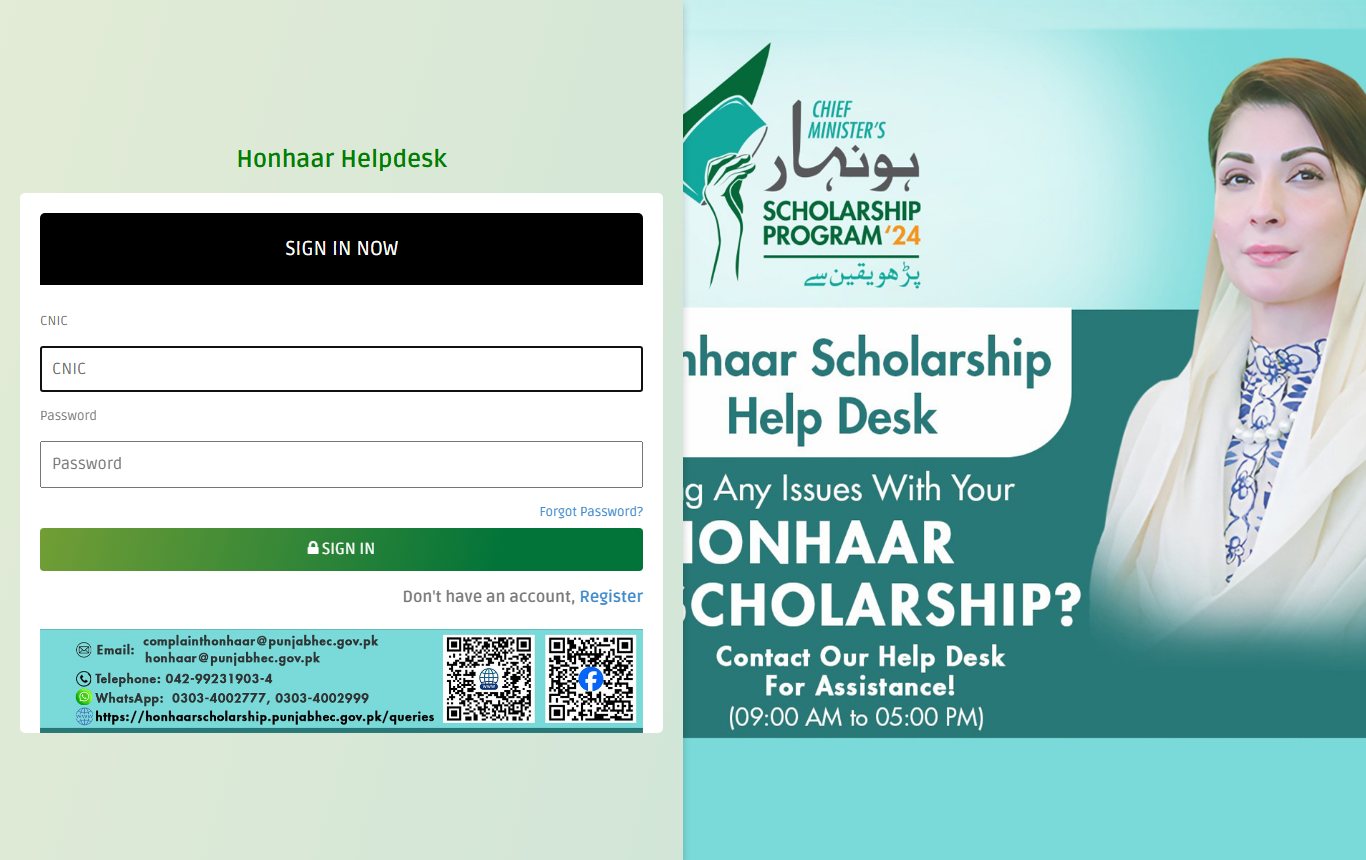
The help desk at honhaarscholarship.punjabhec.gov.pk/queries uses a separate sign in. You enter your CNIC and a password, or press Register to make a help desk account first. Keep your application ID ready when you write or call.
Nobody from PHEC needs your password. There is no fee to apply or to check your status. If someone asks for money to "confirm" your scholarship, do not pay. Report it to the help desk.
Common questions
How can I check my Honhaar Scholarship status by CNIC?
Sign in at honhaarscholarship.punjabhec.gov.pk. Use your CNIC without dashes as the username, then your password and the captcha. The status shows in your student portal after you submit.
I forgot my Honhaar password. What do I do?
Press "Forgot Password?" on the login page. If that does not work, call the help desk on 042-99231903-4 between 9 am and 5 pm.
When will the Honhaar 2026 result come?
PHEC had not given a result date on the portal when we checked on 10 November 2026. Applications close on 19 November, then institutions check forms. Watch your email and the portal.
Can I edit my Honhaar form after I submit it?
Not by yourself. The FAQ says to contact your institution's focal person to correct wrong details after submission.
Is there a Honhaar Scholarship app?
Yes. The portal links an official app on the Google Play Store and the Apple App Store, and a mobile app tutorial. Use only the links on the portal itself.
My login says wrong captcha every time. Why?
The login page advises using a private or incognito browser window for wrong username, password or captcha errors. Try that first, then a different browser.
How we verified this
What we checked, where we read it, and what we could not confirm.
Last checked on 10 November 2026, about 3:30 am PKT. Sources: the login page, help desk page, FAQ page and home page of the CM Punjab Honhaar Scholarship portal, and its "How to Apply" process guide (PDF). We did not sign in or submit anything, so we have not seen the status screen ourselves.
About the author

Public Services and Education Journalist
Fajr Riaz is a journalist and content writer at Pakistan Era, based in Lahore. She covers the questions people meet in everyday life in Pakistan: how a public service works, what a change in the rules means, and where to find a reliable answer.