IRIS Password Reset and E-Enrollment: Get Into FBR IRIS With Your CNIC or NTN (Every Case)
Reset a forgotten FBR IRIS password, use E-enrollment for Registered Person if you have an NTN but no login, and fix codes going to an old number. Every case.
If you forgot your FBR IRIS password, click Forgot Password on the IRIS login screen at iris.fbr.gov.pk, enter your details, and type in the codes FBR sends to your registered email and mobile; if you have an NTN but never got a password, use "E-enrollment for Registered Person" on the same screen. Individuals log in with their 13-digit CNIC, and companies and AOPs with their 7-digit NTN.
Most IRIS problems are not technical. They come from a password set years ago, a mobile number that has changed, or an NTN issued on paper with no online account. Each has its own route, and picking the wrong one wastes the evening. Below is every case, which button to press, and what to do when the codes go to a phone you no longer have.
Your CNIC is your IRIS login if you are an individual
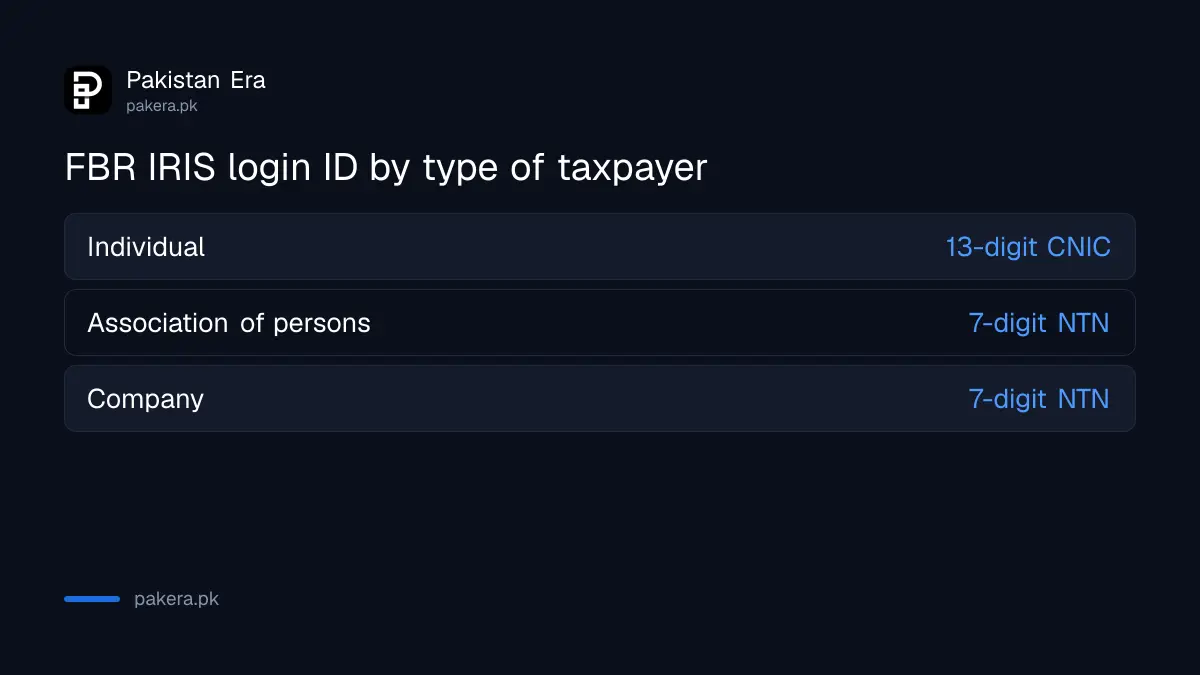
FBR says e-enrollment gives you an NTN or registration number and a password. For an individual, the 13-digit CNIC is the NTN, so you log in with your CNIC and password. A company or AOP logs in with the 7-digit NTN it received at e-enrollment.
| Taxpayer | IRIS user ID |
|---|---|
| Individual (Pakistani) | 13-digit CNIC |
| Association of persons | 7-digit NTN |
| Company | 7-digit NTN |
FBR's list of what an individual needs before e-enrollment includes a CNIC, NICOP or passport number. So foreign nationals and overseas Pakistanis enrol too. If your old NTN letter shows a 7-digit number but you are an individual, try your CNIC first, because that is the number FBR now uses for individuals.
Pick the right route for your case
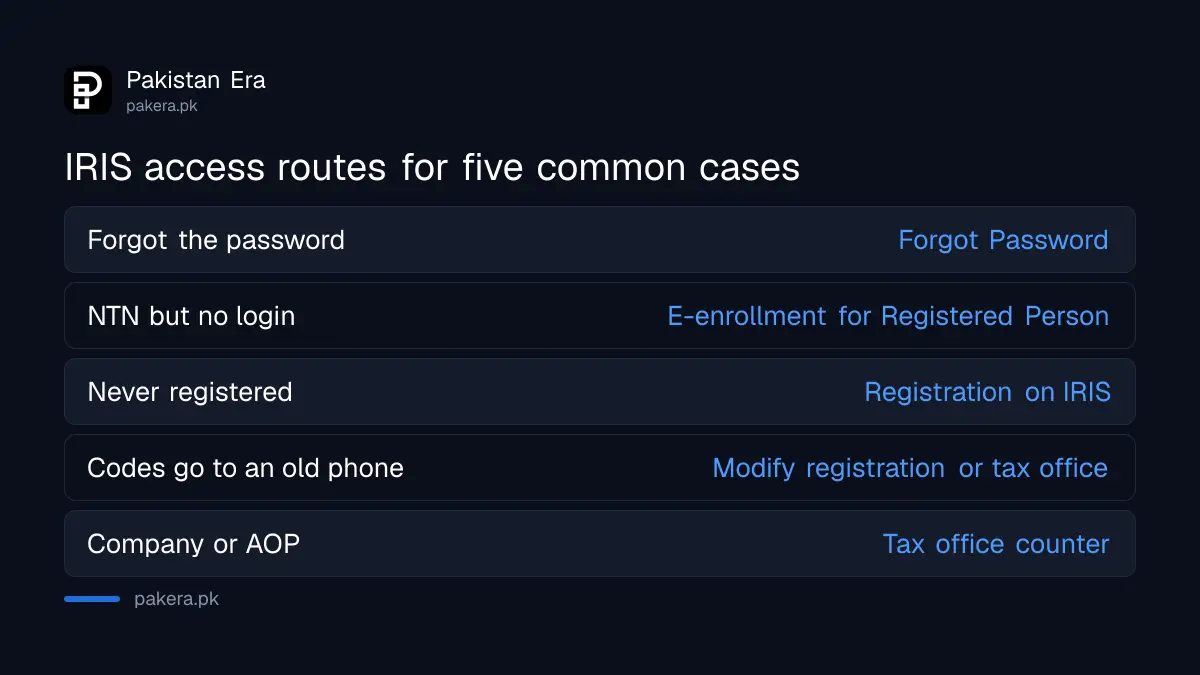
Five common cases need five different routes. Forgot Password works only if your email and mobile in IRIS are still yours. E-enrollment for Registered Person is for an NTN with no online account. A changed phone number needs a profile change or a tax office.
| Your case | Route |
|---|---|
| Registered, forgot the password | Forgot Password on the login screen |
| Have an NTN but never had an IRIS password | E-enrollment for Registered Person |
| Never registered with FBR | Registration for an unregistered person on IRIS |
| Codes go to an old phone or email | Modify the registration, or visit a tax office |
| Company or AOP registering | Tax office facilitation counter |
Reset a forgotten IRIS password in five steps
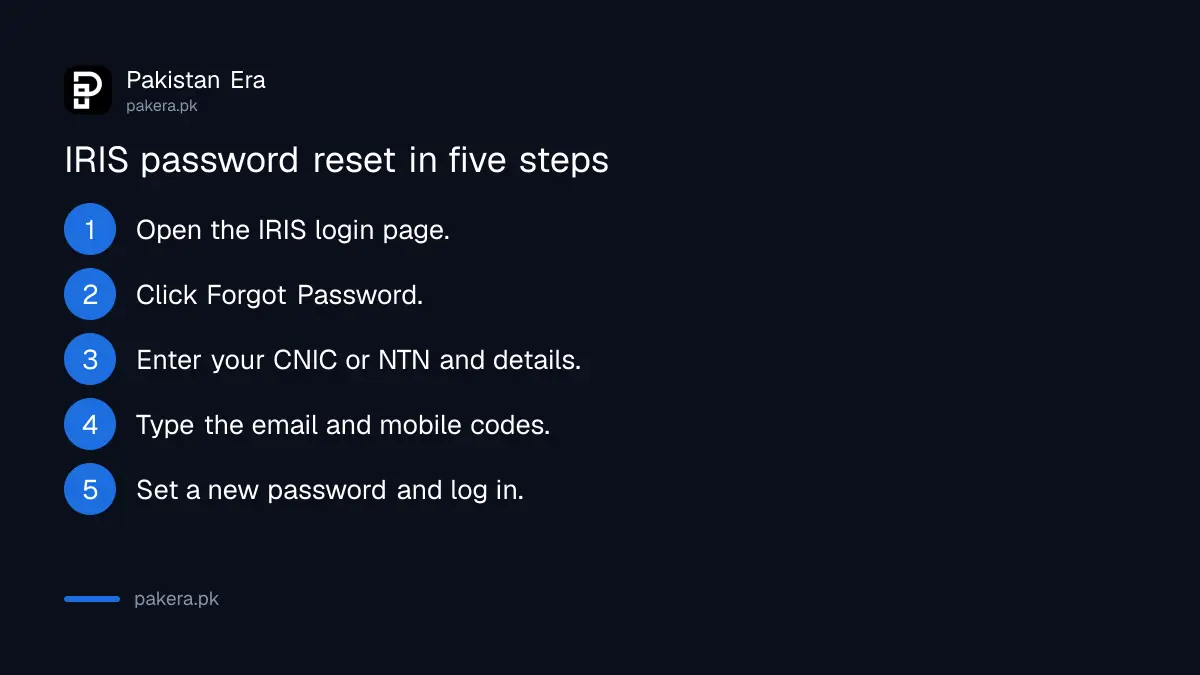
FBR's own instructions are short: press Forgot Password, fill in the fields, enter the codes sent to your email and mobile, and set a new password in the window that opens. Both codes are needed, so keep the phone and the email open before you start.
- Open the IRIS login page at iris.fbr.gov.pk.
- Click Forgot Password under the login boxes.
- Enter your CNIC or NTN and the other details the form asks for.
- Type in the code sent to your email and the code sent to your mobile.
- Set a new password in the window that opens, then log in with it.
Once you are in, you can change the password at any time from Change Password at the top right of the screen. FBR also lets you change your PIN from Change Pin near the top. Some IRIS actions ask for the PIN rather than the password, so note both somewhere safe.
An NTN without a password needs E-enrollment for Registered Person
FBR says people who already have an NTN or registration number but no IRIS credentials get access through the E-enrollment for Registered Person link on the IRIS login page. This is for people registered on paper or at a tax office years ago, who never set up an online account.
Use your own mobile number and email. FBR's registration page asks for a cell phone with a SIM registered against your own CNIC and a personal email address. A relative's number causes trouble later, because every reset code goes to it. If you want to check that your NTN record exists before you start, the official places to verify an NTN are listed separately.
New filers register first, with five things ready
If you have never registered, IRIS registration comes before any return. FBR lists what an individual needs: CNIC, a working mobile number, an active email, nationality, residential address and accounting period. Salaried people also need their employer's name and NTN.
| Item | Who needs it |
|---|---|
| CNIC, NICOP or passport number | Every individual |
| Mobile with SIM in your own name | Every individual |
| Personal email address | Every individual |
| Employer's name and NTN | Salaried people |
| Business name, address and bank certificate | People with a business |
Online registration is for individuals only. FBR says AOPs and companies register through a member, partner or principal officer at a tax office facilitation counter. The full first-time route is in how to become a tax filer.
When the codes go to an old number, change the registration
If your IRIS profile still has an old mobile or email, the reset codes go there. FBR says registration details are changed through a modification form in IRIS, which the Commissioner grants or refuses. If you cannot log in at all, a tax office has to help.
Inside IRIS, changing your mobile number in IRIS walks through the modification form. If the Commissioner refuses the change, FBR's page gives 30 days to file a representation with the Chief Commissioner. On 31 October 2026, the last return date, FBR kept all tax offices open until 8 pm for exactly these cases, as set out in the tax return last date notice. If login works but IRIS throws other errors, IRIS 2.0 login errors covers OTP and timeout problems.
Common questions
What is my IRIS user ID?
For an individual, the 13-digit CNIC. For a company or AOP, the 7-digit NTN received at e-enrollment.
How do I reset my IRIS password?
Click Forgot Password on the IRIS login screen, enter your details and the codes sent to your email and mobile, then set a new password.
I have an NTN but no IRIS password. What do I do?
Use E-enrollment for Registered Person on the IRIS login page, as FBR's filing page explains.
The reset code goes to my old number. What now?
Change the registration through a modification form in IRIS if you can log in. If you cannot, visit a tax office with your original CNIC.
Can a company register online on IRIS?
No. FBR says online registration is for individuals. A company's principal officer registers at a tax office facilitation counter.
Where do I change my IRIS PIN?
Log in and click Change Pin near the top of the screen, according to FBR.
How we verified this
What we checked, where we read it, and what we could not confirm.
Last checked 31 October 2026. We read FBR's pages on the IRIS password, logging into IRIS, completing the return, registration basics, requirements before registration, the registration process and modification of registration, all on fbr.gov.pk. We did not reset a live password or enrol a new account, so field names on the IRIS screens may differ slightly from FBR's descriptions.
About the author

Global Affairs & Political Economy Writer
Muhammad Hatim is a book lover who started writing because he enjoys it. At Pakistan Era he writes about international relations, geopolitics and the global economy, with a particular interest in South Asia and the forces behind current events.