LDA One Window Status Check Online: Track Transfer, NOC and Building Plan Applications in Lahore by Number
LDA One Window status check online: track a Lahore transfer, NOC or building plan by application number, download letters, see challans and fix tracker errors.
To check an LDA application status online, open lda.gop.pk/one-window-status, type the Application Status Number from your One Window receipt (it looks like BP041120256601 or 260201470) and press Check One Window Status. The page shows where the file is, any letter LDA has issued for download, and every challan with its amount, due date and paid status.
That covers transfers, NOCs, building plans, completion certificates and the other services the Lahore Development Authority (LDA) handles at its One Window Cell. We opened the tracker and its sister pages on 31 October 2026 and read every field they show. Below is what each part of the result means, the two other LDA trackers you may need instead, and what to do when the tracker fails.
The LDA tracker needs the Application Status Number from your receipt
The One Window tracker searches by one thing only: the application number printed on the receipt the One Window Cell gives you when you submit a file. Without it the page returns "Application number is required", and a CNIC alone will not work.
LDA's own placeholder shows two formats. A newer number starts with letters for the service and a long string of digits, such as BP041120256601, where BP appears to stand for building plan. An older number is digits only, such as 260201470. Type it exactly as printed, without spaces.
Keep the receipt with your property papers. If you have lost it, the online tracker cannot help; take your CNIC and property papers to the One Window Cell and ask for the number.
What the LDA One Window status page shows
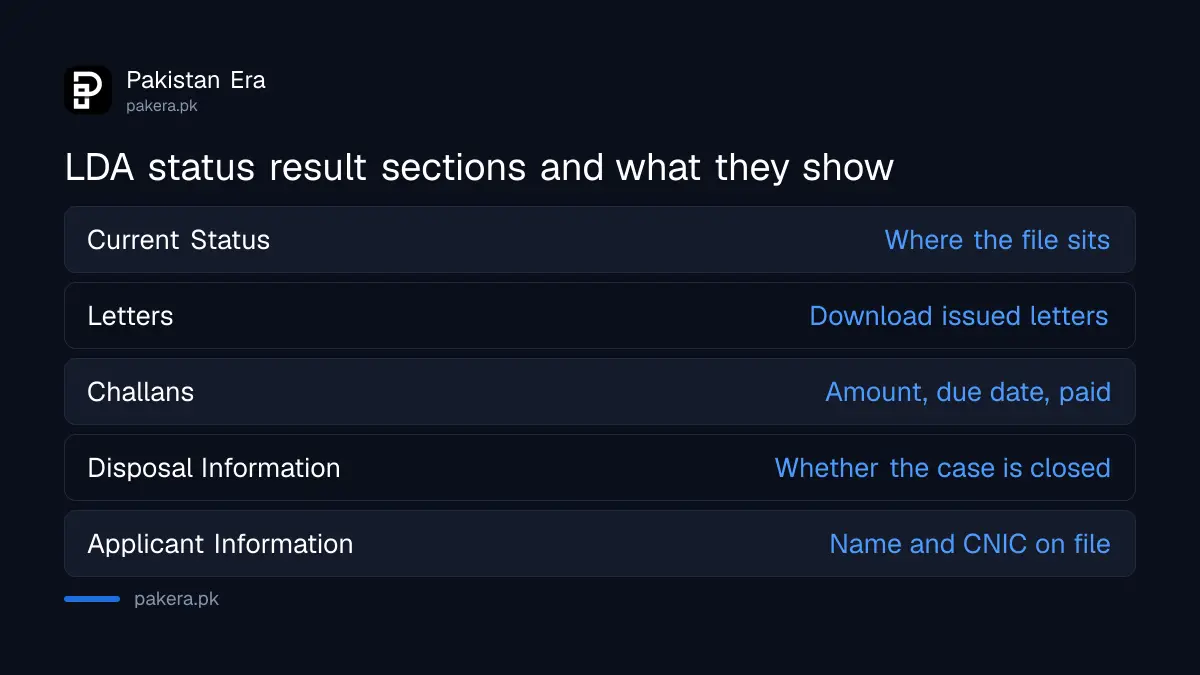
A successful search opens a result in up to six parts: the application, the applicant, its disposal, the current status, the letters LDA has issued and the challans raised against it. Letters can be downloaded as PDF straight from the page.
| Section on the result | What it tells you |
|---|---|
| Application Information | The service applied for, the file and application numbers and dates |
| Applicant Information | Name, father or husband name and CNIC or NICOP on the file |
| Disposal Information | Whether the case has been disposed of, and when |
| Current Status | Where the file sits now, for example with a directorate |
| Letters | Type, letter number and date, with a Download button for the PDF |
| Challans | Challan number, status (paid or not), amount and due date |
When an application has been approved or closed, the page also shows a notice that reads, in LDA's wording, that your application regarding the named service "has been approved" on a given date. There is a Give Feedback button on the same notice.
How to check your LDA application status, step by step
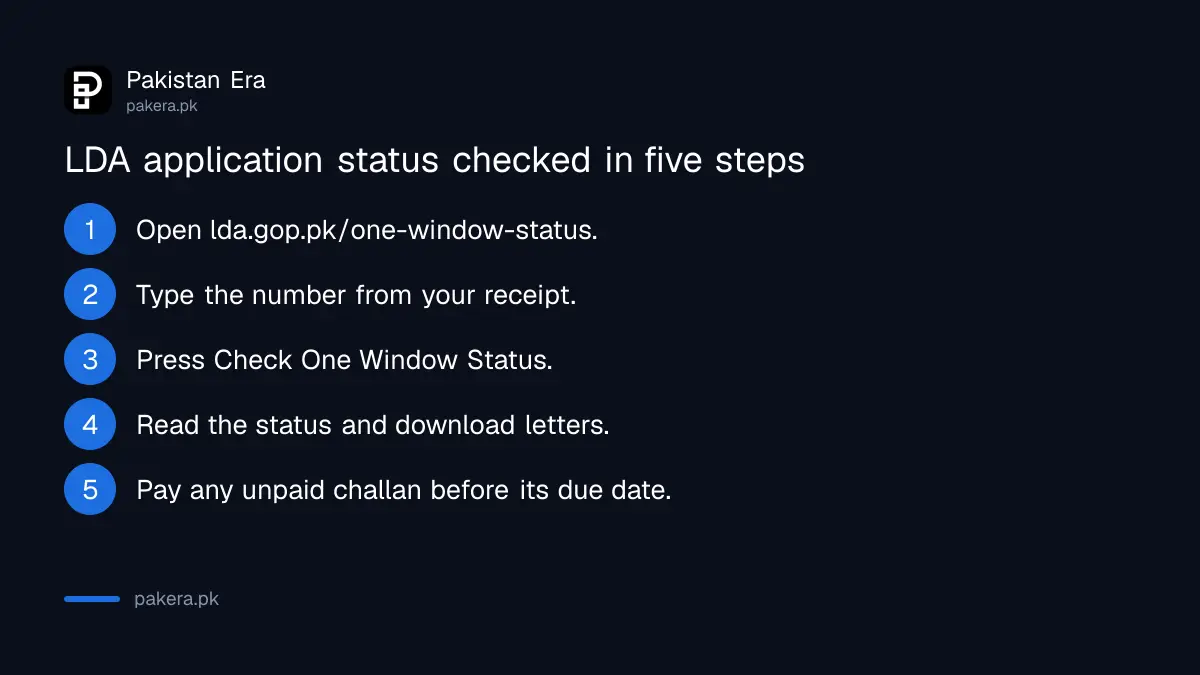
The whole check takes under a minute on a phone. Open the official page, enter the number, read the result and download any letter. Pay a challan only at a bank, using the challan shown on the page.
- Open lda.gop.pk and choose One Window Status, or go straight to lda.gop.pk/one-window-status.
- Type the Application Status Number from your receipt in the box.
- Press Check One Window Status and wait for the result to load.
- Read Current Status, then open Letters and press Download for any letter issued.
- Check Challans: if one shows as not paid, note its amount and due date and pay it before then.
Recent numbers you have checked are saved under Recent entries on the same page, so you can re-check a file without typing the number again. The page then offers View My Application Status to reopen the last result.
LDA has three other trackers, and the One Window one is not always the right choice
LDA City allottees track their files on a separate LDA City Status page by CNIC or file number. Plot owners in schemes under sifting use Sifting Status, and balloting results have their own page. Pick the tracker that matches your file.
| Your situation | LDA page to use | What you enter |
|---|---|---|
| Transfer, NOC, building plan, completion certificate | lda.gop.pk/one-window-status | Application Status Number |
| LDA City file, installments and challans | lda.gop.pk/lda-city-status | CNIC or application number, or LDA City file number |
| Plot in a scheme going through sifting | lda.gop.pk sifting status | Scheme, phase, sector and plot from drop down lists |
| Balloting for LDA plots | lda.gop.pk/ballot-results | Nothing; read the published result list |
The September 2026 draw is covered in the LDA ballot result for Johar Town K Block and LDA City. If your application is for a house map, the paperwork that goes in before you can track it is set out in the steps for getting a house plan approved by LDA.
When the LDA tracker does not work
Most failures are a mistyped number or LDA's link to its back office being down. The page then shows "Failed to load status" or a notice that the service "is currently temporarily unavailable and will be available soon". Try again later before you travel.
- Application number is required: the box was empty or held only spaces. Type the number again.
- No application data to display: the number did not match a file. Check every digit and letter against the receipt.
- Failed to load status, with a Retry button: the link to LDA's system timed out. Press Retry, or try a few hours later.
- Service temporarily unavailable: LDA has switched the tracker off for now. Nothing is wrong with your file.
- Status has not moved for weeks: visit the One Window Cell at LDA's Johar Town office (467-D II) with the receipt and your CNIC.
One safety point. LDA's tracker is on lda.gop.pk only. Anyone who offers to "speed up" a file for cash, or sends a challan by WhatsApp that does not match the one on the official page, is not LDA. If a builder or agent is the problem, the routes are in the guide to complaining about a builder to LDA.
Common questions
Can I check my LDA file status by CNIC?
Not on the One Window tracker, which needs the application number. The LDA City Status page does accept a CNIC for LDA City files.
Where is the application number on the LDA receipt?
It is the number the One Window Cell prints when you submit. LDA's examples look like BP041120256601 or 260201470.
Can I download my LDA approval letter online?
Yes, if LDA has issued it. Open the Letters section of your result and press Download next to the letter.
How do I know if my LDA challan is paid?
The Challans section lists each challan with its status, amount and due date. A paid challan is marked as paid.
What does it mean if the page says the service is temporarily unavailable?
LDA has paused the tracker. Your file is not affected. Check again later or ask at the One Window Cell.
Does the tracker cover LDA transfers and NOCs?
Yes. LDA describes it as tracking submitted applications, including property approvals, verification, NOCs and development services.
How we verified this
What we checked, where we read it, and what we could not confirm.
Last checked 31 October 2026. We opened LDA's One Window Status page, its LDA City and Sifting Status pages and the LDA FAQ on lda.gop.pk, and read the labels, examples, messages and result sections the pages contain. We did not enter a real application number, because we do not hold one, so we have not seen a live result. The meaning of the BP prefix is our reading of LDA's example, not an LDA statement.
About the author

Tax, Bills and Technology Writer
Ali Akhtar is a young and curious voice here at Pakistan Era. He is currently pursuing his A-Levels and has a growing interest in Pakistan’s changing industrial landscape and educational trends. Ali likes to write in a way that helps him explain and explore the world around him. His writing reflects the perspective of the new generation navigating the evolving trends of Pakistan where technology, youth innovation, and shifting opportunities are reshaping the country’s future.