NADRA PakID App Now Shows Your CNIC Before You Submit
NADRA's PakID app now shows a preview of your CNIC or NICOP before you submit. See when it arrived, how to use it step by step and what to check on the card.
NADRA's PakID app now shows you a preview of your identity card before you submit an online application. You can check every detail that will be printed and go back to fix a mistake first. NADRA listed the feature as "CNIC/NICOP preview during application processing" in PakID version 5.6.6, released on 11 July 2026.
We read that line in NADRA's own release notes for the Pak Identity app on the App Store, where the app is published by the National Database and Registration Authority. The same update added civil registration services for Khyber Pakhtunkhwa, starting with District Peshawar.
The preview matters because a wrong letter in a name or a wrong date of birth is expensive to fix later. Today a mistake on a printed card means a fresh modification application. With the preview, you can catch it while the form is still open.
NADRA added a CNIC preview to the PakID app
The CNIC preview lets an online applicant see how the new identity card will look before the application is submitted. NADRA added it to PakID version 5.6.6 on 11 July 2026. It works for the CNIC and for the NICOP, the card for overseas Pakistanis.
PakID is NADRA's app for applying for identity documents from a phone. The app listing says it covers a CNIC modification, renewal, reprint or lost card, and a new NICOP, NICOP modification, renewal or reprint. Before this update, you saw your details as form fields. You did not see the card layout itself until the card arrived.
NADRA has not issued a press release about the preview. Its media centre lists releases up to 7 September 2026, and none of them mentions it. The release notes are the only NADRA wording we found, and they are short. Press reports say the button inside the app is labelled "View Card". We have not seen that screen ourselves, so treat the button name as reported.
Version 5.6.6 brought five changes
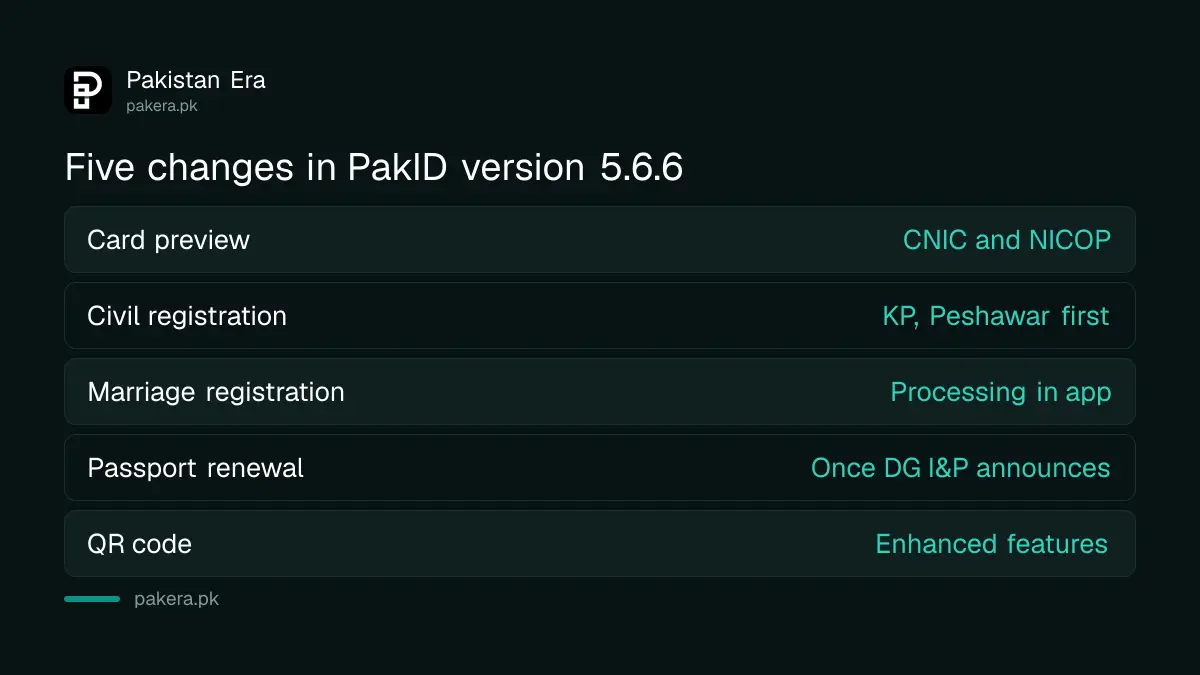
PakID version 5.6.6 listed five new items and bug fixes. The card preview was one of them. The update also added civil registration for Khyber Pakhtunkhwa, marriage registration processing, a passport renewal option and better QR code features.
| Item in NADRA's release notes | What it means for you |
|---|---|
| CNIC/NICOP preview during application processing | You can see your card before you submit |
| Civil registration for Khyber Pakhtunkhwa | Birth, death, marriage and divorce registration in the app, first for District Peshawar only |
| Marriage registration processing | Marriage registration handled in the app |
| Passport renewal application | Listed as available only once the passport department announces it |
| Enhanced QR code features | Changes to QR checks, with no further detail given |
Later updates kept adding services. Version 5.6.9 waived the card delivery fee when a card is delivered at a NADRA centre abroad. Version 5.8.0 added digital IDs for family members. The preview has stayed in the app through those releases, as far as the notes show.
How to preview your CNIC before you submit
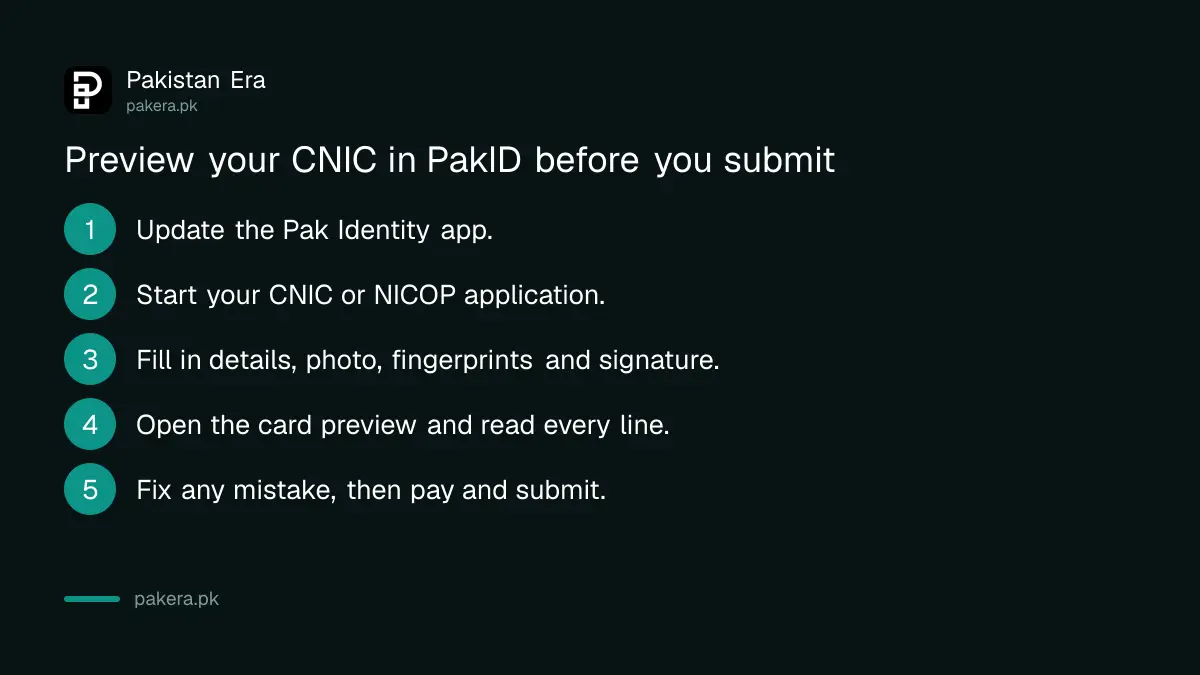
Update PakID, start your CNIC or NICOP application, and fill in every section. Before you submit, open the card preview and read each line. If anything is wrong, go back to that section, correct it, and preview again before you pay and submit.
- Update the Pak Identity app from the Play Store or App Store. The preview arrived in version 5.6.6, so any later version has it.
- Log in. PakID accounts are created with an email address, a mobile number and biometric verification.
- Choose your application: a renewal, a modification, a reprint or a lost card, or one of the NICOP options.
- Fill in your details, take your photograph and fingerprints with the phone camera, sign on the screen and upload any documents asked for.
- Before you submit, open the card preview. Press reports say this is the "View Card" button.
- Read every line on the preview against your documents. If something is wrong, go back to that section, fix it and preview again.
- Submit, pay the fee shown in the app and note your tracking ID.
Once it is in, you can follow the CNIC tracking status with that ID. The fee depends on the card type and how fast you want it, and the NADRA charges for each document differ between normal, urgent and executive service.
What to check on the card preview
Check your name and your father's or husband's name letter by letter, your date of birth, your gender and both addresses. Then look at the photograph.
- Spelling of names. Match your name to your matric certificate or passport, so your documents agree with each other.
- Date of birth. A wrong date is hard to change later and can affect a passport, a pension and exams.
- Addresses. Check the present and permanent addresses, because district records follow them.
- Photograph. Make sure the face is clear, centred and evenly lit before you send it.
The preview shows what you typed. It is not NADRA's final approval. NADRA still checks your application after you submit it, and it can ask for more documents. If your card is close to expiry, it is still worth applying early, as explained for the expired CNIC renewal.
When the app is not the right route
Some cases still need a NADRA centre, for example when fingerprints fail in the app or when the change needs original documents checked in person. In those cases, book a visit and carry your papers. The preview only helps with applications made online.
NADRA lets you book a slot before you go. The steps for a NADRA appointment online are short, and a booked visit saves hours in the queue. PakID version 5.7.6, released on 3 September 2026, also added appointment booking for people whose fingerprint or facial verification fails in the app.
Common questions
Can I see my CNIC before NADRA prints it?
Yes, if you apply in the PakID app. Since version 5.6.6, the app shows a preview of the card before you submit.
When did NADRA add the CNIC preview?
NADRA released PakID version 5.6.6 with the preview on 11 July 2026, according to its App Store release notes.
Does the preview work for NICOP too?
Yes. NADRA's release notes name both the CNIC and the NICOP.
Can I change my details after I see the preview?
Yes, before you submit. Press reports say you can go back to the section and correct it. After submission, a change needs a new application.
Is the preview available on the PakID website?
NADRA's notes mention only the app. We could not confirm whether the website shows the same preview.
How we verified this
What we checked, where we read it, and what we could not confirm.
Last checked on 1 October 2026. The version number, the release date of 11 July 2026, the wording "CNIC/NICOP preview during application processing" and the other changes in that update are read in NADRA's release notes for the Pak Identity app, published by the National Database and Registration Authority. We also read the list of services in the same app listing and the press releases in the NADRA media centre, where we found no release about the preview. The "View Card" button name and the option to go back and correct details are reported in the press and not confirmed by NADRA. We did not submit an application ourselves.
About the author

Public Services and Education Journalist
Fajr Riaz is a journalist and content writer at Pakistan Era, based in Lahore. She covers the questions people meet in everyday life in Pakistan: how a public service works, what a change in the rules means, and where to find a reliable answer.