How to Book a NADRA Appointment Online on the PakID App
Book a NADRA centre appointment in the PakID app, then skip the token queue. The steps, what to bring, and what NADRA has not yet said about fees or walk-ins.
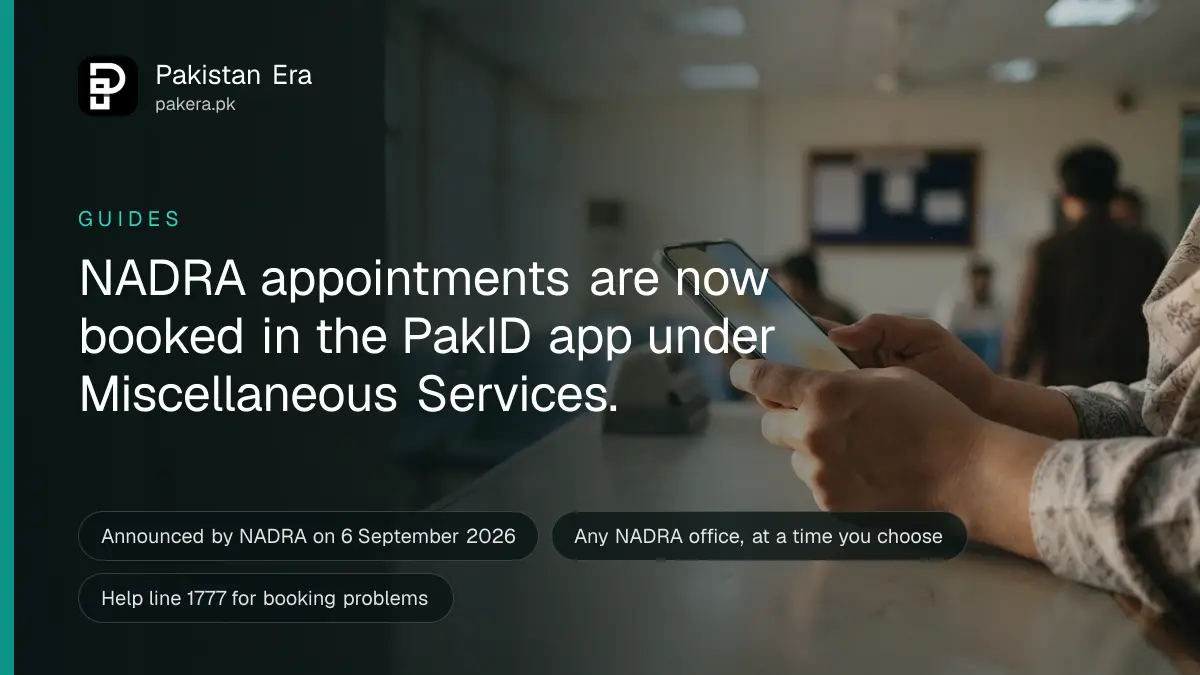
You can now book a NADRA appointment online through the PakID app, then walk into the registration centre at your time instead of waiting in the token queue. Update PakID, log in, and tap "Appointment" on the home screen under NADRA Miscellaneous Services.
NADRA announced the service on its official X account on 6 September 2026. The post says you can book an appointment at any NADRA office, at the time you want, from home. It tells you to arrive a little before the time and get served without waiting for your turn.
We read that post and its graphic, the PakID release notes on Apple's App Store, the PakID page on Google Play and NADRA's own press release list on 26 September 2026. We did not book a test slot. So the booking screens after the "Appointment" button are described from NADRA's announcement, and we say below which parts NADRA has not yet published.
What the NADRA appointment service does
The NADRA appointment service lets you reserve a visit time at a NADRA Registration Centre from your phone. You still go to the centre in person for photos, fingerprints and signatures. The booking only replaces the wait in the queue, not the visit itself.
A NADRA Registration Centre, or NRC, is the office where you apply for a CNIC, a B-Form, a Family Registration Certificate and other identity documents. Without a booking, you take a token at the door and wait for your number to be called.
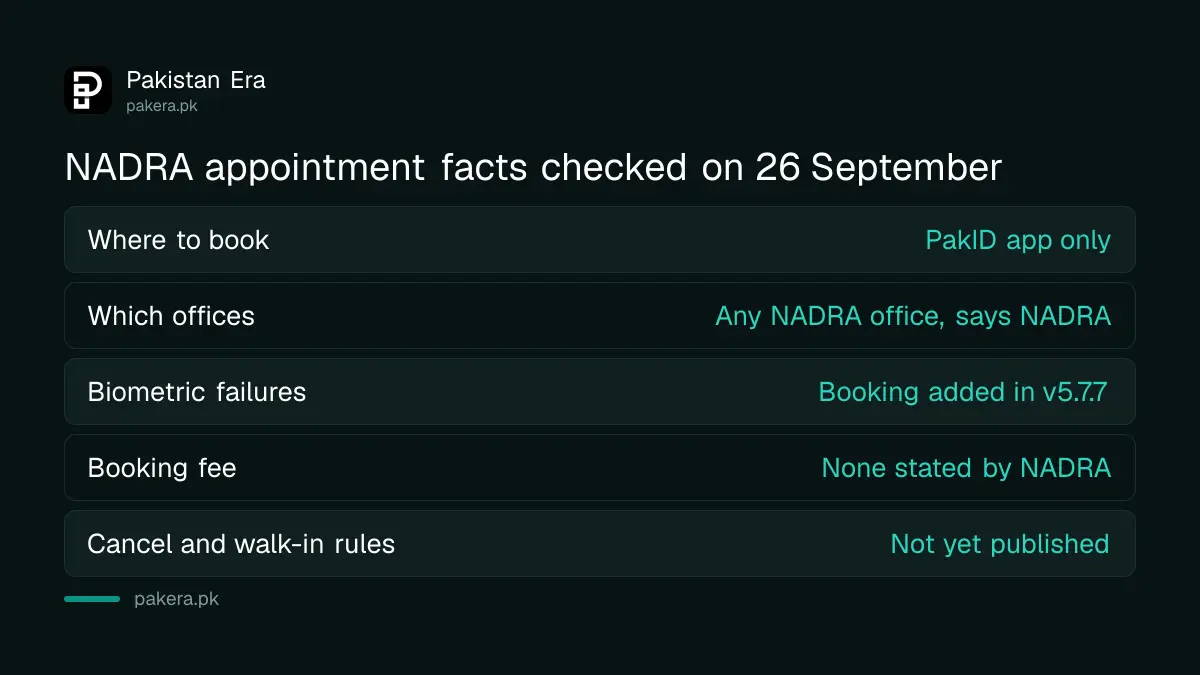
| Question | What we found on 26 September 2026 | Where |
|---|---|---|
| Where to book | PakID app, "Appointment" button on the home screen | NADRA post, 6 September 2026 |
| Which offices | "Any NADRA office", in NADRA's words | NADRA post |
| What to do on the day | Arrive a little before your time | NADRA post |
| Booking after a failed face or fingerprint check | Added in PakID version 5.7.7 | App Store release notes, 11 September |
| Help line | 1777 | NADRA customer support page |
| Fee for booking, cancel rules, walk-in rules | Not published by NADRA | See below |
How to book a NADRA appointment on PakID
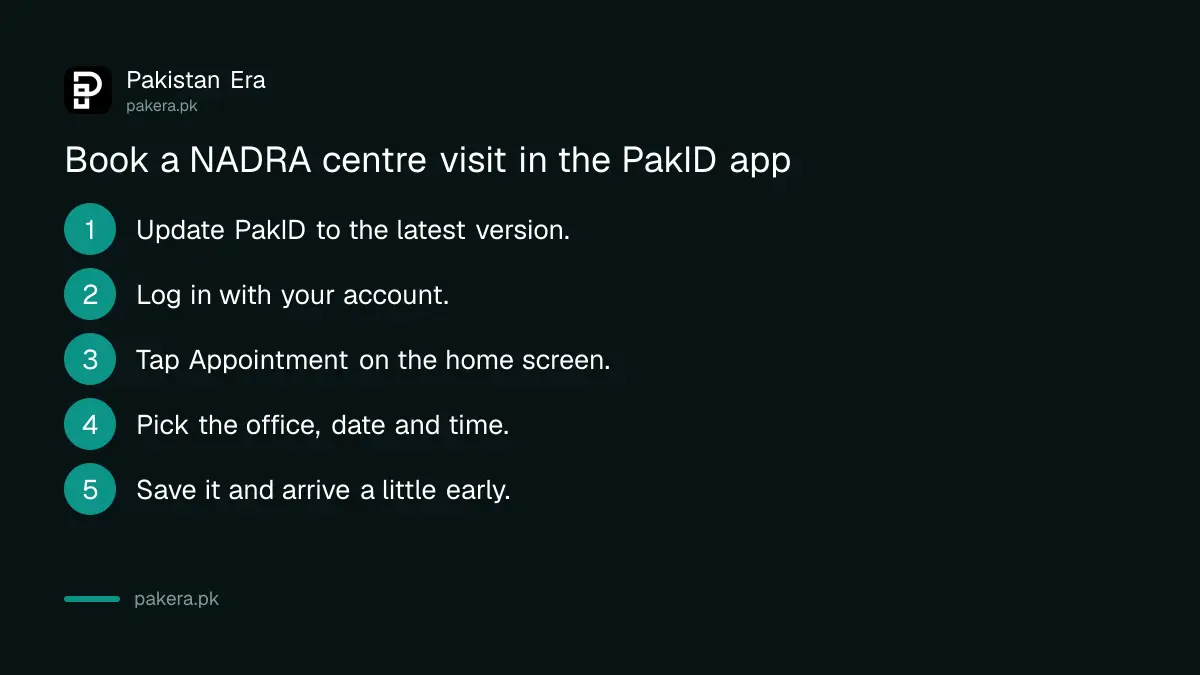
Update the PakID app, log in with your account, and tap "Appointment" under NADRA Miscellaneous Services. Pick the NADRA office and the time you want, save the confirmation, and reach the centre a little early. That is the whole process NADRA has described.
- Update PakID from Google Play or the App Store. The publisher must be "National Database & Registration Authority". The Android version was updated on 23 September 2026 and the current version is 5.8.0.
- Log in. If you have no account, PakID asks for your email, mobile number and a biometric check to create one.
- On the home screen, find the section called NADRA Miscellaneous Services and tap "Appointment". NADRA's own graphic marks this button with a calendar and clock icon.
- Choose the NADRA office and the date and time you want.
- Save or screenshot the confirmation, and arrive a little before your slot.
If you do not see the button, your app is out of date. The feature appeared in NADRA's graphic on a phone running version 5.7.6, so anything older will not show it.
Booking after a failed fingerprint or face check
PakID version 5.7.7 added appointment booking for people whose fingerprint or facial verification failed. This matters for older people and manual workers, whose fingerprints often do not read. You book a centre visit instead of trying again and again at home.
The App Store release note for 11 September 2026 says it in one line: "Appointment Booking, Added appointment booking for Fingerprint/Facial Verification failures." It came with passport reprint and certificate downloads for applications made at NADRA centres.
If your fingerprints keep failing, NADRA also runs facial and iris verification at centres, which does not depend on fingerprints at all. Ask for it at the counter when you arrive.
What to bring to your NADRA appointment
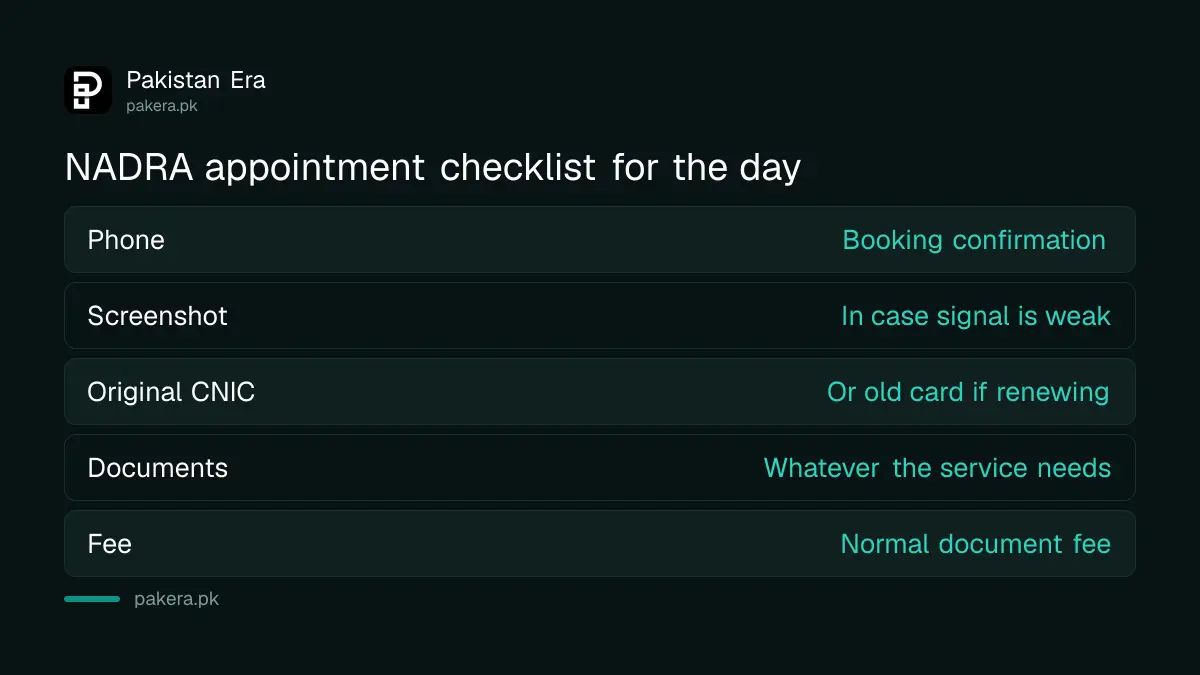
Bring what the service itself needs, because the booking does not change the paperwork. NADRA's announcement lists no extra documents for people with a booking. For a CNIC renewal, the obvious one is your old card.
- Your phone with the confirmation, and a screenshot in case the signal is weak inside the building.
- Your original CNIC, or your old card if you are renewing.
- Supporting documents for the service, such as a birth certificate, a marriage certificate or a family member's CNIC.
- The document fee, which is separate from the booking. Current rates are in the NADRA fees for every document.
What NADRA has not published yet
NADRA has not published a fee for booking, a list of centres, rules for changing or cancelling a slot, or what happens to people who walk in without one. Its press release list shows no release on appointments as of 26 September 2026, so these points are still open.
Here is where each open question stands:
- Fee: NADRA's post mentions no charge for booking, and we found none. You still pay the normal fee for the document itself.
- Which centres: NADRA's post says "any NADRA office". Reports differ. One earlier report said the first phase covered 43 centres. Check the list of offices inside the app before you travel.
- Changing or cancelling: NADRA has not said how. If you cannot make it, check the app for the option, or call 1777.
- Walk-ins: Nothing NADRA has published says walk-ins have ended in Pakistan. The post presents booking as a way to skip the queue, which means the queue is still there.
Overseas is different. The Pakistan Consulate in Jeddah runs its own booking website for NADRA and passport visits, separate from PakID.
After your visit, track the application
Once the centre takes your application, you get a receipt with a tracking ID. Send that number by SMS to 8400, or open the tracking option in PakID. The appointment only covers the visit, so track the card like any other application.
Keep the receipt safe until the card is in your hand. The steps for tracking a NADRA application by SMS also explain what each status message means.
For a problem with the booking itself, such as a slot that disappears or a centre that will not honour it, NADRA's help line is 1777. You can also file a complaint on NADRA's complaint portal, complaints.nadra.gov.pk, and keep the complaint number.
Common questions
Is NADRA appointment booking free?
NADRA's announcement mentions no booking fee and we found none. You still pay the normal NADRA fee for the CNIC, B-Form or other document you apply for.
Can I book a NADRA appointment on the website?
NADRA has announced booking only in the PakID mobile app. The Pakistan Consulate in Jeddah has a separate booking website for its own counters.
Where is the appointment option in PakID?
On the home screen, under NADRA Miscellaneous Services, marked "Appointment". Update the app first if you cannot see it.
Can I still go to a NADRA centre without an appointment?
NADRA has not said walk-ins have ended at centres in Pakistan. Booking is presented as a way to avoid the queue, not as a rule.
What if my fingerprints fail in the app?
PakID version 5.7.7 lets you book a centre appointment when fingerprint or face verification fails. At the centre, you can ask for facial or iris verification.
How do I cancel a NADRA appointment?
NADRA has not published how. Look for the option in the app, or call NADRA's help line on 1777.
How we verified this
What we checked, where we read it, and what we could not confirm.
Last checked on 26 September 2026. The booking service, the "Appointment" button under NADRA Miscellaneous Services, "any NADRA office" and the advice to arrive a little early are read in NADRA's post on its official X account, @NadraPak, dated 6 September 2026, and its graphic. Appointment booking for fingerprint and face verification failures is read in the PakID version history on Apple's App Store, version 5.7.7, 11 September 2026. The current version 5.8.0 and the 23 September 2026 update date are read on the PakID Google Play page. The 1777 help line and the complaint portal are read on NADRA's customer support page. NADRA's media release list, checked the same day, has no release on appointments. We did not book a slot. The 43 centre figure is reported and not confirmed by NADRA.
About the author

Public Services and Education Journalist
Fajr Riaz is a journalist and content writer at Pakistan Era, based in Lahore. She covers the questions people meet in everyday life in Pakistan: how a public service works, what a change in the rules means, and where to find a reliable answer.