How to Cancel a Nayatel Connection and Get Your Deposit and ONT Refund
Cancel a Nayatel connection: 30 days' written notice from your registered email, deposit and unused charges refunded in 7 working days, ONT buyback rules.
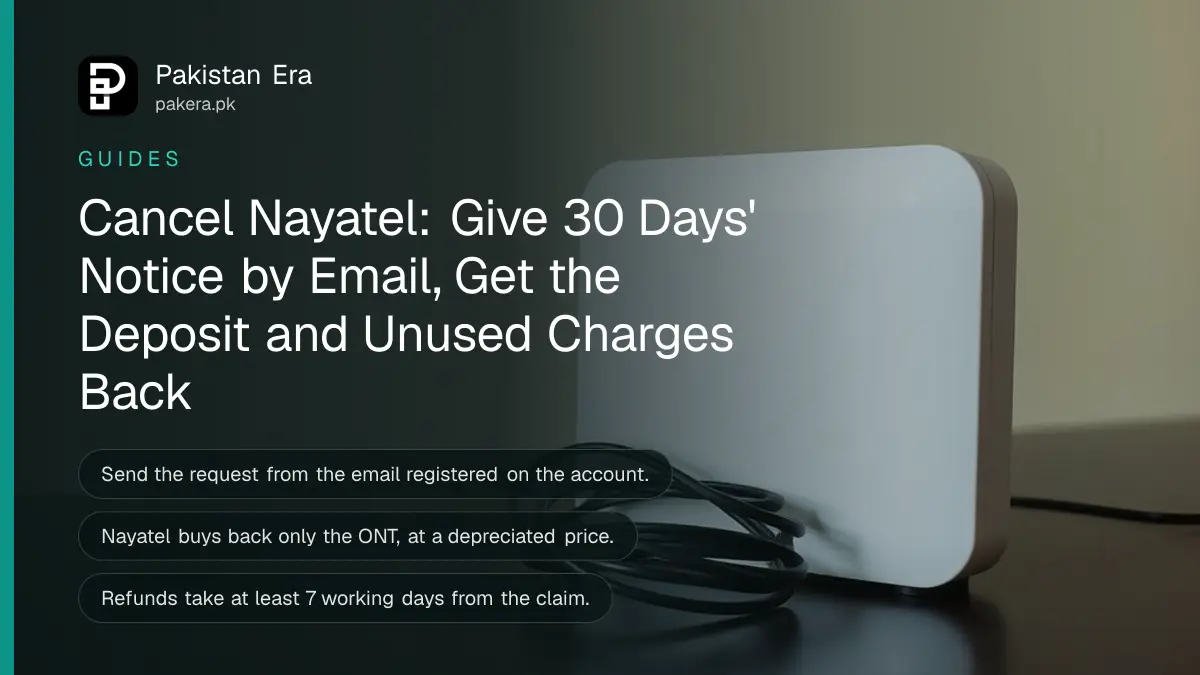
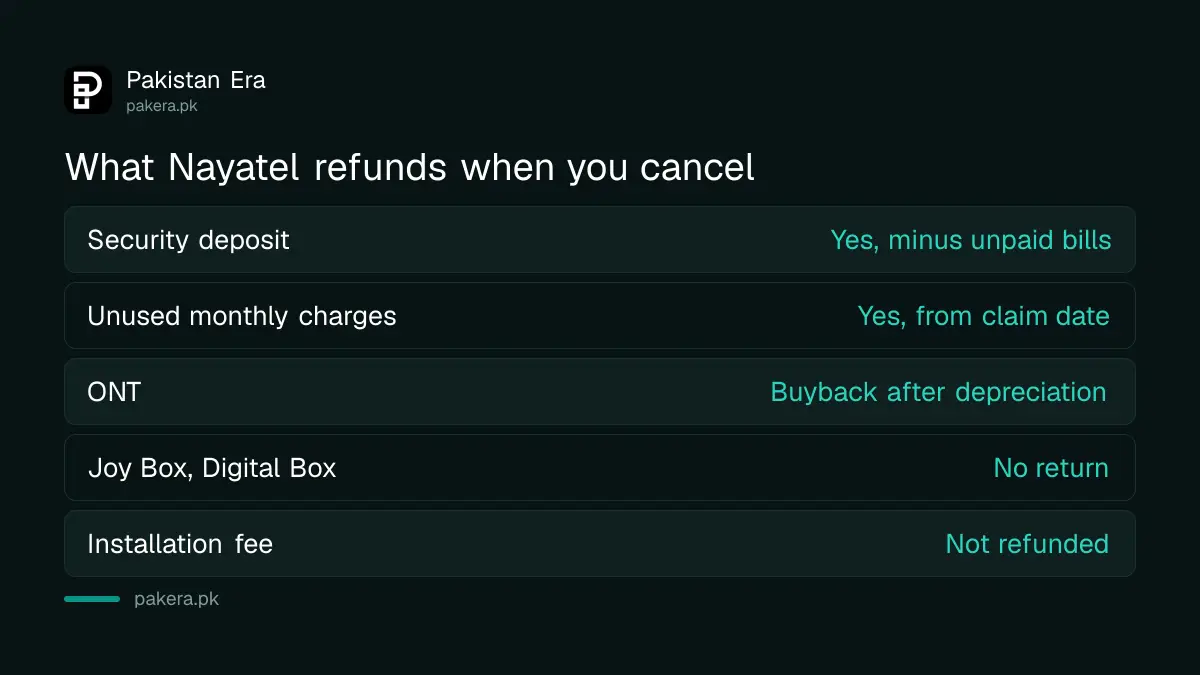
To cancel a Nayatel connection, send a written disconnection request from your registered email to billing@nayatel.com, or call 1441 and press 3 for billing, at least 30 days before you want the service to stop. Nayatel then refunds the unused part of your monthly charges and your security deposit, minus any unpaid bills. It buys back the ONT at a depreciated price, and nothing else.
The refund takes at least 7 working days from the date you claim it. Installation and setup fees are never refunded. The table sums up what you get back and what you do not.
| Item | Refunded when you cancel? |
|---|---|
| Security deposit (one month of plan) | Yes, or set against unpaid bills |
| Unused monthly charges | Yes, for the time or data left from the claim date |
| ONT (fibre modem) | Buyback at a depreciated price, if it works |
| Joy Box, Digital Box, extra routers | No buyback, no return |
| Installation and setup fee | No |
| Leaving in the first month | You pay 30 days of service |
Give Nayatel 30 days' written notice
Nayatel's agreement renews itself every month unless you tell it in writing. To claim a refund, the terms ask for 30 days' prior notice. Send it from the email or mobile number registered on the account, because Nayatel ignores requests from any other contact.
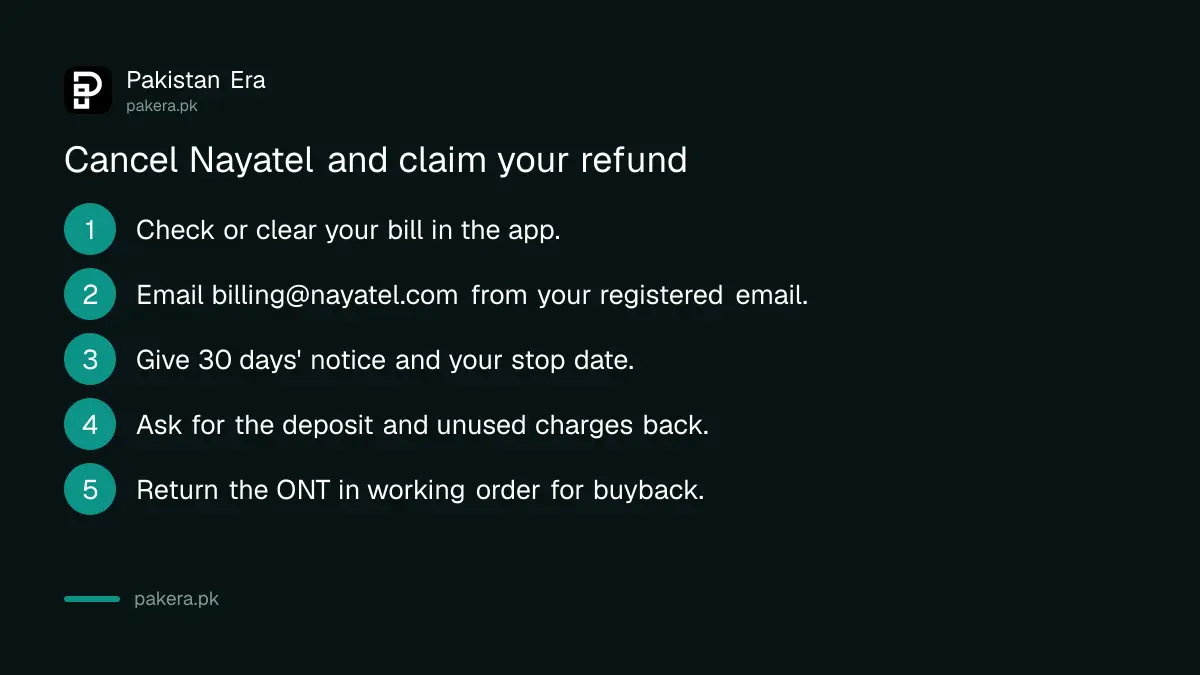
- Clear or check your current bill in the My Nayatel app.
- Write to billing@nayatel.com from your registered email. Give your customer ID, name, address, and the date you want the service to stop.
- Ask in the same email for the refund of your security deposit and unused charges, and say whether you want to sell the ONT back.
- Give the account number or wallet where the refund should go.
- Call 1441 and press 3 if you get no reply within a few working days. Billing works 9 am to 8 pm every day, with a Friday break from 1 pm to 2 pm.
- Keep the reply. It is your proof of the notice date.
If you are moving within Nayatel's area, ask sales on 1441 Ext 2 about shifting first. Cancelling and signing up again means paying installation a second time.
What Nayatel refunds and how it is worked out
Nayatel refunds the monthly charges for the time or data you have not used, counted from the date you file the claim. It also returns the security deposit, which equals one month of your plan, after taking out any unpaid bills. The setup and installation fee stays with Nayatel.
Because Nayatel bills in advance, a mid-month cancellation usually leaves some unused days. Here is an example with our own round figures, not a Nayatel quote. A plan of Rs 3,000 a month, cancelled with 10 days left in a 30-day month, leaves about Rs 1,000 of unused charges. Add the Rs 3,000 deposit, and the refund is about Rs 4,000 before taxes, if nothing is owed.
The minimum refund time is 7 working days from your claim. If you leave in the first month of a new connection, you are billed for 30 days of service, so cancelling in week one does not save the month.
ONT buyback and other hardware
Nayatel buys back only the ONT, the fibre modem. The price is the tax-free hardware price minus depreciation for the time you were a customer, and only if the ONT is in proper working order. Joy Box, Digital Box and any other hardware have no buyback or return.
So the longer you have had the ONT, the less you get. Return it with its power adapter, in working condition. Nayatel decides the condition at the time of the refund, and the general sales tax paid on the hardware is taken out before the payback is worked out.
If you bought the ONT on instalments, you gave Nayatel an undated cheque for the full hardware price as security. Ask for that cheque back once the hardware balance is settled. For a TV box on an instalment plan under one year, Nayatel returns the security cheque after the last instalment.
Unpaid bills, locked accounts and long breaks
If you stop paying instead of cancelling, Nayatel can block the service without notice, and a locked account gets no bill adjustment. An account closed for more than three months can be terminated. Unpaid hardware instalments can be demanded in full within three days.
That route costs more than a proper cancellation. Nayatel can take back the hardware, charge Rs 500 plus bank charges for a bounced cheque, and recover its costs. The deposit then goes towards what you owe, not back to you.
- A static IP on the account can change if the account is reactivated later.
- A Nayatel landline number left unused for six months can be given to someone else.
- Nayatel's cable outside your house stays its property after you leave.
When the refund does not arrive
Chase billing first by email, quoting your notice date and customer ID. If Nayatel still does not pay, file a complaint with the PTA, which licenses Nayatel. Attach your notice email and Nayatel's reply.
| Problem | Fix |
|---|---|
| No reply to the cancellation email | Call 1441 Ext 3 and ask for a ticket number |
| Still billed after the stop date | Email billing with your notice date and ask for a corrected bill |
| Deposit not returned | Ask for a written statement of dues set against it |
| ONT buyback seems too low | Ask how many months of depreciation were applied |
| Refund overdue | Complain to the PTA with your emails attached |
Your rights under the PTA home internet contract explains the PTA route step by step. For other Nayatel numbers and offices, see the Nayatel helpline 1441 and offices. Leaving StormFiber too? Cancelling StormFiber and returning the ONT has its rules.
Common questions
How do I permanently disconnect my Nayatel connection?
Email billing@nayatel.com from your registered email with your customer ID and stop date, at least 30 days ahead, or call 1441 and press 3.
Does Nayatel refund the security deposit?
Yes. The deposit, equal to one month of your plan, is refunded or adjusted against unpaid bills when the service agreement ends.
Will Nayatel buy back my ONT?
Yes, the ONT is the only hardware Nayatel buys back. The price is worked out after depreciation for your time as a customer, and the ONT must work.
How long does a Nayatel refund take?
Nayatel's terms set a minimum of 7 working days from the date you file the refund claim.
Can I cancel Nayatel in the first month?
Yes, but the minimum term is one month, so you pay 30 days of service even if you cancel earlier.
Can someone else cancel my Nayatel connection?
Nayatel acts only on requests from the registered email or mobile number. A family member must use that email or number.
How we verified this
What we checked and where we read it.
Last checked 24 November 2026. Notice, refunds, the deposit, ONT buyback, hardware returns, the minimum term and the default rules come from Nayatel's terms and conditions, including its installation agreement terms. The billing email, extension and hours come from Nayatel's contact page. The refund example uses our own round figures to show the method. Nayatel's terms do not name a disconnection form, so this page uses the billing email and extension it publishes.
Free on WhatsApp
Get last dates and rule changes on WhatsApp
We post new last dates, fee changes and fixes for common problems, a few short posts a day.
Follow Pakera on WhatsAppOther followers cannot see your number.
Pakera Solves It
Which online process wasted your time this week?
A portal that will not load, a form nobody explains, a complaint that went nowhere. Tell us. Every week we pick one, solve it step by step and publish the answer.
About the author

Technology Journalist & Multimedia Producer
Ahmad Ali is a technology journalist and multimedia producer at Pakistan Era, joining the team in October 2026. He covers consumer technology and digital life for Pakistani readers, combining research with hands-on product testing.