Nayatel Internet Not Working: Red LOS Light, No Light and Other ONT Fixes
Nayatel internet not working? A blinking red LOS light needs a technician. Fixes for no light, power cuts and drops, plus 24/7 complaint routes and wait times.
A blinking red LOS light on a Nayatel ONT means the fibre line to your home is disturbed, and Nayatel's own FAQ says only a visit by its team can fix it. Report it at once on WhatsApp +92 51 111 11 44 44, by SMS to 8116, or on 1441 Ext 1, which is open 24 hours.
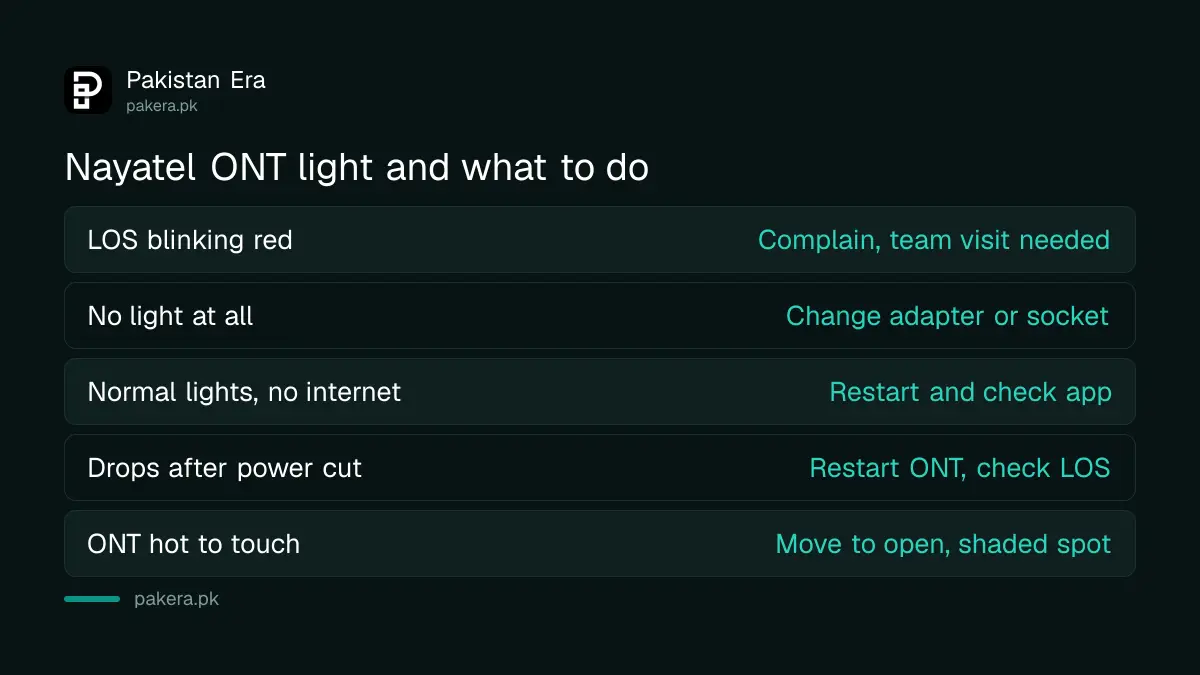
Most other faults are yours to fix in five minutes. No light at all points to power. Lights that look normal with no internet point to the router, the Wi-Fi or a planned maintenance job. The table below sorts each case.
| What you see on the ONT | What it means | What to do |
|---|---|---|
| LOS light blinking red | The fibre link is disturbed | Complain at once; a technician visit is needed |
| No light at all | The ONT has no power | Change the adapter or the wall socket |
| Normal lights, no internet | Router, Wi-Fi or maintenance | Restart, check cables, check the My Nayatel app |
| Internet drops after a power cut | Settings disturbed by the outage | Restart the ONT and router, then check LOS |
| ONT hot to touch | Poor air flow | Move it out of cabinets and direct sun |
A red blinking LOS light needs a Nayatel technician
LOS stands for loss of signal. When it blinks red, light is not reaching your ONT through the fibre cable, so no restart or setting will bring the internet back. Nayatel's FAQ says a visit by its team is required, so the only useful step is a complaint.
The ONT (optical network terminal) is the fibre box Nayatel installs in your home. The fibre cable that enters it is thin and breaks easily. A door shut on it, a tight bend behind furniture or work on the street outside can all cut the signal.
Before you complain, look along the cable you can see inside the house. If it is bent sharply or crushed, tell the support team. Do not pull it, twist it or open the connector yourself. A damaged fibre end makes the repair longer.
No light at all usually means a power problem
An ONT with every light off is not getting power. Nayatel's FAQ blames a loose power connection in most cases and tells you to try a different adapter or a different socket. If the lights still stay off, ask support to send a team.
Check three things in this order. First, the plug is pushed fully into the wall and the switch is on. Second, the adapter's small pin is firmly in the back of the ONT. Third, the ONT works from another socket, ideally one that is not on the UPS line if your UPS is weak or overloaded.
If you use the same adapter on a UPS for hours each day during load shedding, an unstable supply can trip it. Keep the original Nayatel adapter. A random adapter with the wrong voltage can damage the ONT.
Restart, check cables and check for maintenance when the lights look normal
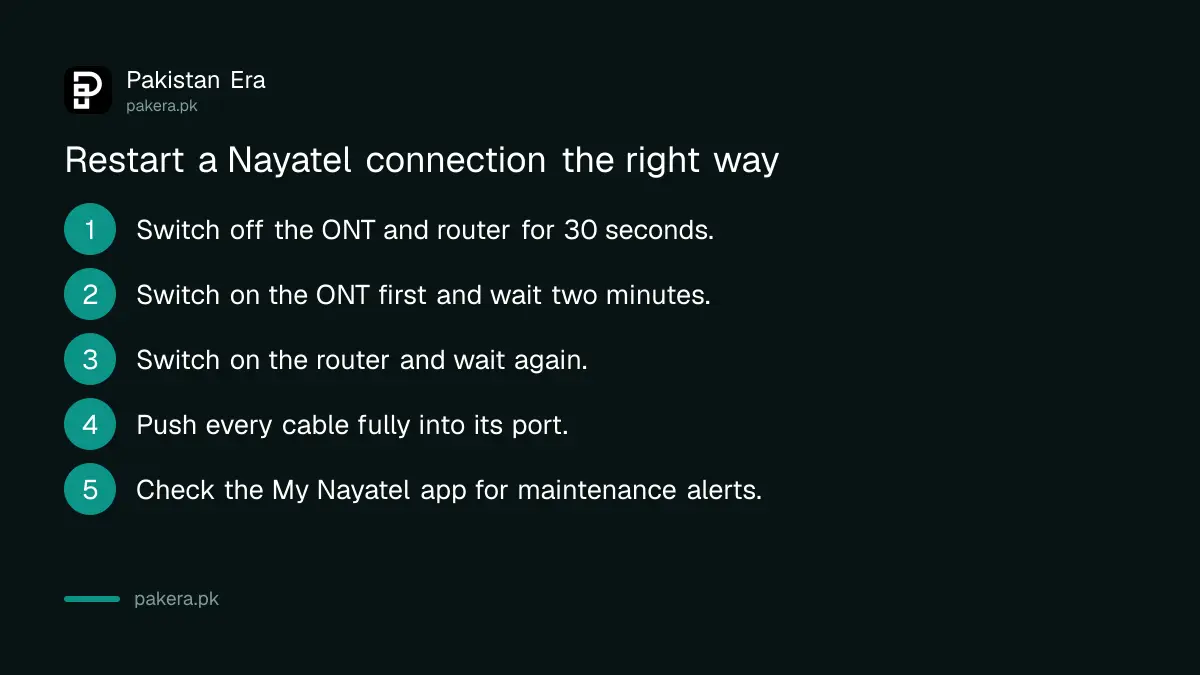
If the LOS light is not red and the box has power, the fault is usually inside your home or a planned job on Nayatel's side. Restart the ONT and router, push every cable in firmly, then open the My Nayatel app to check for outages or maintenance.
- Switch off the ONT and any separate router. Wait about 30 seconds.
- Switch on the ONT first. Give it two to three minutes to settle.
- Switch on the router, if you have one, and wait again.
- Check that each cable is pushed fully into its port.
- Test on one phone or laptop close to the ONT.
- Open the My Nayatel app and look for an outage or maintenance alert.
Nayatel says some maintenance work cuts service for a short time while the network is upgraded. The bell icon at the top right of the My Nayatel app shows service alerts and a history of when your ONT went offline, with the time of each event.
If only some devices are slow, the line is probably fine. Nayatel's FAQ says the 2.4 GHz Wi-Fi band limits speed to about 40 Mbps, so use the 5 GHz network for fast plans. For a wider view of outages across providers, see the checks for home internet that is down today. If a neighbour may be using your WiFi, change the Nayatel WiFi password in the My Nayatel app and check the connected devices.
Log a technical complaint in the app, on WhatsApp or by phone
The quickest route is the My Nayatel app: Support, then Requirements/Complaints, then Technical. You can also send the fault on WhatsApp to +92 51 111 11 44 44, by SMS to 8116, or call 1441 and press 1 for technical support, which runs 24 hours.
| Channel | Details | Hours |
|---|---|---|
| My Nayatel app | Support, Requirements/Complaints, Technical | Any time |
| +92 51 111 11 44 44 | Any time | |
| SMS | 8116 | Any time |
| Phone | 1441, Ext 1 for technical | 24/7 |
| support@nayatel.com | Any time |
Say exactly which light you see: "LOS blinking red" or "no lights at all". That sends the right team and skips a round of basic questions. Note the complaint number. The app's complaint history lists your active and closed complaints, so you can follow it without calling. Every other number and office is in the Nayatel helpline guide.
Nayatel aims to respond in 45 minutes and send a team in 6 to 8 working hours
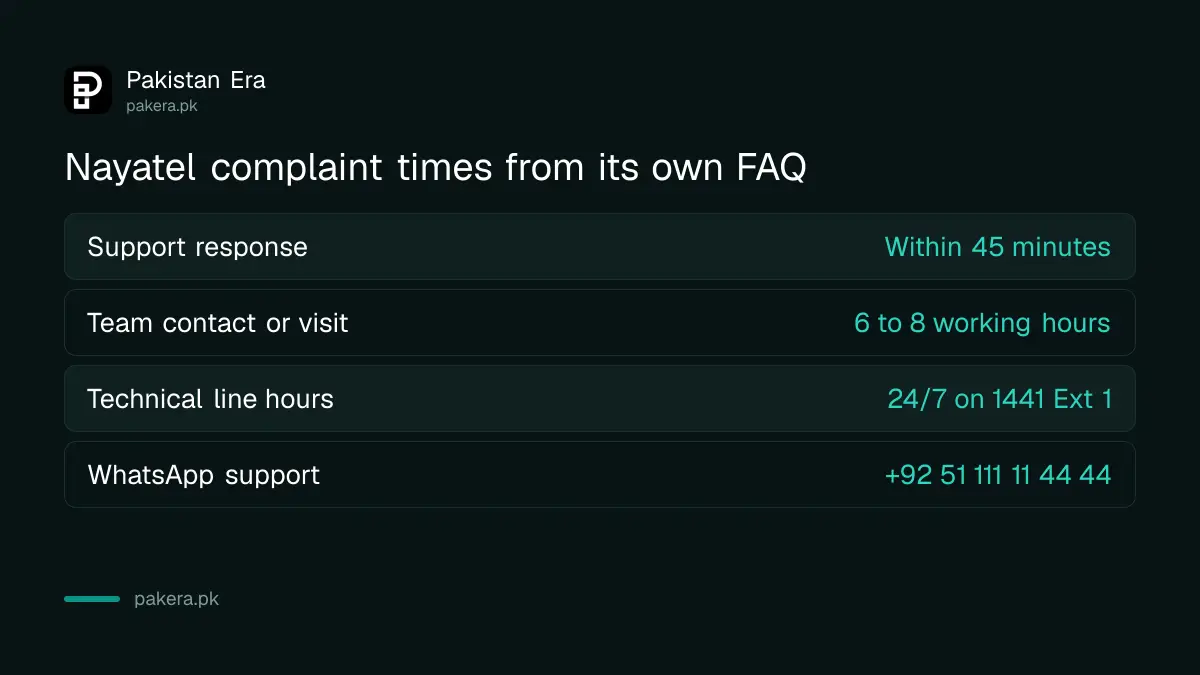
Nayatel's FAQ says its support staff are trained to respond within 45 minutes. For a visit, it gives an expected 6 to 8 working hours after the complaint is launched, because teams work through earlier appointments first. A red LOS fault usually needs that visit.
If a team does not come in that window, follow up on the same complaint number, so the history stays in one place. Keep a note of each date and time you contacted Nayatel.
An old ONT can also cause repeated drops. Nayatel says ONTs lose performance after many years and offers replacement at a discount for customers with old units. Ask support about it if your box is more than five years old.
Take an unresolved fault to PTA after Nayatel
If the internet stays down and Nayatel does not fix it, file a complaint with the Pakistan Telecommunication Authority. PTA expects you to complain to the provider first, so keep your Nayatel complaint number ready. Use PTA's Complaint Management System or its helpline 0800-55055.
Never share your account password, CNIC photo or bank details with anyone who calls claiming to be a Nayatel technician. Nayatel's real teams can see your account already. If you pay a monthly bill for days without service, ask the billing team (1441 Ext 3) about the downtime. Your rights as a home internet customer are set out in the PTA standard contract for internet providers.
Common questions
What does the red light on a Nayatel ONT mean?
A blinking red LOS light means the fibre signal to your home is disturbed. A Nayatel team has to visit to fix it, so register a complaint.
Why is there no light on my Nayatel ONT?
The ONT is not getting power. Try another adapter or socket. If the lights stay off, contact Nayatel support.
Is Nayatel technical support open 24 hours?
Yes. The technical line, 1441 Ext 1, runs 24/7. WhatsApp, SMS and the app accept complaints at any time.
How long does Nayatel take to fix a complaint?
Nayatel says staff respond within 45 minutes, and a team should contact you within 6 to 8 working hours of the complaint.
Does rain affect Nayatel fibre internet?
Nayatel says fibre does not degrade in bad weather, though some satellite-fed TV channels can. If the internet drops in rain, complain as normal.
How can I see when my Nayatel internet went down?
Tap the bell icon at the top right of the My Nayatel app. It shows alerts and a history of when your ONT went offline.
How we verified this
What we checked and where we read it.
Last checked 21 November 2026. We went through Nayatel's FAQ page for the meaning of the LOS light, the no-light, power outage, overheating, maintenance and weather answers, the 45 minute and 6 to 8 working hour figures, the app paths and the ONT replacement offer. The 24/7 technical line, extensions, WhatsApp, SMS and email come from Nayatel's contact page. The PTA helpline and Complaint Management System link come from PTA's website. Two small oddities: Nayatel's FAQ answers are written for its current dual-band ONTs, and its technical hours on the contact page say 24/7 but also list a Friday break, so use WhatsApp or the app if the line does not answer at Friday prayer time.
About the author

Lifestyle & Clothing Writer
Mahnoor Siddiqui is a lifestyle and clothing writer at Pakistan Era, joining the new lifestyle desk in November 2026.