Ufone Internet Settings: APN ufone.pinternet for Prepaid and Ufone.internet for Postpay
Ufone internet settings: APN ufone.pinternet for prepaid and Ufone.internet for Postpay, steps for Android and iPhone, roaming code *506# and VoLTE fixes.
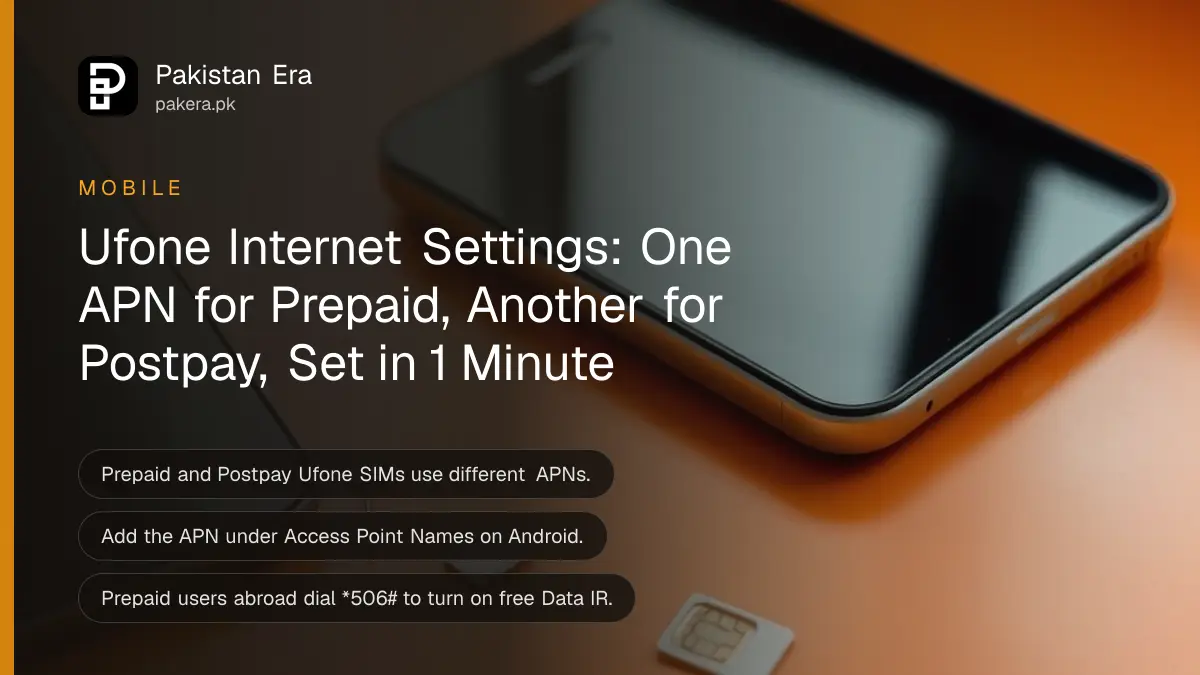
The Ufone APN is ufone.pinternet for prepaid SIMs and Ufone.internet for postpaid (Postpay) SIMs. Add it on Android under Settings, Mobile networks, Access Point Names, or on iPhone under Settings, Mobile Data, Mobile Data Network. Leave the other fields as they are, save, select the new APN and restart the phone.
Ufone internet settings matter most when you move a SIM to a new phone, reset a phone, or use an imported handset that does not set itself up. Ufone lists both APNs on its own troubleshooting page. Use the wrong one, prepaid on a Postpay SIM or the other way round, and mobile data may connect but not load anything.
The Ufone APN for prepaid and Postpay SIMs
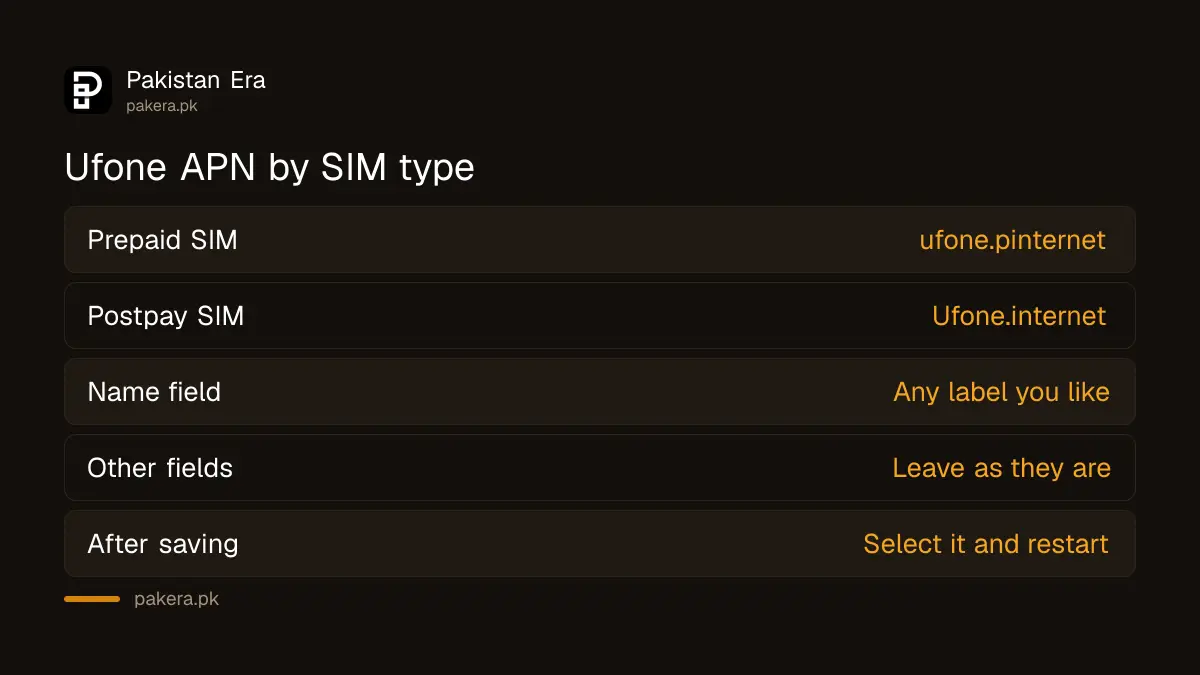
Ufone gives two APNs: ufone.pinternet for prepaid customers and Ufone.internet for Postpay customers. These are the same values Ufone tells travellers to check for data roaming. Most phones pick the right one automatically when the SIM goes in; you only type it in when they do not.
| SIM type | APN to enter | Typical name |
|---|---|---|
| Ufone prepaid | ufone.pinternet | Ufone Internet |
| Ufone Postpay | Ufone.internet | Ufone Postpay |
The "Name" field is only a label you see on your phone. Type anything you will recognise. The APN field is the one that has to match exactly, with the full stop in the middle.
How to add the Ufone APN on an Android phone
On most Android phones, open Settings, then Mobile networks or SIM settings, then Access Point Names, and tap Add or the plus sign. Enter a name and the Ufone APN, save it from the three-dot menu, and tap the new entry so its circle is selected.
- Open Settings.
- Go to Connections or Network and internet, then Mobile networks (on dual SIM phones, choose the Ufone SIM).
- Tap Access Point Names.
- Tap Add or the + sign.
- In Name, type Ufone Internet.
- In APN, type ufone.pinternet (prepaid) or Ufone.internet (Postpay).
- Open the three-dot menu and tap Save.
- Select the new APN, then turn mobile data off and on, or restart the phone.
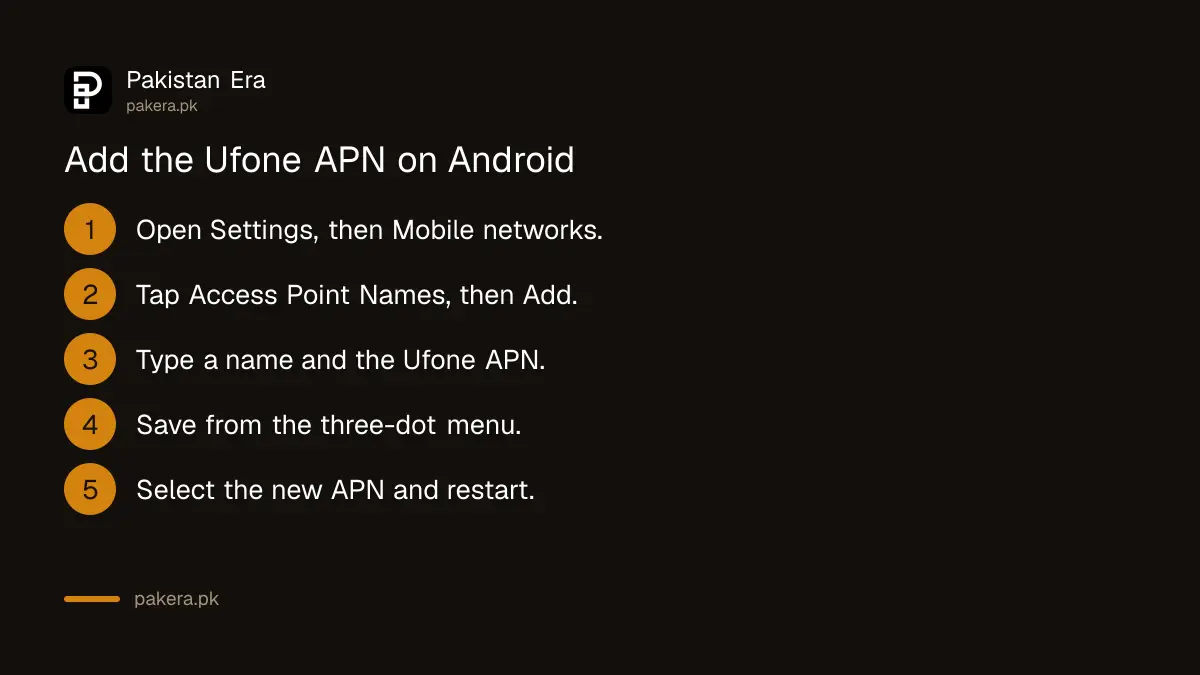
Menu names change by brand. Samsung uses Connections, then Mobile networks. Xiaomi, Infinix and Tecno phones usually put it under SIM cards and mobile networks. The Access Point Names screen looks the same on all of them.
How to add the Ufone APN on an iPhone
On an iPhone, go to Settings, Mobile Data (Cellular on some models), Mobile Data Network, and type the Ufone APN in the Mobile Data section. If you do not see Mobile Data Network, the phone is using settings it received for the SIM, and you can leave them alone.
- Open Settings, then Mobile Data.
- With two SIMs, tap the Ufone line first.
- Tap Mobile Data Network.
- Under Mobile Data, type ufone.pinternet (prepaid) or Ufone.internet (Postpay) in the APN box.
- Go back and restart the iPhone.
The iPhone saves as you leave the screen. If data still does not work, Reset Settings on that screen puts the APN back to the default for your SIM.
Ufone internet still not working: check these first
An APN only fixes one problem. If Ufone data still fails, check that you have an active internet bundle or balance, that the phone is set to automatic network selection, that 4G is turned on, and that the SIM sits properly. Ufone's own troubleshooting list starts with the same checks.
- No bundle or balance: data needs an active package or enough balance. Ufone's codes for checking remaining MBs are in the Ufone codes list.
- Network selection: set the phone to Automatic network selection, as Ufone advises.
- Restart and reinsert: take out the SIM, put it back and restart. Ufone says this refreshes network registration.
- No 4G signal: check your area on the Ufone coverage map before blaming the settings.
- Old 3G SIM: an old SIM may need a swap to a 4G SIM. Here is how to check if your SIM is 4G and VoLTE.
- Phone not registered: a non-PTA-registered phone loses service after its grace period, whatever the APN.
Still stuck? Call Ufone on 333 from a Ufone number, or 033-11-333-100 from any phone, or email customercare@ufone.com.
Ufone internet settings abroad and VoLTE
Abroad, Ufone prepaid users first activate the free Data IR service by dialling *506#, and check the same APN. For calls, Ufone's VoLTE works automatically on a VoLTE phone with a 4G SIM, once VoLTE is switched on in the phone's settings.
| Situation | What Ufone says to do |
|---|---|
| Data roaming, prepaid | Dial *506# to activate Data IR, free of charge |
| Data roaming, any SIM | Check the APN: ufone.pinternet prepaid, Ufone.internet Postpay |
| Handset abroad | Check the phone supports the bands used in that country |
| VoLTE at home | Turn it on under Settings, Mobile Networks, VoLTE |
| VoLTE roaming | Currently the USA; keep VoLTE on for calls |
VoLTE falls back to 2G or 3G when 4G is not available, according to Ufone. More roaming fixes are in roaming not working abroad, and for calls over WiFi at home, see Ufone WiFi calling.
Common questions about Ufone internet settings
What is the Ufone APN for prepaid?
ufone.pinternet. Ufone lists it as the internet APN for prepaid customers.
What is the Ufone APN for Postpay?
Ufone.internet. Use it only on a Ufone Postpay SIM.
Do I need to change the APN after inserting a Ufone SIM?
Usually not. Most phones set it up automatically. Add it by hand only if mobile data connects but nothing loads.
How do I turn on Ufone VoLTE?
Use a VoLTE-supported phone with a Ufone 4G SIM and switch on VoLTE under Settings, Mobile Networks. Ufone enables it from the network side.
How do I activate Ufone data roaming?
Prepaid customers dial *506# to activate the Data IR service, which Ufone says is free. Then check the APN.
What is the Ufone helpline for internet problems?
Dial 333 from a Ufone number, or 033-11-333-100 from another phone. You can also email customercare@ufone.com.
How we verified this
What we checked and where we read it.
Last checked 17 November 2026. The prepaid and Postpay APNs, the *506# Data IR code and the troubleshooting checks come from Ufone's Trouble-Shooting page, where they appear under data roaming. VoLTE rules come from the Ufone VoLTE page and its FAQs. The helpline numbers and email come from the footer of ufone.com. Android and iPhone menu paths are the standard paths on current phones and differ a little by brand.
About the author

Global Affairs & Political Economy Writer
Muhammad Hatim is a book lover who started writing because he enjoys it. At Pakistan Era he writes about international relations, geopolitics and the global economy, with a particular interest in South Asia and the forces behind current events.