Ufone Coverage Map: Check 4G, 3G and 5G in Your Area in Pakistan, Plus the *4# Code
Check Ufone coverage in your area on the ufone.com map with 4G, 3G and 5G tabs, or dial *4# for 4G and *3344# for 3G. Ufone 5G is mapped in 7 places so far.
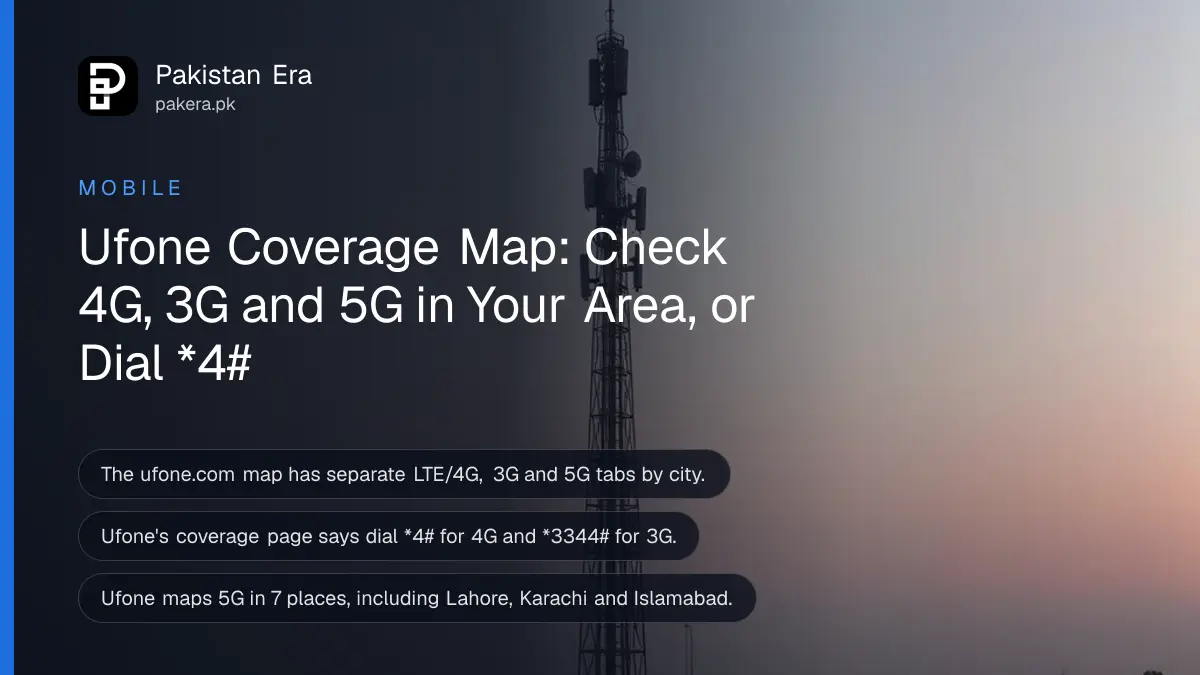
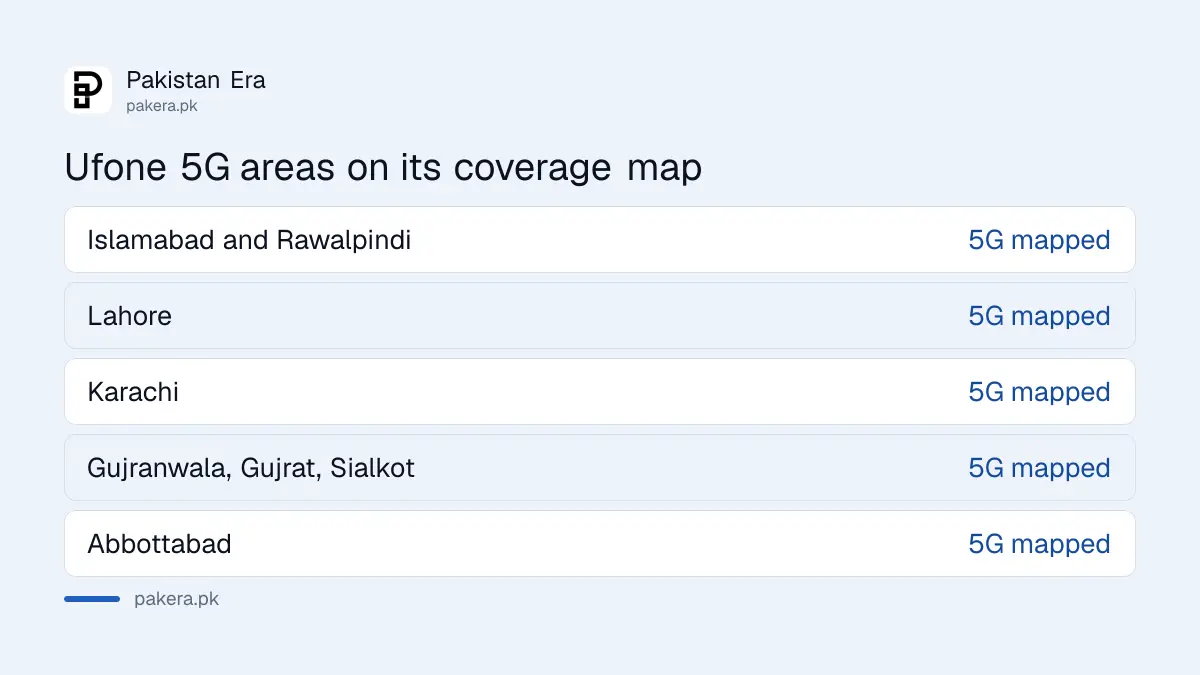
To check Ufone coverage in your area, open the Coverage Map on ufone.com (Support, then Coverage Map), pick your city, and switch between the LTE/4G, 3G and 5G tabs. From your phone, dial *4# to check 4G service in your area and *3344# for 3G. Ufone's 5G map covers 7 places: Islamabad and Rawalpindi, Lahore, Karachi, Abbottabad, Gujranwala, Gujrat and Sialkot.
We opened Ufone's coverage page, ufone.com/selfcare/app/support/coverage.php, on 12 November 2026 and read how it works. The map itself is drawn by Google Maps in your browser from Ufone's own coverage files. Below is what each part of the page does, what the codes do, and why the map can say "covered" when your phone shows one bar.
Ufone's coverage map has three tabs: 4G, 3G and 5G
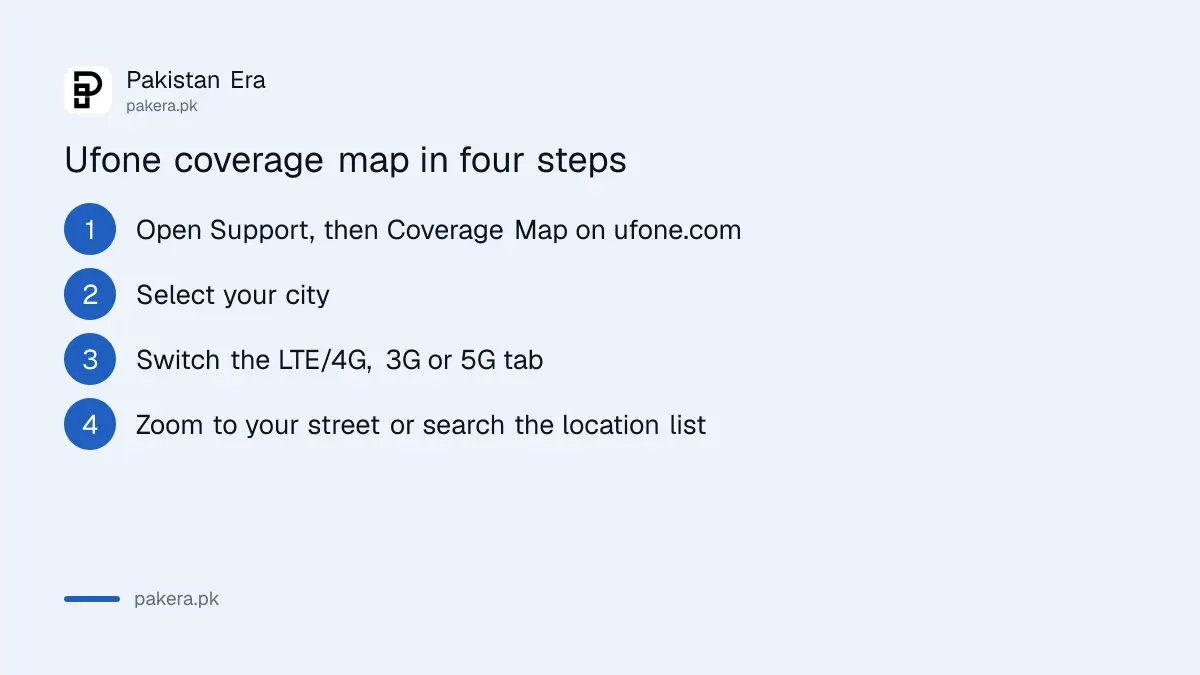
The page has a "Select City" drop down and three switches: LTE/4G, 3G and 5G. Under the map there is a "Coverage Locations" list you can filter by the first letter, from A to Z. Each row gives a location and its city.
- Go to ufone.com, open Support, then Coverage Map. The direct address is in the sources below.
- Pick your city in "Select City". The map moves to that city.
- Click LTE/4G to see the 4G footprint. Click 3G for 3G.
- Click 5G to see Ufone's 5G areas, if your city has them.
- Zoom in to your street. Shaded areas are where Ufone predicts service.
- Or scroll down to "Coverage Locations", pick a letter, and look for your area by name.
The map needs a normal browser with JavaScript. On a slow connection it shows "Loading ..." for a while. If the map stays blank, the location list below it still works.
Ufone 5G areas are listed for 7 places
The 5G tab reads one coverage file per area. We read the names of those files in the page code on 12 November 2026. There are seven.
| 5G area on Ufone's map | Province |
|---|---|
| Islamabad and Rawalpindi | Islamabad Capital Territory and Punjab |
| Lahore | Punjab |
| Karachi | Sindh |
| Gujranwala | Punjab |
| Gujrat | Punjab |
| Sialkot | Punjab |
| Abbottabad | Khyber Pakhtunkhwa |
A 5G area on the map does not mean every street in that city has 5G. You also need a 5G phone and a 5G-ready setup. Our page on how to get Ufone 5G covers that, and the Ufone 5G phones list shows which phones work.
Dial *4# for 4G and *3344# for 3G
Ufone's coverage page gives two codes. It says "LTE/4G quality service area can be checked by dialing *4#", and 3G "by dialing *3344#". Dial them from your Ufone SIM, standing where you want to check. We have not dialled these codes ourselves for this page, so we cannot say what reply you will see.
| Check | How |
|---|---|
| 4G service in your area | Dial *4# |
| 3G service in your area | Dial *3344# |
| Your phone is on 4G now | Look for 4G, LTE or H/H+ next to the signal bars |
| Your phone is on 3G now | Look for 3G or H/H+ next to the signal bars |
| Map by street | Coverage Map on ufone.com |
One thing on the page is confusing. Ufone writes that "H/H+" can appear in both 4G and 3G areas. In practice H and H+ are 3G signals. If you see H+ and not 4G or LTE, your phone is on 3G at that moment. Check that 4G is switched on in your phone's mobile network settings. Our 4G SIM and VoLTE check explains how.
The map is a prediction, and Ufone says so
Ufone's disclaimer under the map is blunt. It says the maps "have been created with tools that predict the likely areas of coverage" and that "not every location within the coverage areas has been individually tested". So a shaded street can still have weak service.
Ufone lists what can block the signal inside a covered area:
- Basements, lifts and underground car parks.
- Concrete buildings, tunnels and road cuttings.
- Hills, mountains and even trees.
- The phone you use.
It also says data speed changes with your distance from the tower, local conditions, how many people are online at once, your phone and the website you are using. So use the map to rule an area in or out before you buy a SIM or a Blaze device. Then test it on the spot.
What to do when the map says covered but service is poor
If the map shows 4G at your home but your phone keeps dropping to 3G or no signal, take these steps in order:
- Restart the phone and check that 4G or LTE is on in settings.
- Try the SIM in another 4G phone. If it works there, the problem is your phone.
- Note the address, time and what the phone shows.
- Register a network complaint with Ufone on 333 or through its online form. See our Ufone complaint guide.
- If Ufone does not fix it, take the complaint number to PTA, as our PTA slow internet complaint guide explains.
Before you switch networks over coverage, compare the others too. Our Zong and Jazz coverage map guide shows how to check them.
Frequently asked questions
How can I check Ufone coverage in my area?
Open the Coverage Map on ufone.com, select your city and switch to the LTE/4G, 3G or 5G tab. Or dial *4# for 4G and *3344# for 3G.
What is the Ufone 4G check code?
Ufone's coverage page says to dial *4# to check LTE/4G service in your area.
What is the Ufone 3G check code?
Dial *3344#, according to Ufone's coverage page.
Which cities have Ufone 5G on the map?
Islamabad and Rawalpindi, Lahore, Karachi, Gujranwala, Gujrat, Sialkot and Abbottabad, as of 12 November 2026.
Is the Ufone coverage map accurate?
Only roughly. Ufone says the map predicts likely coverage and not every location has been tested.
Why does my phone show H+ in a Ufone 4G area?
H+ is a 3G signal. Check that 4G is switched on and that your phone and SIM support 4G.
Sources
Ufone, Coverage Map, read on 12 November 2026, including the disclaimer, the *4# and *3344# codes and the 5G area list in the page code.
About the author

Technology Journalist & Multimedia Producer
Ahmad Ali is a technology journalist and multimedia producer at Pakistan Era, joining the team in October 2026. He covers consumer technology and digital life for Pakistani readers, combining research with hands-on product testing.