Pakistani SIM Roaming Not Working Abroad? Fixes for Jazz, Ufone and Zong
Fix a Jazz, Ufone or Zong SIM that will not roam abroad: manual network, data roaming, APN, balance and bundle checks, plus how to avoid surprise roaming bills.
If your Pakistani SIM does not roam abroad, restart the phone, switch on mobile data and data roaming, and pick a network by hand in the operator settings. Jazz also says to set the APN to "Jazz". If none of that works, check that roaming was activated before you left.
You land, the phone shows "No service" or data never loads, and the SIM worked fine at home. Panic is natural. The cause is usually a setting, a balance or an activation step, not a broken SIM.
We went through the roaming tips, FAQs and terms of Jazz, Ufone and Zong on 8 October 2026 and kept the fixes the operators themselves give. We did not test them on a trip, so these are the operators' instructions, not our own lab results.
Restart the phone and choose the network by hand
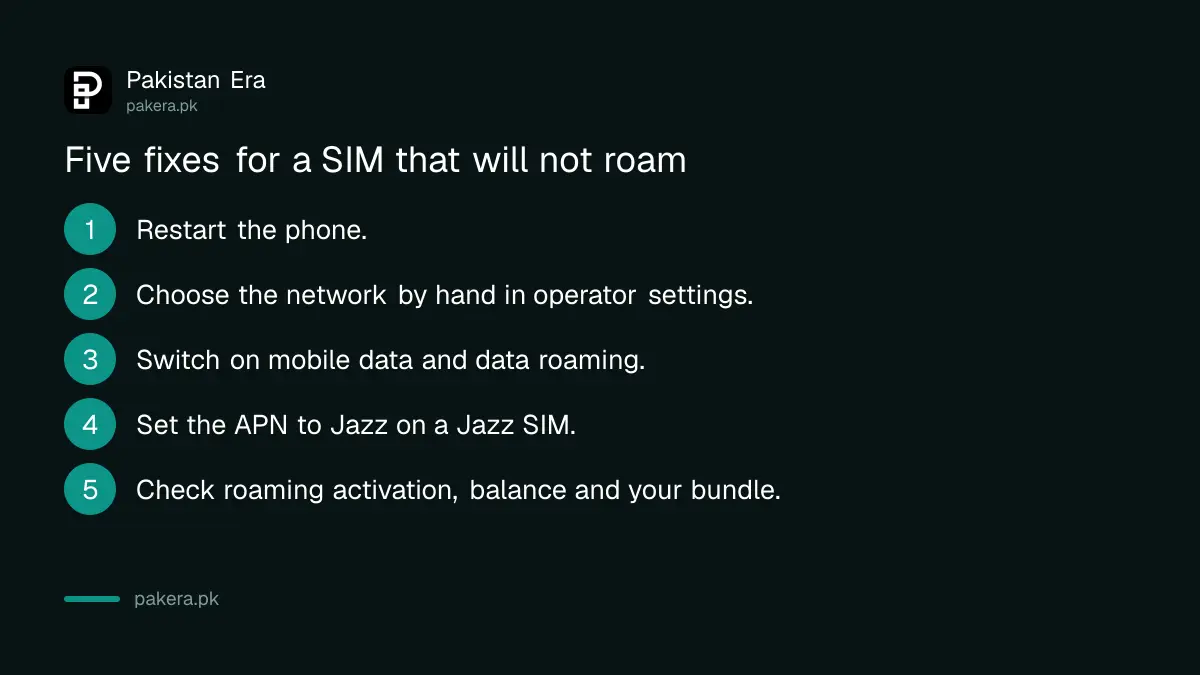
Jazz's own advice for roaming that stopped working is simple: restart the handset, open settings, find manual operator selection and choose any operator from the list. Jazz says it should then connect.
Automatic selection sometimes locks onto a partner network with a weak signal. Choosing another partner by hand forces a fresh registration. Try each partner in the list for a minute before you give up on one.
Ufone has a roaming support section for network selection and troubleshooting. If you have tried every partner, call its line, +92-51-111-333-100, from another phone.
Switch on data roaming and set the APN for data
When calls work but data does not, two settings cause most of the trouble. Mobile data and data roaming are both off by default on many phones, and the APN may be wrong.
Jazz says to switch on data roaming and mobile data in handset settings, and to set the APN, the access point name, to "Jazz". The APN is a text setting that tells the phone how to reach the operator's data network. Save it, then restart the phone.
Check activation, balance and the bundle
The next suspect is the account side. Roaming must have been activated before you left, and Jazz bundles need a balance higher than the bundle price. A bundle that has run out also stops your data.
| Symptom | Likely cause | What the operator says |
|---|---|---|
| No service at all | Roaming not active | Activate before leaving. Zong lines 310 and 311 do not work abroad |
| Calls work, data does not | Data roaming off or wrong APN | Jazz: set APN to Jazz, switch on data roaming |
| Data stopped suddenly | Bundle used up | Jazz: buy a bundle or switch on the base rate with *7626# |
| Bundle will not subscribe | Balance too low | Jazz: balance must be above the bundle price |
| Cannot call home | Missing country code | Zong: dial every number with the country code |
Ufone prepaid users can check balance abroad with *124#. Zong users can call its roaming hotline, +92-311-111-4747. Jazz's helpline for roamers is 0300 2000100, and you can email customercare@jazz.com.pk.
Not sure roaming was ever switched on? Our guide to activating international roaming on Jazz, Ufone and Zong has the codes for each.
Check the phone itself, including its bands
Sometimes the phone is the problem. A handset made for another region may not support the frequency bands a country's networks use. Zong adds that 5G roaming on the STC network in Saudi Arabia needs a VoLTE-compatible phone.
A PTA-unregistered phone should not be blocked abroad by PTA, in our reading, and we explain that in our guide on a non-PTA phone on roaming. A carrier-locked phone or a phone reported lost is another matter, and you can check the IMEI before you travel.
Stop surprise roaming charges before they happen
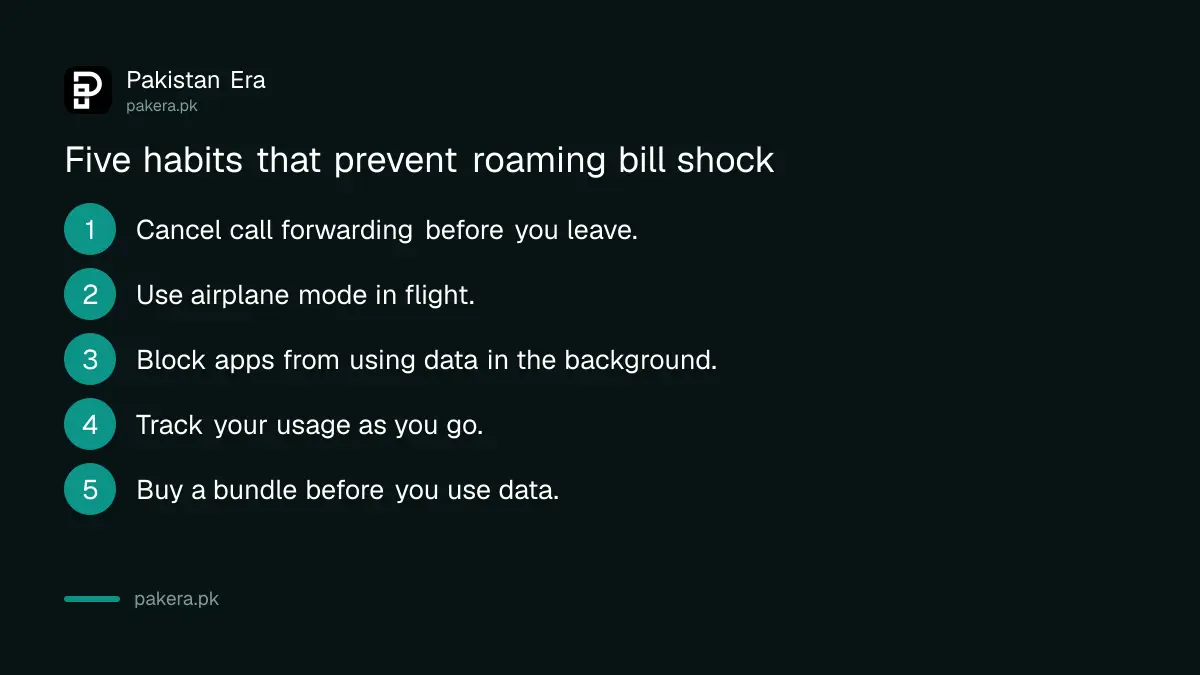
Roaming bills hurt because phones use data in the background. Jazz lists the habits that cause most bill shock. Turn off background data for apps, switch off services such as GPS, email and weather updates when you are not using them, and cancel call forwarding before you travel.
- Cancel call forwarding and voicemail diverts before you leave. Jazz says they are charged both ways on roaming.
- Switch on airplane mode in flight. Jazz warns that in-flight and ship roaming is expensive.
- Block apps from using data in the background in your phone's data settings.
- Track usage as you go. Jazz postpaid and roaming users can dial *2222#.
- Buy a bundle first. The per-MB rate is far higher.
Ufone sends a usage alert text during data roaming, and Jazz says it sends welcome texts and data alerts to help you avoid bill shock. Do not ignore them. Our Jazz UAE roaming bundle page shows how bundles work in practice.
Common questions
Why does my SIM show no service abroad?
Roaming may not be active, or the phone picked a weak network. Restart it and choose the operator by hand.
What APN should I use for Jazz roaming?
Jazz says to configure the APN to "Jazz". Also switch on mobile data and data roaming in settings.
Can I fix roaming by calling the helpline from abroad?
Not always. Zong's 310 and 311 do not work while roaming. Use the hotline number with the +92 code, or call from another phone.
Do Zong roaming rates change?
Yes. Zong says its tariffs are set in dollars and can vary by 5 to 10 per cent, so check before you use data.
How do I avoid a huge roaming bill?
Buy a bundle, stop background data, cancel call forwarding and use airplane mode on flights.
Will a data bundle work on the plane?
No. Jazz says bundles do not work during a flight, so keep the phone on airplane mode.
How we verified this
What we checked, where we read it, and what we could not confirm.
Last checked 8 October 2026. We read Jazz's roaming tips for prepaid and postpaid users and its bundle terms, Ufone's FAQ, roaming support and data usage alert pages, and Zong's international roaming page. We did not test these fixes on a trip abroad. They are the steps the operators publish. Rates and helplines can change, so confirm on the operator's own page. If a fix fails, contact your operator with your number and the country you are in.
About the author

Technology Journalist & Multimedia Producer
Ahmad Ali is a technology journalist and multimedia producer at Pakistan Era, joining the team in October 2026. He covers consumer technology and digital life for Pakistani readers, combining research with hands-on product testing.