Will a Non-PTA Phone Work on Jazz or Ufone Roaming Abroad? Pakistan Guide
Can a non-PTA phone use a Jazz or Ufone SIM on roaming abroad? PTA's DIRBS FAQ is silent, so here is our reading, what can still stop it, and the 60 day rule.
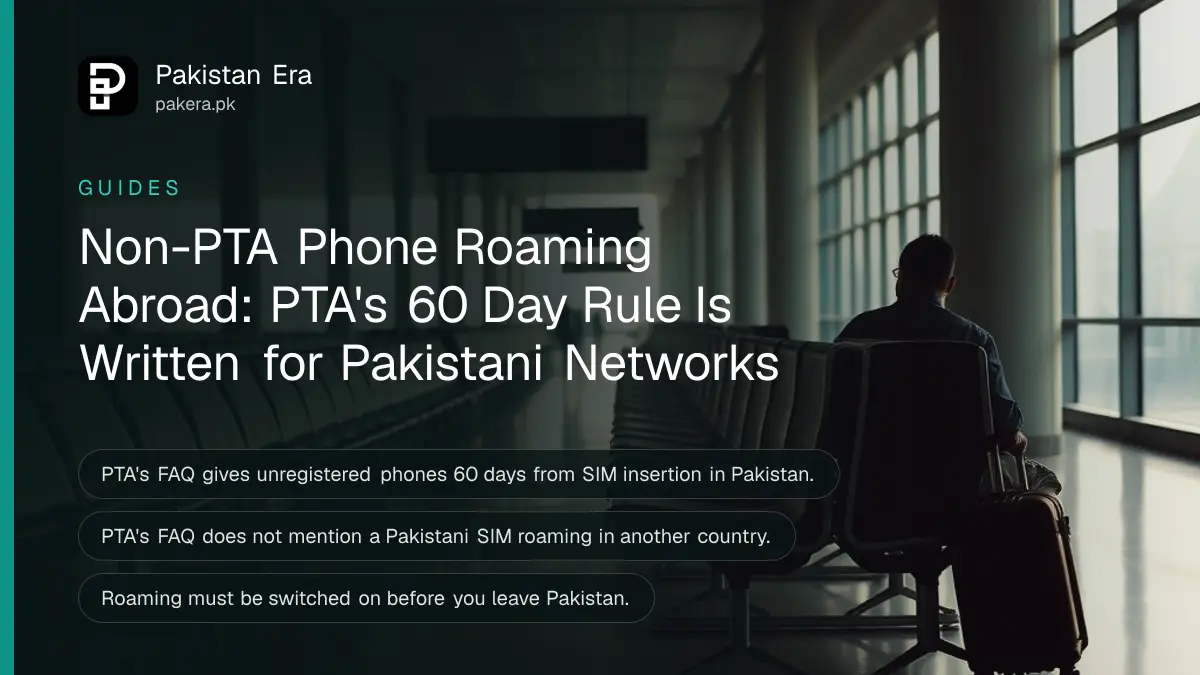
A non-PTA phone with a Jazz or Ufone SIM should work on roaming abroad, but PTA has not said so in writing. PTA's device rules are written for phones used on Pakistani networks, and we found nothing in them about a Pakistani SIM roaming overseas. Treat "should work" as our reading, not a promise.
That gap matters if you bought a phone abroad or from a shop that never registered it. You may be about to fly to Dubai, Jeddah or London and wonder if the phone will go dead at the airport. It is a fair worry, and the official pages leave it half answered.
We read PTA's DIRBS FAQ page, the Jazz, Ufone and Zong roaming pages and the roaming terms each operator publishes. Here is what they say, what they do not say, and what could still stop your phone.
PTA's rules cover Pakistani networks, and say nothing on roaming abroad
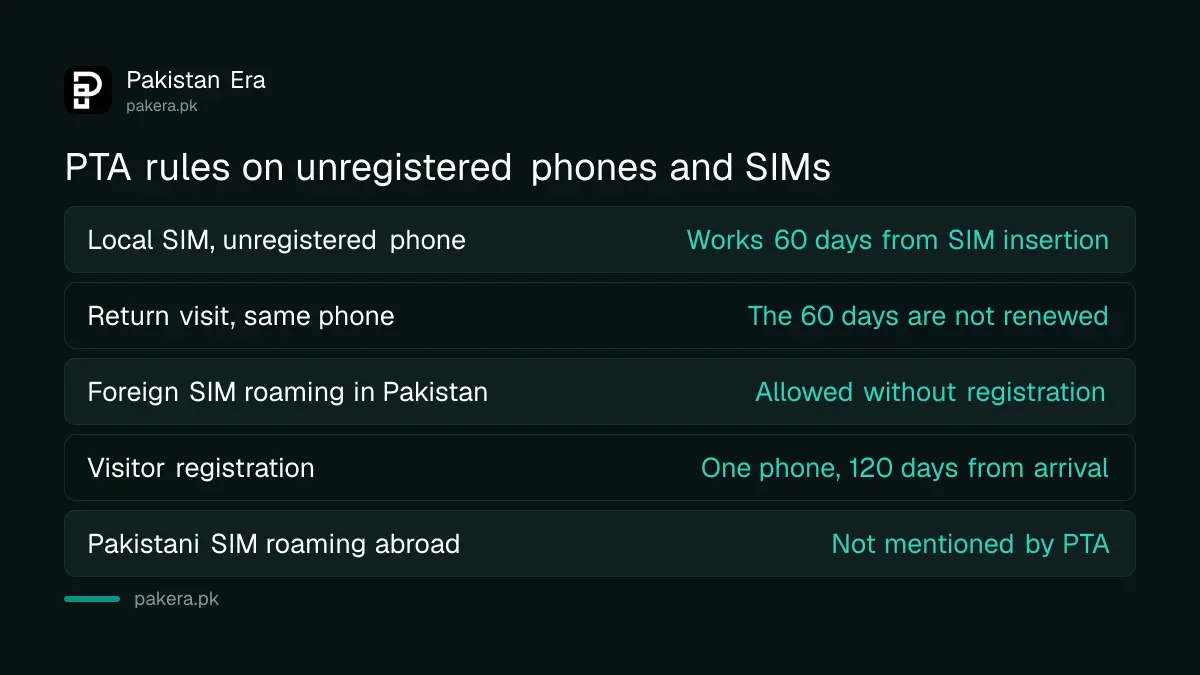
PTA's DIRBS system blocks unregistered phones on Pakistani networks. Its FAQ gives a 60 day grace period from the day a SIM is inserted, and allows foreign roamers inside Pakistan. It does not mention a Pakistani SIM roaming in another country.
We read the FAQ on dirbs.pta.gov.pk on 8 October 2026. These are the points that matter for your question.
| Situation | What PTA's FAQ says |
|---|---|
| Unregistered phone with a local SIM | Works for 60 days from the day the SIM is inserted, then gets no service |
| Return visit with the same phone | The 60 days are not renewed |
| Foreign SIM roaming in Pakistan | Allowed, no registration needed |
| Overseas Pakistani or foreigner on a short visit | One phone can be registered temporarily for 120 days from arrival, with a SIM in your own name |
| Pakistani SIM roaming abroad | Not mentioned |
The last row is the whole point. PTA is silent, so nobody can quote you an official answer. You can only reason from how the system works.
Why a foreign network should not apply the Pakistani block
DIRBS is a Pakistani system run with Pakistani operators. A network in another country has no reason to check it. It checks that your SIM is a valid roaming partner and that the handset is not on the international stolen list.
That is our reading, and we want to be plain about it. We could not test it, because the only honest test is a non-PTA phone on a Pakistani SIM in another country. We did not run one, and we have no operator statement that confirms it.
There is one supporting clue. PTA's own FAQ says foreign roamers in Pakistan keep using their phones "without any registration", and that registration is needed only if they insert a local SIM. The rule is tied to the SIM you insert, not to the phone itself.
What could still stop the phone abroad
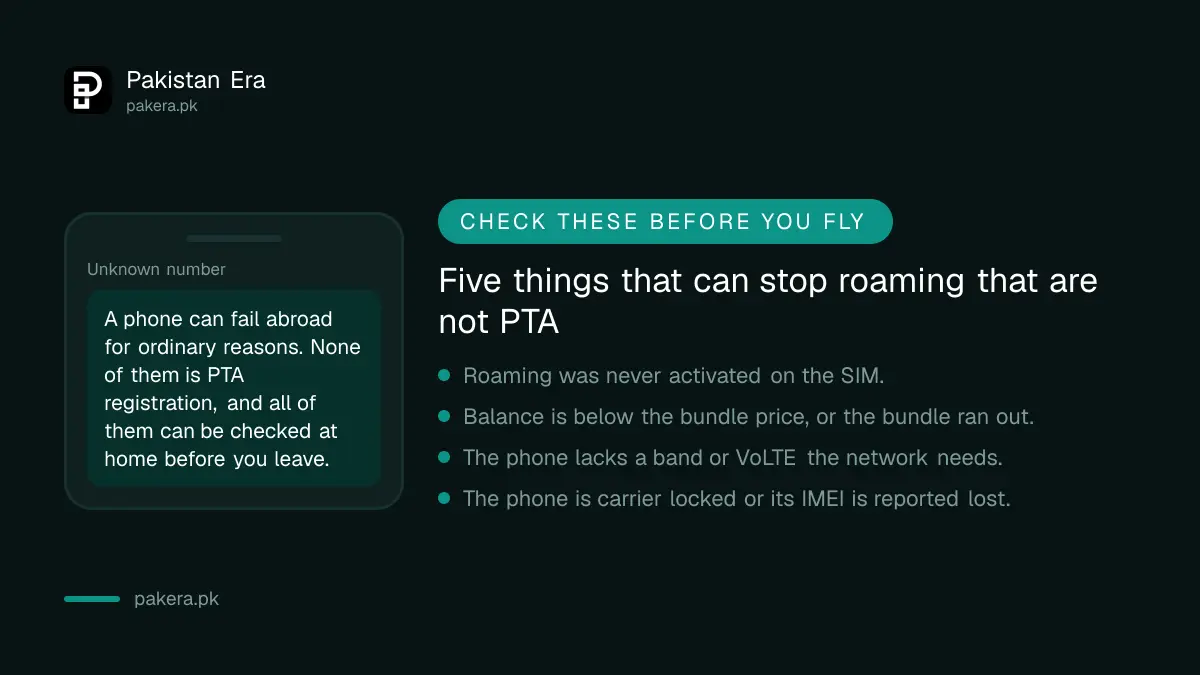
Several ordinary problems cause far more failures than PTA status. Check each before you fly.
- Roaming is not active. Jazz says to activate roaming before leaving Pakistan. Zong says the same.
- No balance or no bundle. Jazz bundle pages say your balance must be higher than the bundle price. When a Jazz bundle runs out, data stops until you buy another or switch on the per-MB rate yourself.
- Missing network bands. A phone sold for another region may not support the bands the destination network uses. Zong adds that 5G roaming in Saudi Arabia needs a phone that supports VoLTE.
- A carrier lock or a bad IMEI. A phone locked to another carrier, or reported lost or stolen, can be refused by any network. We explain how to check an IMEI and PTA status in a separate guide.
- The destination's own rules. We found no country that bans roaming for unregistered foreign phones. We did not check every country. Ask the destination's telecom regulator if you are unsure.
None of these is a PTA problem. All of them can be fixed before you leave.
Set up roaming on your Jazz or Ufone SIM before you leave
Roaming is set up on the SIM, and it is quick. Do it at home, because some helplines do not work from abroad.
- Check your IMEI by dialling *#06# and send it to 8484 by SMS, or use the DVS site, so you know your phone's status.
- Activate roaming. On Jazz, dial *ROAM# or *7626#, use the SIMOSA app, or send "Hi" on WhatsApp to 0300 3008000. Prepaid activation is free on Jazz.
- On Ufone, prepaid SIMs are already roaming enabled, per Ufone's FAQ. Postpay users visit a service centre or call 333, and Ufone says activation takes up to 6 hours.
- Load enough balance, then buy a roaming bundle for your country.
- Abroad, switch on mobile data and data roaming, and set the APN to "Jazz" if data does not load.
Jazz postpaid roaming needs a credit limit of Rs 5,000 for individuals. Our Jazz UAE data roaming page covers the bundle side for the UAE.
What happens when you bring the phone back to Pakistan
The phone is still unregistered when you return. Put a Pakistani SIM in it and PTA's 60 day clock runs from that day. If the phone has used a Pakistani SIM for more than 60 days before, it may already be blocked on Pakistani networks.
The FAQ says the 60 days start "from the day the SIM is inserted". It does not say whether weeks abroad count, so do not rely on them. Before you land, work out the duty with the PTA tax calculator. Then register inside the 60 days, and read our notes on bringing a phone into Pakistan for the customs side.
Common questions
Will my non-PTA phone work on Jazz roaming abroad?
It should, because PTA's block applies on Pakistani networks, but PTA has not confirmed this. Activate roaming and keep enough balance.
Does PTA block a phone when it is outside Pakistan?
PTA's FAQ does not describe that case. Its rules are about phones with a SIM on a Pakistani network.
Can I just buy a local SIM abroad instead?
You can, if the destination allows it, but that SIM would not carry your Pakistani number for OTPs. Roaming keeps your number active.
Will the 60 day PTA clock run while I am abroad?
PTA says it starts when a SIM is inserted in Pakistan. It does not say time abroad counts or stops it.
Do I need to register the phone before I travel?
No registration is needed for roaming, per PTA's FAQ for roamers. You need it for using the phone with a Pakistani SIM at home.
Does an eSIM change anything?
PTA says to check every IMEI in the phone, including the eSIM one, by dialling *#06#. Check both before you buy or travel.
How we verified this
What we checked, where we read it, and what we could not confirm.
Last checked 8 October 2026. We read the DIRBS FAQ at dirbs.pta.gov.pk/faqs, the Jazz prepaid and postpaid roaming pages and roaming tips, the Jazz Saudi and UAE bundle pages, Ufone's roaming pages and FAQ, and Zong's international roaming page. None of the three operators says anything on its roaming pages about device registration. Everything we say about a non-PTA phone working abroad is our own reading, since we found no PTA or operator statement and did not test it. Fees and limits are as the operators list them and can change.
About the author

Technology Journalist & Multimedia Producer
Ahmad Ali is a technology journalist and multimedia producer at Pakistan Era, joining the team in October 2026. He covers consumer technology and digital life for Pakistani readers, combining research with hands-on product testing.