Ufone WiFi Calling Code: Turn VoWiFi On and Off, Phone Settings and Supported Brands
Turn on Ufone WiFi calling with its activation code and one phone setting. The off code, iPhone and Android steps, the 14 supported brands, and fixes that work.
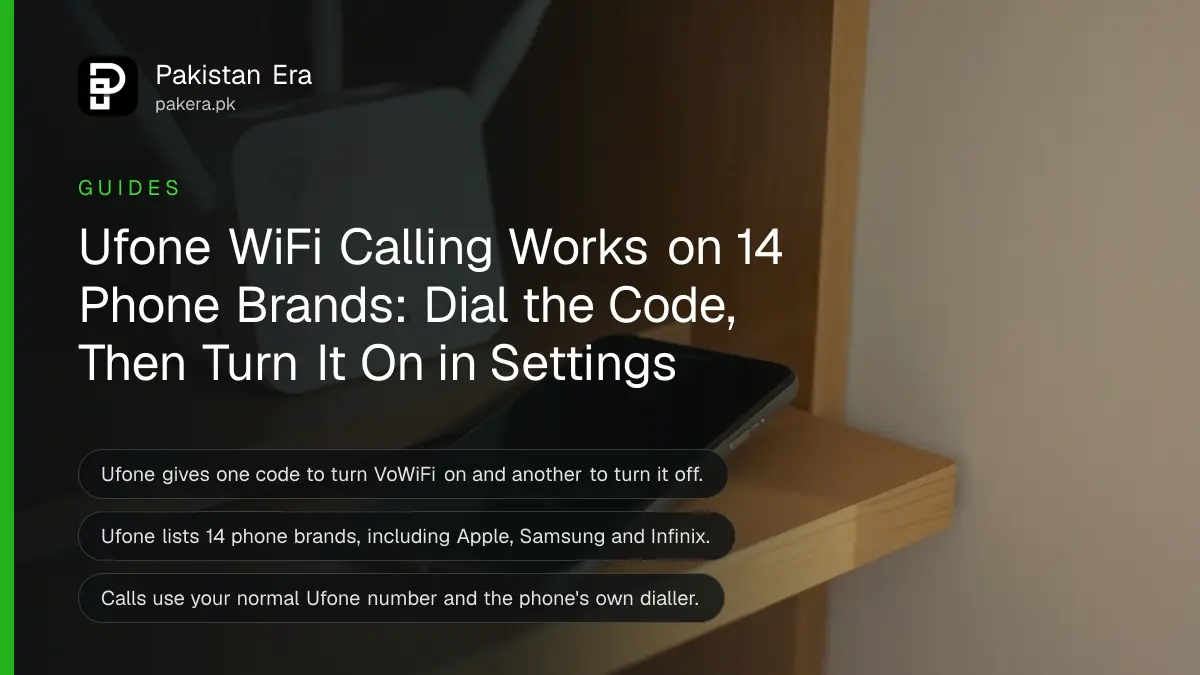
The Ufone WiFi calling code is *9921#. Dial it from your Ufone number, then turn on Wi-Fi Calling in your phone's settings, and calls will go over Wi-Fi when the signal is weak. To switch it off, Ufone gives *9922#. Below are the settings path for iPhone and Android, the 14 phone brands Ufone lists, and what to try when calls still do not connect.
Ufone's indoor signal is the usual complaint in basements, flats in high rise blocks and thick walled houses. Wi-Fi calling, which Ufone calls VoWiFi (Voice over Wi-Fi), uses your home or office internet to carry the call instead. We read Ufone's VoWiFi page on 24 October 2026.
Dial *9921# to turn on Ufone WiFi calling
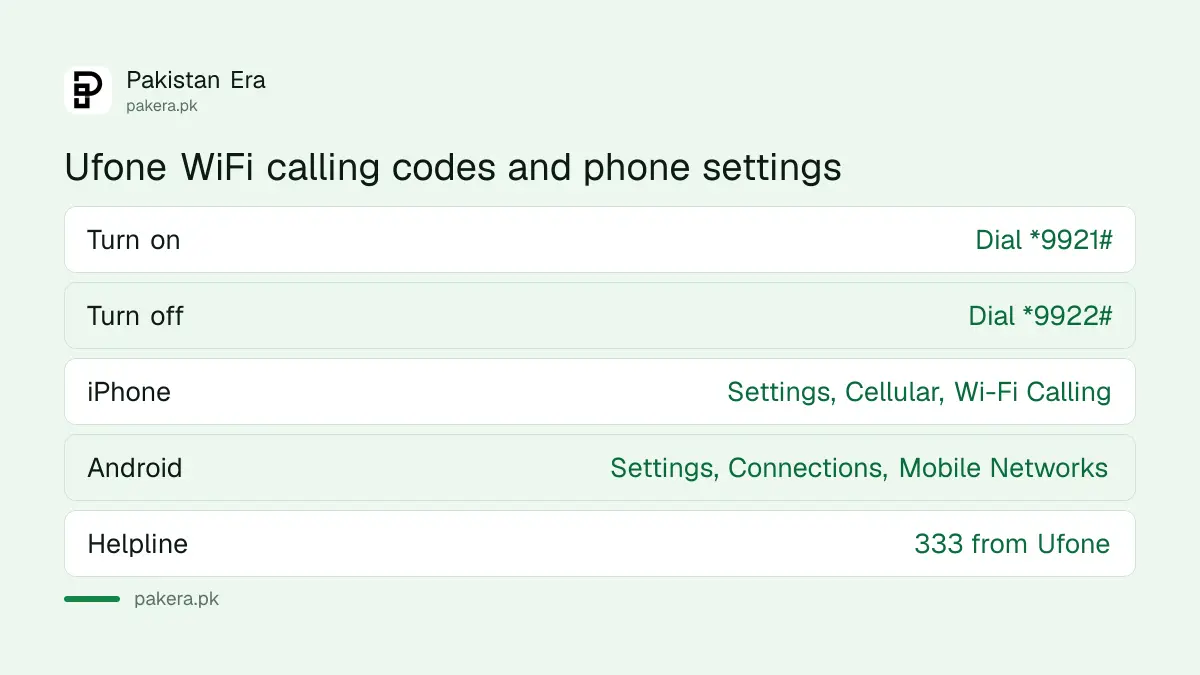
Ufone's VoWiFi page says dialling *9921# from your Ufone number activates Wi-Fi Calling, and *9922# deactivates it. The code alone is not enough. You must also switch Wi-Fi Calling on inside your phone's settings.
| Task | What to do |
|---|---|
| Activate on the network | Dial *9921# |
| Deactivate on the network | Dial *9922# |
| iPhone setting | Settings, Cellular, Wi-Fi Calling, turn on |
| Android, route 1 | Phone app, menu (three dots), Settings, Wi-Fi Calling |
| Android, route 2 | Settings, Connections, Mobile Networks, Wi-Fi Calling |
Ufone says calls use your phone's own dialler and your normal Ufone number. No extra app or login is needed, and the person you call sees nothing different.
Ufone lists 14 phone brands that support VoWiFi
Ufone's supported handset list covers Apple, itel, TECNO, Infinix, Huawei, Xiaomi, Samsung, Vivo, Dcode, Oppo, Realme, SPARX, ZTE and Vgotel. Not every model from each brand is included, so check your exact model in the list.
The model list sits behind a brand menu on Ufone's page, and it did not load in the copy we could read. So pick your brand there and look for your model before you assume it works. A phone outside the list may show the Wi-Fi Calling switch and still never place a call over Wi-Fi.
Your phone also needs to handle 4G calls properly, because Ufone says calls hand over between Wi-Fi and VoLTE (calls carried over 4G) as you move. The steps to check whether your SIM is 4G and turn on VoLTE come first if you are unsure.

How to set up Ufone WiFi calling in five steps
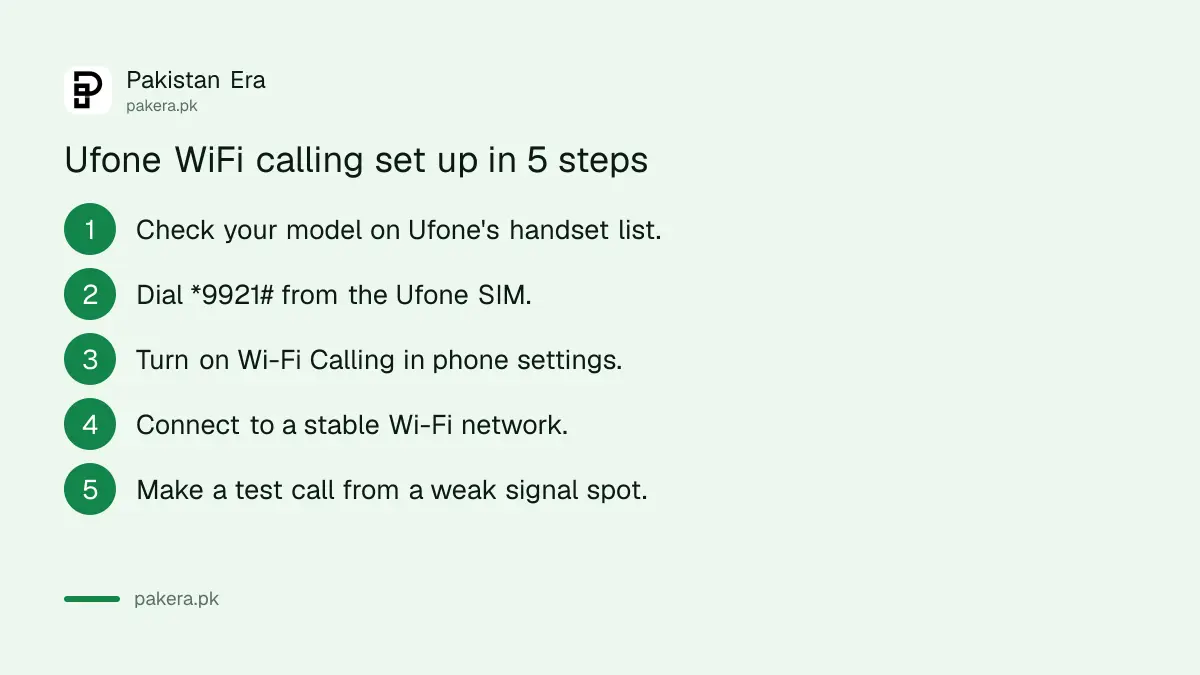
Activate the service on Ufone's network with *9921#, then turn the switch on in your phone, then connect to Wi-Fi. Test with a call from a room where the signal is weak. The whole setup takes about two minutes.
- Check that your phone model is on Ufone's VoWiFi handset list.
- Dial *9921# from the Ufone SIM and wait for the reply.
- Turn on Wi-Fi Calling in your phone settings, using the path for iPhone or Android above.
- Connect to a stable Wi-Fi network.
- Go to a weak signal spot and make a test call to someone you know.
On a dual SIM phone, make sure the switch is on for the Ufone line, not the other SIM. Many Android phones show a separate Wi-Fi Calling toggle under each SIM.
Ufone does not list a separate charge for WiFi calling
Ufone's VoWiFi page mentions no fee for the service itself. Zong's VoWiFi FAQ says its Wi-Fi calls are charged like normal calls from your package, but Ufone's page does not say the same, so we cannot confirm how Ufone bills them.
The Wi-Fi itself is your home or office internet, so it uses that data, not your mobile bundle. If you rely on a mobile hotspot from another phone, the data comes from that phone's package.
Our earlier comparison of Wi-Fi calling on Jazz, Zong and Ufone covers the other two networks if someone in the house uses a different SIM.
What to do when Ufone WiFi calling does not work
Most failures come from three things: a phone model outside Ufone's list, the switch turned on for the wrong SIM, or a weak Wi-Fi connection. Fix those in order before calling the helpline on 333. A restart after *9921# also helps.
- No Wi-Fi Calling switch at all: your model or its software may not support it. Update the phone and check Ufone's handset list again.
- Switch is on but calls still use the weak signal: dial *9921# again, restart the phone, and check the toggle is on for the Ufone SIM.
- Calls drop when you leave the house: the handover to 4G needs VoLTE. Turn VoLTE on in mobile network settings.
- Calls sound broken: the Wi-Fi is the problem. Move closer to the router or restart it.
If nothing works, call 333 from Ufone or 033-11-333-100 from another phone and ask whether VoWiFi is active on your number. For signal problems that Wi-Fi calling cannot solve, PTA's advice on poor call quality indoors lists the other options.
Common questions
What is the Ufone WiFi calling activation code?
Dial *9921# from your Ufone number. Then turn on Wi-Fi Calling in your phone's settings.
How do I turn off Ufone WiFi calling?
Dial *9922#. You can also turn off the Wi-Fi Calling switch in your phone settings.
Does Ufone support WiFi calling on iPhone?
Yes. Apple is on Ufone's handset list. Turn it on under Settings, Cellular, Wi-Fi Calling after dialling *9921#.
Do I need an app for Ufone WiFi calling?
No. Ufone says it works through your phone's built-in dialler with your existing Ufone number.
Can I use Ufone WiFi calling abroad?
Ufone's page says it works at home, in the office or while travelling abroad, wherever you have a stable connection. It does not list charges for calls made from abroad.
Does Zong have a WiFi calling code?
Zong's VoWiFi page gives no code. It says to turn on Wi-Fi Calling in phone settings, with a compatible phone and SIM.
How we verified this
What we checked, where we read it, and what we could not confirm.
Last checked 24 October 2026. We read Ufone's VoWiFi page and its VAS page footer for helpline numbers, and Zong's VoWiFi page and VoWiFi handset page, all on 24 October 2026. We could not open Ufone's model list behind the brand menu, and Ufone's page does not state how Wi-Fi calls are charged. We did not dial *9921# or test a call.
About the author

Tax, Bills and Technology Writer
Ali Akhtar is a young and curious voice here at Pakistan Era. He is currently pursuing his A-Levels and has a growing interest in Pakistan’s changing industrial landscape and educational trends. Ali likes to write in a way that helps him explain and explore the world around him. His writing reflects the perspective of the new generation navigating the evolving trends of Pakistan where technology, youth innovation, and shifting opportunities are reshaping the country’s future.