Fix Poor Call Quality Indoors in Pakistan: PTA's 4G and Wi-Fi Calling Advice
Calls dropping indoors? PTA advises checking 4G/LTE settings, handset and SIM, and using Wi-Fi Calling. See the four checks, the steps and where to complain.
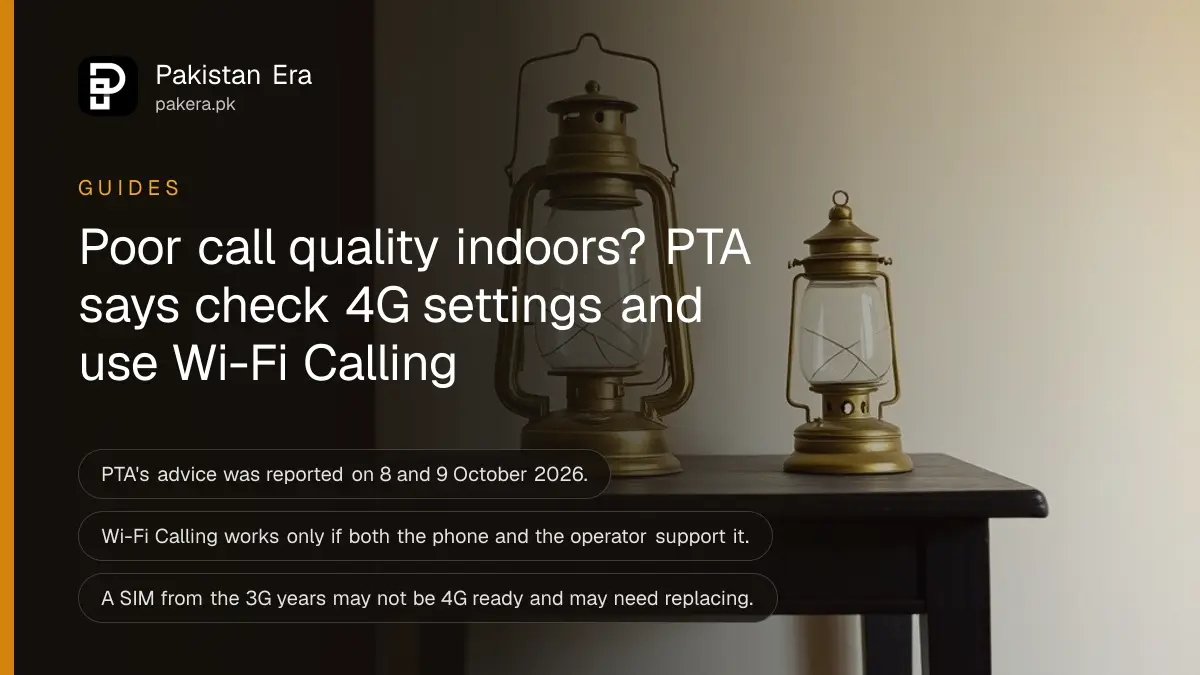
Short answer: If calls crackle or drop inside your home or office, PTA's advice of 8 to 9 October 2026 is three checks and one feature. Turn on 4G/LTE in your network settings, confirm your phone supports 4G, ask your operator if your SIM is 4G ready, and turn on Wi-Fi Calling if your phone and operator offer it.
Calls drop in the bedroom, and perfectly in the garden. Every Pakistani household has some version of this. The signal is strong outside, the walls are thick, and you end up standing at the window to say hello.
PTA, the telecom regulator, told users this week what to try first. We could not find the advisory on PTA's press release list, which showed 29 September as its newest item when we looked on 12 October 2026. So the advice below is as reported between 8 and 9 October, and the steps are our explanation of how to do each part.
PTA's advice has four parts
As reported, PTA said a compatible handset, a 4G ready SIM and the right network settings together improve network performance, and that Wi-Fi Calling helps in buildings, basements and other weak signal places. Wi-Fi Calling only works if the phone and the operator both support it.
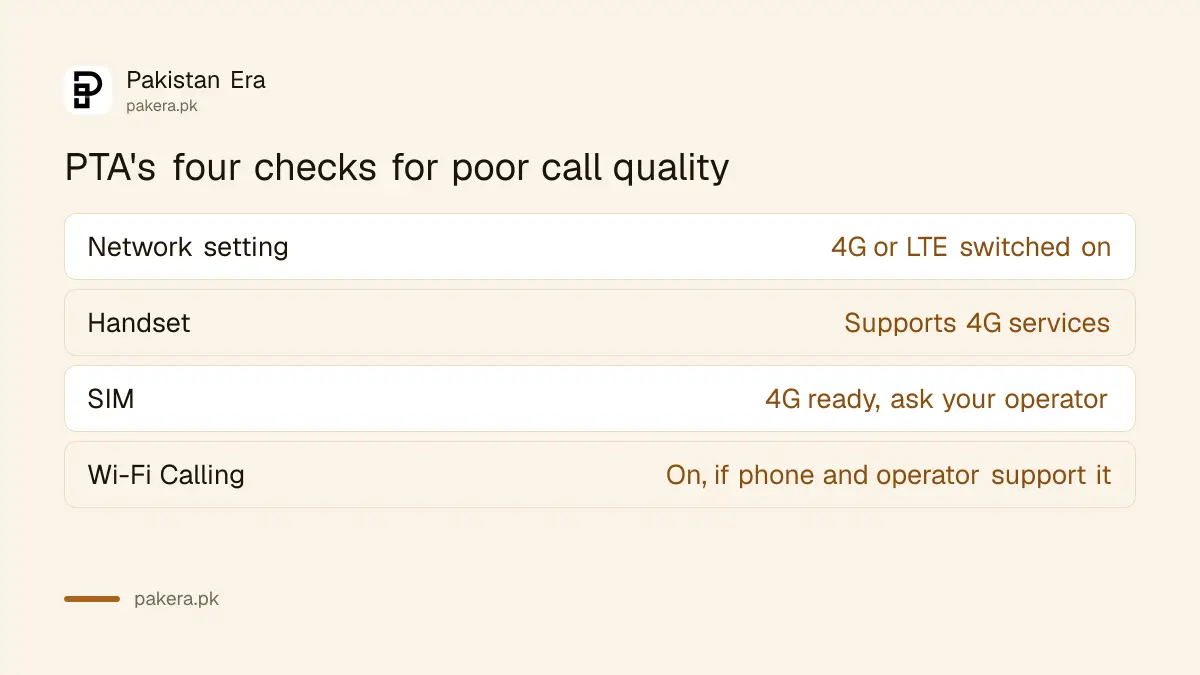
| Check | What to look for | Who can fix it |
|---|---|---|
| Network setting | 4G or LTE is switched on, not 2G or 3G only | You, in phone settings |
| Handset | The phone supports 4G services | You, from the phone's specification |
| SIM | The SIM is 4G ready | Your operator, often by a SIM swap |
| Wi-Fi Calling | Switched on in call settings | You, if phone and operator support it |
None of this fixes a tower that is too far away. PTA's advice is for the problems you can solve yourself before you call a helpline.
Switch on 4G and check the SIM
Open your phone's network settings and set the preferred network type to 4G or LTE, or to automatic with 4G. Menu names differ by phone, but it is usually under Mobile network or SIM settings. If there is no 4G option, the phone or SIM may not support it.
An old SIM can be the cause. A SIM card from the 3G years may not carry 4G voice. Ask your operator whether it is 4G ready, and replace it if not. Our guide to checking if your SIM is 4G and turning on VoLTE shows the codes and settings on Jazz, Zong and Ufone. VoLTE means voice calls over 4G, which usually sound clearer than 3G calls.
Take a SIM swap seriously as a security step. Block a replaced SIM and keep the number, and read how to do it in blocking a lost SIM and keeping your number if the old card is lost.
Turn on Wi-Fi Calling for rooms with no signal
Wi-Fi Calling sends your calls over your home Wi-Fi when the mobile signal is weak. The call uses your usual number. PTA says the feature helps inside buildings and basements. It needs a phone and an operator that support it, and a working internet line.
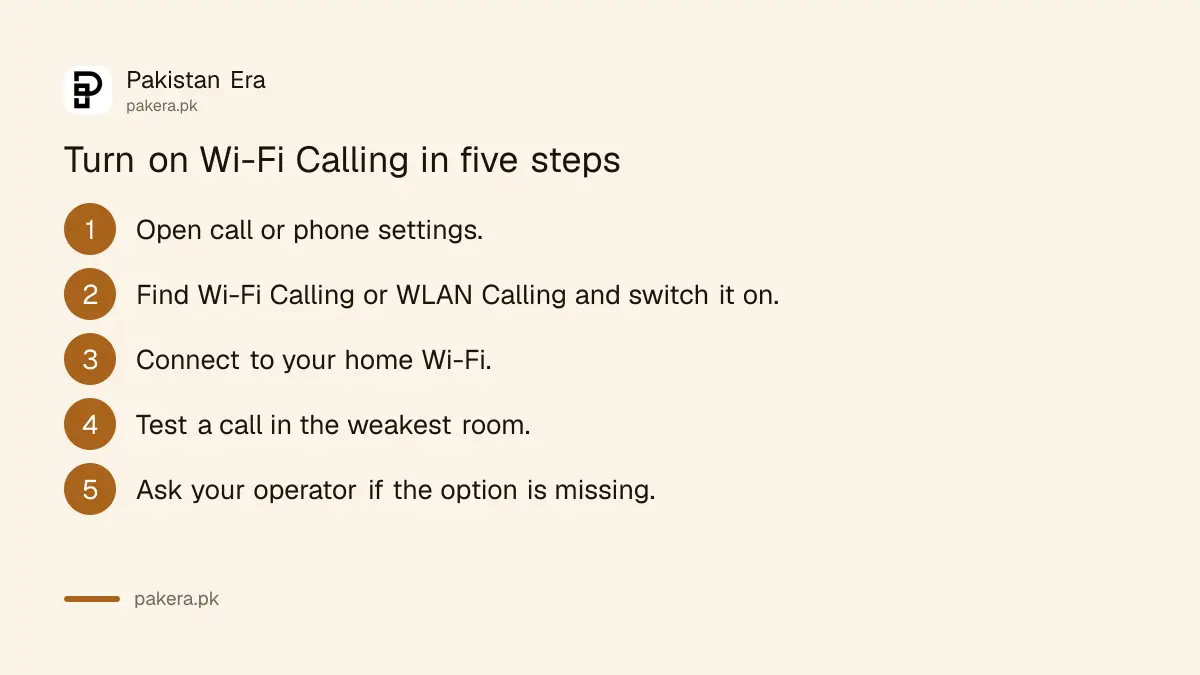
- Open the call or phone settings and look for Wi-Fi Calling or WLAN Calling.
- Switch it on and accept any emergency address prompt.
- Connect to your home Wi-Fi.
- Make a test call from the room where the signal is weakest.
- If the option is missing, ask your operator whether your phone and SIM support it.
We wrote the operator by operator steps in turning on Wi-Fi Calling on Jazz, Zong and Ufone, where we read that it costs nothing extra. The advisory does not name which operators carry the feature, so check yours.
When the settings are right and calls are still bad
Then the problem is the network, not your phone. PTA's own rules set quality targets for calls, and you can complain. Report the place, the time and the operator, and give the operator the first chance to fix it.
Our guide to what call, SMS and data quality your network must give lists the targets, and how to complain about your mobile network to PTA lists the order. Keep notes of three failed calls in the same room, with dates.
A repeater or booster is not the answer. Unapproved boosters are illegal in Pakistan, as our note on legal fixes for weak mobile signal at home explains.
Common questions
What did PTA advise on poor call quality?
As reported on 8 to 9 October 2026, PTA advised users to check 4G or LTE settings, confirm the handset and SIM support 4G, and use Wi-Fi Calling where available.
Does Wi-Fi Calling cost extra?
In our earlier reading of the Jazz, Zong and Ufone offers, no extra charge applies. Check with your own operator before you rely on it.
Why is there no Wi-Fi Calling option on my phone?
Your phone, its software version or your operator may not support it. PTA says users who cannot turn it on should ask their operator whether the service is supported.
Will a new SIM fix poor calls?
It can, if the old SIM was not 4G ready. It will not fix a weak tower. Ask your operator first, and keep the old SIM until the new one works.
Does 4G or 5G matter for calls?
Calls over 4G usually need VoLTE. If your phone shows 4G for data but calls drop to 3G, VoLTE may be off or unsupported.
Where do I complain if nothing works?
Complain to your operator first. If it does not fix the problem, take it to PTA through its helpline 0800-55055 or its complaint app.
How we verified this
What we checked, where we read it, and what we could not confirm.
We checked PTA's press release list on 12 October 2026. The advisory itself was not yet shown there, so the advice is as reported on 8 and 9 October. PTA's helpline 0800-55055 is printed on every page of its site. Confirm Wi-Fi Calling support with your operator.
About the author

Technology Journalist & Multimedia Producer
Ahmad Ali is a technology journalist and multimedia producer at Pakistan Era, joining the team in October 2026. He covers consumer technology and digital life for Pakistani readers, combining research with hands-on product testing.