Ufone MNP Code 667 and 76333: Port Your Number to Ufone in Pakistan, Online or at a Shop
Port your number to Ufone: send MNP to 667, forward the reply to 76333, then use the online form or a shop. Takes 4 days. See the 60 day rule and balance.
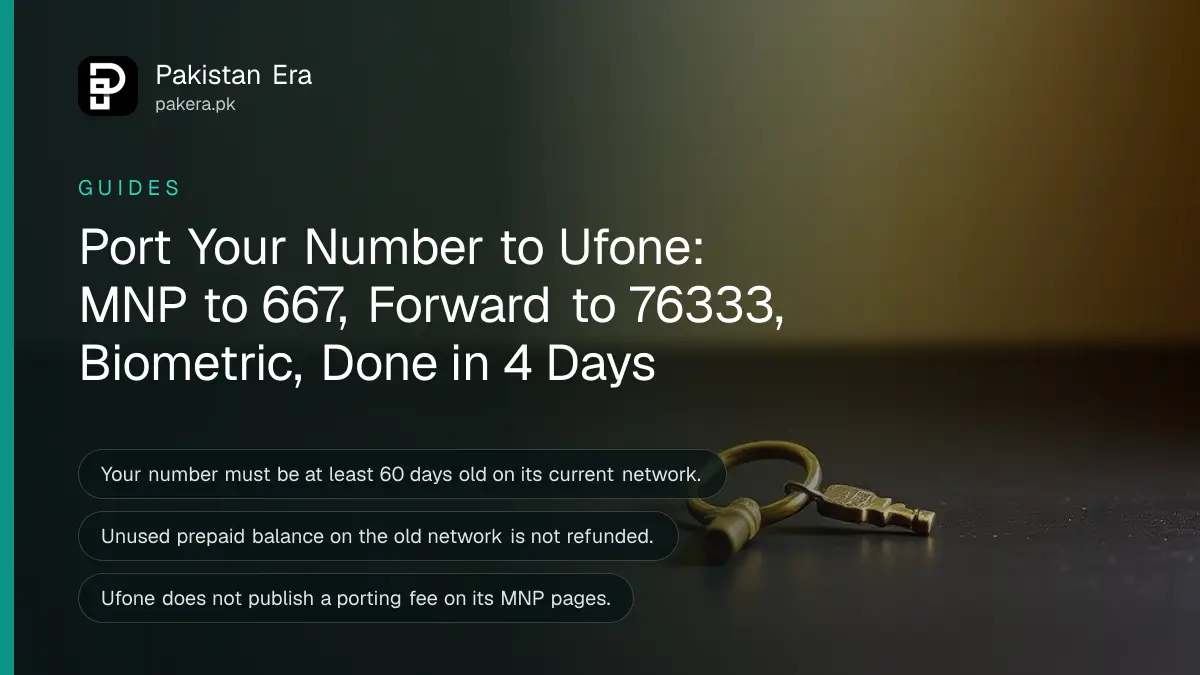
To port your number to Ufone, send the word MNP in an SMS to 667, then forward the reply you get to 76333. Then finish the switch at a Ufone retailer or through Ufone's online port-in form. PTA's porting rules give four days for a normal port, and your number must be at least 60 days old on its current network.
We read Ufone's MNP page and its online port-in form on 4 November 2026, along with PTA's MNP porting guidelines. MNP stands for mobile number portability. It lets you keep your number, such as 0300 or 0310, while moving to a different network. Below are the codes, both routes, the rules that block a port, and what happens to your old balance.
The Ufone MNP code is 667, then 76333
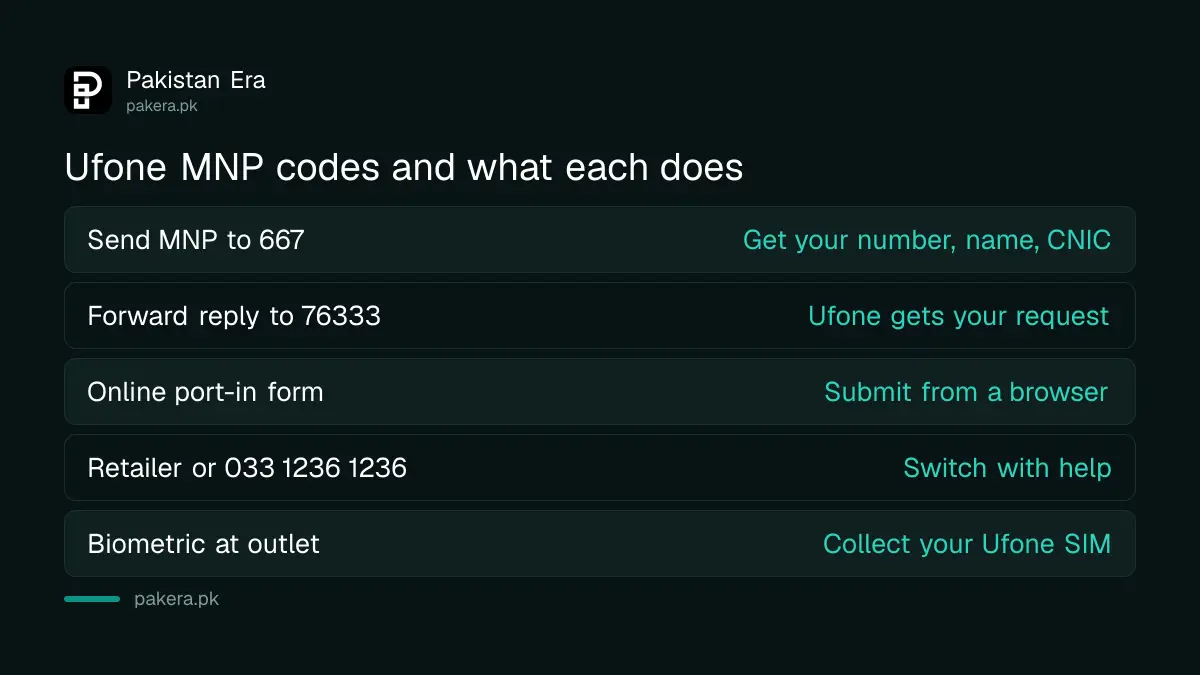
Ufone's port-in form gives two SMS steps. First, write MNP and send it to 667 from the number you want to move. Second, forward the reply to 76333, which is Ufone's porting short code in PTA's list.
| Step | What to send | Send to | What happens |
|---|---|---|---|
| 1 | MNP | 667 | You get your mobile number, name, CNIC and SIM number in reply |
| 2 | Forward that reply | 76333 | Ufone receives your port request details |
| 3 | Visit a retailer or use the online form | Ufone | Biometric check and a new Ufone SIM |
PTA's guidelines say the 667 reply carries your number, name, CNIC, SIM serial, activation date and connection type. That is how Ufone confirms the number is really yours. PTA also lists rejection code R09A for a number that did not use the 667 service within 10 calendar days before the request. So do not send the 667 SMS weeks in advance.
Two ways to finish: a Ufone retailer or the online port-in form
Ufone's MNP page says you can visit your nearest retailer, or dial 033 1236 1236, to switch your number to Ufone. Its support page also links an online "Port in to Ufone" form you can fill from a browser.
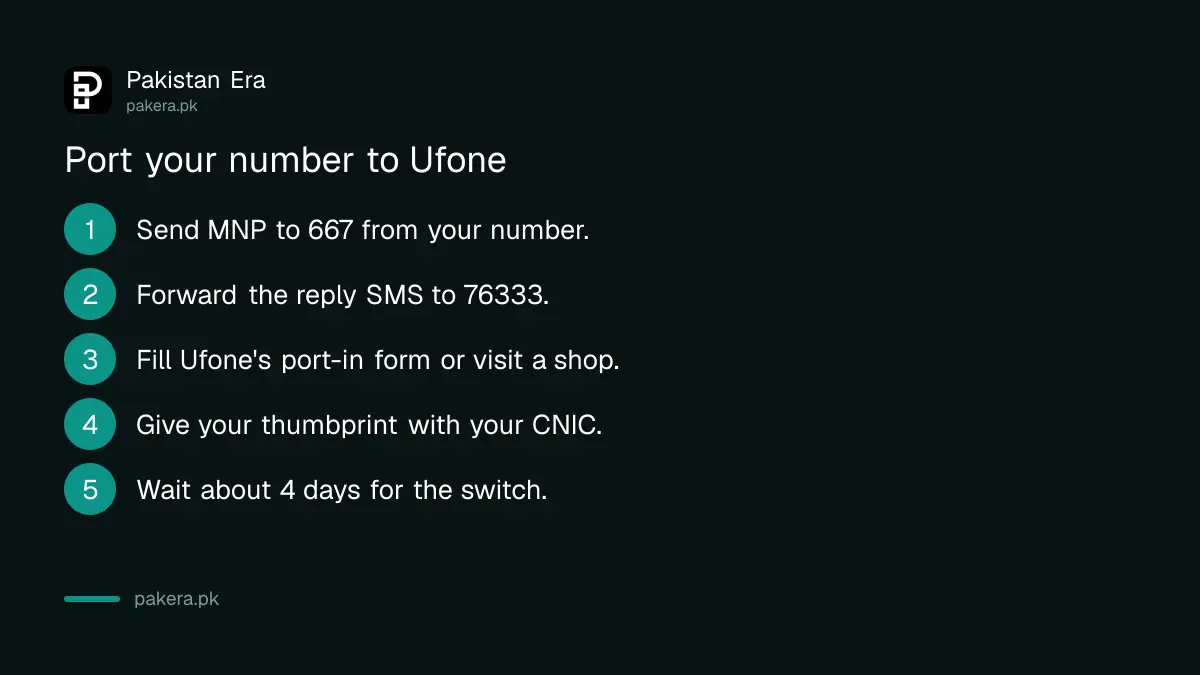
- Send MNP to 667 from the number you want to port.
- Forward the reply SMS to 76333.
- Open Ufone's online port-in form, or go to a Ufone retailer, franchise or service centre.
- On the form, enter the mobile number, your full name, another contact number and the captcha code.
- Enter the port-in key the form asks for, and submit.
- Complete biometric verification with your CNIC when you collect the Ufone SIM.
- Keep using your old SIM until the new Ufone SIM starts working.
PTA's rules require biometric verification through NADRA for every port. So even the online route ends with a thumbprint at a Ufone outlet. The form itself does not explain where the port-in key comes from. Ask on 333 or at the counter if you do not have it.
Five rules that can block your port to Ufone
Most failed ports trip on the same few rules. PTA's porting guidelines list the reasons an operator can refuse a port. Check these before you go to the shop.
- 60 day rule. A number cannot be ported for 60 calendar days after it is activated, ported in, or changes owner.
- Your name only. The SIM must be registered on your own CNIC. A number in a relative's name has to be transferred to you first.
- Active number. A blocked, terminated or disconnected number cannot be ported.
- Postpaid dues. An unpaid postpaid bill on the old network can stop the port.
- Pending changes. A pending change of ownership or change of number holds the request.
If the SIM is in someone else's name, start with our guide on changing SIM ownership in Pakistan. Remember that the 60 day clock restarts after a transfer.
Four days to switch, and your old balance is lost
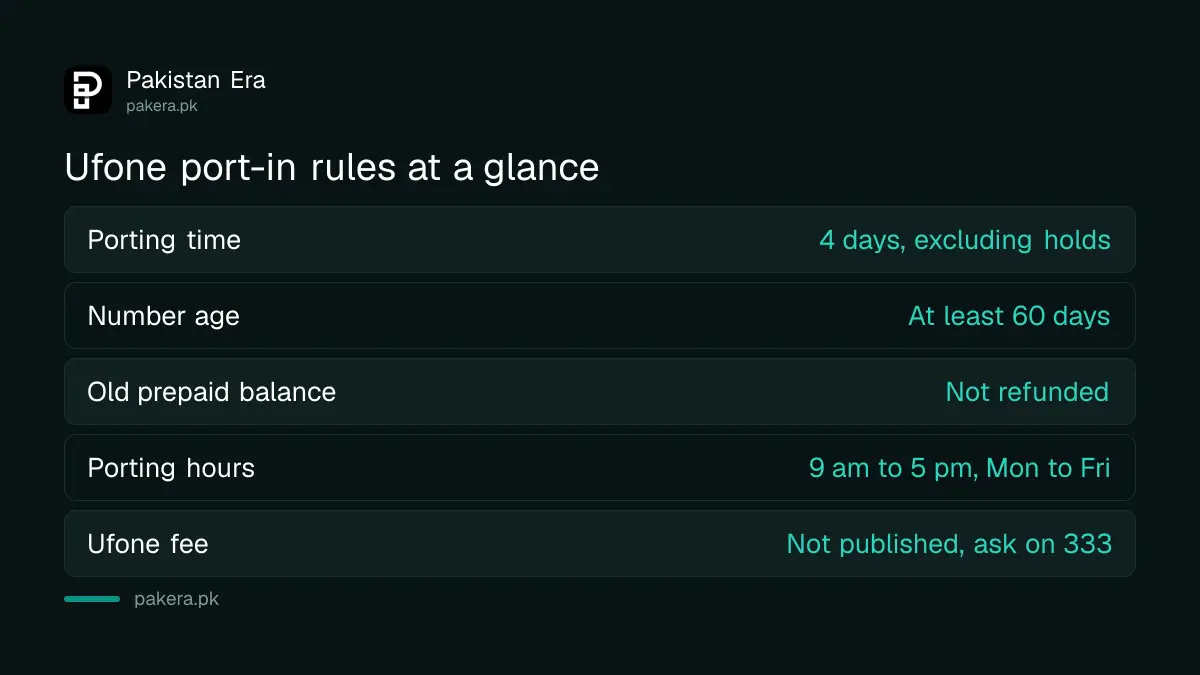
PTA sets the normal porting time at four days for prepaid and postpaid, not counting any hold. Porting work runs 9 am to 5 pm, Monday to Friday, so a request made on a Friday evening starts the next week.
| Question | Answer from PTA's rules or Ufone's page |
|---|---|
| How long does it take? | 4 days, excluding hold time |
| Porting hours | 9 am to 5 pm, Monday to Friday |
| Old prepaid balance | Not refunded, "use or lose" |
| Can I cancel? | Yes, before the final step, but fees are not refunded |
| Ufone porting fee | Not published on Ufone's MNP pages |
| New Ufone SIM ownership | Must be kept at least 60 days, Ufone says |
The balance rule matters most. PTA's guidelines say unused prepaid balance on the old number is not refunded or moved. Use up your balance and bundles before you send the 667 SMS.
On fees, PTA leaves the porting charge to the operator receiving the number. Ufone does not print one on its MNP page or form. Jazz charges Rs 300 for the same service on its own site, as our Jazz MNP guide shows, but that is Jazz's price, not Ufone's. Ask Ufone before you pay.
Ufone's own conditions for the new SIM
Ufone's port-in page adds one condition of its own. It says you must keep the new connection in your ownership for at least 60 days from purchase and activation. Ufone will not accept a request to disown the SIM before then.
Ufone's helpline is 333 from a Ufone number, and 033-11-333-100 from any other number, which is also its WhatsApp line. Our Ufone helpline guide lists every contact. For the general MNP process across all networks, see porting your mobile number in Pakistan.
Common questions
What is the Ufone MNP code?
Send MNP to 667 from your current number, then forward the reply to 76333. Then complete biometric verification at a Ufone outlet or use Ufone's online port-in form.
How long does it take to port a number to Ufone?
PTA's guidelines set four days for a normal port, not counting holds. Porting runs Monday to Friday, 9 am to 5 pm.
How much does Ufone charge for MNP?
Ufone does not publish a porting fee on its MNP page or online form. PTA leaves the fee to the receiving operator, so ask Ufone on 333 before you pay.
Will my balance move to Ufone?
No. PTA's rules say unused prepaid balance on the old network is not refunded or moved. Use it before you start the port.
Can I port a SIM that is not in my name?
No. The SIM must be registered on your CNIC. Transfer ownership first, then wait 60 days before porting.
How we verified this
What we checked, where we read it, and what we could not confirm.
Last checked on 4 November 2026. The 667 and 76333 steps, the online form fields and the 60 day ownership condition are from Ufone's online port-in form. The retailer route and 033 1236 1236 are from ufone.com/mnp, and the helplines from ufone.com/support. The four day porting time, business hours, 60 day rule, rejection reasons, fee rule and balance rule are from PTA's MNP Porting Process Guidelines dated 13 February 2020, which may have been updated since. We did not port a number ourselves.
About the author

Technology Journalist & Multimedia Producer
Ahmad Ali is a technology journalist and multimedia producer at Pakistan Era, joining the team in October 2026. He covers consumer technology and digital life for Pakistani readers, combining research with hands-on product testing.