How to Change Your Roblox Username or Display Name in Pakistan
Change your Roblox username in Account Info for Robux, or your display name free once every 7 days. Steps for app and browser, name rules and fixes in Pakistan.
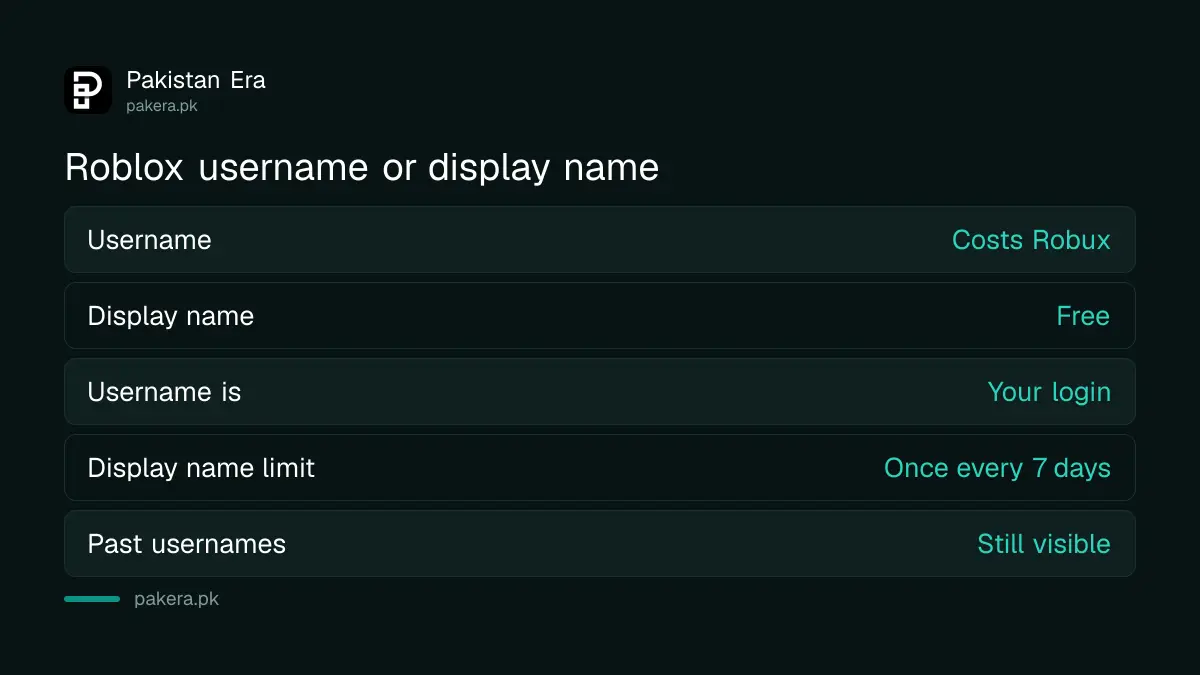
To change your Roblox username, log in, open Settings, go to Account Info, tap the pencil next to your username, type the new name, enter your password and tap Buy. A username change costs Robux, and the price shows on the Buy step. Your display name is different: it is free to change, but only once every 7 days.
Most players in Pakistan who search for a "name change" only want a new display name, which is the big name others see above the @username. That one costs nothing. So check which name you really want to change before you spend any Robux.
| Name | Where it shows | Cost | How often |
|---|---|---|---|
| Username (@name) | Your login and unique account ID | Robux, shown at the Buy step | Any time you pay |
| Display name | Above your username in games and on your profile | Free | Once every 7 days |
Your username and display name are two different names
The username is the unique name on your account, shown with an @ on your profile and used to log in. The display name is a free label that other players see in games. Two players can share a display name, but never a username.
Roblox says the original account creation date stays the same when you change your username. Your friends, Robux, items and game progress stay on the account too, because the account itself does not change. Only the name on it does.
How to change your Roblox username with Robux
The username change sits in Account Info under Settings, on the website and in the app. You need your current password and enough Robux in the account before you start, because the change is paid for at the last step.
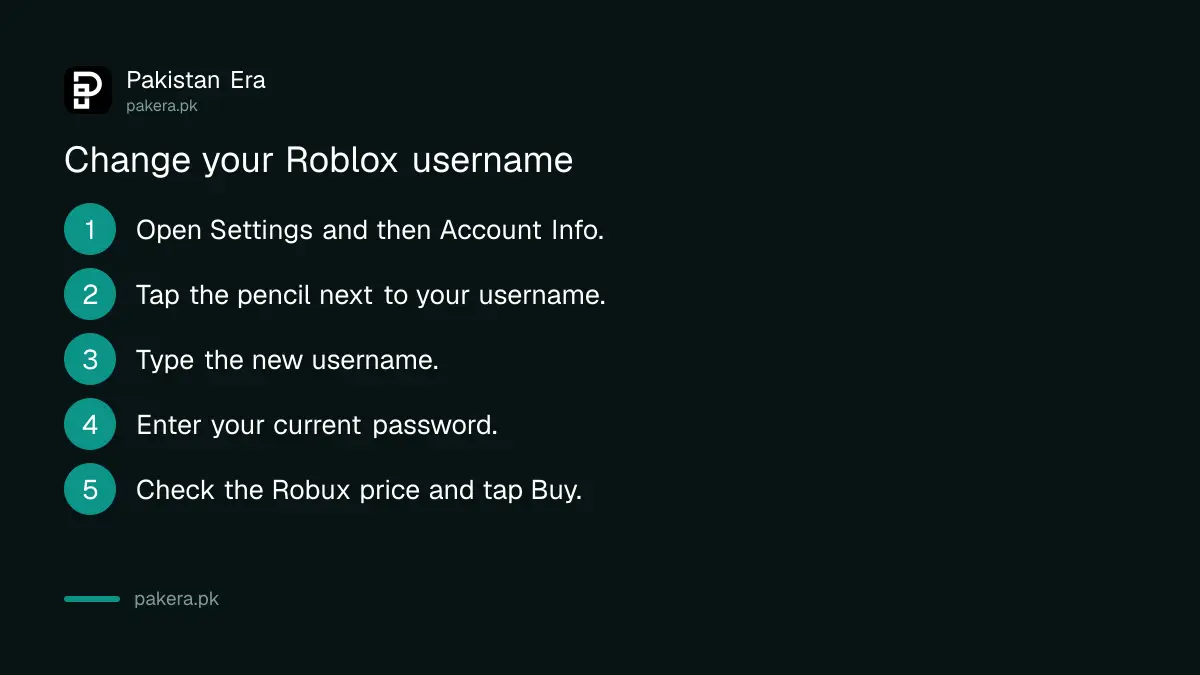
- Log in to Roblox in the app or a browser.
- Open Settings. In a browser it is the gear icon at the top right. In the phone app, tap the three dots (More), then Settings.
- Open the Account Info tab.
- Tap the pencil icon next to your username (Change Username).
- Type your new username.
- Enter your current Roblox password.
- Check the Robux price, then tap Buy.
From now on you log in with the new username and the same password. The old one still appears in your past usernames list.
Short of Robux? Buying them on the website or with a gift card gives more per rupee than the phone app, as explained in buying Robux in Pakistan. Buy only from Roblox, Google Play or the App Store.
How to change your display name for free
The display name changes from the same Account Info tab, with a Save button instead of a Buy button. It costs nothing. Roblox allows one change every 7 days, so pick a name you will keep for at least a week.
- Open Settings, then Account Info.
- Tap the Change Display Name button (a pencil and paper icon).
- Type the new display name and tap Save.
- Refresh the page. The new display name now shows above your @username.
Some accounts see the display name labelled simply as "Name". A display name that breaks the Roblox Community Rules can be reset to your username.
Rules your new Roblox username must follow
A Roblox username must be 3 to 20 characters long and use only letters and numbers, plus at most one underscore that is not at the start or end. It cannot contain bad words or personal details such as your real name or phone number.
- No name already used by another account.
- No swapping usernames with your own second (alt) account.
- No discount for a small change, such as only adding capital letters. That still costs the full Robux price.
- No real first or last name, phone number, street name or address. This matters for children's accounts.
Every name is filtered for inappropriate words, so a name with a hidden rude word is refused at the Buy step. Parents can see the account settings through Roblox parental controls.
Fixes when the Roblox name change does not work
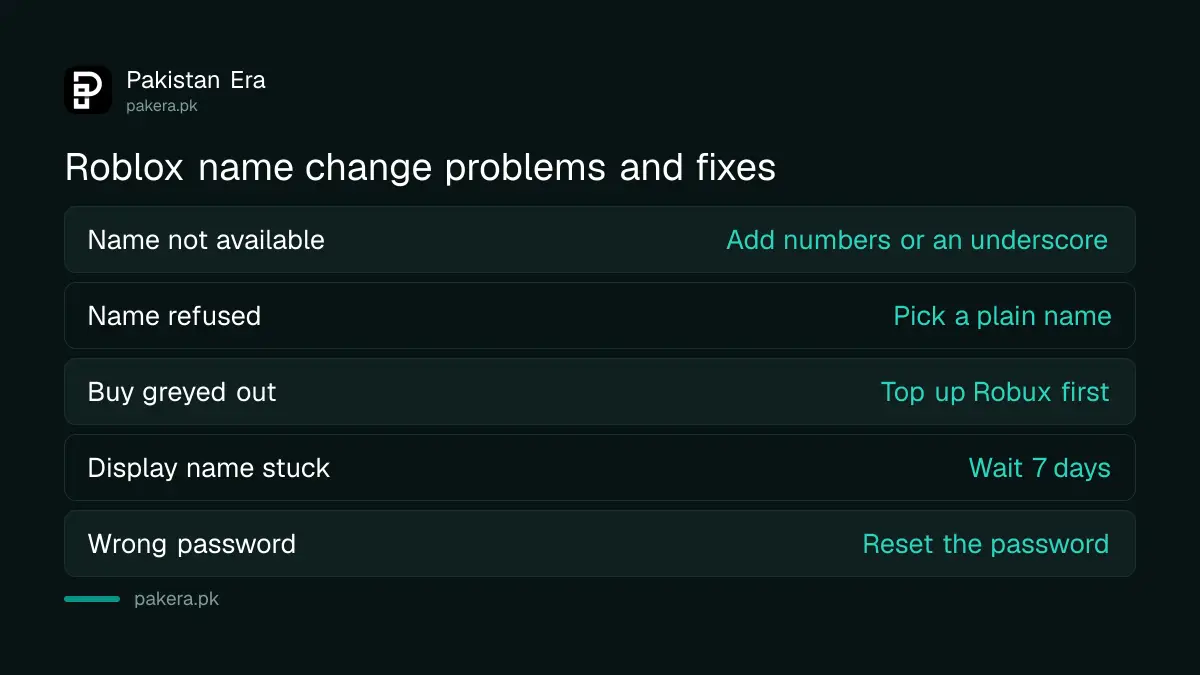
Most failures come from four things: the name is taken, it breaks the filter, there are not enough Robux, or the display name was changed in the last 7 days. Each has a simple fix, shown in the table below.
| Problem | Why it happens | What to do |
|---|---|---|
| Username not available | Another account has it | Add numbers or one underscore |
| Name refused | Filter found a rude word or personal detail | Choose a plain gaming name |
| Buy button greyed out | Not enough Robux | Top up Robux first |
| Display name will not save | Changed in the last 7 days | Wait until 7 days have passed |
| Wrong password error | Forgotten password | Reset it through Forgot Username or Password |
Forgot your current username? Tap Forgot Username or Password on the login page and enter your email or phone number. Roblox sends the list of usernames on that email or number. For a Pakistani number, pick Pakistan (+92) as the country code. If someone else changed your name after taking over the account, follow the steps to recover a hacked Roblox account instead.
Old usernames stay visible and can be reused
Your past usernames remain on your account. You and other players can see them in Settings, on your profile and through People search. You can switch back to an old username, but Roblox charges Robux again for that change.
So a new username does not hide your old identity from friends. If you want a fresh start, a free display name change does most of the job. Roblox retires past usernames for good only when you use the right to be forgotten, which deletes your data.
A safety note for parents: nobody needs your password to change a name for you. Anyone offering a "free username change" or "free Robux" for your login is trying to steal the account.
Common questions
How much does a Roblox username change cost?
It costs Robux. Roblox shows the exact price on the Buy step in Account Info before you confirm, so check it there. A display name change is free.
Can I change my Roblox username for free?
No. Every username change needs Robux, even going back to an old name or only adding capital letters. Only the display name is free.
How often can I change my Roblox display name?
Once every 7 days. If Save does not work, your last change was less than a week ago.
Will I lose my Robux, items or friends if I change my username?
No. The account stays the same, so your Robux, items, friends and creation date carry over. You just log in with the new name.
Can other players still find my old username?
Yes. Past usernames show on your profile and in People search. Roblox removes them only if you use the right to be forgotten.
Can I change my username in the Roblox phone app?
Yes. Tap the three dots (More), then Settings, then Account Info, and use the same pencil icon next to your username.
How we verified this
What we checked and where we read it.
We checked this guide on 24 November 2026 against the Roblox Help Center articles Changing Your Username (updated 15 November 2026), Changing Your Display Name (updated 23 November 2026) and I Forgot My Username. The username length and character rules come from the Roblox Help Center article on Xbox error 901, which lists them. The username help page says each change needs Robux but does not print a fixed price, so this guide points readers to the price shown at the Buy step.
About the author

Technology Journalist & Multimedia Producer
Ahmad Ali is a technology journalist and multimedia producer at Pakistan Era, joining the team in October 2026. He covers consumer technology and digital life for Pakistani readers, combining research with hands-on product testing.