Samsung Smart TV Reset in Pakistan: Factory Reset, Software Update, PIN 0000 and First Setup
Reset a Samsung Smart TV under Settings, General, Reset with PIN 0000, or unplug it for a soft reset. Software update, forgotten PIN and setup steps here.
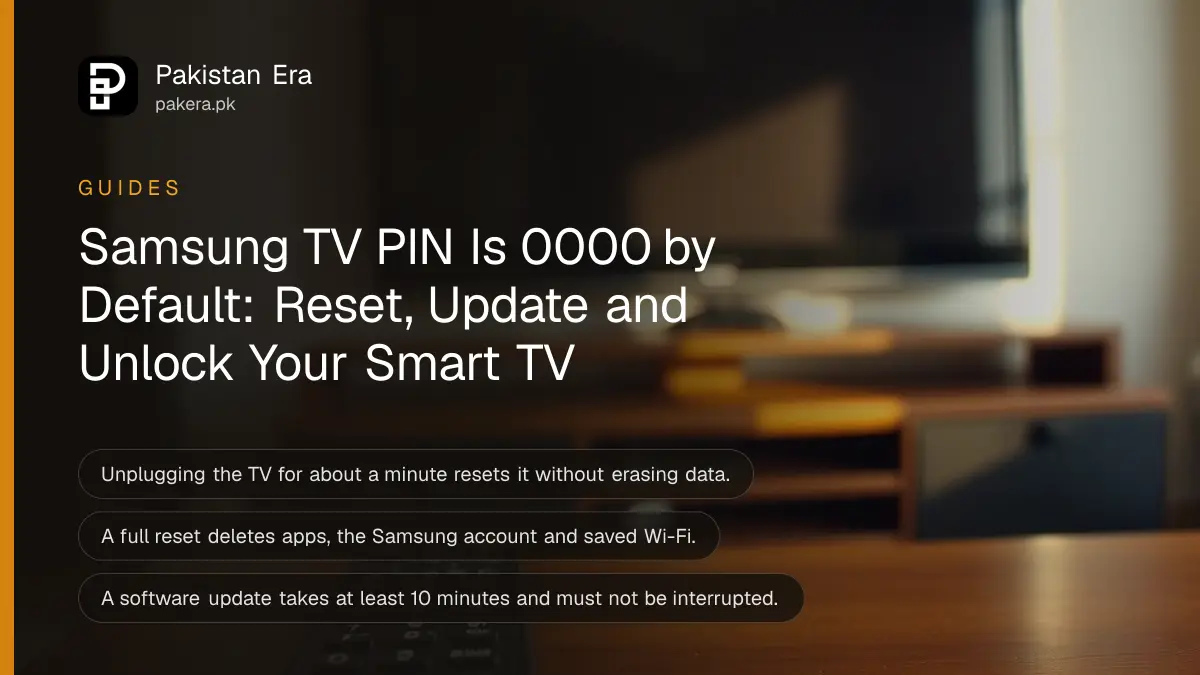
To reset a Samsung Smart TV, press Home on the remote, open Settings, then General, then Reset, and enter the PIN, which Samsung says is 0000 unless you changed it. Before you wipe anything, try the soft reset: unplug the TV for about a minute. It clears most freezes and keeps your apps, accounts and Wi-Fi.
Apps that will not open, a picture that stutters during the Pakistan ODI tri-series, a forgotten PIN after the children changed it. We read Samsung Pakistan's support pages on reset, software update, the TV PIN and first-time setup on 25 October 2026. Below is each task in the order to try it, with what you lose at each step.
Samsung gives two resets, and only one erases your TV
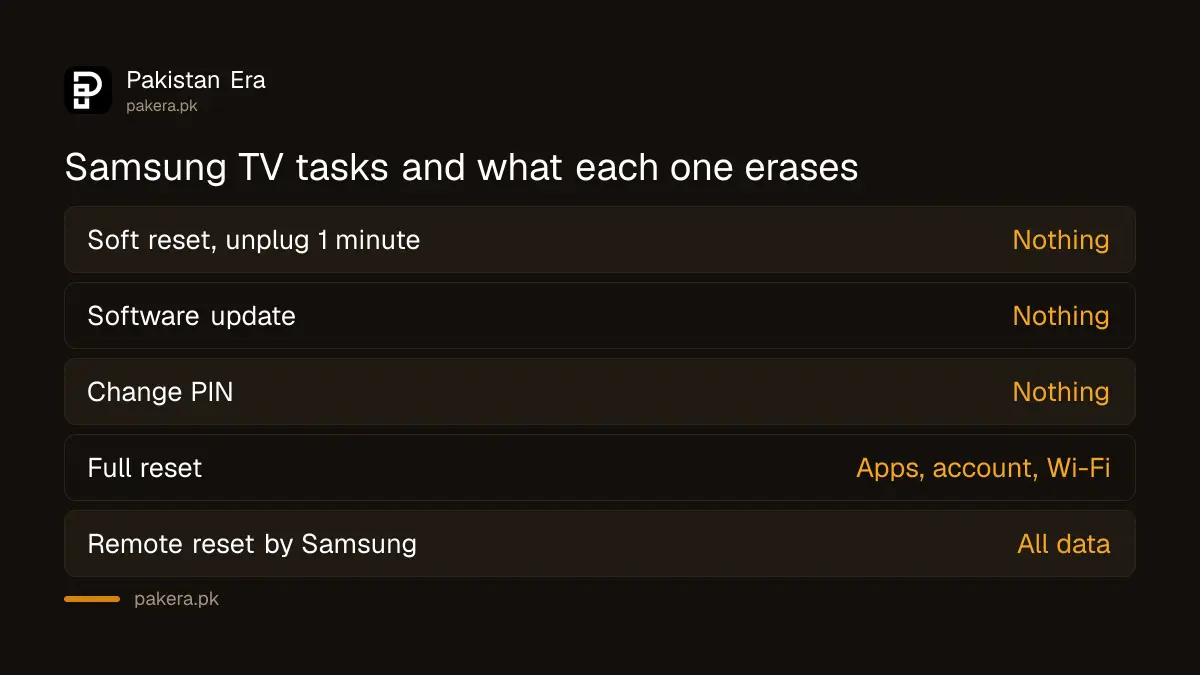
A soft reset means unplugging the TV for about a minute; Samsung says no data is erased. A full reset under Settings, General, Reset returns the TV to factory settings and deletes your Samsung account, downloaded apps and saved Wi-Fi.
| Task | Where | What you lose |
|---|---|---|
| Soft reset | Unplug for about a minute | Nothing |
| Software update | Settings, General, Software Update | Nothing |
| Change PIN | Settings, General, System Manager, Change PIN | Nothing |
| Full reset | Settings, General, Reset | Apps, Samsung account, Wi-Fi details |
| Remote reset by Samsung | Settings, Support, Remote Management | All data |
Try the soft reset and a software update first
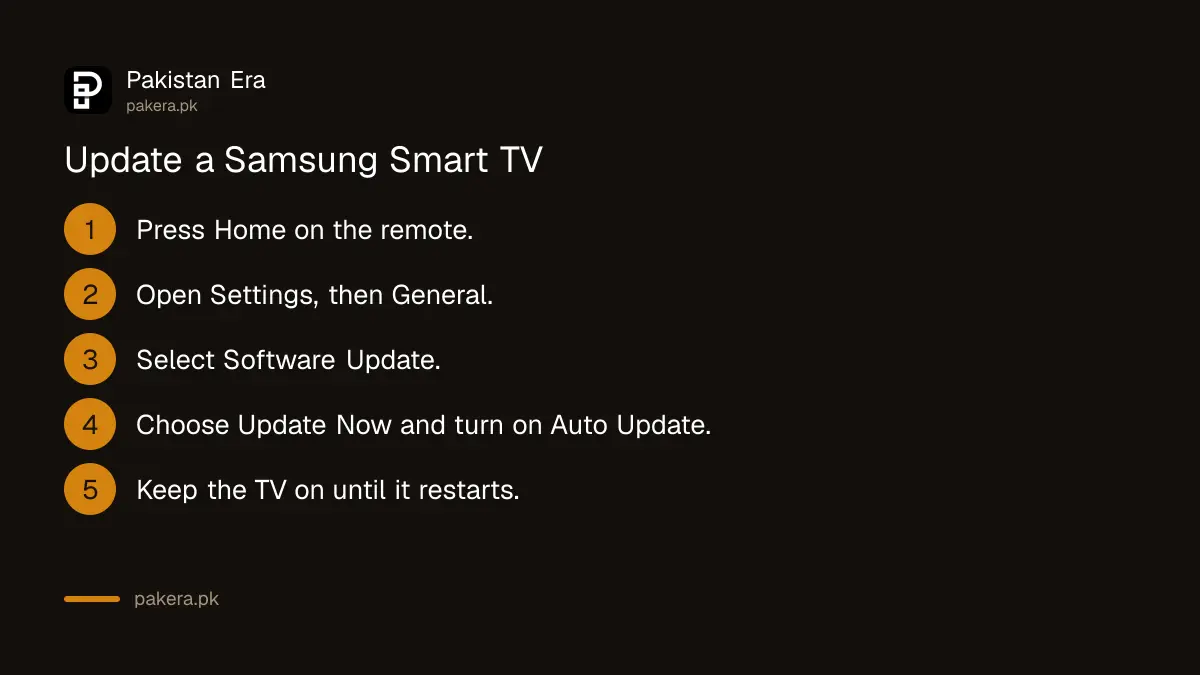
Turn the TV off, unplug it, wait about a minute and plug it back in. If the problem returns, update the software: press Home, open Settings, then General, then Software Update, and choose Update Now. Turn on Auto Update while you are there.
Samsung's page has one safety line we would underline: do not touch the plug with wet hands. In many homes the TV shares a socket board with a UPS or stabiliser, so switch the board off first.
Samsung says the TV must stay connected to the internet and powered on during an update, which can take at least 10 minutes. It restarts on its own when finished. Do not switch it off midway. If load shedding is due in your area, wait until after the cut, or run the TV on the UPS.
No internet on the TV? Samsung also allows a USB update. Download the file for your exact model from Samsung's support site on a computer, copy it to the top-level folder of a USB drive, plug it into the TV, then go to Software Update and choose Update Now.
The full reset needs the PIN and wipes your apps and Wi-Fi
Press Home, go to Settings, then General, then Reset, and enter your 4-digit PIN. Samsung says most TVs use 0000 by default. Choose Yes, wait for the TV to turn off, then turn it on and complete the setup again.
- Write down your Wi-Fi name and password. Samsung says the reset deletes them.
- Press Home on the remote and open Settings.
- Select General, then Reset.
- Enter the PIN, 0000 if you never changed it.
- Select Yes and wait until the TV switches itself off.
- Turn it on and complete the setup.
Samsung notes that menu names vary by location and where the TV was bought. A TV brought from the Gulf or the UK may show slightly different menus from one bought in Pakistan. If nothing helps, Samsung's service centre can reset the TV remotely through Settings, Support, Remote Management, with the TV online. That also erases everything.
A forgotten PIN resets to 0000 with a remote button sequence
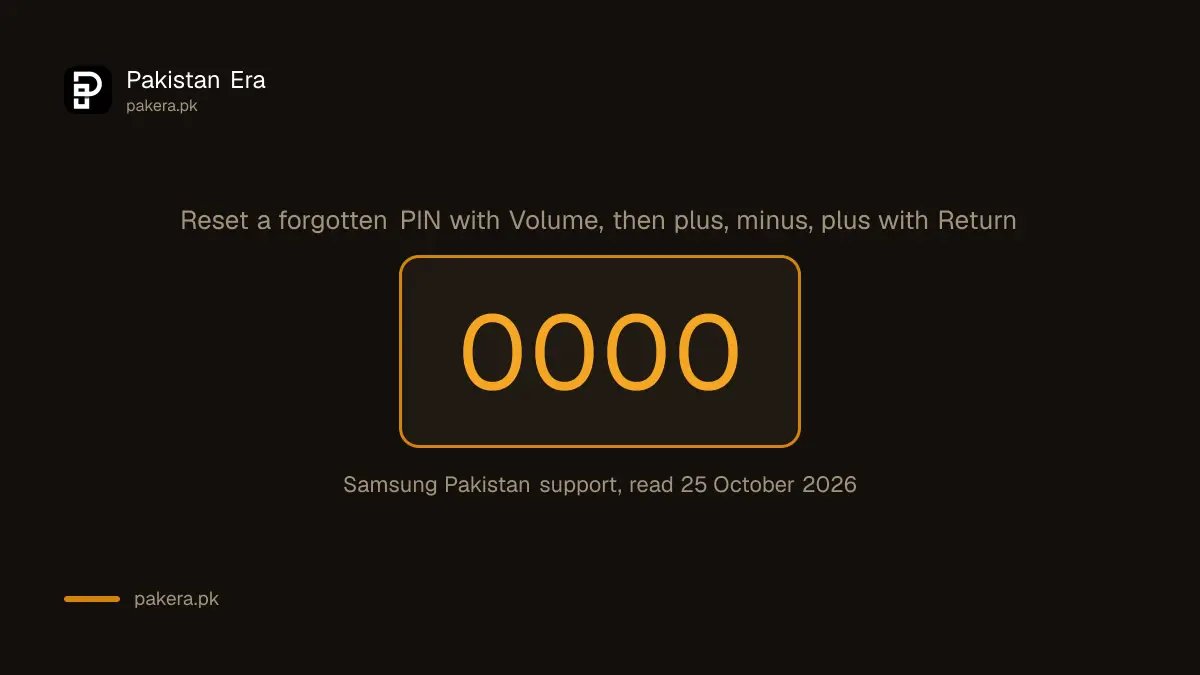
If someone changed the PIN, Samsung gives a reset using the remote. Turn on the TV, press Volume, then press plus and Return, minus and Return, and plus and Return again. The PIN returns to 0000.
For a standard remote control, Samsung's second option starts with Mute instead and use the same plus, minus and Return pattern. To set your own PIN afterwards, press Home, open Settings, then General, then System Manager, then Change PIN.
A PIN is worth setting if children use the TV. It guards app installs and Samsung's parental settings, and 0000 is the first code anyone will try.
First setup after a reset asks for Wi-Fi and a Samsung account
After a reset, the TV runs its first-time setup. Choose your language, connect to Wi-Fi or a cable, accept the Smart Hub terms, and sign in to your Samsung account with a code sent to your phone or email. The account brings back apps.
Samsung's setup page lists a few more screens: backing up settings, installing any update, restoring data from a previous device, choosing a voice assistant, and linking apps. Most can be skipped. The voice assistant options vary by model and region.
If your TV is not a Samsung, or is an older LED with no smart apps, an Android TV box gives it an app store. Once a Samsung TV is set up again, a Galaxy phone can mirror to it with Smart View from the phone's Quick Settings.
Common questions
What is the default PIN on a Samsung TV?
Samsung says the default PIN is 0000.
Will resetting my Samsung TV delete my apps?
A full reset does. Samsung says it deletes downloaded apps, the Samsung account and saved Wi-Fi. A soft reset by unplugging keeps everything.
How do I reset a Samsung TV PIN I forgot?
Turn on the TV, press Volume (or Mute), then plus and Return, minus and Return, and plus and Return. The PIN goes back to 0000.
How long does a Samsung TV software update take?
Samsung says at least 10 minutes. Keep the TV on and online until it restarts itself.
Can I update a Samsung TV without internet?
Yes. Put the update file for your model in the top folder of a USB drive and choose Update Now under Software Update.
Where is the reset option on a Samsung Smart TV?
Press Home, then Settings, General, Reset. Menus vary by model and the country where the TV was bought.
How we verified this
What we checked, where we read it, and what we could not confirm.
Last checked 25 October 2026. We read Samsung Pakistan's support pages on resetting a Samsung TV, updating the TV software, finding and resetting the TV PIN, and first-time setup with a remote, on that date. Samsung says menus differ by model and where the TV was bought. We did not test a specific TV, and the UPS and load shedding remarks are our own advice.
About the author

Technology Journalist & Multimedia Producer
Ahmad Ali is a technology journalist and multimedia producer at Pakistan Era, joining the team in October 2026. He covers consumer technology and digital life for Pakistani readers, combining research with hands-on product testing.