USB Device Not Recognized on Windows 11 in Pakistan: Every Fix, Code 43 and All USB-C Warnings
USB device not recognized on Windows 11? Find the Device Manager error code, see what Code 43, 10 and 28 mean, and fix every USB-C warning Microsoft lists.
When Windows 11 says "USB device not recognized", plug the device straight into the laptop without a hub, try another port, then open Device Manager, find the device with a yellow exclamation mark, open Properties and read the error code under Device status. That code, such as Code 43 or Code 28, tells you which fix Microsoft recommends.
Below are Microsoft's steps to find the code, a table of the codes that show up most with USB devices and what each one needs, and every USB-C warning Windows can show, from "Slow charger" to "USB device might need more power". We read Microsoft's pages on USB-C problems and Device Manager error codes on 1 November 2026.
The Device Manager error code shows the real cause
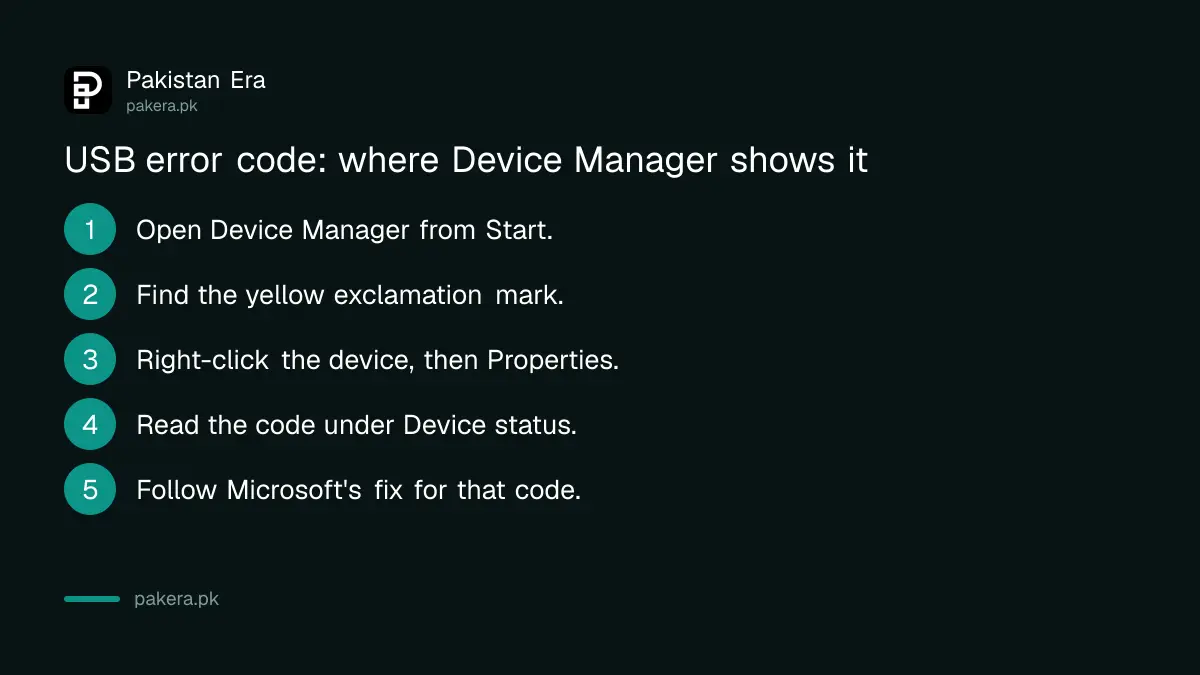
Microsoft says "USB device not recognized" means the last device you connected malfunctioned or its driver has a problem. Open Device Manager, find the device marked with a yellow exclamation point, open Properties and note the code under Device status.
- Select Start, type device manager and open Device Manager.
- Look for the device marked with a yellow exclamation point. USB devices often sit under Universal Serial Bus controllers or Other devices.
- Right-click it, or press and hold, and select Properties.
- Read the error code shown under Device status.
- Follow the fix for that code in the table below.
Microsoft adds one exception. Its USB page says the error-code method applies to every code except Code 28, which means the drivers for the device are not installed. For Code 28 the answer is a driver reinstall, covered further down.
Start with another port, no hub and no dock
Many USB faults are a port, a hub or a cable. Unplug the device, wait a moment, and plug it straight into the laptop. Try a different port. Microsoft repeatedly says devices connected through an external hub or dock can lose features or fail.
Microsoft's keyboard and mouse page gives the same advice for any USB device: wait after unplugging so Windows can unload the driver, make sure a hub has power, and remove the hub if things still fail. Check the cable for damage too. A cheap cable that only charges will never show a phone or drive on the PC, which is worth ruling out with a fake or charge-only cable check.
If the device does nothing on a second computer either, the device itself is the problem, not Windows.
Common error codes and what Microsoft says to do
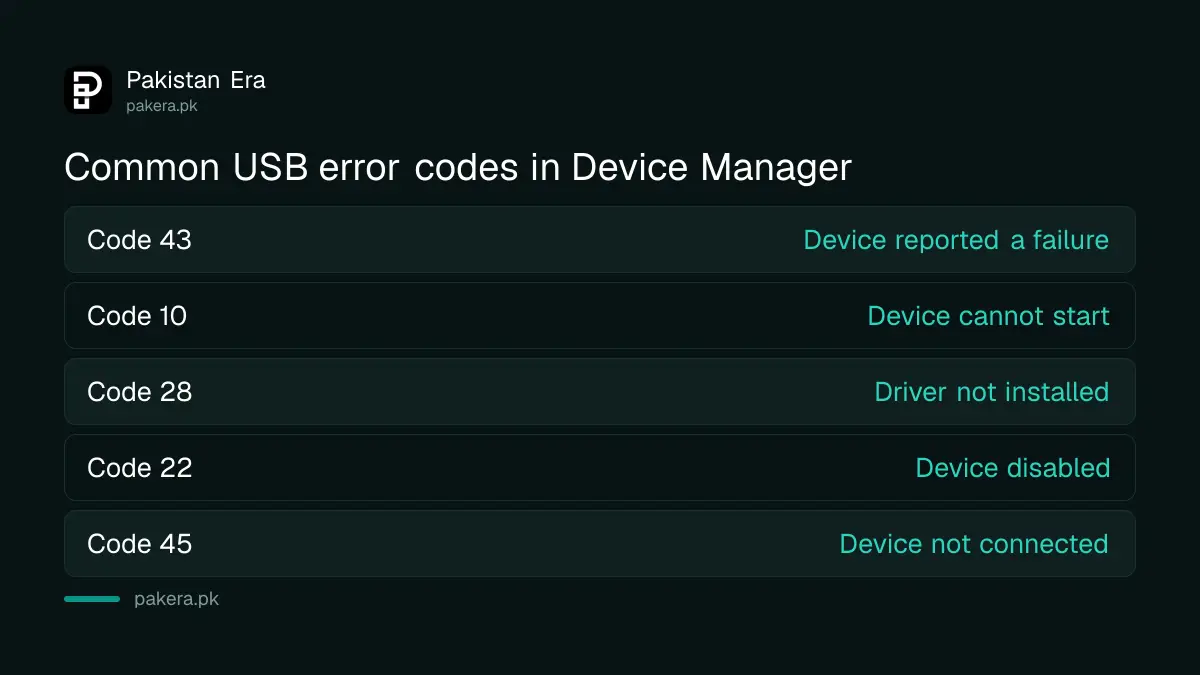
Code 43 means a driver reported that the device failed, so reinstall the driver and then contact the maker. Code 10 means the device cannot start, so update the driver. Code 28 means no driver is installed. Code 22 means someone disabled it.
| Code | What Windows means | Microsoft's fix |
|---|---|---|
| Code 43 | A driver reported the device failed in some manner | Uninstall the device, scan for hardware changes; then the maker |
| Code 10 | This device cannot start | Driver tab, Update Driver |
| Code 28 | The drivers for this device are not installed | Uninstall, then Action, Scan for hardware changes |
| Code 22 | The device was disabled in Device Manager | Action, Enable Device |
| Code 31 | Windows cannot load the drivers it needs | Update Driver |
| Code 45 | The device is no longer connected | Nothing; it clears when you reconnect |
| Code 52 | Windows cannot verify the driver's digital signature | Latest driver from the maker's website |
| Code 14 | The device needs a restart to work | Restart the PC |
To reinstall a driver the way Microsoft describes for Codes 28 and 43, right-click the device in Device Manager, select Uninstall, then open the Action menu and select Scan for hardware changes. Windows may ask for the driver's location. If it does and you have nothing saved, Microsoft says to download the latest driver from the hardware maker's website.
Every USB-C warning Windows 11 can show
Windows 11 shows a notification when a USB-C connection has a problem. Microsoft lists eleven, including Slow charger, PC isn't charging, Display connection might be limited, Use different USB port and USB device might need more power. Each has its own short fix.
| Warning | What Microsoft says to try |
|---|---|
| USB device not recognized | Find the Device Manager error code and follow its fix |
| Slow charger, or PC isn't charging | Use the charger and cable that came with the PC, the USB-C charging port, and clean the port with compressed air |
| USB device functionality might be limited, or Thunderbolt device functionality might be limited | Connect directly to a port that supports the device's features |
| USB4 device functionality might be limited | A USB4 port, a certified USB4 cable, and only USB4 docks |
| Display connection might be limited, or MHL device functionality might be limited | PC, display and cable must all support DisplayPort or MHL; connect directly |
| Use different USB port | Move the device to a port that supports its features |
| USB device might need more power | Power the device or the PC from the mains, and unplug unused USB devices |
| Unsupported USB-C Audio Adapter | Use a USB-C digital audio adapter, not an analog one |
You can switch these alerts off, though we would not. Search for usb, open USB settings, and turn Connection notifications on or off.
External drives often need more power than the laptop gives
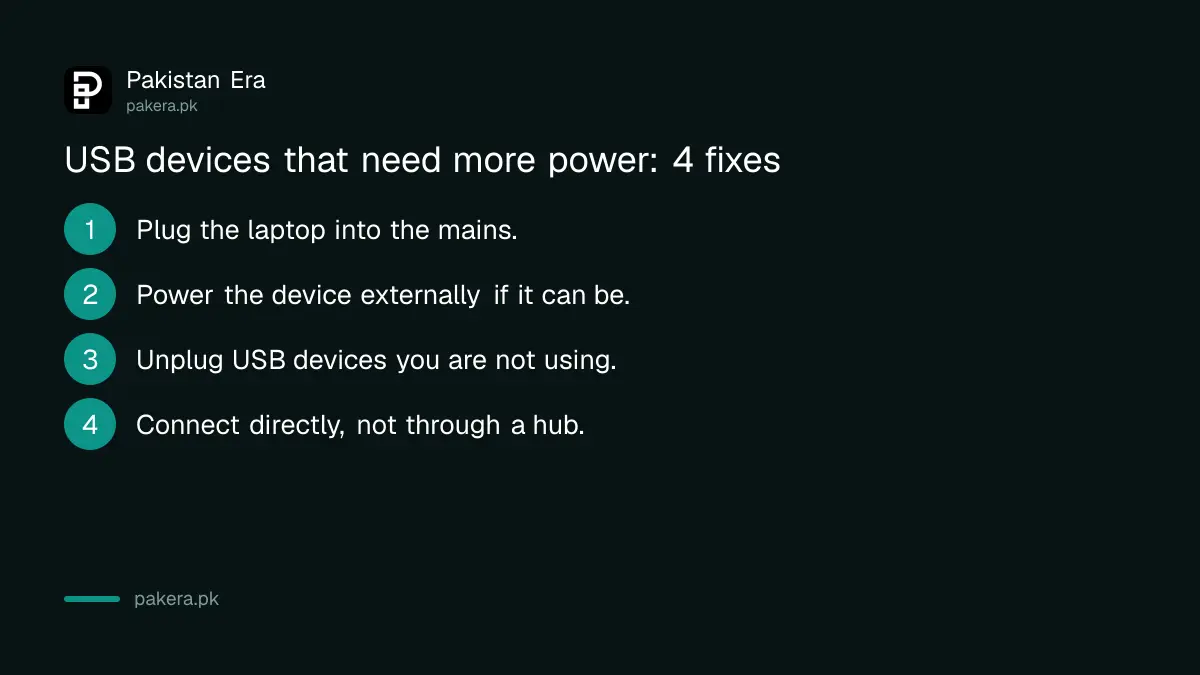
When Windows says "USB device might need more power", the laptop is limiting power. Microsoft says to plug the PC into the mains rather than run on battery, power the device externally if it can be, and unplug USB devices you are not using.
Microsoft gives three reasons the PC limits power: its battery is low, it is already powering other devices, or the device needs more than the PC can supply. Portable hard drives and phone charging both draw from the same port budget. During load shedding, when the laptop runs on battery, this warning becomes more likely, so charge first and then connect the drive.
A USB stick made into a Windows 11 bootable USB is a separate case. It may not show files in File Explorer the way a normal drive does, which is not the same as Windows failing to recognise it.
Common questions
What does Code 43 mean on a USB device?
Microsoft says one of the device's drivers told Windows the device failed. Uninstall it in Device Manager, scan for hardware changes, then contact the maker if it returns.
Why does my phone not show up on my PC over USB?
Check the cable first, since a charge-only cable carries no data. Then try another port without a hub and look for an error code in Device Manager.
Is it safe to uninstall a USB device in Device Manager?
Yes. Windows reinstalls it when you choose Scan for hardware changes or reconnect the device.
Why does my laptop say Slow charger?
Microsoft says the charger or cable may not be powerful enough, it may be plugged into the wrong port or through a hub, or dust may block the port.
What does Code 45 mean?
The device was connected before but is not now. Microsoft says no fix is needed; it clears when you plug it back in.
How we verified this
What we checked, where we read it, and what we could not confirm.
Last checked 1 November 2026. We read Microsoft's pages Fix USB-C problems in Windows and Error codes in Device Manager in Windows on 1 November 2026, plus its mouse and keyboard problems page for the hub and port advice. The note about USB devices sitting under Universal Serial Bus controllers or Other devices, and the load shedding remark, are our own reading. We did not reproduce each error code on a device.
About the author

Technology Journalist & Multimedia Producer
Ahmad Ali is a technology journalist and multimedia producer at Pakistan Era, joining the team in October 2026. He covers consumer technology and digital life for Pakistani readers, combining research with hands-on product testing.