Windows 11 Bootable USB in Pakistan: Make It Free With Microsoft's Media Creation Tool (Every Step)
Make a Windows 11 bootable USB free with Microsoft's Media Creation Tool. You need an 8 GB drive. See the steps, the boot keys and fixes when it will not boot.
To make a Windows 11 bootable USB, download Microsoft's free Media Creation Tool from microsoft.com/software-download/windows11, plug in a USB drive of at least 8 GB, choose "Create installation media for another PC", and pick the USB. Below are all three of Microsoft's download options, the boot keys to try, how to check an ISO is genuine, and the fixes when the laptop will not boot from the USB.
A computer shop will install Windows for a fee, but you rarely know where their copy came from. Microsoft gives the same installer away free, and the official one is the only copy you can trust. We read Microsoft's Windows 11 download page on 27 October 2026. It offered Windows 11 version 26H2, the 2026 Update.
You need an 8 GB USB, internet and a Windows 11 licence
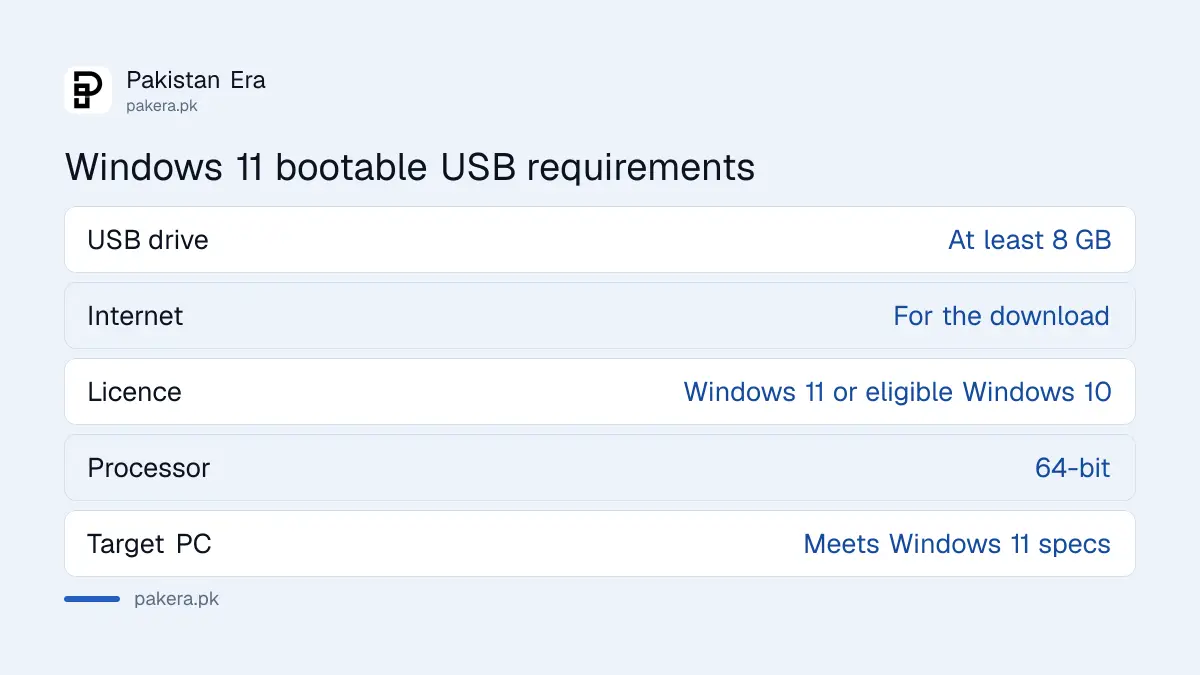
Microsoft lists six things: an internet connection, a USB drive of at least 8 GB, enough storage for the download, a Windows 11 licence or a qualifying Windows 10 PC, a 64-bit processor, and a PC that meets Windows 11's specifications. The USB will be wiped.
| Requirement | Microsoft's rule | What to do in practice |
|---|---|---|
| USB drive | At least 8 GB, all content deleted | Copy your files off it first |
| Internet | Needed for the download | Use home Wi-Fi, not a mobile bundle |
| Licence | Windows 11 licence, or an eligible Windows 10 PC | Check activation before you wipe anything |
| Processor | 64-bit | See Settings, System, About |
| Target PC | Must meet Windows 11 specifications | Run PC Health Check first |
Microsoft warns that installing on hardware that does not meet the specifications can cause compatibility problems and loss of update eligibility. So test the target PC with the Windows 11 requirements check before you build the USB.
Microsoft offers three downloads, and the USB needs the second
The Installation Assistant upgrades the PC you are using. Create Installation Media, the Media Creation Tool, builds a bootable USB or DVD for another PC or a clean install. The ISO is a disk image for advanced users. All three support only x64 processors.
| Option | Use it for | Key condition |
|---|---|---|
| Installation Assistant | Upgrading this PC in place | Windows 10 version 2004 or later, 9 GB free, admin rights |
| Create Installation Media | Bootable USB or DVD, clean install | USB of at least 8 GB |
| Disk Image (ISO) | Virtual machines or other USB tools | Your product key unlocks the edition |
For a laptop with a broken Windows, or a used laptop you want to start fresh, the Media Creation Tool is the one. It also works from another person's PC, which helps when your own will not start.
Make the USB with the Media Creation Tool in six steps
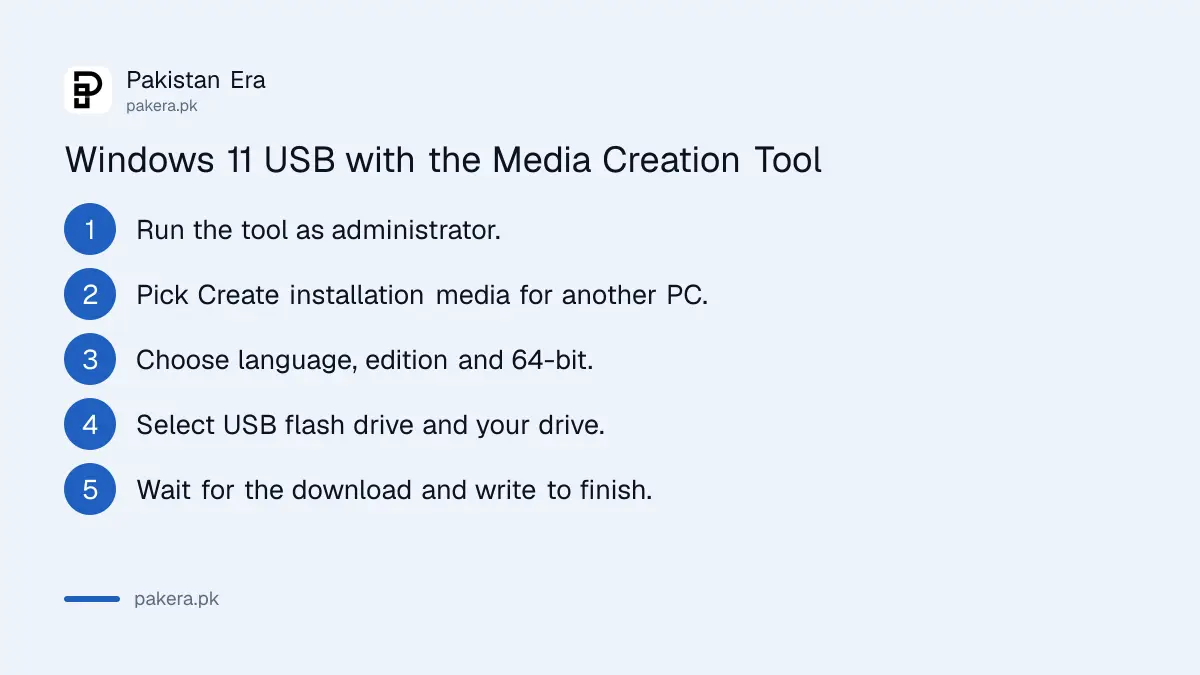
Run the tool as administrator, accept the licence, choose "Create installation media for another PC", set language, edition and 64-bit, then select USB flash drive. The tool downloads Windows and writes it to the drive. Leave the PC on until it finishes.
- Download the Media Creation Tool from the Create Windows 11 Installation Media section of Microsoft's page.
- Right-click it and run it as administrator, then accept the licence terms.
- Select "Create installation media for another PC" and click Next.
- Choose the language, edition and 64-bit architecture.
- Choose USB flash drive, then pick your drive from the list.
- Wait for the download and write to finish, then click Finish.
Pick the same language as the Windows you want to keep, because Microsoft says the language must match.
Boot from the USB with F12, F2, Esc or Delete
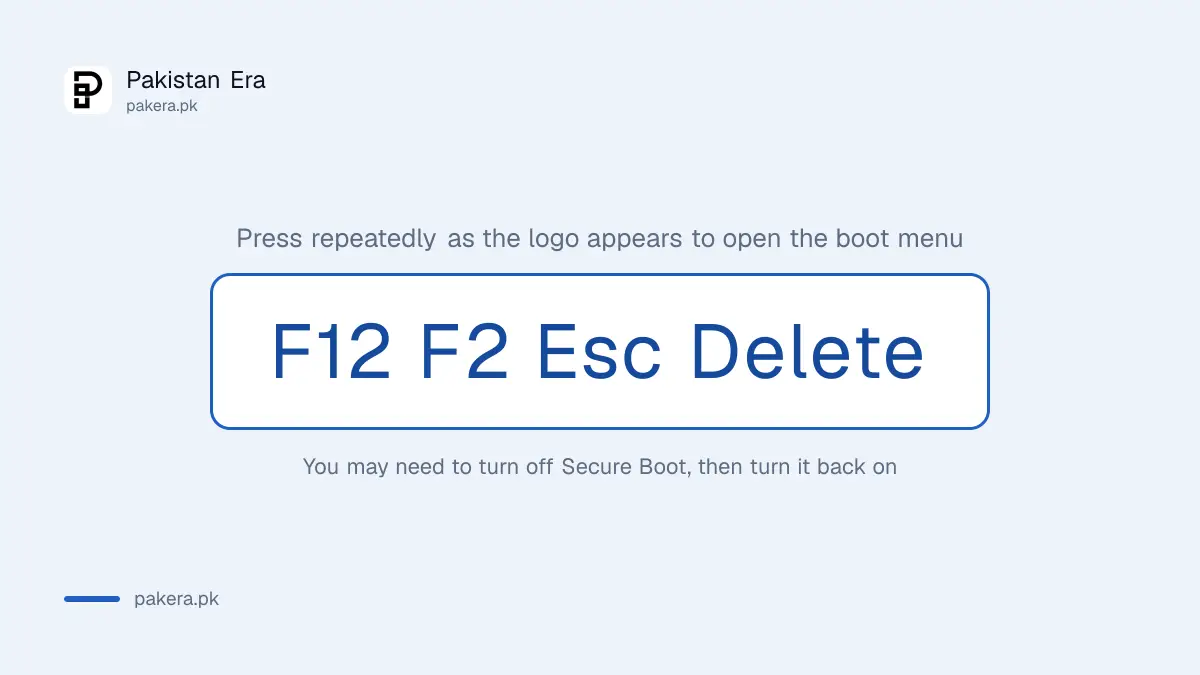
Plug the USB into the target PC and restart. If Windows starts normally, open the boot menu or change the boot order in BIOS or UEFI. Microsoft says the key is usually F2, F12, Delete or Esc. You may also need to turn off Secure Boot.
If the PC will not start Windows at all, the USB can also open the repair tools: choose Repair my PC instead of Install, as Microsoft's recovery environment page describes.
- Plug in the USB and restart the PC.
- Press the boot menu key repeatedly as the logo appears.
- Choose the USB drive from the list.
- On the Install Windows page, set language, time and keyboard.
- Select Install Windows and follow the screens.
- After setup, put the boot order back so the internal drive starts first.
Microsoft does not list a key for each brand, and the key can differ between models of one brand. If one key does nothing, restart and try the next. Turning Secure Boot back on after setup matters for some games, as the steps to enable TPM 2.0 and Secure Boot show.
Back up the BitLocker key and activation before a clean install
A clean install wipes the drive. If BitLocker is on, you will need its recovery key for most repair options. Note your Microsoft account, save the key, and check activation, so Windows can reactivate on its own after the reinstall.
The four places Windows keeps the key are in finding your BitLocker recovery key. Activation status and the product key questions are in checking Windows 11 activation. If you only want a fresh start and not a blank drive, Reset this PC may be enough.
For the ISO route, Microsoft publishes SHA256 hashes. Run Get-FileHash on the downloaded file in PowerShell and compare the result with Microsoft's table. A mismatch means the file is damaged or not Microsoft's.
Common questions
Is the Windows 11 Media Creation Tool free?
Yes. Microsoft gives the tool and the download free. You still need a valid Windows licence to activate the installed copy.
What size USB do I need for Windows 11?
At least 8 GB, on Microsoft's page. Everything on the drive is deleted when the tool writes Windows to it.
Can I make a Windows 11 USB on a Mac or a phone?
The Media Creation Tool runs on Windows. The ISO can be downloaded on other systems, but we did not test other tools for writing it.
Why will my laptop not boot from the USB?
Usually the boot order or Secure Boot. Use the boot menu key, F2, F12, Delete or Esc, and turn off Secure Boot if needed.
Does a clean install delete my files?
Yes, if you format the drive. Copy your files to another drive or cloud storage before you start.
How we verified this
What we checked, where we read it, and what we could not confirm.
We read Microsoft's Windows 11 software download page (microsoft.com/software-download/windows11) on 27 October 2026, which showed the Windows 11 2026 Update, version 26H2, the three download options, the requirements list, the Media Creation Tool steps and the boot key advice. Microsoft also points to the ISO hash check with Get-FileHash. We did not build a USB for this article, and we could not confirm the exact download size, which Microsoft does not state for the USB route.
About the author

Technology Journalist & Multimedia Producer
Ahmad Ali is a technology journalist and multimedia producer at Pakistan Era, joining the team in October 2026. He covers consumer technology and digital life for Pakistani readers, combining research with hands-on product testing.