Turn On TPM 2.0 and Secure Boot for Call of Duty on Your PC in Pakistan
Call of Duty on PC needs TPM 2.0 and Secure Boot. Run Activision's free wizard, then switch on Intel PTT or AMD fTPM, UEFI and Secure Boot in the BIOS.
Short answer: Run Activision's Call of Duty Secure Attestation Wizard first. If it says TPM 2.0 or Secure Boot is off, open your BIOS and switch on Intel PTT or AMD fTPM, set the boot mode to UEFI, and enable Secure Boot. Modern Warfare 4 blocks every online mode without both.
The message usually shows up the first time you launch a Call of Duty game on a Windows 10 PC. The game says your system does not meet the security requirements. The PC is fine and nothing is broken. Two switches in the BIOS are simply off.
We read Activision's support article on TPM 2.0 and Secure Boot, last updated on 16 September 2026. The steps below follow it. The exact menu names change by motherboard brand, so use your own manual for the final click.
The game needs both TPM 2.0 and Secure Boot
For Modern Warfare 4, Activision says both TPM 2.0 and Secure Boot are required, and players who do not meet the rules are restricted from playing any online game mode. For Black Ops 7 and Warzone the penalty is lighter: restricted modes and separate matchmaking pools.
TPM stands for Trusted Platform Module. It is a hardware security feature that proves your PC has not been tampered with. Secure Boot makes sure only trusted software loads when the PC starts. Together they work alongside RICOCHET, the game's anti-cheat system.
A PC running Windows 11 normally has both already, because Windows 11 needs them. A Windows 10 PC may have them off. Windows 10 must also be version 22H2 or later for the game.
Check what your PC supports before touching the BIOS
TPM 2.0 needs an Intel 8th Gen or newer processor with Intel PTT, an AMD Ryzen 2000 series or newer with fTPM, or a separate TPM chip on the board. If your processor is older, no setting will fix it and you need a hardware upgrade.
| Setting | What it must be | Where it appears |
|---|---|---|
| TPM version | 2.0 | Intel PTT, AMD CPU fTPM or discrete TPM in the BIOS |
| Boot mode | UEFI, not Legacy | BIOS boot menu |
| Disk partition style | GPT, not MBR | Windows Disk Management |
| Secure Boot | Enabled | BIOS security or boot menu |
| Windows | 10 version 22H2 or later, or 11 | Run winver |
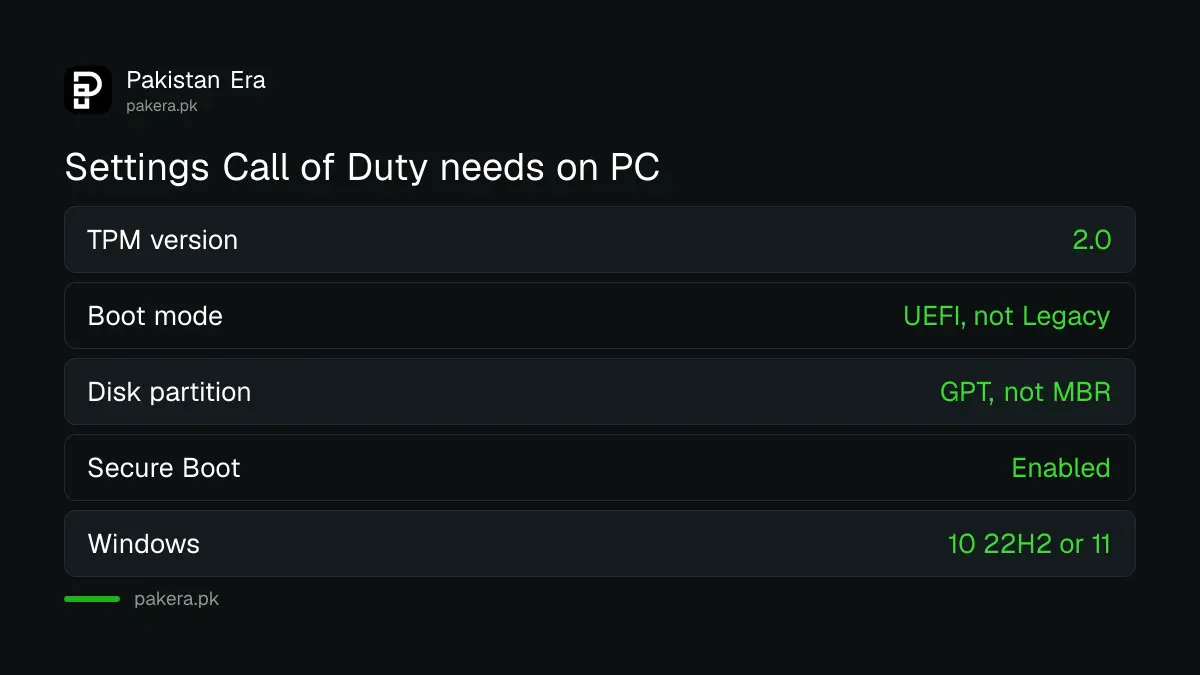
The first row is the one most older gaming machines fail. If you are still choosing parts for the game, the PC requirements for Modern Warfare 4 list the processor tiers.
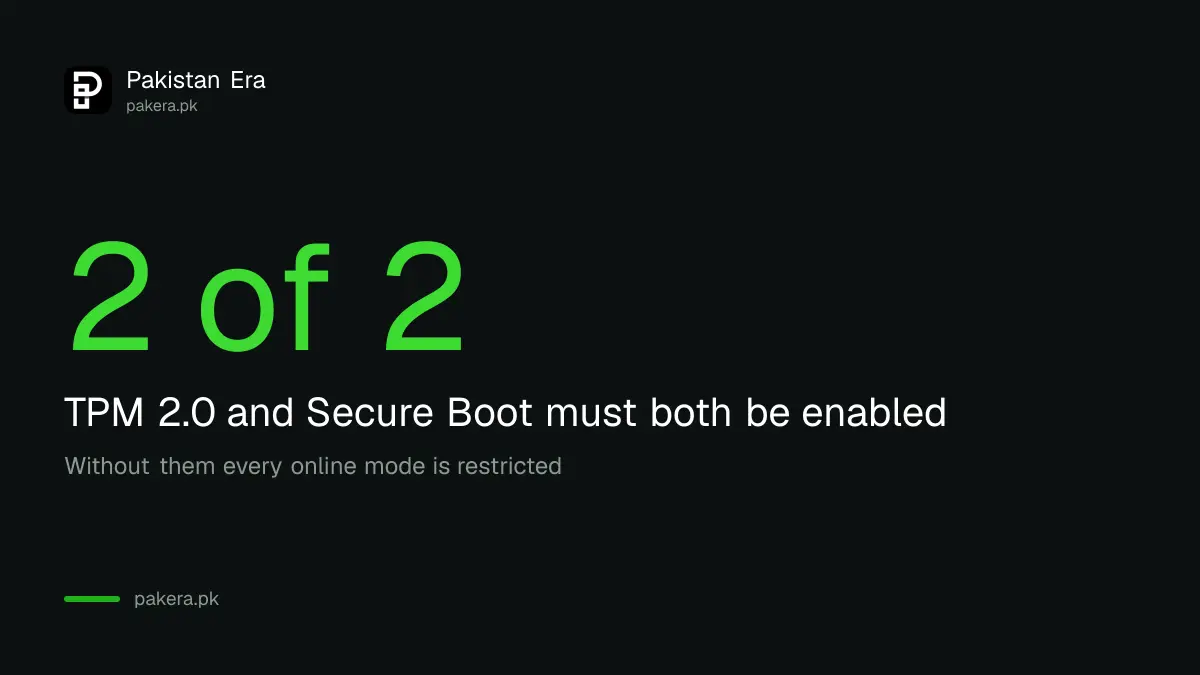
Run the official wizard to see exactly what is wrong
Download the Call of Duty Secure Attestation Wizard from the Activision support article. Version 1.2.0 was updated on 16 September 2026. It is a zip file, so extract it and double-click CODSecureAttestationWizard.exe, accept the terms and let it scan.
The result tells you the problem in plain words. It may say TPM 2.0 is not enabled, Secure Boot is not enabled, or the boot partition is not set to GPT. If it says the system is compliant, you can delete the wizard and play.
Download the wizard only from the Activision support page. Lookalike tools offered in videos or chat groups can carry malware. The same goes for anyone offering to "bypass" the check, which also risks a ban.
Turn on TPM and Secure Boot in five steps
Save your work first. Activision warns that changing BIOS settings wrongly can cause boot failures, and it is not responsible for the changes you make.
- Restart the PC and press the BIOS key shown on the first screen, often Delete or F2.
- Find the security or advanced menu and switch on Intel PTT or AMD CPU fTPM.
- Set the boot mode to UEFI. Legacy or CSM mode must be off.
- Enable Secure Boot, then save and exit.
- Run the wizard again to confirm the result.
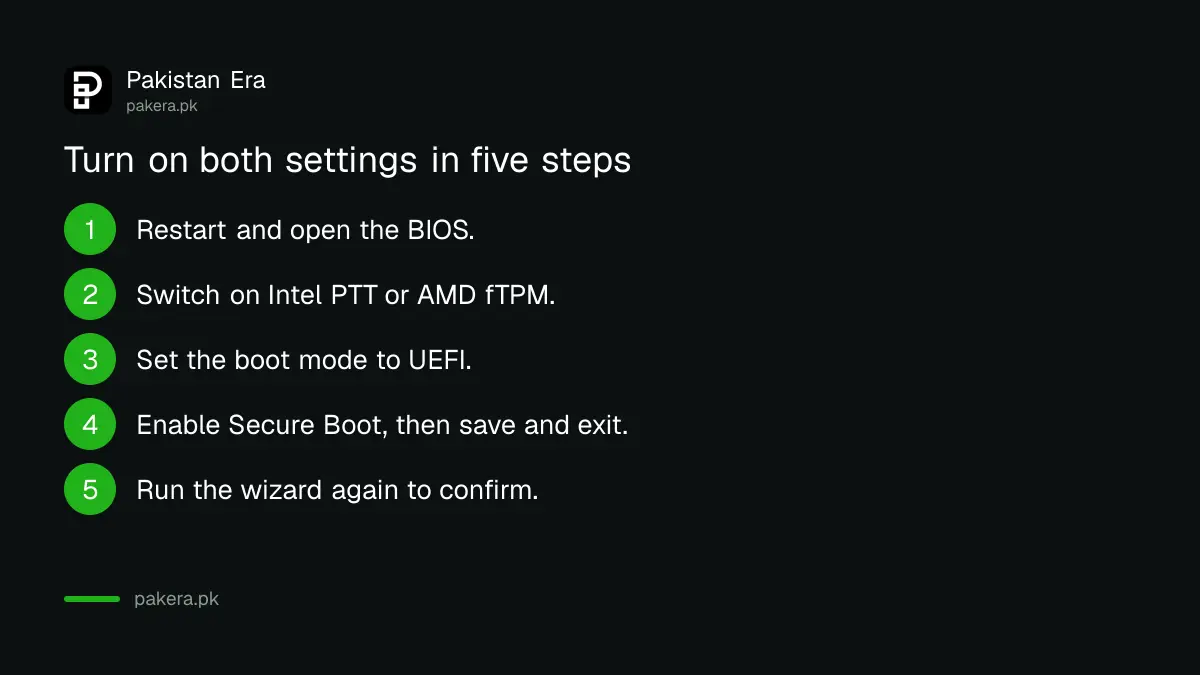
If the wizard still reports a problem after you switched TPM on, Activision lists a BIOS firmware update as the next step. Download it from your motherboard maker's site, not from a third party.
Fix a disk that is not set to GPT
Secure Boot needs the disk to use the GPT partition style. Many Windows 10 PCs installed years ago use MBR instead. Windows ships a tool called MBR2GPT that converts the disk without wiping it, but back up your files first.
If you are not sure, ask your PC or motherboard maker, or a qualified technician. Shop owners will often offer to fix this for a fee, which is fine, but ask them to show you the wizard result afterwards. Your game account is worth more than the repair fee.
Game launch day is busy, and the servers will be too. Once the checks pass, spend your time on the Steam payment options and the download rather than the BIOS.
Common questions
Do I need TPM 2.0 for Modern Warfare 4?
Yes. Activision says both TPM 2.0 and Secure Boot are required, and without them you are restricted from any online mode.
Does Windows 11 already have TPM and Secure Boot?
Usually yes, because Windows 11 requires them. Run the wizard to confirm instead of guessing.
Which processors support TPM 2.0 for Call of Duty?
Intel 8th Gen or newer with Intel PTT, and AMD Ryzen 2000 series or newer with fTPM, or a discrete TPM chip.
What is the Secure Attestation Wizard?
It is Activision's free tool that scans your BIOS information and tells you if your PC meets the security requirements.
Can I use a bypass tool?
No. Do not. Anti-cheat enforcement is the reason for the rule, and bypass tools are a common route for malware.
Can I change the settings myself?
Yes, but BIOS changes can cause boot failures if done wrongly. If you are unsure, ask your hardware maker or a technician.
How we verified this
What we checked, where we read it, and what we could not confirm.
We read Activision's TPM 2.0 and Secure Boot article and the Call of Duty blog on 12 October 2026. We did not run the wizard ourselves. Settings and wizard versions can change, so read the support article again before launch.
About the author

Technology Journalist & Multimedia Producer
Ahmad Ali is a technology journalist and multimedia producer at Pakistan Era, joining the team in October 2026. He covers consumer technology and digital life for Pakistani readers, combining research with hands-on product testing.