Check If Your Passwords Leaked in Pakistan: Google Password Checkup in 2 Minutes, Free
Use Google Password Checkup in Pakistan to find compromised, reused and weak saved passwords, then fix them. Free steps for phone, Chrome and any browser.
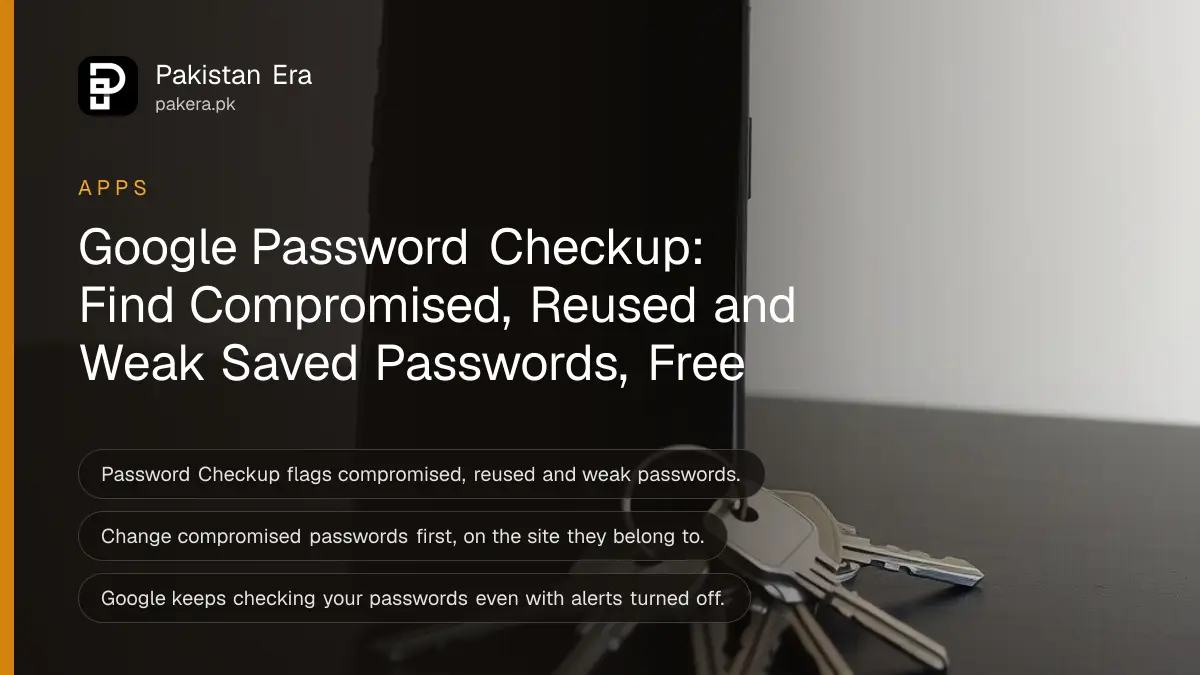
To check whether your saved passwords have leaked, open passwords.google.com, tap Go to Password Checkup, then Check passwords. In Chrome on a computer, open the three dot menu, Passwords and autofill, Google Password Manager, then Checkup. It is free, and it flags compromised, reused and weak passwords.
Google Password Checkup only looks at passwords saved in your Google Account. If you type your passwords by hand every time, it has nothing to check. If you let Chrome or Android save your logins, the list can be long: Facebook, shopping sites, university portals, freelancing sites, the lot.
Start with the compromised list. Google calls those the most urgent, because they have appeared in a data leak online.
Run Password Checkup in two minutes, on phone or computer
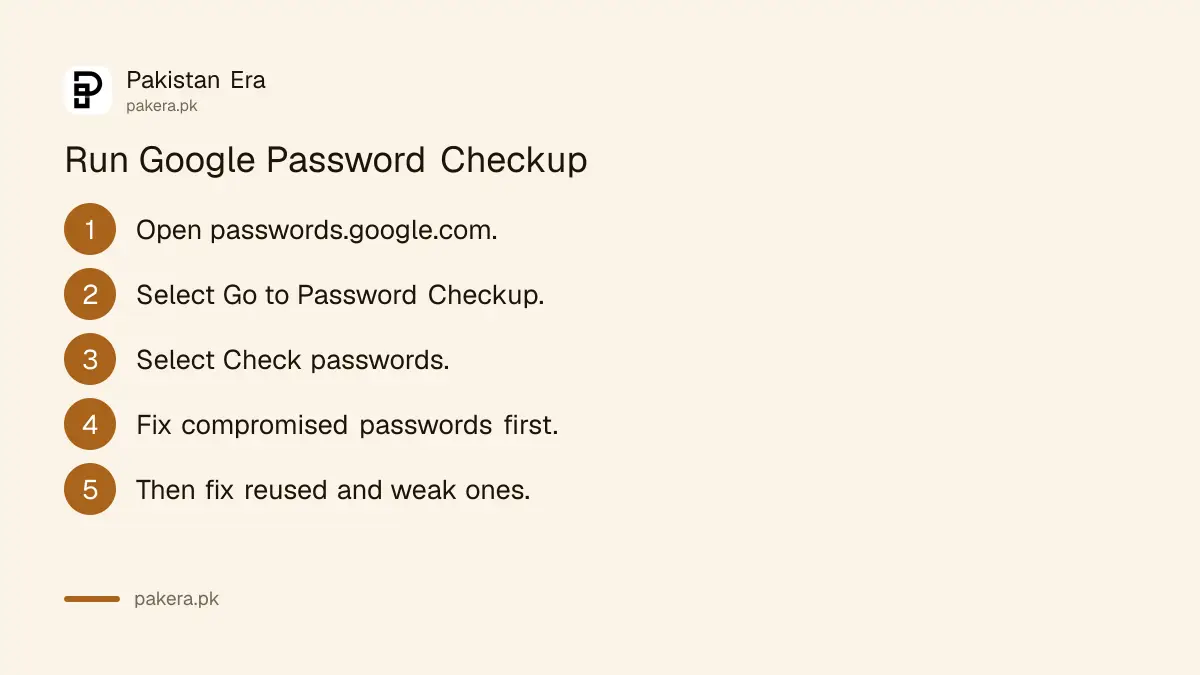
On any phone or computer, go to passwords.google.com, select Go to Password Checkup, then Check passwords. Google may ask you to sign in again. In Chrome on a computer, the same check sits inside Google Password Manager under Checkup.
On a phone or any browser
- Open passwords.google.com in your browser.
- Sign in with the Google Account that holds your saved passwords.
- Select Go to Password Checkup.
- Select Check passwords. Enter your Google password if asked.
- Read the results, starting with compromised passwords.
In Chrome on a computer
- Open Chrome and click More, the three dots at the top right.
- Click Passwords and autofill, then Google Password Manager.
- On the left, click Checkup.
If you use more than one Google Account, run the check on each one. Passwords saved while signed in to a work or second Gmail account stay in that account.
Password Checkup sorts problems into three groups
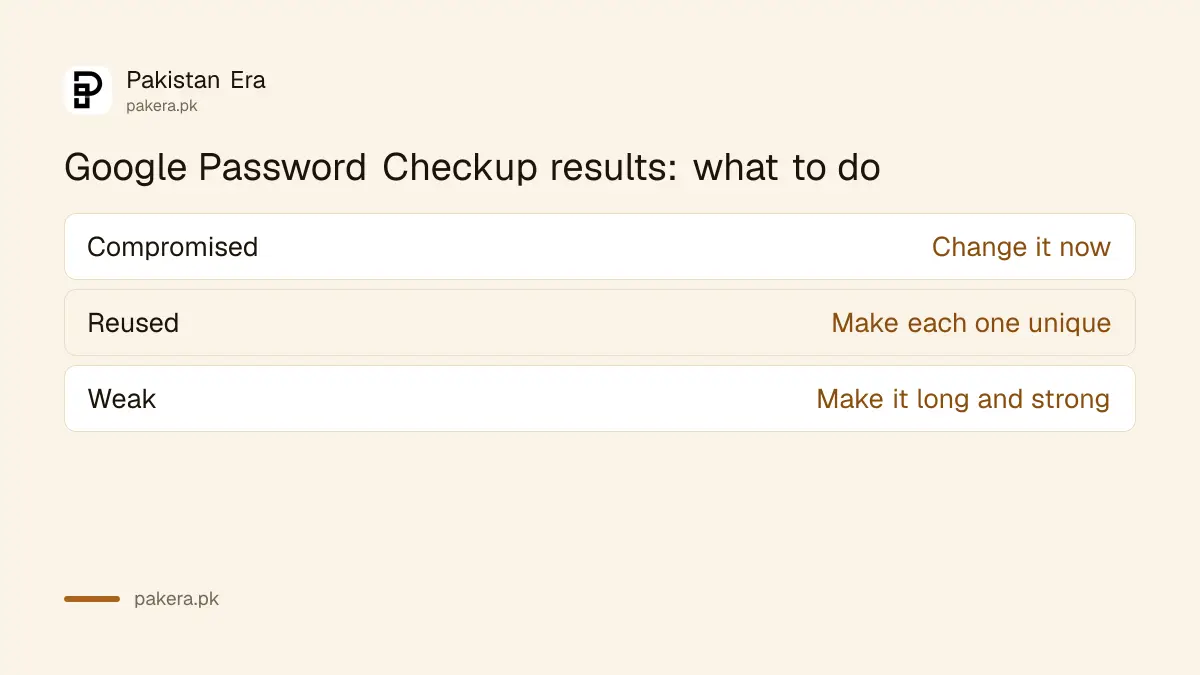
The results come in three main groups. Compromised passwords have been found in a data leak online. Reused passwords are the same on more than one site. Weak passwords are easy to guess. Google says to fix compromised ones first, as soon as possible.
| Result | What it means | What to do |
|---|---|---|
| Compromised | Found in a data leak online | Change it now, on that site |
| Reused | Same password on several accounts | Give each account its own password |
| Weak | Easy to guess | Replace with a long, strong password |
Reused passwords are the quiet danger. One leaked shopping site password can open your email if you used the same one there, and the email then resets everything else. That is how one small leak turns into a lost Facebook or WhatsApp account.
Fix compromised passwords first, on the site itself
Password Checkup tells you which password is unsafe, but you change it on the website or app it belongs to. Open that site, go to its account or security settings, and set a new password. Chrome then offers to update the saved copy.
- In the Checkup results, open the compromised password.
- Open that website or app yourself, not through a link in a message.
- Sign in and change the password in the site's settings.
- Let Chrome save the new password, or update the saved entry by hand.
- Run Check passwords again to confirm the warning has gone.
If your Google Account password itself shows as unsafe, change that first. Google's own advice is to change it straight away, then run a Google Security Checkup at myaccount.google.com/security-checkup to check devices, recovery details and third-party access.
For a banking or wallet app, change the password or MPIN inside that app, never through a link someone sends you by SMS or WhatsApp. A real bank never asks for your password on a call.
Make strong, unique passwords Chrome can remember
Google advises a different, strong password for every account. Avoid single common words, obvious phrases and keyboard patterns like qwerty or 123456. Chrome can suggest a strong password when you sign up or change one, and save it to your Google Account.
- Use a different password for every account, especially email and banking.
- Avoid your name, phone number, CNIC digits, cricket team or city.
- Let Chrome suggest a strong password and save it.
- Sign in to Chrome so it can use and update the passwords in your Google Account.
A password is only half the lock. Turning on 2-Step Verification means a leaked password alone cannot open your account, and a Google passkey lets you sign in with your fingerprint or face instead of typing a password at all.
Dismiss a warning, or turn password alerts on and off
You can dismiss a warning you have dealt with, for example an old account you no longer use. Open the More menu next to that password and dismiss it. Dismissed items move to a Dismissed warnings list, where you can restore them later.
Password alerts can be switched on or off at passwords.google.com, under Settings. Google says it keeps checking your saved passwords even when alerts are off. You just stop getting the pop-up warnings. Leave alerts on unless they truly get in the way.
If you are moving to another password manager, moving saved passwords and passkeys on Android covers the switch. Run Checkup before you move, so you do not carry leaked passwords into the new manager.
Common questions
Is Google Password Checkup free?
Yes. It is part of Google Password Manager and works with any Google Account at passwords.google.com.
What does compromised password mean?
It means the password has been found in a data leak online. Change it on that site as soon as possible.
Does Password Checkup check passwords I did not save?
No. It checks only the passwords saved in your Google Account through Chrome or Android.
Can Google change my passwords for me?
No. Checkup points you to the site, and you change the password there. Chrome can then save the new one.
Does Google stop checking if I turn off alerts?
No. Google says it keeps checking your passwords even when password alerts are off.
How we verified this
What we checked and where we read it.
Last checked 15 November 2026. Steps, result types and advice come from Google Account Help: Check your saved passwords with Password Checkup. The Security Checkup link is myaccount.google.com/security-checkup. Google's page gives Chrome and browser steps; for phones we use the browser route at passwords.google.com.
About the author

Technology Journalist & Multimedia Producer
Ahmad Ali is a technology journalist and multimedia producer at Pakistan Era, joining the team in October 2026. He covers consumer technology and digital life for Pakistani readers, combining research with hands-on product testing.