Google Security Checkup in Pakistan: Check If Your Gmail Is Hacked and Fix Every Warning (Forwarding, Filters, Devices)
Run Google Security Checkup in Pakistan, then check the Gmail forwarding, filters and recent IPs a hacker leaves behind, and fix a hacked account step by step.
Google Security Checkup lives at myaccount.google.com/security-checkup. Sign in, or tap your profile picture and choose Recommended actions, and fix every item it flags in red or yellow. The checkup alone does not show everything a hacker leaves behind in Gmail, so this page also covers the forwarding, filters and sign-in history you should check by hand.
Your Gmail is the reset key for almost everything else: Facebook, Daraz, your bank's email alerts, even your Apple or Microsoft account. Somebody inside it can reset all of them. We read Google's Account Help and Gmail Help pages on 25 October 2026. Menu names may differ slightly on your phone.
Security Checkup has six parts, and each one closes a different door
The checkup reviews your recovery phone and email, 2-Step Verification, signed-in devices, recent security events, apps with access to your account, and saved passwords. A green tick means Google found nothing to fix. Red or yellow means act now.
| Checkup part | What to look for | What to do |
|---|---|---|
| Recovery options | A phone number or email that is not yours | Replace it with your own |
| 2-Step Verification | Off, or text message only | Turn on, add prompts or a key |
| Your devices | A phone or computer you do not own | Sign it out |
| Recent security events | A sign-in or change you did not make | Choose "No, it wasn't me" |
| Third-party access | Apps or sites you no longer use | Remove access |
| Saved passwords | Weak, reused or exposed passwords | Change them |
Google adds two habits to the list: a screen lock on every device and up-to-date software, including Play Protect on Android. Both sound boring. Both matter.
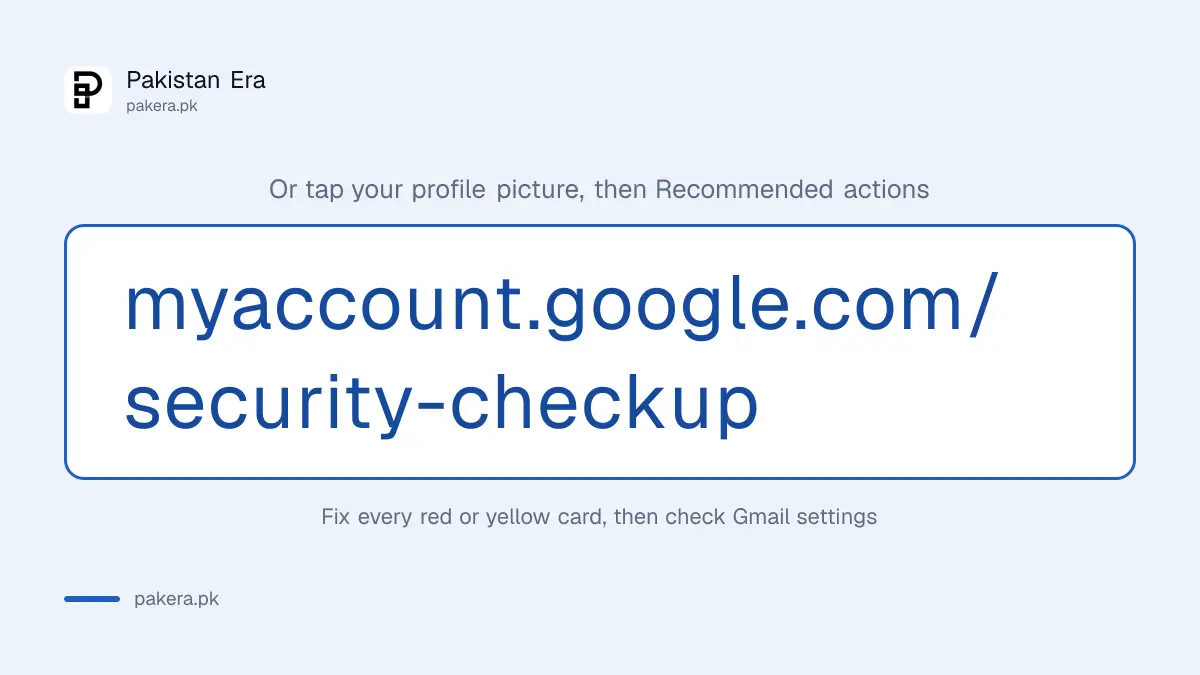
Run the checkup in five steps from your phone or computer
Open myaccount.google.com, tap your profile picture, then Recommended actions. If that option does not appear, tap Manage your Google Account, then Security and sign-in. Work through each card from top to bottom, then come back and confirm everything shows green.
- Sign in at myaccount.google.com on a device you trust.
- Tap your profile picture and choose Recommended actions to open Security Checkup.
- Fix recovery options first, because they decide who can get back into the account.
- Review devices and recent security events, and mark anything you do not recognise.
- Remove apps you do not use, then run Password Checkup for saved passwords.
For the device list in detail, our steps to sign out unknown devices and remove linked apps show exactly where a stranger's phone appears and what removing it does.
Gmail settings show what the checkup can miss
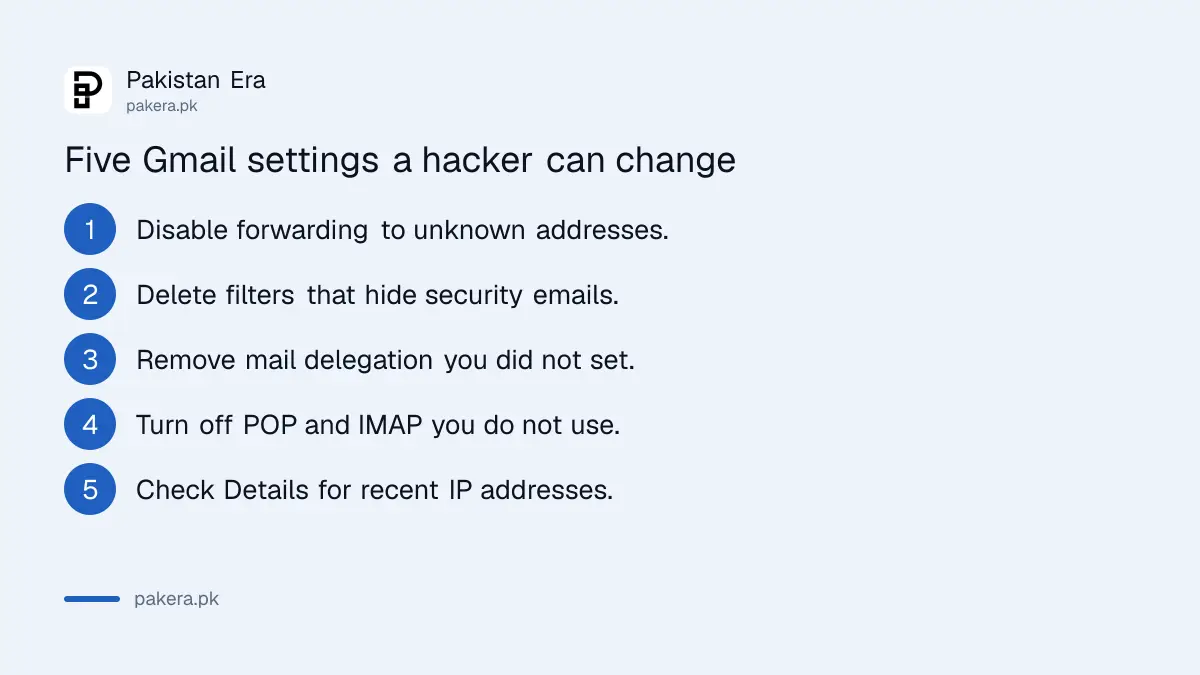
A hacker who wants to keep reading your mail does not need to stay signed in. A forwarding rule or a filter can send copies of your email to them for months. Check forwarding, filters, delegation and recent activity in Gmail on a computer.
- Forwarding. In Gmail, click the gear icon, then See all settings, then the Forwarding and POP/IMAP tab. If you see an address you do not know, click Disable forwarding and save. Google says Gmail shows a notice, "You are forwarding your email to", during the first week after forwarding is turned on.
- Filters. Open the Filters and Blocked Addresses tab. Delete any filter that forwards mail, deletes it, or skips the inbox for bank, wallet or security emails.
- Delegation. Google's page on a compromised account says to remove mail delegation you did not set up. Delegation lets another account read and send as you.
- POP and IMAP. In the same Forwarding and POP/IMAP tab, turn off access you do not use. An email app you never installed can download your mail this way.
- Recent activity. Scroll to the bottom right of your inbox and click Details. Google says it shows the last 10 IP addresses and rough locations that used the account, and whether you are signed in elsewhere.
Mobile networks in Pakistan often show a city that is not yours, so a Karachi entry for a Lahore user is not proof of hacking. Google itself says mobile carrier locations may appear even when they are not where you are. An unfamiliar country is a different matter.
A real Google security alert never asks for your password
Google's security alerts show the device type, time and location of a sign-in. Google says that when you are signed in, its emails will not ask you to enter that account's password. If an alert asks you to log in through a link, treat it as phishing.
To check an alert safely, do not tap its link. Type myaccount.google.com/notifications into your browser instead and look at the recent security activity there. If the event is listed and it was not you, choose the option to secure your account. If it is not listed, the email was fake.
Report the fake email in Gmail on a computer: open it, click More next to Reply, and choose Report phishing. That is the method Gmail's phishing help page gives. A fake "your account will be suspended" email wants one thing: your password typed into its page.
A hacked Google Account needs these steps in order
Get back in first, through the account recovery page if your password no longer works. Then review security events, remove unknown devices, change the password, and turn on 2-Step Verification. Google's own list also covers Gmail rules, payments and other sites that shared the password.
- Sign in, or use accounts.google.com/signin/recovery if the password was changed.
- Open Security and sign-in, then Review security events, and flag anything that was not you.
- Remove unknown devices from Your devices.
- Change your password, and change it on any other site where you used the same one.
- Turn on 2-Step Verification and remove Gmail forwarding, filters and delegation you did not set.
- Report payments you did not make through Google Pay's unauthorised transactions page.
If the password and recovery details were both changed, the steps to recover a Gmail or Google account walk through the recovery form. Google's page also says to contact your bank or the authorities if banking details, tax details or a passport copy were saved in the account. In Pakistan, that means the NCCIA helpline 1799.
Text message codes are the weakest second step
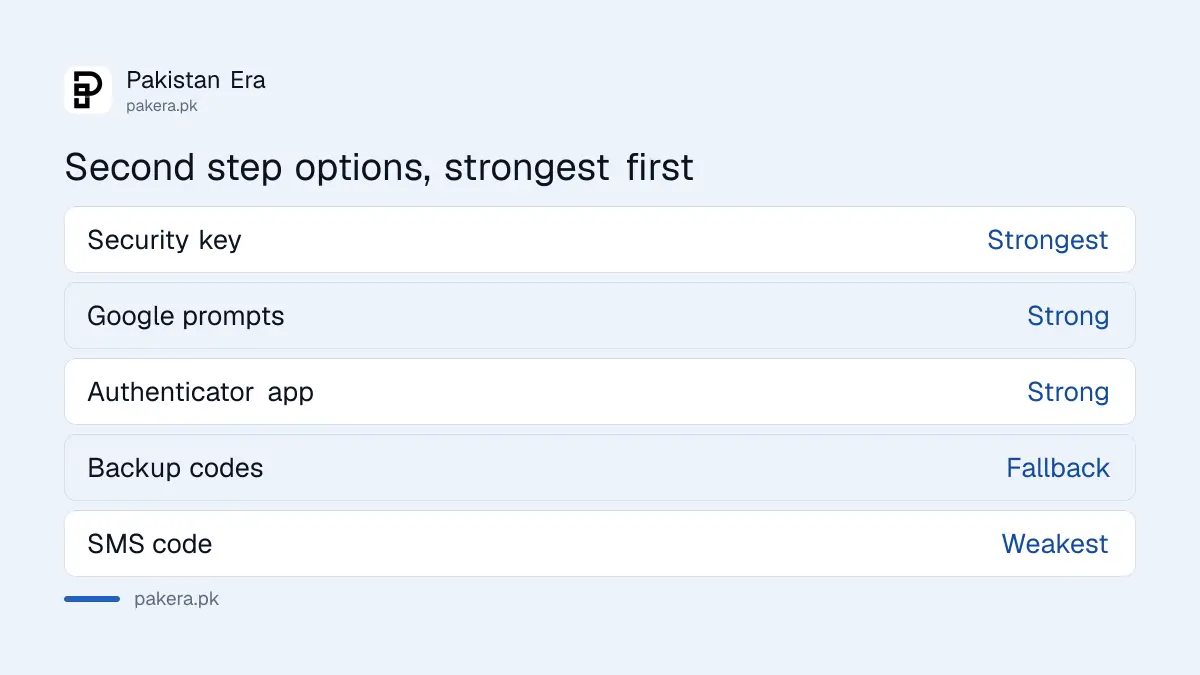
Google recommends a stronger second step than SMS codes, such as Google prompts on your phone or a security key. That advice matters in Pakistan, where a stolen or swapped SIM hands the SMS code to someone else. Add a passkey or an authenticator app too.
We would set it up in this order: Google prompts on your own phone, then an authenticator app, then printed backup codes, and keep SMS only as a last fallback. Our steps to set up Google Authenticator and to save Google backup codes cover the last two. A passkey, which signs you in with your fingerprint or screen lock, also stops a guessed password from being enough.
Then test the passwords you use elsewhere. The steps to check if your passwords leaked online take two minutes.
Common questions
How do I open Google Security Checkup?
Go to myaccount.google.com/security-checkup and sign in. Or tap your profile picture in any Google app, open your account, and choose Recommended actions.
How do I know if my Gmail is hacked?
Look for sent emails you did not write, a forwarding address you did not add, unknown devices, or security events you did not make. Check Details at the bottom of Gmail for recent IP addresses.
Does Security Checkup cost anything?
No. It is free for every Google Account and takes a few minutes.
Is the "critical security alert" email from Google real?
It can be. Check it at myaccount.google.com/notifications without using the email's link. A real alert never asks for your password.
Can a hacker read my Gmail after I change the password?
Yes, if they set up forwarding, a filter or delegation. Check those settings after any password change.
How often should I run Security Checkup?
We would run it every three months and after any lost phone, suspicious email or new device. That timing is our own advice.
How we verified this
What we checked, where we read it, and what we could not confirm.
We read Google's page on making your account more secure, its pages on a compromised account and on security alerts, and Gmail Help pages on recent activity, forwarding and phishing, all on 25 October 2026. We did not run the checkup on a hacked account, and Security Checkup itself shows only to a signed-in user, so its card wording on your phone may differ from ours.
About the author

Technology Journalist & Multimedia Producer
Ahmad Ali is a technology journalist and multimedia producer at Pakistan Era, joining the team in October 2026. He covers consumer technology and digital life for Pakistani readers, combining research with hands-on product testing.