How to Save Google Backup Codes So a Lost Phone Does Not Lock You Out in Pakistan
Save Google backup codes in Pakistan so a lost or stolen phone cannot lock you out. Print or download the 8-digit codes, keep them safe and learn to use one.
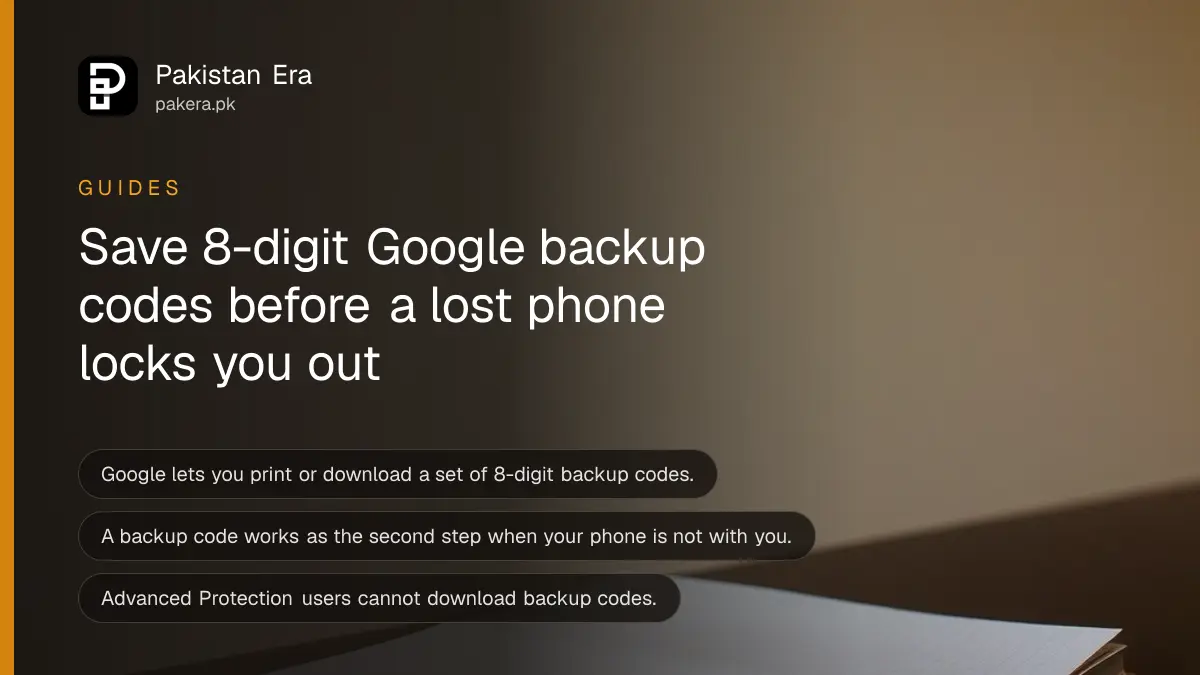
Short answer: Backup codes are 8-digit codes from Google that work as your second step when your phone is gone. Google lets you print or download a set and keep it somewhere safe. Save yours now, because you cannot create them after the phone is lost.
Phones in Pakistan get lost in buses, snatched on streets and dropped in water. Your Google Account is often tied to that phone. If a text code or a prompt is your only second step, losing the phone can lock you out of Gmail, Google Photos, Drive and even your YouTube channel.
We read Google's Account Help page on 2-Step Verification on 14 October 2026. It names backup codes as an emergency way in. This guide shows why they matter and how to keep them so only you can use them.
Backup codes are a spare key for your Google Account
Google describes backup codes as 8-digit codes you can print or download and keep in a safe place. If you lose your phone, you can enter one as the second step when you sign in. They are made for exactly that emergency.
Think of a spare house key. You hope you never need it. When the main key is gone, it is the only thing that matters. But a spare key left under the doormat helps a thief too. The same is true for codes, so where you keep them is the whole point.
Backup codes sit beside the other second steps Google offers, such as passkeys, Google prompts, security keys and the Authenticator app. They are the one method that does not depend on your phone being in your hand.
Four steps save a set before you need it
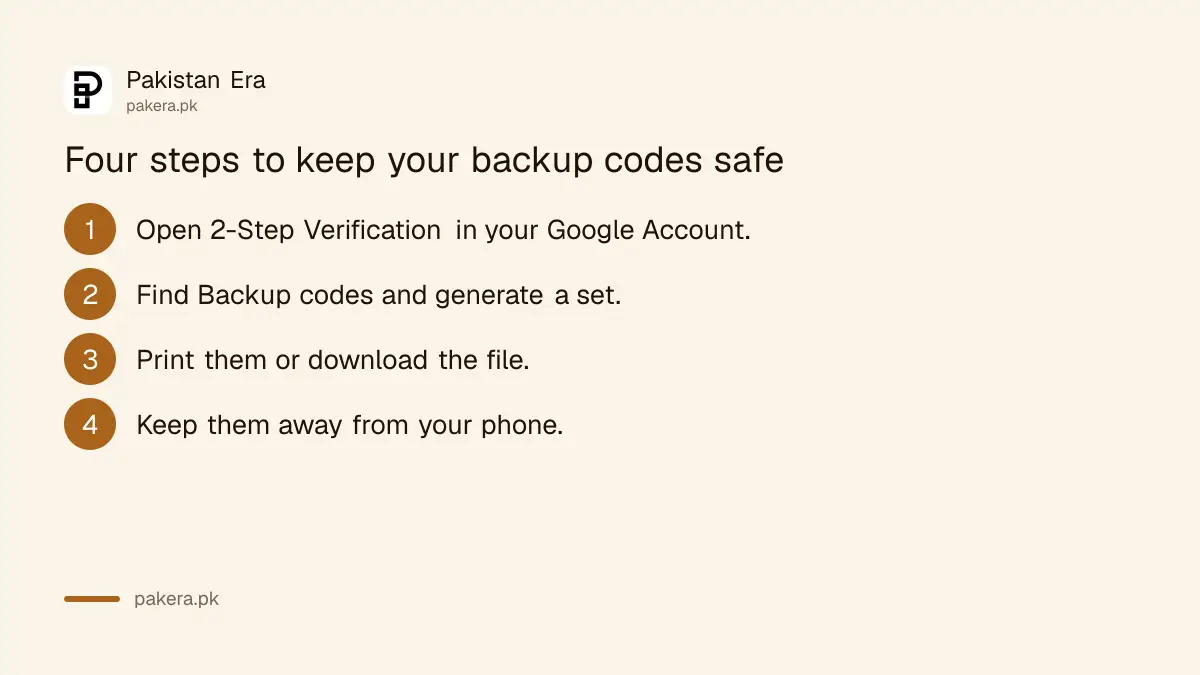
Open the 2-Step Verification section of your Google Account, find Backup codes, generate a set, then print it or download it. Store the copy away from your phone. Check the codes once so you know where they are.
- Open your Google Account and go to Security, then 2-Step Verification.
- Find Backup codes in the list of second steps and choose to get a set.
- Print the codes, or download the file as Google offers.
- Put the paper in a safe place at home, away from your phone and your wallet.
The exact wording of the buttons can change. The Google page we read says only that you can print or download the codes, so follow the labels on your own screen. If you cannot find the option, turn on a different second step first. Our guide on how to turn on two-step verification covers the common accounts.
Keep the codes where a thief cannot reach them
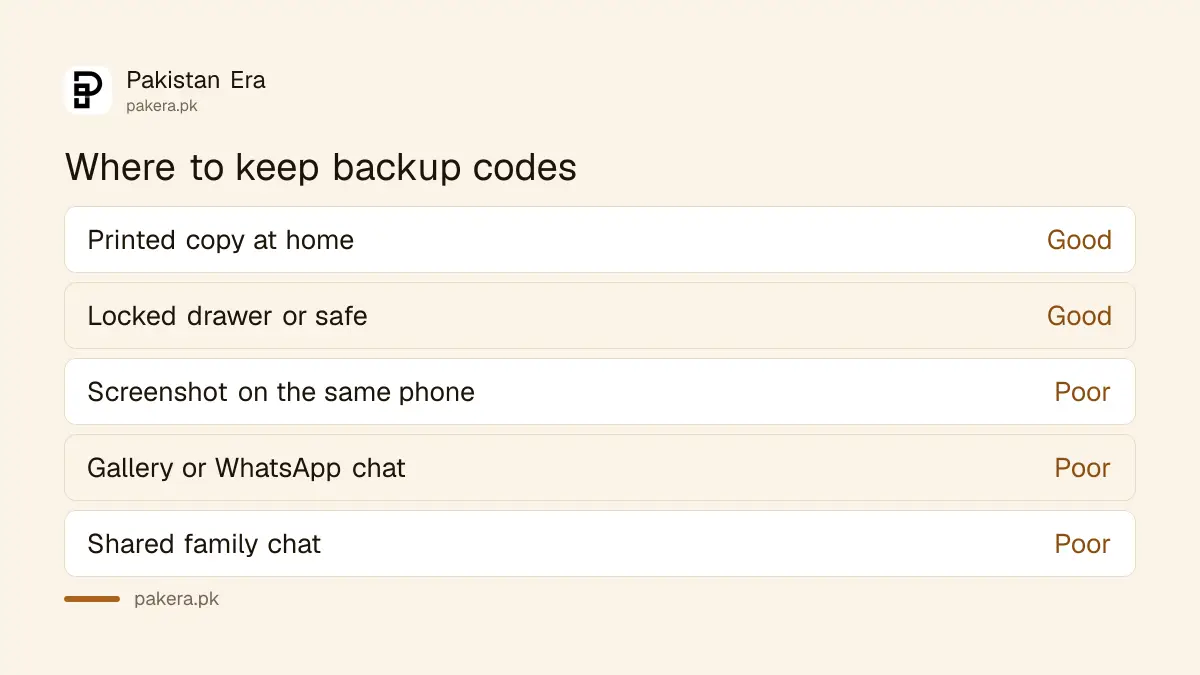
Keep a printed copy in a drawer, a safe or a trusted family member's home. Do not keep it as a screenshot on the same phone, in a WhatsApp chat or in the gallery. If the phone is stolen, the codes should not go with it.
| Place | Our view | Why |
|---|---|---|
| Printed page in a locked drawer | Good | A thief with your phone cannot reach it |
| Home safe or family locker | Good | Safe from phone theft and snatching |
| Screenshot on the same phone | Poor | Lost together with the phone |
| WhatsApp chat with yourself | Poor | Opens if the phone or WhatsApp is taken over |
| Group chat with family | Poor | Anyone with that chat can see it |
The advice in the table is ours, not Google's. Google only tells you to keep codes safe and never share them. A sensible habit is to write a short label on the paper, such as the email it belongs to, without writing your password next to it.
Do not photograph the page and upload it to cloud storage that you reach with the same Google Account. If you lose access, you also lose that photo.
Use a code when the phone is gone
When you sign in on a new device, choose another way to verify, then pick backup code and type one 8-digit code. Google says this works if you lose your phone. After you get back in, fix the damage straight away.
Once inside, remove the lost phone from your account, change your password and review which devices are signed in. Our guide on how to check who is signed in to your Google Account shows the steps. Then turn on the lost phone's tracker if it is still online, using the steps to find a lost phone with Find Hub or Find My.
Also block the SIM with your network so no one can ask for fresh SMS codes. If you have no codes and no other method, you will need account recovery, which is covered in how to recover a Gmail or Google Account.
Know the limits before you rely on them
Google says backup codes cannot be downloaded if you are enrolled in its Advanced Protection Program. It also warns that scammers try to take over accounts, so you should never share a verification code with anyone. A caller asking for a code is the attack.
We could not confirm from the page we read how many codes come in a set, or whether making a new set cancels the old one. So treat each code as single use until your own account page says otherwise, and do not hand out any of them. Regenerate a set only when you have lost the old paper.
Backup codes are a fallback, not a plan. The best setup uses a passkey or an authenticator as the main step, and codes in a drawer as the spare. If you are choosing now, see how to set up a passkey on your Google Account.
Common questions
What is a Google backup code?
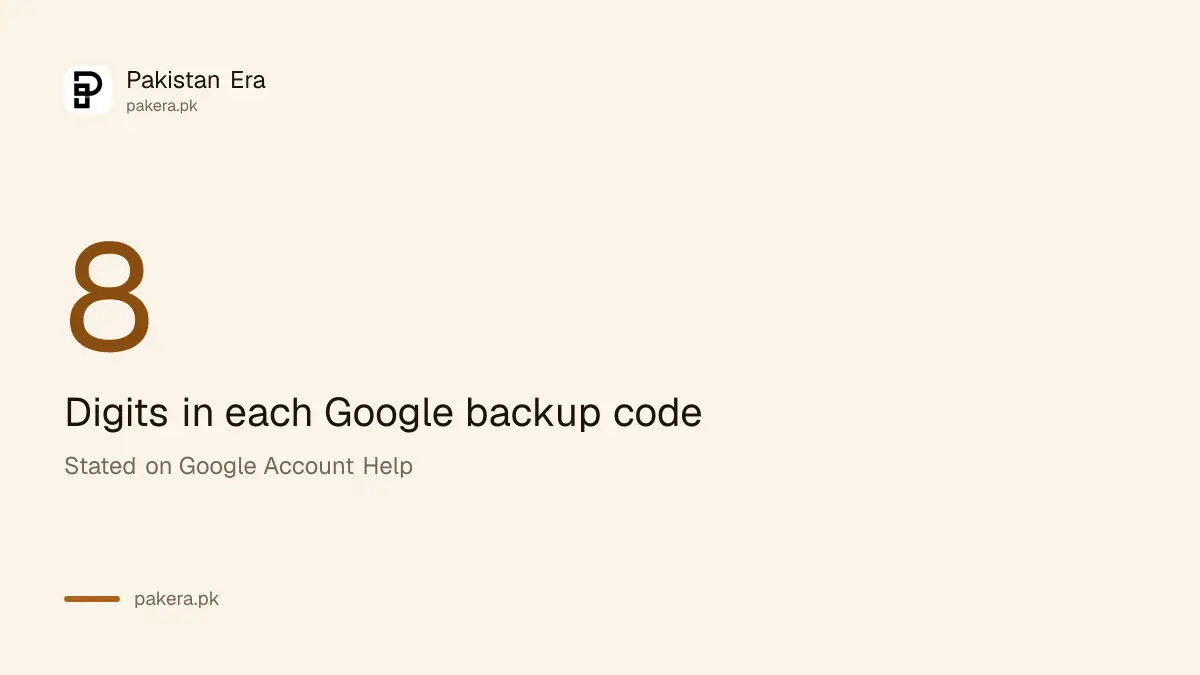
It is an 8-digit code from Google that works as the second sign-in step when you cannot use your phone. You print or download a set in advance.
Where should I keep my backup codes?
Keep a printed copy in a safe place at home, away from your phone. Avoid screenshots, chats and shared folders.
Can I get backup codes after I lose my phone?
No, you need them before. To make a set you have to be signed in, which is hard without the phone. Save them today.
Can I download backup codes with Advanced Protection?
No. Google says backup codes cannot be downloaded if you are enrolled in the Advanced Protection Program.
Should I give a code to someone who calls me?
Never. Google warns scammers try to take over accounts by asking for codes. A real company will not need one from you.
How we verified this
What we checked, where we read it, and what we could not confirm.
Last checked on 14 October 2026, Pakistan time. We read Google's 2-Step Verification overview on Google Account Help, which describes 8-digit backup codes, printing or downloading them, and using one if you lose your phone. The page did not state how many codes a set holds, or the exact button names, so we do not give them. We did not test the sign-in flow with a code. Check your own Google Account Security page for the current wording.
About the author

Technology Journalist & Multimedia Producer
Ahmad Ali is a technology journalist and multimedia producer at Pakistan Era, joining the team in October 2026. He covers consumer technology and digital life for Pakistani readers, combining research with hands-on product testing.