Find a Lost Phone in Pakistan With Find Hub on Android or Find My on iPhone
Lost your phone in Pakistan? Use Find Hub on Android or Find My on iPhone to ring it, lock it and erase it, then block the SIM and the device if it is gone.
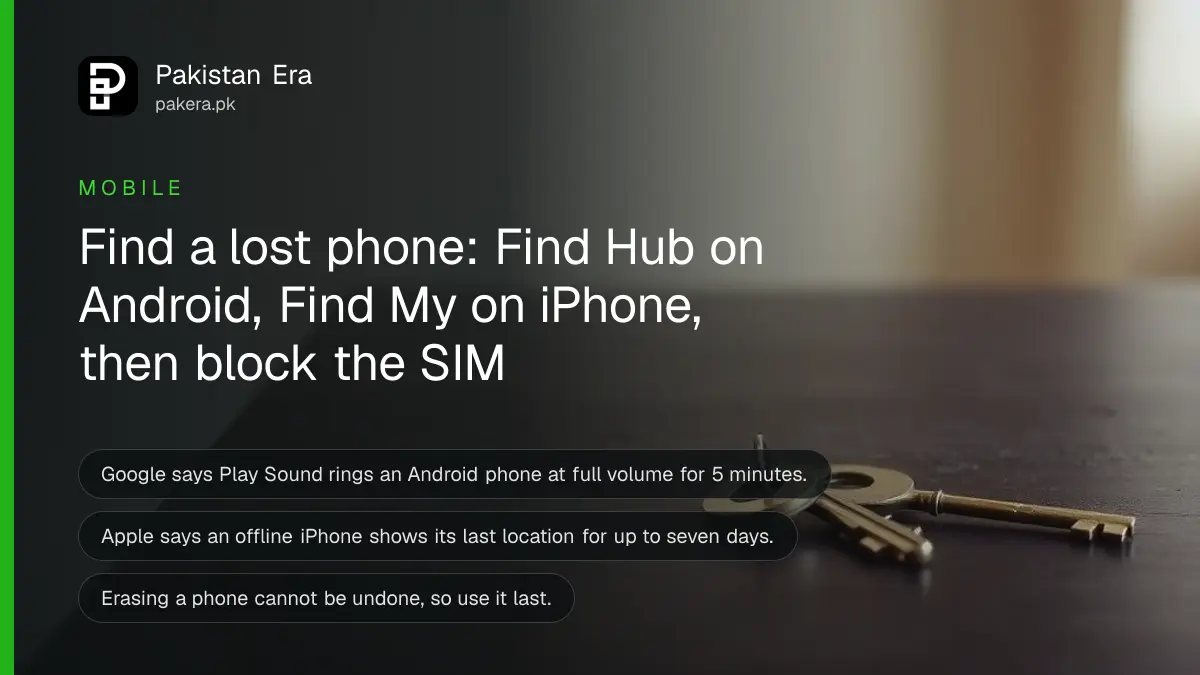
Short answer: To find a lost Android phone, open the Find Hub app on another Android device or go to android.com/find and sign in with the same Google account. To find a lost iPhone, open Find My on another Apple device or go to icloud.com/find. Both can play a sound, lock the phone and erase it.
The phone is gone from the rickshaw seat, the wedding hall or the bus. The first ten minutes decide whether you get it back. Most people spend them calling the number and hoping. A better use is to open the map.
We read Google's Android Help page on finding, securing or erasing a lost device and Apple's Find My support page on 12 October 2026. We did not test them on a lost phone. The steps below follow what the two makers say, in order.
The phone must have power, data and the tool turned on
Google says an Android phone can be found only if it has power, is connected to mobile data or Wi-Fi, is signed in to a Google account, has Find Hub turned on and is visible on Google Play. If any one is missing, the map will not show it. Turn Find Hub on today, before you lose the phone.
The same is true for Apple, in a gentler form. If an iPhone is offline, Apple says Find My can show its last known location for up to seven days. After that it shows "No location found". Erasing remotely through Find My needs two-factor authentication on the account, and without it you use icloud.com.
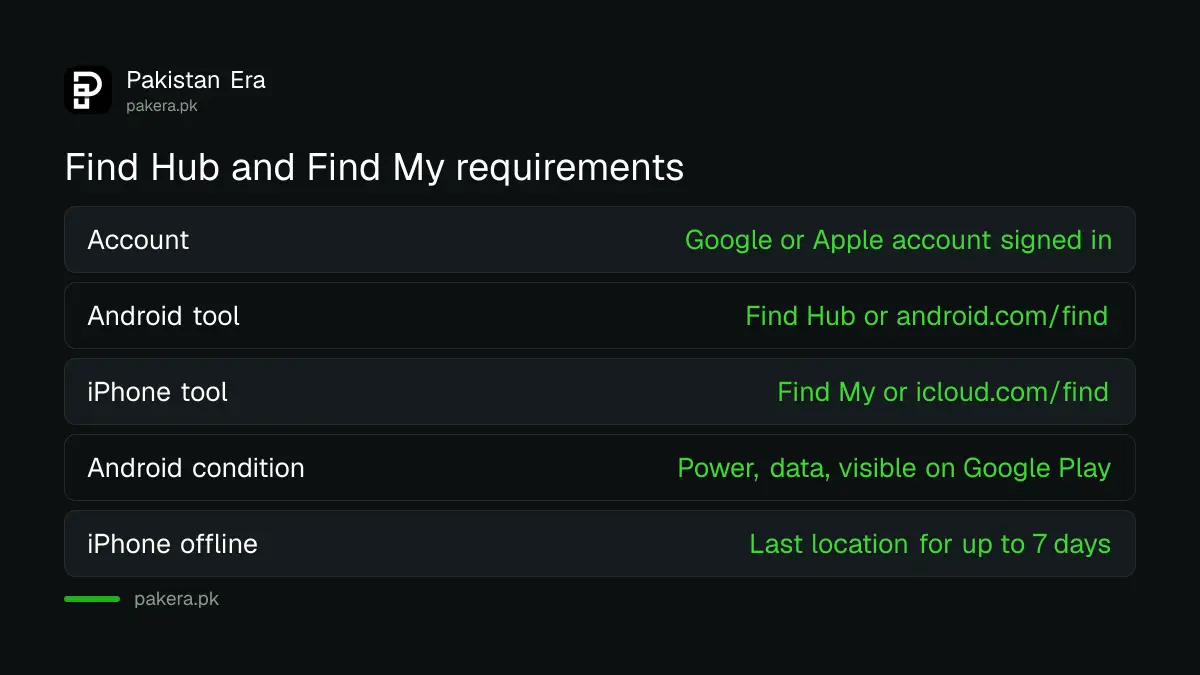
| Need | Android, Find Hub | iPhone, Find My |
|---|---|---|
| Account | Signed in to a Google account | Signed in to your Apple Account |
| Where to look | Find Hub app or android.com/find | Find My app or icloud.com/find |
| Phone state | Power, data, visible on Google Play | Offline shows last location for up to 7 days |
| Actions | Play sound, mark as lost, erase | Play sound, Lost Mode, erase |
Find a lost Android phone with Find Hub in five steps
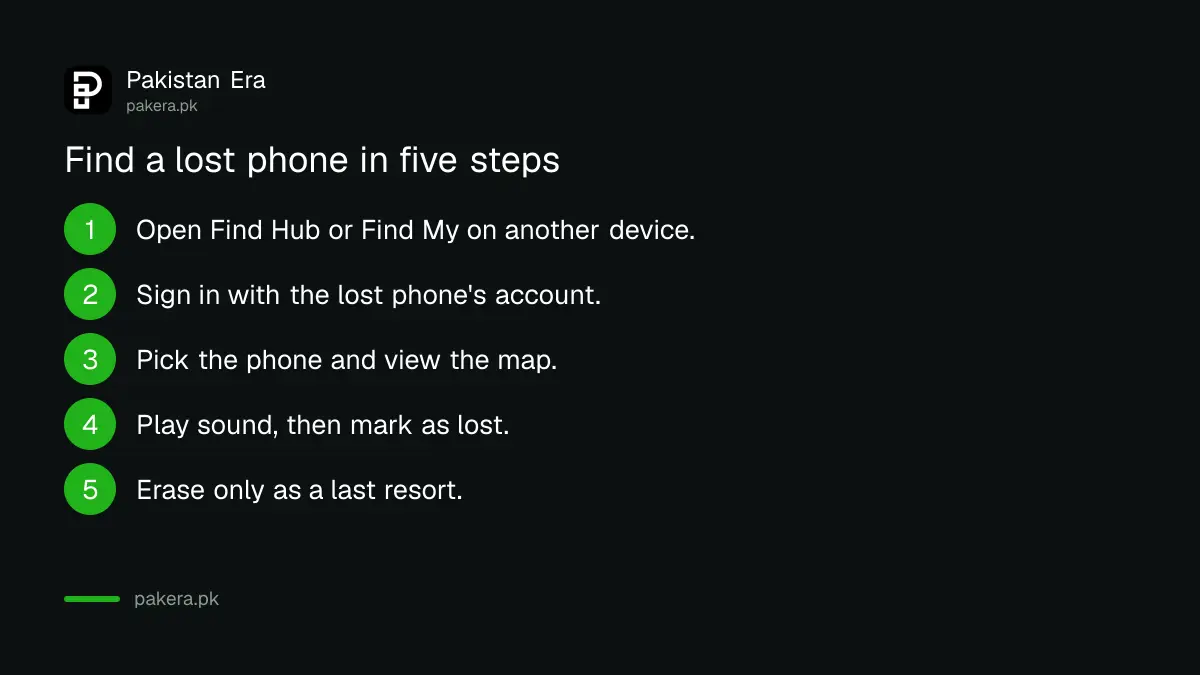
Open Find Hub on another Android device, or go to android.com/find, sign in and pick the lost phone. Google says you may be asked for your PIN or Google password. The map then shows where it is, with three options: play sound, mark as lost, or erase.
- Open the Find Hub app on another Android device, or visit android.com/find.
- Sign in with the Google account that is on the lost phone.
- Pick the lost phone from the list.
- Confirm with your PIN or Google password when asked.
- Use Play Sound first, then Mark as Lost, and erase only as a last resort.
Play Sound rings the phone at full volume for 5 minutes, even if it is on silent or vibrate. Mark as Lost locks it with your security credentials and shows contact information on the lock screen. Erase deletes data, and Google says it may not delete SD cards.
One warning Google gives: if you find the phone after erasing it, you need your Google account password to use it again. Do not erase until you have to.
Find a lost iPhone with Find My in the same order
Open Find My on another Apple device, choose the lost iPhone from the Devices list to see it on a map, then use Play, Directions or Find Nearby. Lost Mode locks it and suspends payment cards. Erase is the last step, and Apple says it cannot be undone.
Apple says Lost Mode locks the iPhone with a passcode or your Apple Account password and suspends payment cards and passes on compatible devices. You can show contact details so a finder can reach you. For the last known location, remember the seven day limit above.
To stop a thief changing settings before you reach another device, turn on Stolen Device Protection on your iPhone now. Android has its own version, in Android theft protection.
Lock the SIM and block the phone if you cannot get it back
If the map shows nothing, move to the Pakistani steps. Block the SIM so no one can take your OTPs, then report the phone so PTA can block the device. Do this the same day. The phone's IMEI number, found on the box, is what PTA needs.
A lost SIM is separate from a lost handset, and each has its own step. Use how to block a lost or stolen SIM and keep your number for the SIM, and how to block a lost or stolen phone in Pakistan for the handset. A SIM PIN set beforehand helps too, as in locking your SIM with a PIN.
Change the passwords of your bank, wallet and email accounts from another device. A phone with an unlocked screen can reach all of them. If you used a wallet app such as JazzCash or Easypaisa, contact the provider and ask them to block it.
What to do if you go to find it yourself
Do not walk into an unknown place to take the phone back alone. Our advice, not the makers': give the map location to the police and let them go with you. A phone can be a trap for a meeting.
Use the lock screen message to your advantage. Marking the phone as lost, with a second number, lets an honest finder call you. Do not put your home address or CNIC number in that message.
Common questions
Can I find a phone that is switched off?
Google says the phone must have power and data to be found. Apple says an offline iPhone shows its last known location for up to seven days.
What is Find Hub?
It is Google's tool for finding, locking and erasing a lost Android device. You can use the app or android.com/find.
Should I erase my phone right away?
No. Erasing cannot be undone and removes the chance to see it on the map. Try Play Sound and Mark as Lost first.
Will Lost Mode stop someone using my cards?
Apple says Lost Mode suspends payment cards and passes on compatible devices. Still contact your bank or wallet provider to be safe.
Do I need a SIM in the lost phone to find it?
No, but it needs data. Google lists mobile data or Wi-Fi as a requirement, so Wi-Fi alone can be enough.
How we verified this
What we checked, where we read it, and what we could not confirm.
Last checked on 12 October 2026 against Google's Find, secure, or erase a lost Android device page and Apple's Find My support page. The police advice and wallet advice are our own.
About the author

Technology Journalist & Multimedia Producer
Ahmad Ali is a technology journalist and multimedia producer at Pakistan Era, joining the team in October 2026. He covers consumer technology and digital life for Pakistani readers, combining research with hands-on product testing.