Phone Restarting Again and Again in Pakistan: Every Android Fix, Step by Step
Android phone restarting again and again? Update it, keep over 10% storage free, update apps and test in safe mode. All 9 fixes in order, then the repair step.
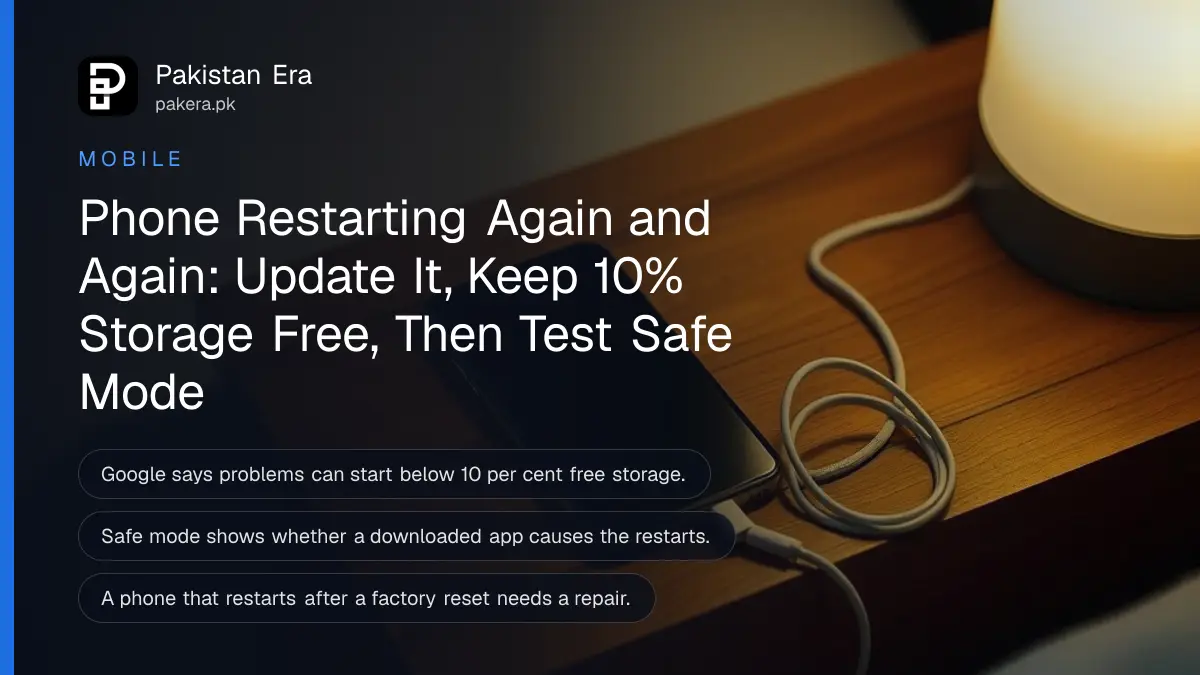
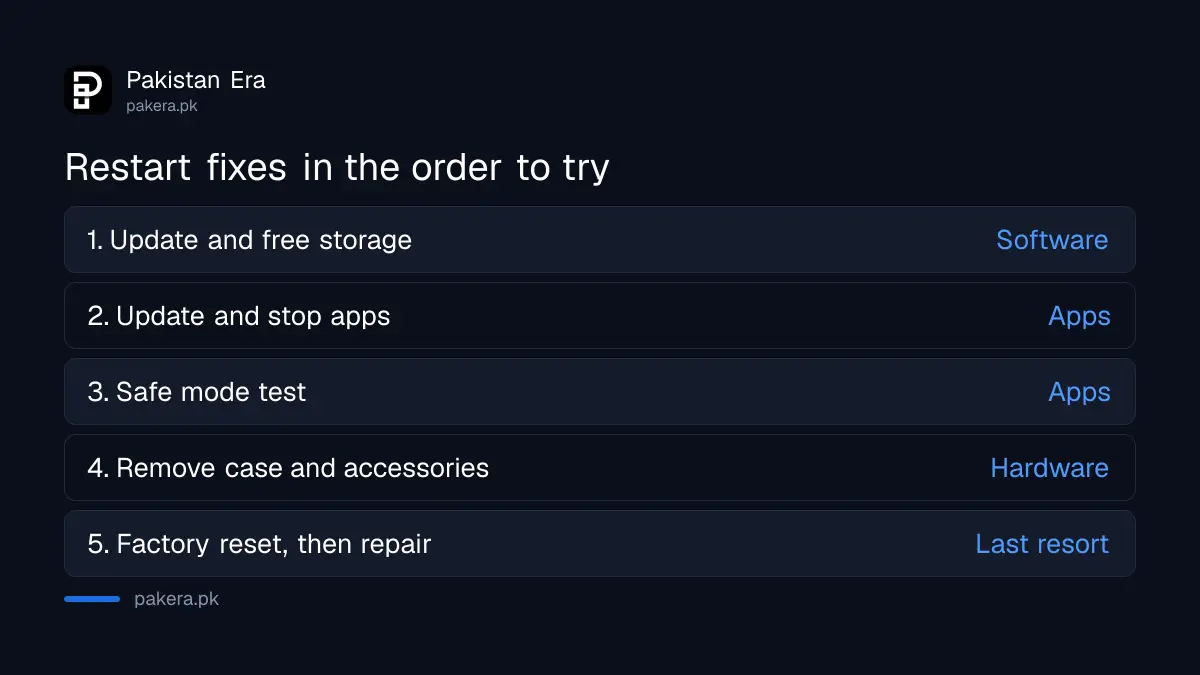
If your Android phone keeps restarting again and again, update the system software, free storage until more than 10 per cent is empty, update your apps and then test in safe mode. Google says problems can start when less than 10 per cent of storage is free, and safe mode shows whether a downloaded app is the cause. Below are all nine of Google's fixes in order, plus what to do when the phone restarts before you can reach Settings.
A phone that reboots by itself every few minutes is more than annoying. It drops calls, loses unsaved messages and can stop a bank OTP from arriving. We read Google's Android help page for a device that is restarting or crashing, and its page for a frozen phone, on 2 November 2026. The steps are Google's general Android steps, so they apply to any brand, though menu names differ a little.
Update the phone and free storage before anything else
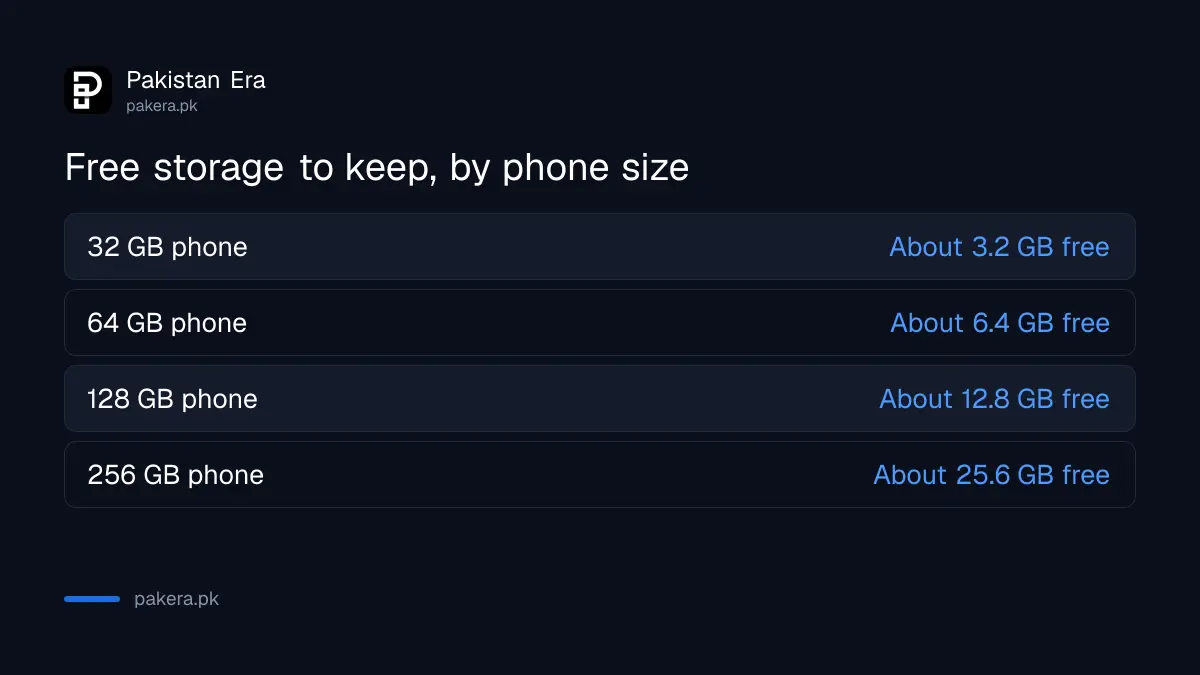
Google's first two checks are system updates and storage. Open Settings, then System, then Software update. Then check storage: Google says problems can start when less than 10 per cent is free. On a 64 GB phone, that means keeping at least about 6.4 GB empty.
The 6.4 GB figure is our arithmetic from Google's 10 per cent rule. Phones sold in Pakistan with 32 GB or 64 GB of storage fill up quickly with WhatsApp media, so this is often the whole fix. Delete old WhatsApp videos and forwarded files first, because they are usually the largest.
The steps to fix phone storage full show what to delete safely. Menu names differ a little by brand, so search Settings for "update" if you cannot find it.
Update every app and force stop the ones you do not use
An old app that crashes can take the phone down with it. Google says to open the Play Store, tap your profile icon, tap Manage apps and devices and update everything under Updates available. Then force stop apps you are not using, and keep a list of them.
The list matters. If the restarts stop after you force stop a particular app, you have probably found the cause. Apps installed from outside the Play Store, such as modded games or "WhatsApp plus" style clones, deserve the first look. If you have one, the steps to remove a fake APK show how to get rid of it cleanly.
| Step | What to do | What it rules out |
|---|---|---|
| 1 | Install system updates | A known software bug |
| 2 | Keep over 10% storage free | Low storage crashes |
| 3 | Update all apps | An outdated app |
| 4 | Force stop unused apps | A background app |
| 5 | Test in safe mode | Any downloaded app |
| 6 | Remove recent apps one by one | The exact bad app |
| 7 | Remove case and accessories | A pressed button or bad battery pack |
| 8 | Factory reset | Deeper software damage |
| 9 | Contact the maker | Hardware faults |
Safe mode tells you if a downloaded app is the cause
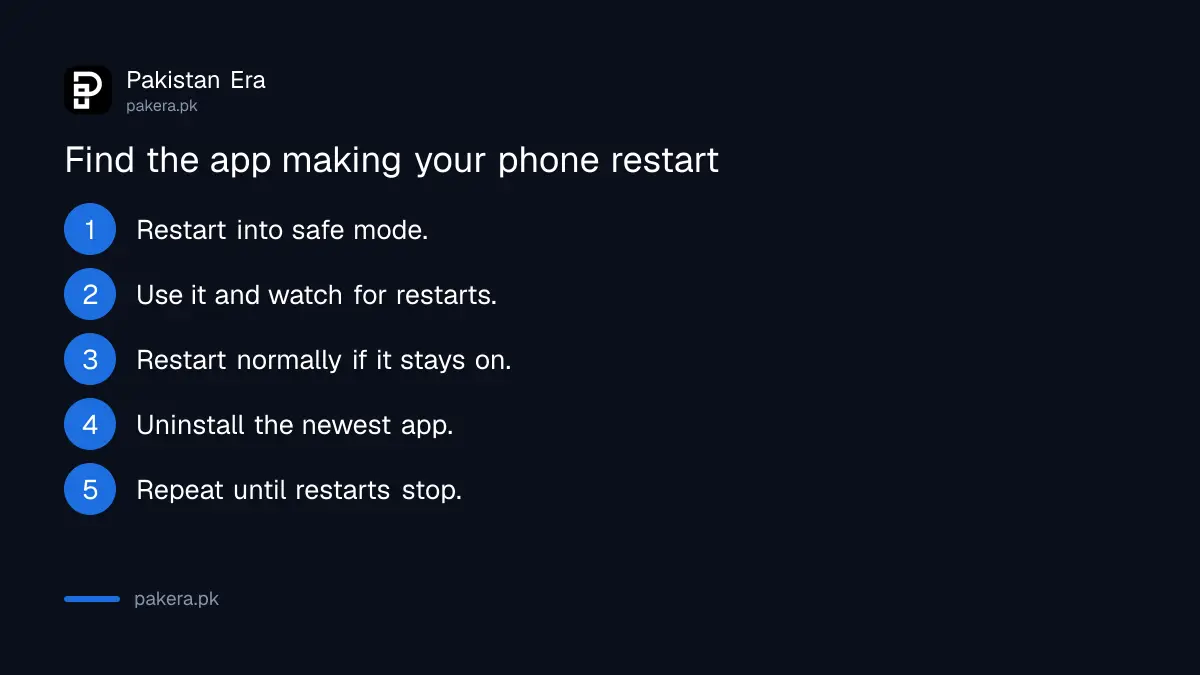
Safe mode starts the phone with every downloaded app switched off. Google says that if the restarts stop in safe mode, an app is the likely cause. If they continue in safe mode, skip ahead to the hardware checks and factory reset.
- Restart the phone into safe mode using your brand's method.
- Use it for a while. Note whether it still restarts.
- If it does not, restart normally to leave safe mode.
- Uninstall the most recently added app and restart.
- Repeat one app at a time until the restarts stop, then reinstall the rest.
Google says the way into safe mode differs by phone, and refers you to the maker's support site.
Remove the case, external battery and anything pressing the buttons
Google's advanced steps start with accessories. Take off any case or external battery, and make sure nothing covers the sensors or buttons. A tight or swollen case that keeps the power button pressed can look exactly like a software fault.
That last point is our own observation of how restarts can happen, not Google's wording. Also check the battery. A phone that restarts only when the battery is low, or that feels hot and has a bulging back, has a battery problem, not an app problem. Stop using it and take it for repair. The signs of a failing battery are covered in the steps to check battery health.
Heat matters too. A phone that restarts while charging in a hot room may be protecting itself, and the fixes to stop a phone overheating while charging apply.
Factory reset is the last software fix, then the service centre
If nothing above works, Google suggests a factory reset. It erases everything on the phone. Data saved to your Google Account comes back after you sign in, but apps and their data are removed. Back up photos and WhatsApp chats first.
If the phone restarts too fast to reach Settings, Google says you can start the reset with the phone's hardware buttons. The button combination depends on the brand. Google also warns that reinstalling the app that caused the problem can bring the restarts back, so do not restore every app at once.
If the phone still restarts after a reset, the fault is almost certainly hardware: the battery, the power button or the board. Take it to the maker's authorised centre. For Samsung, the Samsung service centres in Pakistan list addresses and repair tracking.
A phone that restarts after an update may just need time
Right after a big system update, a phone can restart once or twice while it finishes setting up apps. That is normal. Repeated restarts for more than a day after an update are not, and the same steps above apply.
If the phone gets stuck on the logo after an update rather than restarting in a loop, that is a different problem, and the steps for a phone stuck after an update fit better.
Common questions
Why does my Android phone keep restarting by itself?
The usual causes are low storage, an outdated or faulty app, an old system version, a pressed button, a weak battery or heat. Google's checklist starts with updates and storage.
How much storage should be free to stop restarts?
Google says problems can start when less than 10 per cent of storage is free. On a 64 GB phone, keep at least about 6.4 GB empty.
How do I know if an app is making my phone restart?
Start the phone in safe mode. If the restarts stop, a downloaded app is the likely cause. Remove recent apps one at a time to find it.
Will a factory reset stop my phone restarting?
It fixes software causes only. Back up first, because it erases everything. If the phone still restarts after a reset, it needs a hardware repair.
Can a phone case make a phone restart?
Google says to remove cases and external batteries and make sure nothing covers the buttons. A case that presses the power button can trigger restarts.
How we verified this
What we checked, where we read it, and what we could not confirm.
On 2 November 2026 we read Google's Android help pages Fix an Android device that's restarting or crashing and Fix an Android device that freezes or won't respond. The nine steps, the 10 per cent storage rule and the reset warnings come from those pages. The storage figures in gigabytes are our arithmetic. We could not verify each brand's safe mode or reset button combination, so we have not listed them.
About the author

Technology Journalist & Multimedia Producer
Ahmad Ali is a technology journalist and multimedia producer at Pakistan Era, joining the team in October 2026. He covers consumer technology and digital life for Pakistani readers, combining research with hands-on product testing.