How to Remove a Fake APK You Installed From a WhatsApp Link on Android in Pakistan
Installed an APK sent on WhatsApp as a challan or bill? Go offline, uninstall it, run Play Protect, change passwords and call your bank. Android steps inside.
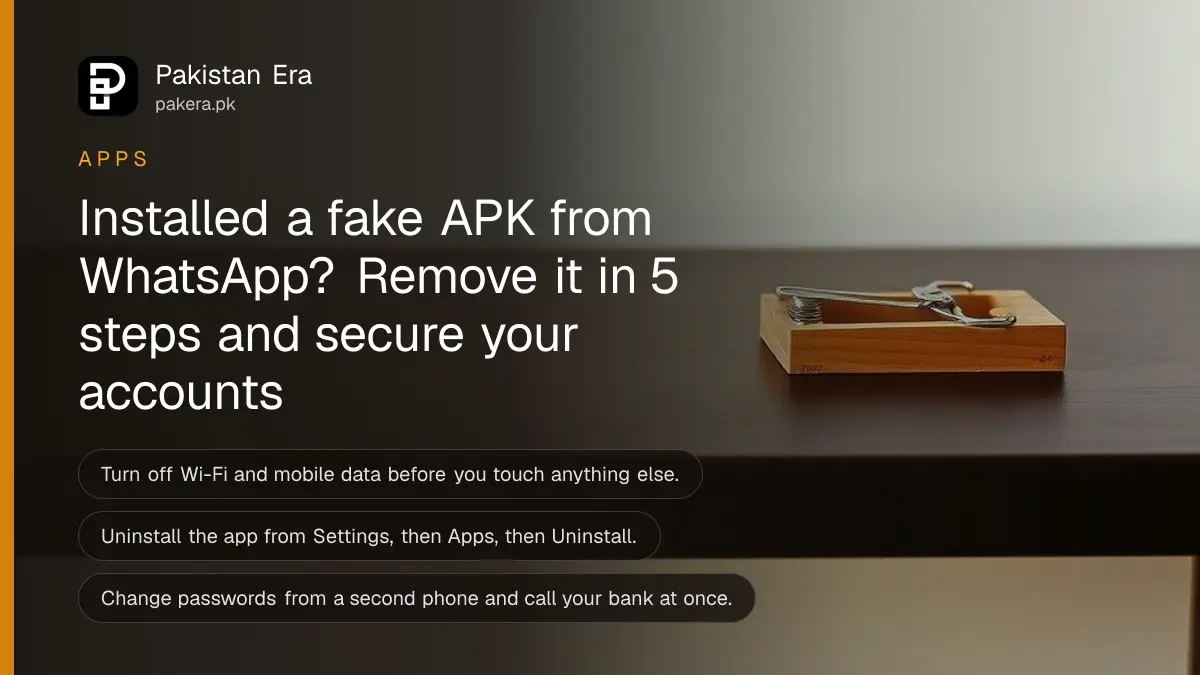
Short answer: Switch off Wi-Fi and mobile data, then open Settings, Apps, find the app you installed from the WhatsApp file and tap Uninstall. Run a Play Protect scan, remove any permission you gave, and change your passwords from a different phone. Call your bank first if you shared card or wallet details.
A message arrives on WhatsApp. It says you have a pending e-challan, a wedding card or an electricity bill, and it comes as a file ending in .apk. You tap it, Android asks a few questions, and you press Install. Nothing seems to happen. That quiet is the problem.
An APK is an Android app file. Real apps from banks and government bodies are published through Google Play or the organisation's own site, not sent in a chat. This page is for the person who already installed one. We read Google's own Android Help pages on 12 October 2026. We did not install a fake file to test them, so the steps below are Google's, with the order and the safety advice being ours.
Cut the phone off from the internet first
Turn off Wi-Fi and mobile data, or switch on airplane mode, before you do anything else. This stops the app from sending more of your data while you clean the phone. Do not open the app again and do not enter any code it shows.
This step is our advice, not a line from Google's pages. It costs nothing and it can only help. Keep the phone offline until the app is gone and you have a second device ready for password changes.
Write down the name of the app, the number that sent it and what the message said. Take a screenshot of the chat. You will need these for a complaint later.
Uninstall the app from Settings
Open Settings, tap Apps, select the unknown app and tap Uninstall. Google also lists a second route: Play Store, your profile icon, Manage apps and devices, Manage, pick the app and tap Uninstall. Some of these steps work only on Android 13 and above.
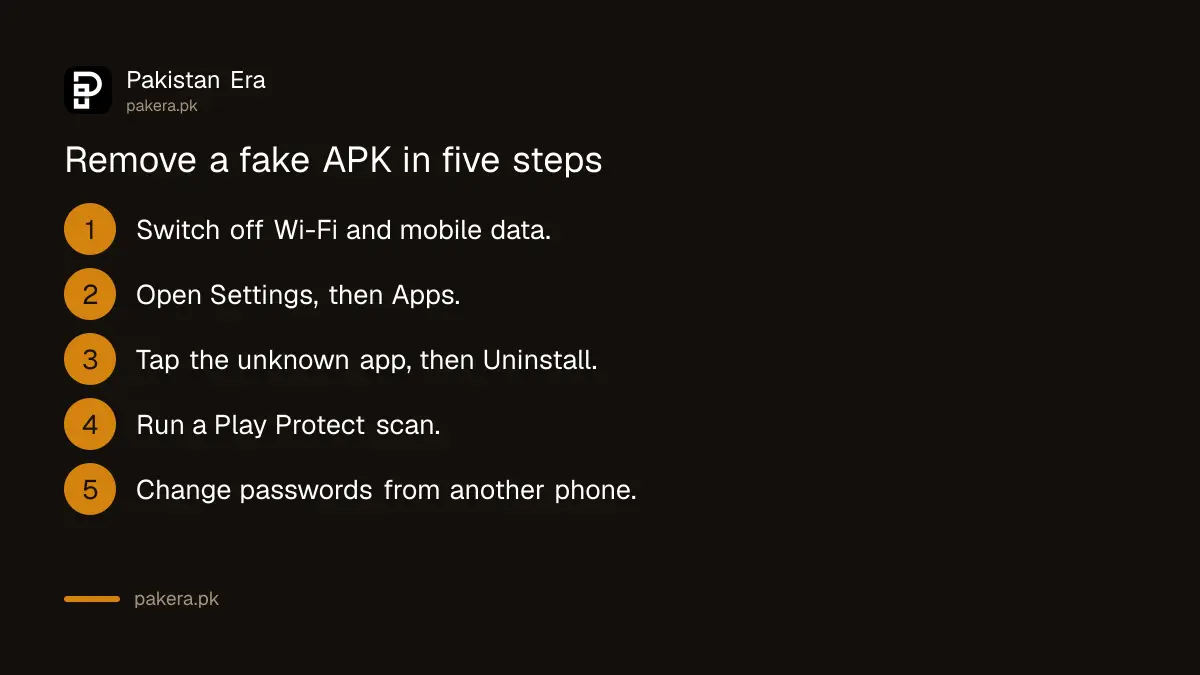
- Open Settings and tap Apps. Tap See all apps if you need to.
- Look for an app you did not install on purpose, or one with a plain name such as Challan, Invitation, Bill or Update.
- Tap the app, then tap Uninstall and confirm.
- If the Uninstall button is greyed out, the app may have special access. Look under Security and privacy for device admin apps, remove its access, and try again.
- Restart the phone once the app is gone.
Menu names change between Samsung, Xiaomi, Infinix, Tecno and other brands. If you cannot find the app list, use the search bar at the top of Settings and type Apps.
Run a Play Protect scan and check permissions
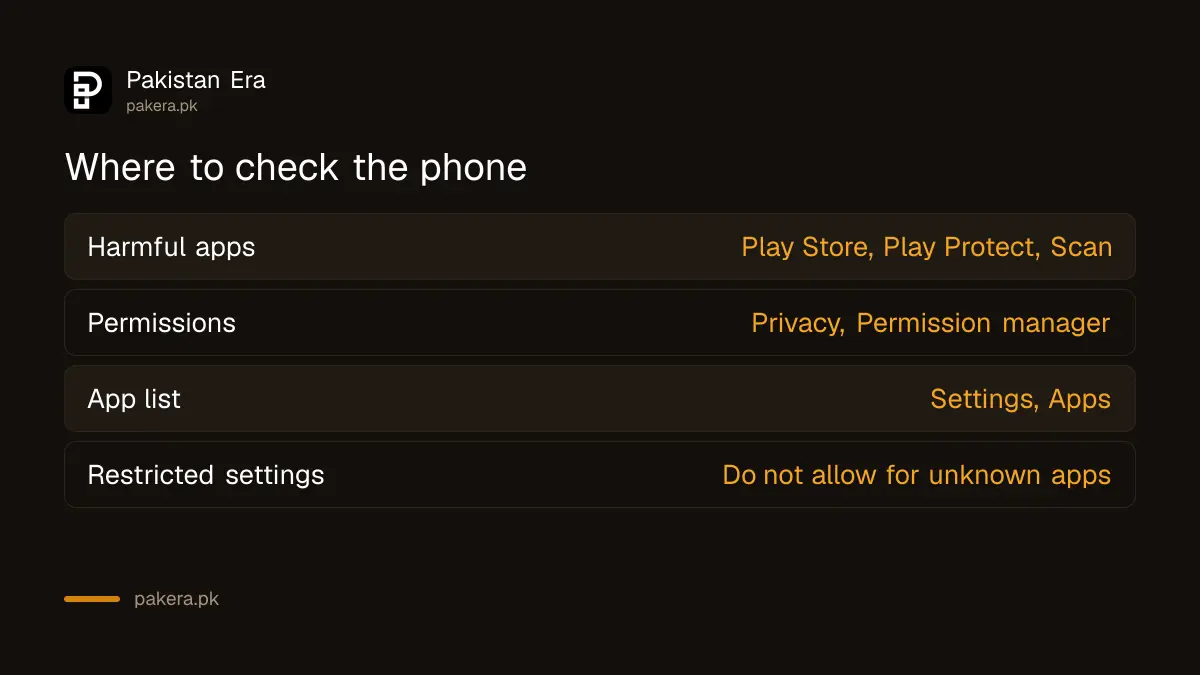
Open the Play Store, tap your profile icon, choose Play Protect and tap Scan. Google says Play Protect can warn you about harmful apps and remove them. Then open Settings, Security and privacy, Privacy, Permission manager, and look for any app that can read your messages, screen or contacts.
Our earlier guide on checking Google Play Protect and app permissions goes through the same screens in more detail. Use it if your phone shows different names.
| Check | Where to look | What to do |
|---|---|---|
| Harmful apps | Play Store, profile icon, Play Protect, Scan | Uninstall anything it flags |
| Permissions | Settings, Security and privacy, Privacy, Permission manager | Set to Don't allow for apps you do not know |
| App list | Settings, Apps | Remove apps you did not install |
| Restricted settings | Settings, Apps, the app, menu | Do not allow unless you trust the developer |
Why restricted settings matter on Android 13 and later
Google says some settings are restricted when you install an app from outside Google Play, such as accessibility and notification access. These settings let an app read the screen and your messages. A scammer's message may tell you to allow them. Do not.
The rule on Android 13 and later works like this. An app that did not come from the store cannot get these powers until you open its page, tap the menu and choose Allow restricted settings. Google says it does not recommend this unless you trust the developer.
So check one thing after you uninstall. If you remember tapping Allow restricted settings for that file, treat the phone as fully exposed and move on to the password and reset steps below.
Change passwords from another phone and call your bank
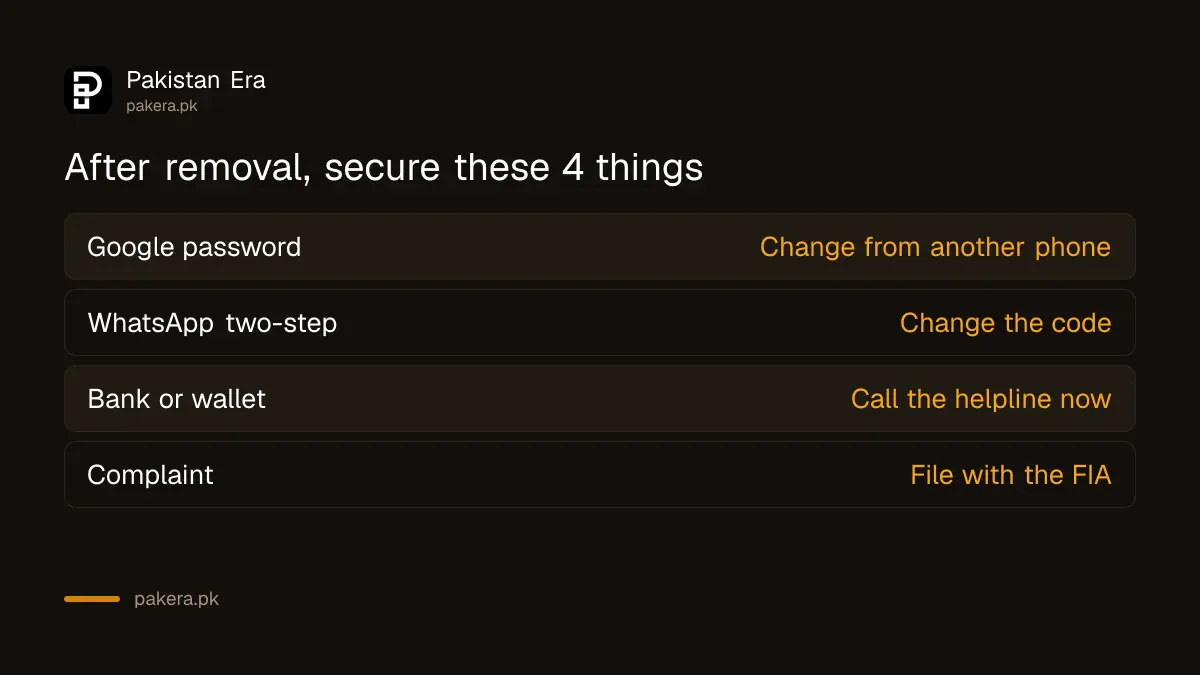
Use a different phone or a computer to change your Google password, your WhatsApp two-step code and your banking and wallet passwords. If you typed a card number, PIN or OTP into anything, call your bank or wallet helpline now and ask for a block.
Money moves fast, so call first and read later. Our guide on how to claim a digital fraud refund from your bank or wallet shows what the bank must do and by when. If your SIM stops working, read the signs of SIM swap fraud.
- Change your Google password, then sign out unknown devices and remove linked apps.
- If WhatsApp acts oddly, follow the steps to recover a hacked WhatsApp account.
- Remove any computer you do not know from your linked devices.
- Report the number and the message to the Federal Investigation Agency through the steps in filing an FIA complaint online.
PTA also lists a complaint helpline, 0800-55055, for scam numbers.
Reset the phone if the problem does not go away
If the phone still behaves strangely, a factory reset removes all apps and data. Google says to be sure you know your Google account and password, and your screen lock, before you start. Back up photos and files first, but do not restore apps from before the infection.
Open Settings and look for the reset option. On most phones it sits under System. Google tells people to check the maker's support page for brand steps. A reset is a last step, because it erases everything on the phone, so try the earlier steps first.
After the reset, install apps only from Google Play. Then turn on a WhatsApp passkey so a stolen code cannot take your account.
Common questions
I installed an APK from WhatsApp but did not open it. Am I safe?
Not sure. Uninstall it, run a Play Protect scan and review permissions. We cannot tell what a given file does, so do not assume an unopened app is harmless.
Will deleting the WhatsApp message remove the app?
No. The chat message and the installed app are separate. Delete the message, but also uninstall the app from Settings, Apps.
Can an iPhone get a fake APK?
No. APK files are for Android. An iPhone user can still be tricked into sharing a code or a password through a fake link, so the account steps still apply.
What if the Uninstall button is greyed out?
The app may hold special access. Remove its device admin or special access in Security and privacy, then uninstall. Names differ by brand.
Do I need to factory reset?
Not always. Many people can fix this by uninstalling the app, scanning and changing passwords. Reset if the phone still acts strangely or you allowed restricted settings.
Should I install apps from a link sent by a government office?
No. Get apps from Google Play or from the organisation's official site that you typed yourself. A challan or bill sent as a file in a chat is a warning sign.
How we verified this
What we checked, where we read it, and what we could not confirm.
We read Google's Android Help pages "Delete apps on your Android device", "Learn about restricted settings", "Change app permissions on your Android phone", the Google Play Protect help page and "Reset your Android device to factory settings" on 12 October 2026, at support.google.com/android. We did not install a fake file to test the steps. Menu names differ between phone brands and Android versions, and the offline step and the order of actions are our advice.
About the author

Technology Journalist & Multimedia Producer
Ahmad Ali is a technology journalist and multimedia producer at Pakistan Era, joining the team in October 2026. He covers consumer technology and digital life for Pakistani readers, combining research with hands-on product testing.