How to Recover a Hacked WhatsApp Account in Pakistan
WhatsApp hacked? Re-register with the 6-digit SMS code to log the hacker out, wait 7 days for an unknown PIN, warn contacts and report to NCCIA. Full steps.
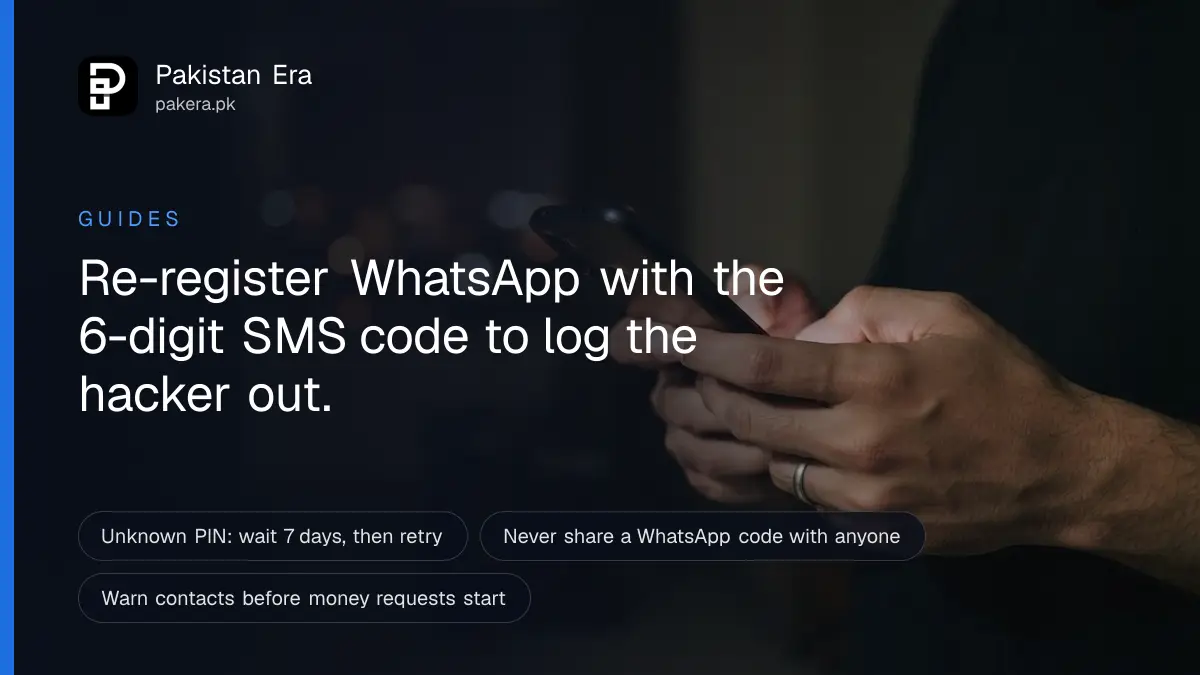
If your WhatsApp is hacked, open WhatsApp on your own phone, tap "Log back in", enter your number and type the 6-digit code that arrives by SMS or call. That code logs the hacker out of every device. Then tell your contacts, and turn on two-step verification.
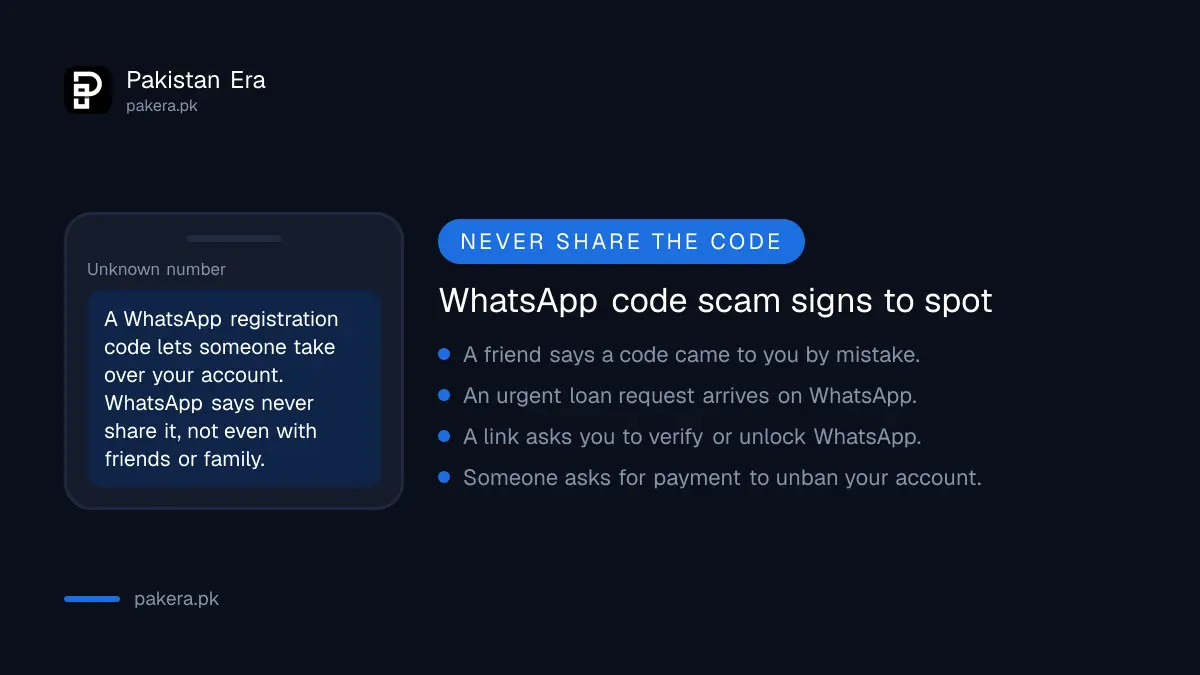
A common takeover starts like this. A message arrives from a friend's number: "I sent you a code by mistake, please send it back." The friend has already been hacked, and the code is your WhatsApp registration code. We read WhatsApp's own Help Center on 27 September 2026 for every step below.
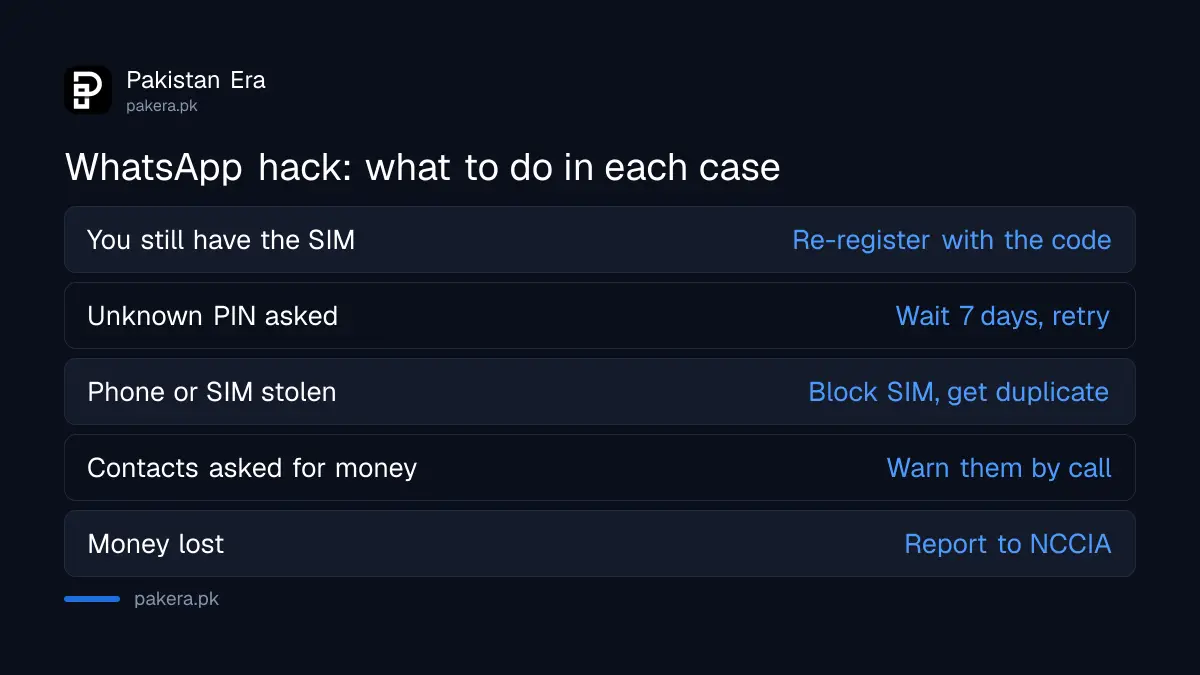
| Situation | What to do first |
|---|---|
| You still have your SIM | Re-register WhatsApp with the 6-digit code |
| It asks for a PIN you never set | Wait 7 days, then try again |
| Phone or SIM lost or stolen | Block the SIM, get a duplicate, then re-register |
| Someone is asking your contacts for money | Warn them from another number or by call |
| Money was lost or you are being blackmailed | Report to NCCIA as a cybercrime |
Recover your WhatsApp account with the 6-digit code
Re-registering with the 6-digit code is the only way to throw a hacker out. WhatsApp says changing your password will not remove someone who has taken over your account. When you re-register, every device logged into your account is logged out automatically.
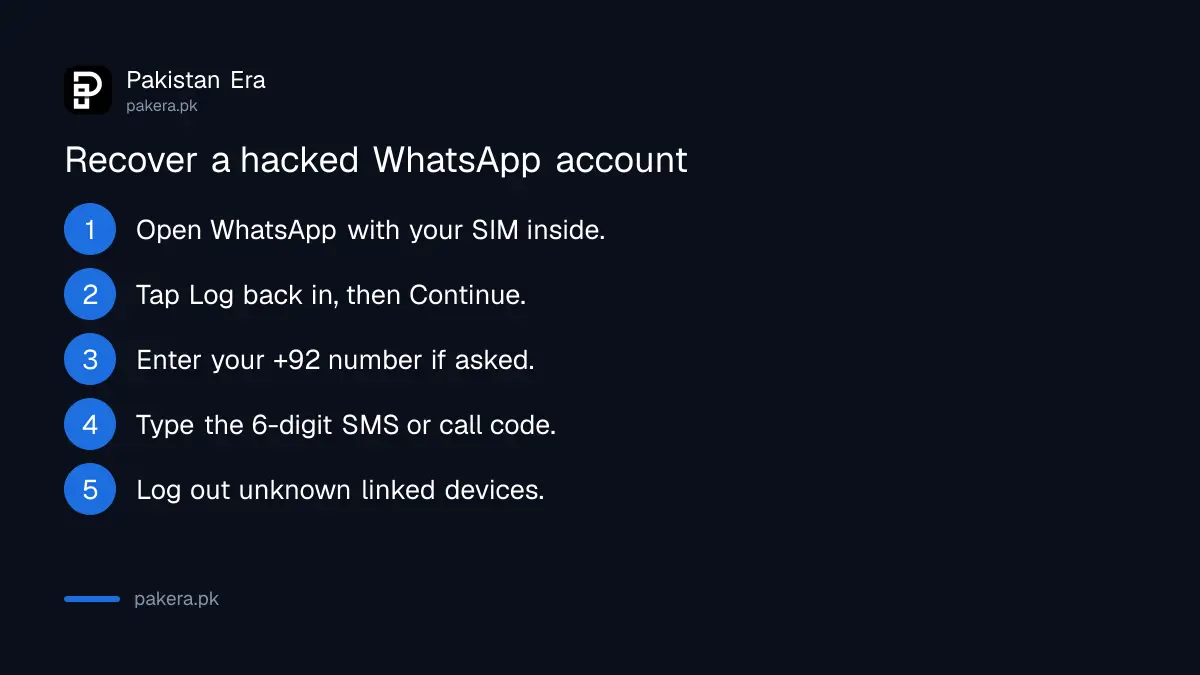
- Open WhatsApp on your phone with your SIM inside.
- Tap Log back in, then Continue.
- If asked, enter your number with the country code, +92, and tap Next, then Ok.
- Enter the 6-digit code that arrives by SMS or phone call.
- Once you are in, open linked devices and log out anything you do not recognise.
Never share this code with anyone, not even family. WhatsApp's help page says exactly that. If you type the wrong code more than once, WhatsApp may make you wait before sending another. Its help page says there is no way to make that wait shorter.
Wait 7 days if WhatsApp asks for a PIN you did not set
Hackers often turn on two-step verification so you cannot get back in. If WhatsApp asks for a PIN you do not know, wait 7 days and try again. Even before that, entering your SMS code logs the hacker out of your account.
That second point matters. The hacker loses access the moment you enter the code, even if you cannot get past the PIN screen yet. So do the SMS step at once, then wait out the 7 days.
While you wait, your old chats are not exposed to the hacker. WhatsApp says messages are stored on your device and are end-to-end encrypted, so someone who registers your number on a new phone cannot read your past conversations. They can, however, send new messages as you, and that is the real danger.
Warn your contacts before the money requests start
A hacker uses your account to ask your friends for money or for their codes. Warn your contacts as soon as you notice, by phone call, SMS or a family member's WhatsApp. WhatsApp itself advises telling family and friends, because the hacker can impersonate you in chats and groups.
Keep the warning short: "My WhatsApp was hacked. Do not send money or any code to my number until I call you." Post it in your family and work groups from someone else's phone if you are still locked out.
The usual requests follow a pattern. An urgent loan for a hospital bill, a JazzCash or Easypaisa transfer "until tonight", or a code "sent by mistake". Each one is a reason to call the real person first. More patterns are listed in the scams doing the rounds in Pakistan.
Get a duplicate SIM if your phone or SIM is gone
WhatsApp cannot be recovered without a SIM carrying the same number. If your phone or SIM was stolen, call your operator to block the SIM, get a duplicate SIM with the same number, then re-register WhatsApp. That logs the stolen phone out.
- Call your operator and ask them to block the SIM.
- Get a duplicate SIM with the same number from a franchise, with biometric verification.
- Put it in a phone and re-register WhatsApp with the 6-digit code.
WhatsApp says it cannot deactivate your account for you, cannot find your phone, and cannot tell you who accessed your account or from where. Blocking the handset itself is a separate step, set out in blocking a lost or stolen phone in Pakistan. For the SIM, the process on Jazz is in getting a Jazz duplicate SIM.
Report the hack to WhatsApp and to NCCIA
Recover first, report second. WhatsApp warns that if you report the account you are trying to recover, it may be banned and you could lose it. For help, use the contact form at whatsapp.com/contact or Help in the app. If money was lost, report it to NCCIA as a cybercrime.
The National Cyber Crime Investigation Agency, NCCIA, handles cybercrime in Pakistan. It was set up under a 2025 amendment to the Prevention of Electronic Crimes Act. Its helpline is reported as 1799 and its complaint portal as complaint.nccia.gov.pk. We say reported because both nccia.gov.pk and the complaint portal refused our requests with a bot check on 27 September 2026, so we could not read either at source.
Before you file, collect screenshots of the hacker's messages, the numbers that asked your contacts for money, and any bank or wallet transaction IDs. Filing steps are in how to report a cybercrime in Pakistan. The FIA's own complaint form does not list cybercrime, which is why the FIA online complaint portal and PakID app are the wrong door for a hacked account. If money left a bank account or wallet, call your bank's helpline the same day as well.
Lock your WhatsApp so it does not happen again
Turn on two-step verification, add an email address to your account, and never share a WhatsApp code. WhatsApp's security page lists these features, and they work only while you still control the account. That is why you set them up now, not after the next attack.
- Two-step verification: asks for a password, your phone number or your email on top of the SMS code. WhatsApp is replacing the old 6-digit PIN with a password.
- Email: lets you recover the account without SMS or a call.
- Passkey: links login to your phone's fingerprint, face or screen lock.
- App lock and chat lock: stop someone with your unlocked phone from opening chats.
- Linked devices: check the list every few weeks and log out anything unknown.
If WhatsApp tells you someone requested a code for your number, and you did not, do nothing and share nothing. WhatsApp says the person cannot finish without that code.
Common questions
Can I recover a hacked WhatsApp account without the SIM?
No. WhatsApp says you need a SIM with the same number. Get a duplicate SIM from your operator first.
Can the hacker read my old WhatsApp chats?
No, according to WhatsApp. Messages are stored on your device, so a new registration cannot see past chats. The hacker can send new messages as you.
Will changing my WhatsApp password remove the hacker?
No. Only re-registering with the 6-digit code sent to your number logs the hacker out.
How long do I wait if I do not know the two-step PIN?
Seven days, then try again. Entering your SMS code logs the hacker out even before that.
Should I report my hacked WhatsApp account in the app?
Not before you recover it. WhatsApp warns that reporting an account you are recovering may get it banned.
What is the NCCIA helpline number?
1799 is reported as NCCIA's helpline. We could not open NCCIA's website to confirm it on 27 September 2026.
How we verified this
What we checked, where we read it, and what we could not confirm.
Last checked on 27 September 2026. The recovery steps, the 7-day PIN wait, the warning about reporting an account under recovery, and the points on password changes, old chats and linked devices are from WhatsApp's Help Center article "How to recover a compromised account". The duplicate SIM steps are from its lost or stolen device article. The unrequested code, code wait and security feature details are from its related Help Center articles, and the support route is from whatsapp.com/contact. NCCIA's 1799 helpline and complaint portal are reported only, because both sites showed a bot check to us on that date. We did not hack or recover a test account.
About the author

Senior Writer, Public Services and Technology
Shahid joined us in 2024 as an author. He is a senior contributor to Pakistan's leading technology websites. He writes detailed articles, mostly covering his expertise in the latest tech, mobiles, apps, gadgets, and step-by-step guides. His ideology is to help people understand the latest trends and explain complex methods through very easy-to-understand guides.