How to Check Linked Devices on WhatsApp and Remove Unknown Ones in Pakistan
See every device linked to your WhatsApp in under a minute. Learn the four device limit, the 14 and 30 day rules and how to log out strangers. Check yours now.
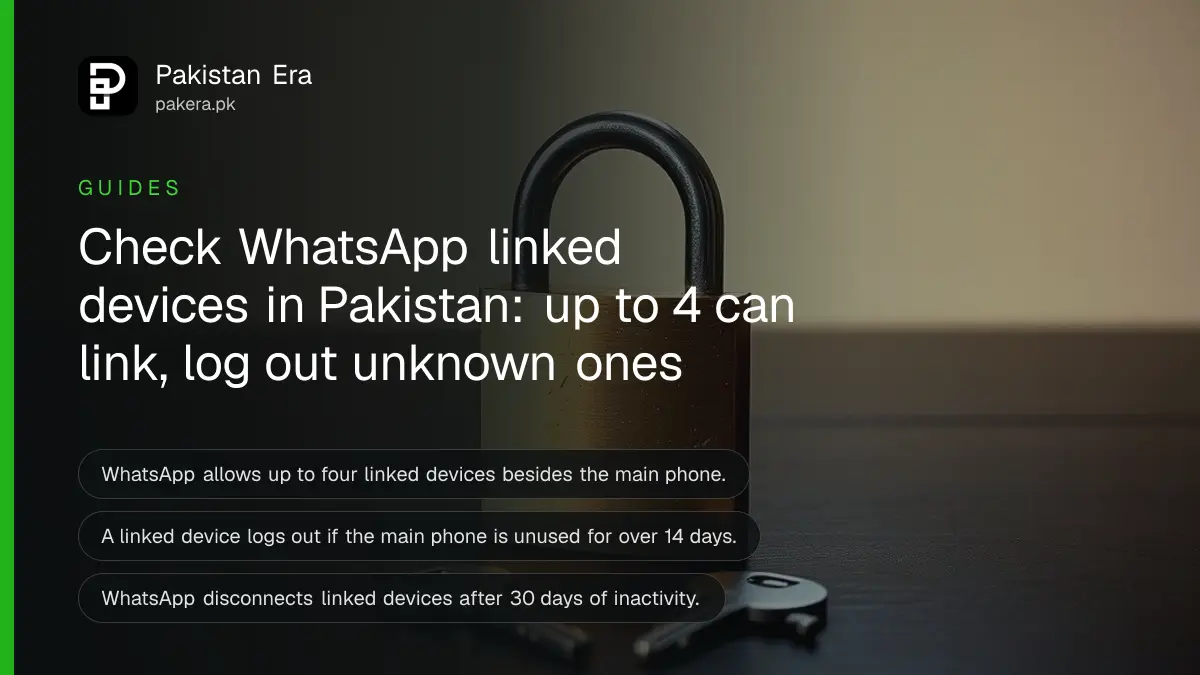
Short answer: On Android, open WhatsApp, tap the three dots, then Linked devices. Every device connected to your account is listed there. Tap any device you do not recognise and choose Log out. WhatsApp allows up to four linked devices alongside your main phone.
A WhatsApp Web tab left open on a shop computer, a cousin's laptop or a cyber cafe PC can keep reading your chats long after you walked away. The list takes under a minute to check, and it is free.
We read WhatsApp's Help Center article "About linked devices" on 11 October 2026. This guide follows that page. We did not link a new device ourselves for this piece.
Linked devices are other screens tied to your account
A linked device is a computer, tablet or second phone that uses your WhatsApp account without being your main phone. WhatsApp says you can link up to four devices at a time to your primary phone. The primary phone is still needed to register the account and to link new devices.
Supported linked devices include Windows and Mac apps, WhatsApp Web, Android tablets, iPad, WearOS watches, companion phones, Meta AI glasses and VR. Your personal messages, media and calls stay end-to-end encrypted, and each linked device connects to WhatsApp independently.
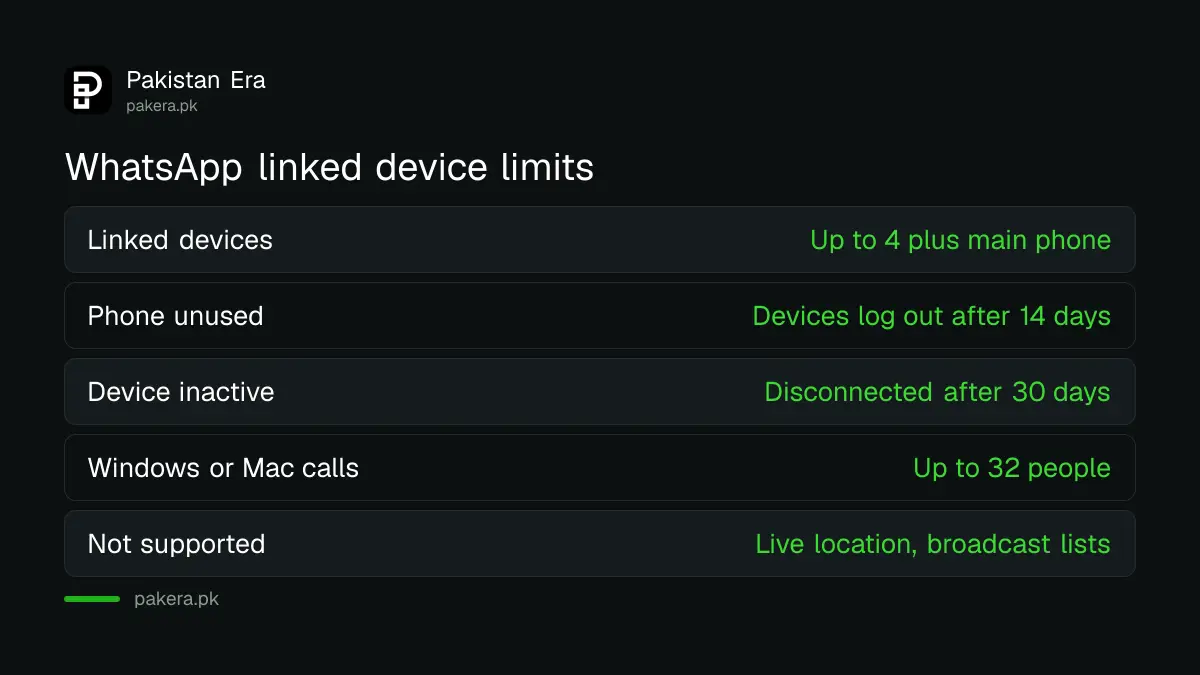
| Item | What WhatsApp's page says |
|---|---|
| Number of linked devices | Up to four, plus the primary phone |
| Works with phone switched off | Yes, but it logs out if the phone is unused for over 14 days |
| Inactive linked device | Disconnected automatically after 30 days of inactivity |
| Group calls on Windows or Mac app | Voice and video calls with up to 32 people |
| Not supported yet | Live location view, broadcast lists, WhatsApp Flows with businesses |
Review the list on your phone in four steps
Open WhatsApp on your phone and tap the three dots. Choose Linked devices. Look at each name and the last active time. Tap any device you do not know and press Log out. Do this once a month, or after you used a shared computer.
- Open WhatsApp on your main phone.
- Tap the three vertical dots, then Linked devices.
- Read the list of devices connected to your account.
- Tap an unknown device, then tap LOG OUT.
The steps above are the Android route WhatsApp describes on its page. WhatsApp publishes a separate iOS version of the same page, and the menu path may differ on iPhone, so follow the wording on your own screen.
If you use WhatsApp on a PC, web or desktop, link it only through the official routes. Voice and video from a computer are covered in WhatsApp calling on a computer.
Turn on push notifications so a new link cannot hide
WhatsApp advises you to keep push notifications on. With notifications on, you can remove a device you do not recognise straight from the alert. Tap the notification, review the device and remove it. Without notifications, a new link may sit unseen until you open the list.
You can link a new device with a QR code or with your phone number. WhatsApp tells users to link only on WhatsApp Web, the WhatsApp apps for Windows and Mac, WhatsApp on Android tablets, companion phones or AI glasses. Nothing else is official.
Never scan a QR code someone sends you in a chat or on social media. A QR code on WhatsApp Web is the key that opens your account on that screen. If a stranger shows you one and asks you to scan it, say no.
Stay away from unofficial apps and websites
WhatsApp warns that linking through unofficial apps or websites may put your account at risk. These are fake WhatsApp apps built by third parties. Linking an account to one, now or in the past, may result in a temporary or permanent ban, and your number could be used to spread spam and scams.
Modded versions are shared by link in many Pakistani groups. WhatsApp Plus and fake APKs are the usual example. If your number is already restricted, a ban from an unofficial app has its own fix.
Browser add-ons are a quieter risk. A risky extension can read a WhatsApp Web page, which is why keeping WhatsApp Web safe from Chrome extensions matters.
What to do if someone else is using your account
Log out every device you do not recognise, then turn on two-step verification and check the list again. If you are locked out or the account was taken, follow the recovery steps. Tell your contacts not to send money or codes until you are back in.
- Log out each unknown device from Linked devices.
- Turn on two-step verification so a stranger cannot re-register your number.
- Consider a WhatsApp passkey for sign in.
- If you lost access, follow the steps to recover a hacked WhatsApp account.
One more trap: if your phone is unused for over 14 days, the linked devices log out. That is not a hack. It is the rule on WhatsApp's page. Log in again by linking the device.
WhatsApp's page also notes a known issue where some linked devices do not show up to one year of chat history. You can still see the history on the primary phone, and keeping WhatsApp updated on the linked device may help.
Common questions
How many devices can I link to WhatsApp?
Up to four devices at a time, besides your primary phone, according to WhatsApp's Help Center page read on 11 October 2026.
Can someone link my account without touching my phone?
Linking needs a QR code scan or your phone number, so the risk is a QR you scanned or a code you shared. Check the list, and never share a WhatsApp verification code with anyone.
Do linked devices work when my phone is off?
Yes. They work without your phone online, but they log out if the phone stays unused for more than 14 days.
Will WhatsApp remove an old linked device by itself?
Yes. WhatsApp says it automatically disconnects linked devices after 30 days of inactivity.
Can I use a linked device as my main phone?
No for Windows, Mac, Web, iPad and wearables. An Android tablet can be primary only if you register your account from that tablet.
Which features are missing on linked devices?
WhatsApp lists three: viewing a live location, creating and viewing broadcast lists, and interacting with businesses using WhatsApp Flows.
How we verified this
What we checked, where we read it, and what we could not confirm.
Last checked on 11 October 2026 against WhatsApp's Help Center article "About linked devices" at faq.whatsapp.com. Menu names can change with app updates, so match the wording on your own screen.
About the author

Technology Journalist & Multimedia Producer
Ahmad Ali is a technology journalist and multimedia producer at Pakistan Era, joining the team in October 2026. He covers consumer technology and digital life for Pakistani readers, combining research with hands-on product testing.