Keep WhatsApp Web Safe From Risky Chrome Extensions in Pakistan
PKCERT warns an old Adobe Acrobat Chrome extension let websites read WhatsApp Web chats. Check your extensions, limit site access and remove unknown devices.
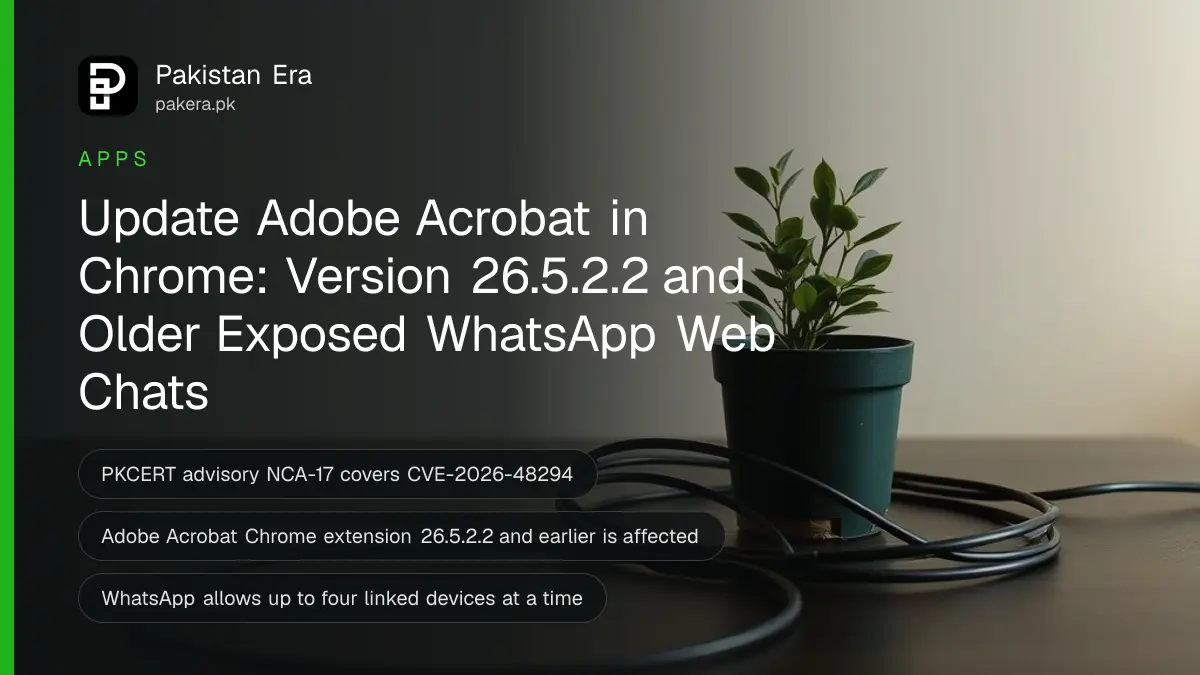
If you use WhatsApp Web in Google Chrome, check your browser extensions today. Pakistan's National CERT (PKCERT) has warned that the Adobe Acrobat Chrome extension, version 26.5.2.2 and earlier, let a malicious website read an open WhatsApp Web session. Update or remove it, then log out of any linked device you do not recognise.
Plenty of Pakistani offices run WhatsApp Web all day on a shared desktop. Orders, invoices, family chats and OTP screenshots all sit in that one browser tab. So a flaw that lets a website peek into the tab is not a small thing.
We read PKCERT's advisory NCA-17 and the official help pages from WhatsApp and Google. Below is what the warning says, how to check your extensions in under five minutes, and how to clean up linked devices.
PKCERT warned that one Chrome extension exposed WhatsApp Web chats
PKCERT advisory NCA-17 says a flaw in the Adobe Acrobat Chrome extension, tracked as CVE-2026-48294, let a crafted website read information from an active WhatsApp Web session. It affects versions 26.5.2.2 and earlier. Adobe has released a fix, so updating closes the hole.
According to the advisory, an attacker only needs you to open a booby-trapped or hacked website while WhatsApp Web is open in the same browser. No malware install and no stolen password is needed. PKCERT lists what could be exposed:
- Your chat list, contact names and message previews.
- The contents of open conversations.
- Profile information linked to WhatsApp Web.
The advisory does not say the flaw was used against Pakistani users. It is a warning to patch, not a report of an attack. Still, the fix takes two minutes, and the habit it teaches protects you from the next extension flaw too.
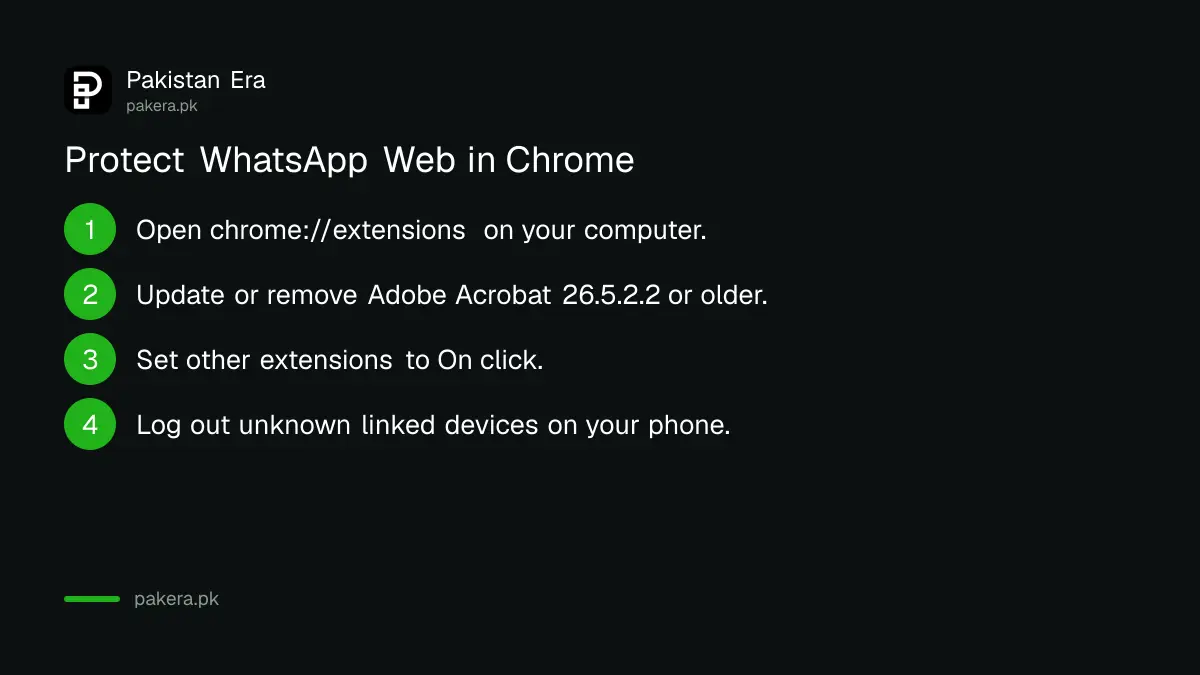
Check and update your Chrome extensions in five minutes
Open Chrome's extension manager, find Adobe Acrobat, and update it or remove it. Then remove every extension you do not use and limit the rest to specific sites. Google's own help page sets out each of these controls.
- Open Chrome on your computer.
- Click the three-dot More menu at the top right, then Extensions, then Manage extensions. You can also type chrome://extensions in the address bar.
- Find "Adobe Acrobat" in the list. Click Details to see its version number.
- If it shows 26.5.2.2 or lower, turn on Developer mode at the top right and click Update. Chrome then fetches the latest version of every extension.
- If you never open PDFs through it, click Remove instead. Chrome opens PDFs on its own without it.
- Go through the rest of the list. Remove anything you do not recognise or have not used in a month.
Free coupon tools, "video downloader" add-ons and screen recorders are the usual clutter. Each one is another piece of code that runs on every website you visit. Fewer extensions means fewer doors.
Limit what each extension can read on your websites
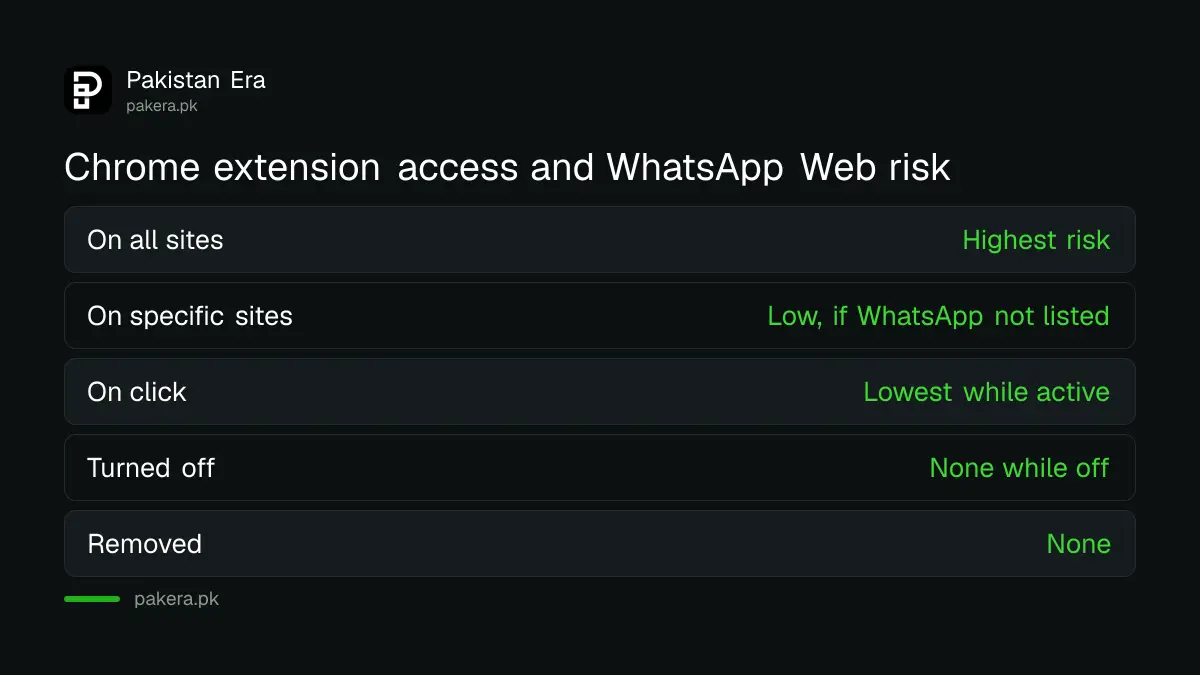
Chrome lets you stop an extension from reading every site. Set it to run only when you click it, or only on specific sites. An extension that cannot read web.whatsapp.com cannot leak anything from it.
Google's help page explains the setting. In Manage extensions, open an extension's Details. Next to "Allow this extension to read and change all your data on websites you visit", change "On all sites" to "On click" or "On specific sites".
For a PDF tool, a grammar checker or a translator, "On click" is usually enough. You lose nothing, and the extension stays asleep while your WhatsApp tab is open.
| Extension setting | What it means | Risk to WhatsApp Web |
|---|---|---|
| On all sites | Reads and changes every page you open | Highest |
| On specific sites | Works only on sites you list | Low, if WhatsApp is not listed |
| On click | Works only when you click its icon | Lowest while active |
| Turned off | Installed but not running | None while off |
| Removed | Gone from Chrome | None |
Log out of linked devices you do not recognise
On your phone, open WhatsApp, tap the three dots on Android or Settings on iPhone, then Linked devices. Any computer or tablet you do not recognise should be logged out at once. WhatsApp allows up to four linked devices at a time.
WhatsApp's help centre adds two useful facts. Linked devices are disconnected automatically after 30 days of inactivity. And a linked device logs out if your main phone is not used for more than 14 days.
Turn on push notifications too. WhatsApp says a notification appears when a new device links to your account, and you can tap it to review and remove that device. If you use a shared office computer, log out of WhatsApp Web at the end of each day rather than leaving it open overnight.
Your phone is the master key. Set a PIN with two-step verification, so nobody can move your number to a new phone even if they see your chats. A WhatsApp passkey adds a fingerprint or face lock on top.
Use only the official WhatsApp Web and desktop apps
Link your account only at web.whatsapp.com or in the WhatsApp app for Windows or Mac. WhatsApp warns that linking through unofficial apps or websites can get your account banned and used to send scams to your contacts.
The desktop app has a bonus. It runs outside Chrome, so browser extensions cannot touch it at all. If your work lives on WhatsApp, the Windows app is the cleaner choice, and it also handles voice and video calls from a computer.
If you think someone already read your chats, look for signs: a linked device you never added, messages marked read that you did not open, or contacts saying they got odd requests from you. The recovery steps for that are in getting a hacked WhatsApp back.
You can report a cyber incident to PKCERT through its incident reporting page at pkcert.gov.pk. For money lost to fraud, the complaint goes to the National Cyber Crime Investigation Agency (NCCIA), not PKCERT.
Common questions
Do I need to remove the Adobe Acrobat Chrome extension?
No, updating it is enough. PKCERT says Adobe has released a fix, and versions after 26.5.2.2 are not listed as affected. Remove it only if you do not use it, since Chrome opens PDFs by itself.
Does this flaw affect WhatsApp on my phone?
No. PKCERT's advisory covers WhatsApp Web open in Google Chrome on a computer with the Acrobat extension installed. The WhatsApp app on Android or iPhone is not part of it.
Can a website read my WhatsApp Web chats without any extension?
Not normally. Chrome keeps websites apart from each other. The risk in NCA-17 came from an extension that broke that wall, which is why trimming extensions matters.
How do I know which devices are linked to my WhatsApp?
Open WhatsApp on your phone, go to the menu or Settings, then Linked devices. Every computer, tablet or browser using your account is listed there with its last active time. Tap one and choose Log out to remove it.
Is the WhatsApp desktop app safer than WhatsApp Web?
It avoids this kind of risk. Browser extensions run inside Chrome, while the Windows and Mac apps run separately, so an extension cannot read them. Both are end-to-end encrypted.
How we verified this
What we checked, where we read it, and what we could not confirm.
We last checked these sources on 10 October 2026:
- PKCERT advisory NCA-17, "Adobe Acrobat Chrome Extension Vulnerability Exposing WhatsApp Web Sessions", on pkcert.gov.pk (advisory 17 of 2026). It cites an Adobe security advisory for CVE-2026-48294 and does not give the patched build number.
- WhatsApp Help Center, "About linked devices", on faq.whatsapp.com, for the four-device limit, the 30-day and 14-day logout rules and the warning on unofficial apps.
- Google Chrome Web Store Help, "Install and manage extensions", on support.google.com, for the extension and site access settings.
Menu names can change slightly between Chrome versions. If a label differs on your computer, the Extensions page itself is always at chrome://extensions.
About the author

Technology Journalist & Multimedia Producer
Ahmad Ali is a technology journalist and multimedia producer at Pakistan Era, joining the team in October 2026. He covers consumer technology and digital life for Pakistani readers, combining research with hands-on product testing.