Instagram Try Again Later Error in Pakistan: Fix the Action Block in 5 Steps and Check Account Status
Instagram Try again later in Pakistan comes from unusual activity. Change password, drop follower apps, turn on two-factor, check Account Status: 5 steps.
Seeing "Try again later" on Instagram when you like, follow, comment or send a message? Instagram shows this error when it detects unusual or inauthentic activity on an account. Fix it by changing your password, removing any follower or likes app, turning on two-factor login, then checking Settings, Account Status. All of it is free and done inside the app.
The message is not a ban. Your account still opens. But one or more actions stop working for a while, and they will keep stopping if the cause is still there. This page walks through the cause first, then the fix, then the appeal.
Why Instagram shows Try again later
Instagram says the "Try again later" error can appear when its systems detect inauthentic activity on your account. The two usual causes are an app or website using your login to like and follow in bulk, and a password that someone else knows.
Inauthentic activity means actions that look automatic rather than made by a person. Liking hundreds of posts in a few minutes, following and unfollowing in a loop, or posting the same comment again and again all look like this. So does any service that does those things for you.
In Pakistan the most common trigger is a "free followers" or "auto liker" app. These apps ask for your Instagram username and password. Once they have it, they run actions from your account, and Instagram limits the account to stop them. Instagram warns against giving your login to apps that promise likes or followers.
- A follower, likes or "unfollow tracker" app has your password.
- Someone else logged in and is posting or messaging from your account.
- You did one action very fast, such as following many accounts in a short time.
- A post, comment or message was removed and a feature was limited as a result.
Fix Try again later in 5 steps
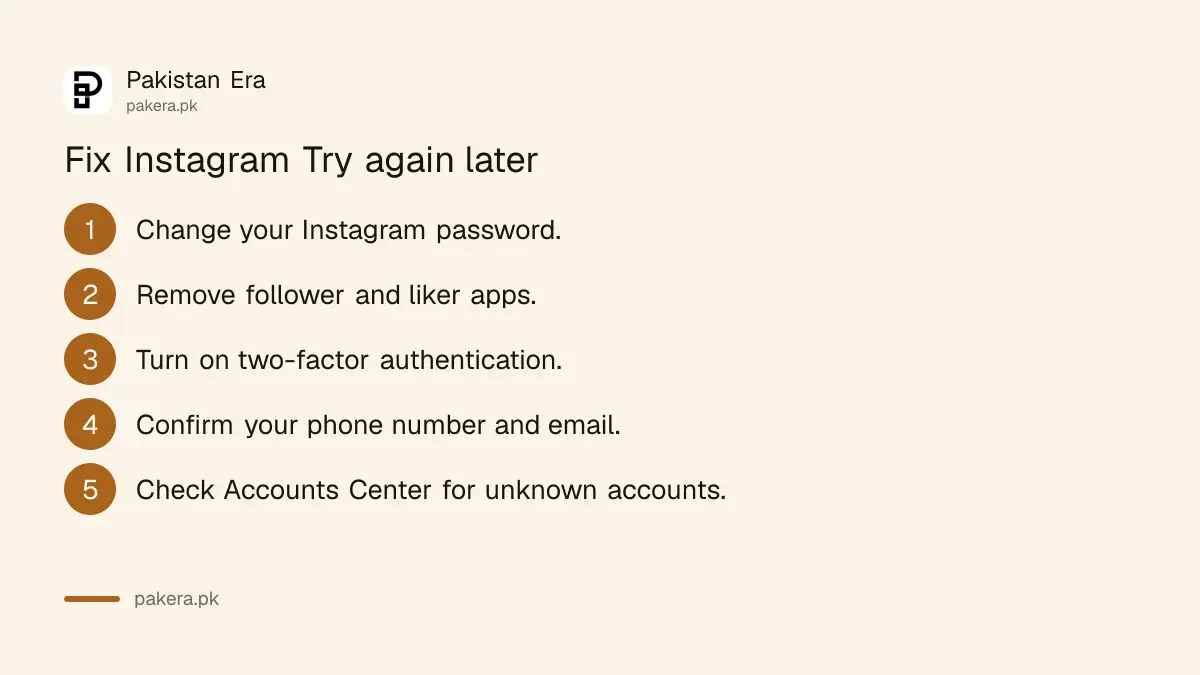
Instagram's own fix list is short: change the password, remove suspicious third-party apps, turn on two-factor authentication, confirm your phone number and email, and check Accounts Center for linked accounts you do not know. Do all five in one sitting.
- Change your password. Use a new, strong password with letters, numbers and symbols. Changing it logs you out of all other devices, which also logs out any app that had your old one.
- Remove third-party apps. Delete any follower, liker or tracker app from your phone, and revoke its access to your account in your Instagram settings.
- Turn on two-factor authentication. A login then needs a code as well as the password.
- Confirm your phone number and email. Make sure both belong to you, so reset codes reach you.
- Check Accounts Center. Remove any linked account you do not recognise.
Two-factor login is the step people skip, and it is the one that stops a repeat. The full setup, including backup codes, is in Instagram two-factor authentication and backup codes. If you cannot remember the current password to change it, start with an Instagram password reset.
After the fix, stop the action that set off the error. Do not keep tapping Like or Follow to test it. Use Instagram normally, at a normal pace, and the limited action usually comes back on its own.
Check Account Status to see what is limited
Account Status shows exactly which features you cannot use and why. Open it from Settings, under More info and support. It lists removed content, features you cannot use right now, and the steps to fix each one, plus a Request review option.
- Go to your profile and tap the menu icon at the top right.
- Tap Settings.
- Scroll to More info and support and tap Account Status.
- Open Features you can't use to see any limit on your account.
- If you think a decision was a mistake, tap Request review.
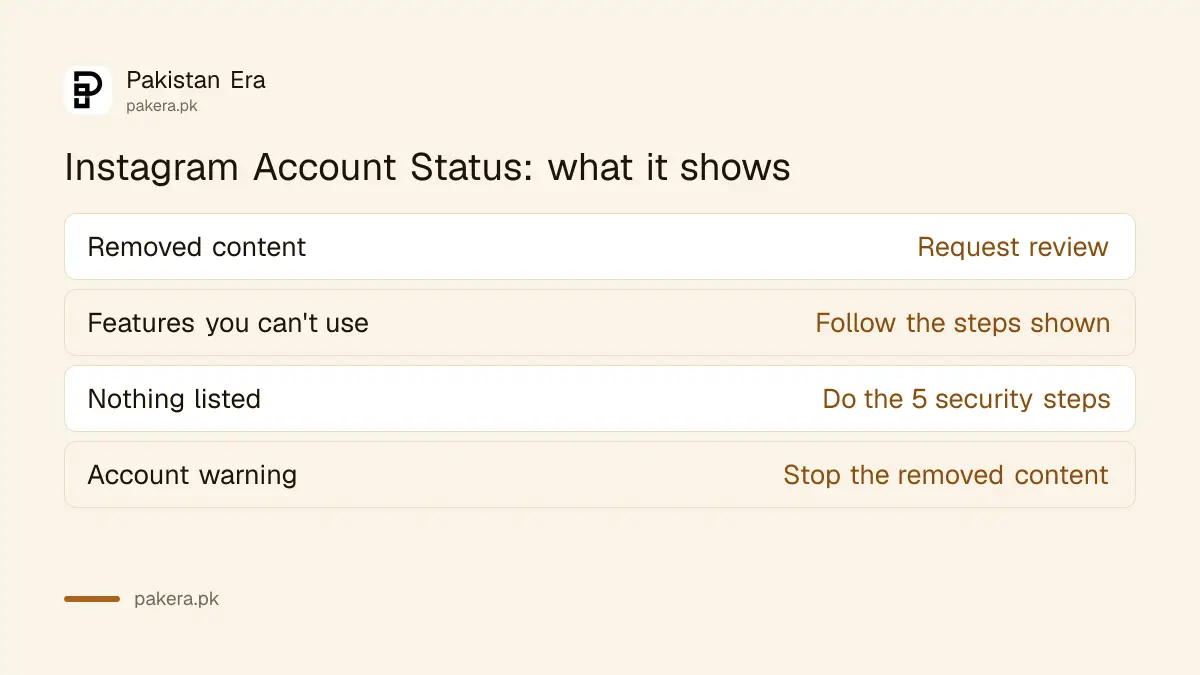
| What Account Status shows | What it means | What to do |
|---|---|---|
| Removed content | A post, story or comment broke the Community Guidelines | Request review if you think it was wrong |
| Features you can't use | An action such as following or commenting is limited | Follow the steps shown, then wait |
| Nothing listed | The limit came from unusual activity, not a removal | Do the 5 security steps above |
| Warning about your account | More removals could cost you the account | Stop posting the kind of content removed |
Instagram says that in most cases you get a warning before you lose access to an account. Repeated removals for breaking the Community Guidelines can lead to the account being disabled, so treat a warning seriously.
When Try again later means your account is hacked
If you see posts, comments or messages you did not make, someone else may have your password. Change it at once if you can still log in. If you cannot log in, go to instagram.com/hacked in a phone or computer browser and follow the steps there.
Signs of a hacked account are easy to spot once you look. Check your recent comments, sent messages and the people you follow. Look at the email and phone number in your account settings. If any of these changed without you, act now. The full recovery route, including the selfie video check, is in recovering a hacked Instagram account.
Stop it coming back
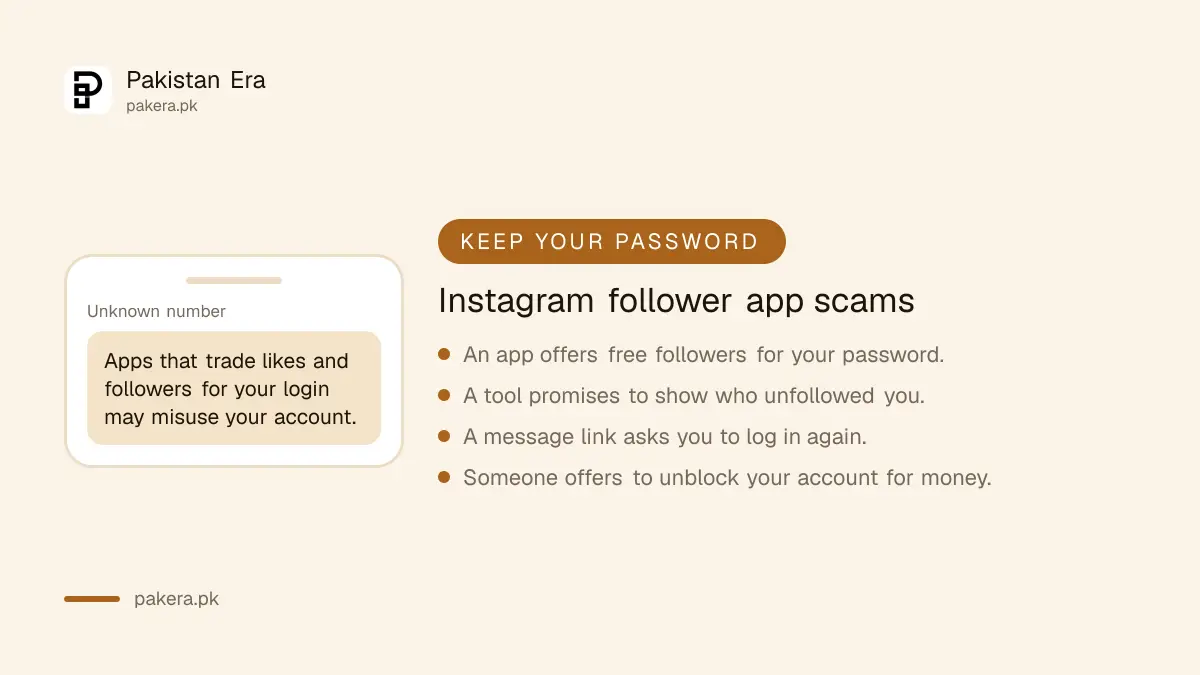
The error returns if the cause returns. Never give your Instagram password to another app or website, keep two-factor login on, and act at a normal pace. Instagram says apps that trade likes and followers for your login may misuse your account.
- Do not use "free followers", "auto like" or "who unfollowed me" apps. They need your password, and that is the problem.
- Do not buy followers. Bought followers are often fake accounts, and their activity on your posts can look inauthentic.
- Be careful with links in messages that ask you to log in again. That is a common way passwords are stolen.
- Keep the Instagram app updated from the Play Store or App Store.
If Instagram goes further and disables the whole account, that is a different process with its own appeal window. See what to do when an Instagram account is disabled.
Common questions about Instagram Try again later
How long does the Instagram Try again later limit last?
Instagram does not give a fixed time. The limit usually lifts once the cause is fixed and you use the app normally. Account Status shows whether a feature is still limited.
Is Try again later the same as a ban?
No. Your account still works, but some actions are limited for a while. A disabled account cannot be opened at all and needs an appeal.
Will deleting a follower app fix the error?
Deleting it from your phone is not enough if it still knows your password. Change the password too, which logs it out, and remove its access in settings.
Can I appeal the Try again later error?
If a feature is listed under Features you can't use in Account Status, you can request a review there. If nothing is listed, fix the security steps and wait.
Do I need to pay someone to remove the Try again later limit?
No. Every step is free inside the app. People offering to "unblock" an Instagram account for money on other apps or by phone are not Instagram, and they usually ask for your password.
How we verified this
What we checked and where we read it.
Last checked 15 November 2026. The cause and the five fix steps come from the Instagram Help Center article What to do if your Instagram account posts unauthorized content, which names the "Try again later" error. The Account Status path and what it shows come from Check your Account Status on Instagram. The Help Center served both pages to us in Urdu for a Pakistan visitor; the menu names above are the English app labels.
About the author

Technology Journalist & Multimedia Producer
Ahmad Ali is a technology journalist and multimedia producer at Pakistan Era, joining the team in October 2026. He covers consumer technology and digital life for Pakistani readers, combining research with hands-on product testing.