How to Set Netflix Parental Controls in Pakistan: Kids Profile, Ratings and a 4-Digit PIN
Set Netflix parental controls in Pakistan: make a Kids profile, pick a 7+, 10+, 13+, 16+ or 18+ rating, block single titles and lock your profile with a PIN.
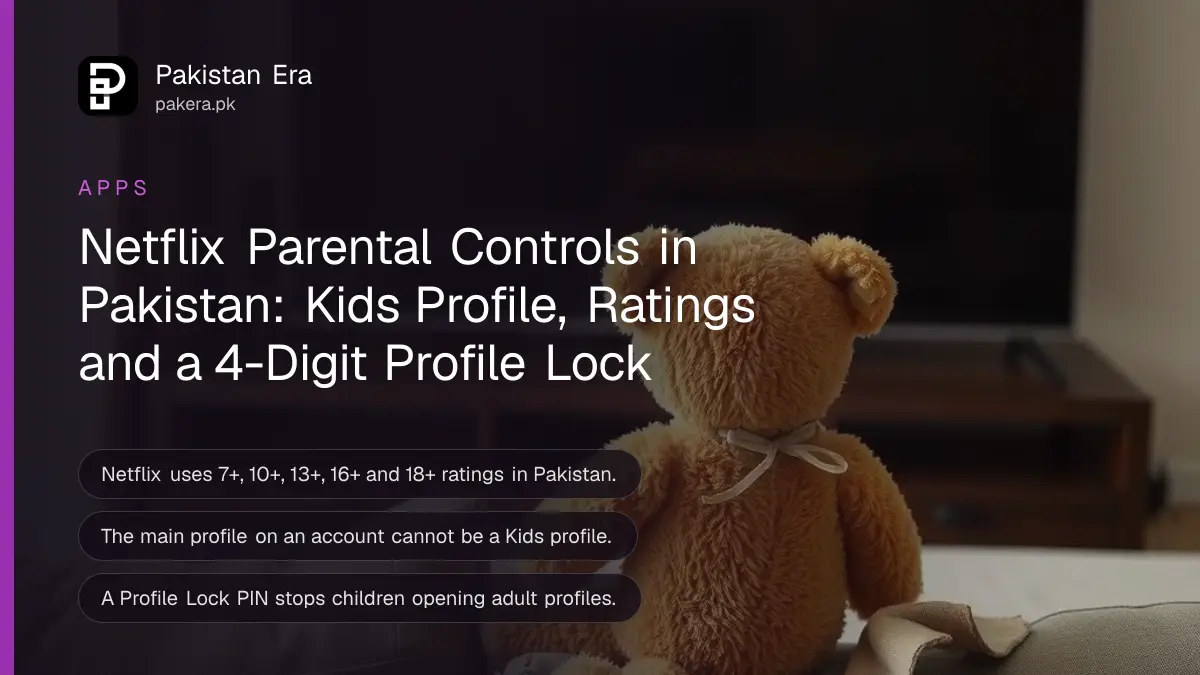
To set Netflix parental controls in Pakistan, make a Kids profile for each child, set a maturity rating (7+, 10+, 13+, 16+ or 18+) on any other profile, block single titles you do not want them to see, and lock your own profile with a 4-digit Profile Lock PIN. All of it is free and works on every Netflix plan.
Netflix shares one account across the whole family, so a child can open the main profile and watch anything unless you lock it. The PIN is the step most parents skip. Below are the exact steps on a phone and in a browser, plus the ratings Netflix uses in Pakistan.
Netflix maturity ratings used in Pakistan
In Pakistan, Netflix groups titles into Kids, Teens and Adults. Kids covers all audiences, 7+ and 10+. Teens is 13+. Adults is 16+ and 18+. A profile set to a rating only shows titles at or below that level.
| Group | Rating | Good for |
|---|---|---|
| Kids | All audiences | Young children |
| Kids | 7+ | Ages 7 and up |
| Kids | 10+ | Ages 10 and up |
| Teens | 13+ | Ages 13 and up |
| Adults | 16+ | Ages 16 and up |
| Adults | 18+ | Adults only |
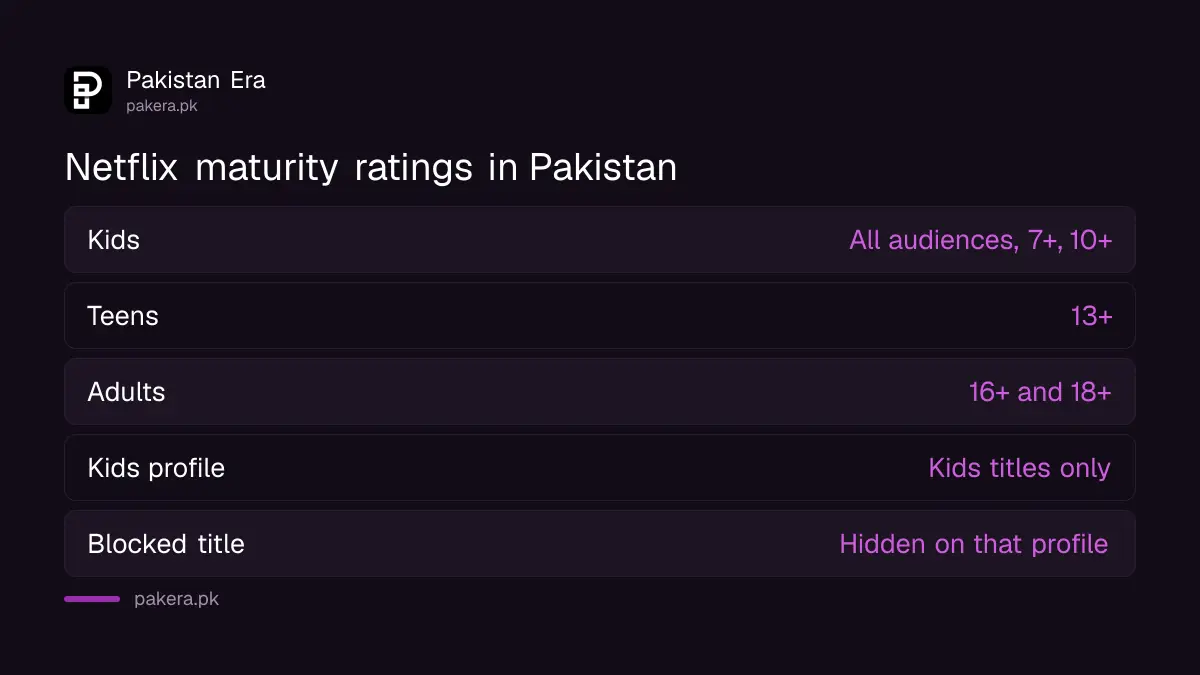
You can see a title's rating on its details page, and it shows briefly in the top corner when the title starts. Netflix also lists the reasons, such as violence, language or nudity. Some ratings are set by Netflix and some by a local standards body.
How to create a Kids profile on Netflix
Open Manage Profiles, choose Add Profile, type a name and tick For Kids or Kids Profile. A Kids profile has a simple look, no access to account settings, no email sign-in, and only shows, movies and games picked for children.
- Phone or tablet: in the Netflix app, tap My Netflix in the lower right, tap your profile, then tap Manage Profiles. TV: go to the profile screen and choose Add Profile +. Browser: open the Manage Profiles page.
- Choose Add Profile.
- Type the child's name.
- Select For Kids, Kids Profile or Kid?, depending on your device.
- Select Continue. The new profile appears in your list with a Kids logo on its icon.

The main, first profile on the account cannot be a Kids profile. If your device will not let you add a profile, use netflix.com on a computer. Profiles can be added on devices made after 2013.
Set a maturity rating or block a title
For a teenager who has outgrown the Kids profile, set a maturity rating instead. You can also block named shows or movies on any profile. Changes to a Kids profile's rating or blocked list must be made in a web browser, not in the app.
On a phone or tablet
- Open Netflix, tap My Netflix, tap the profile name at the top, then Manage Profiles.
- Choose the profile and tap Viewing Restrictions.
- Tap Maturity Rating to set a level, or Block Titles to add a show or movie.
- Enter your Netflix account password to confirm.
In a browser
- Go to your Account page and select Profiles.
- Select Adjust parental controls and choose a profile.
- Confirm with a code sent to your email or phone, or with your password.
- Set the Maturity Rating, or type a title under Title Restrictions to block it.
If you set a rating higher than the Kids level on a Kids profile, the Kids experience is switched off for that profile. Keep Kids profiles within the Kids ratings: all audiences, 7+ or 10+.
Lock your profile with a Netflix PIN
A Profile Lock PIN stops children opening your profile. Open Manage Profiles, choose your profile, tap Profile Lock, then Create a Profile Lock and enter 4 numbers. The PIN is also needed to play titles downloaded on that profile.
- In the app: My Netflix, tap the profile name, Manage Profiles, then pick your profile. In a browser: Account, Profiles, pick your profile.
- Tap Profile Lock.
- Tap Create a Profile Lock and confirm with your password, or a code in the browser.
- Enter 4 numbers and save.
- On the main profile in a browser, tick Require PIN to add new profiles, so a child cannot make an adult profile.
That last box can only be ticked when you add a lock to the main, first profile. Netflix's separate account-level PIN is not offered in Pakistan, so the Profile Lock is the lock to use. Forgot it? Tap Forgot PIN? or edit it at netflix.com/account.
Gaps parents miss
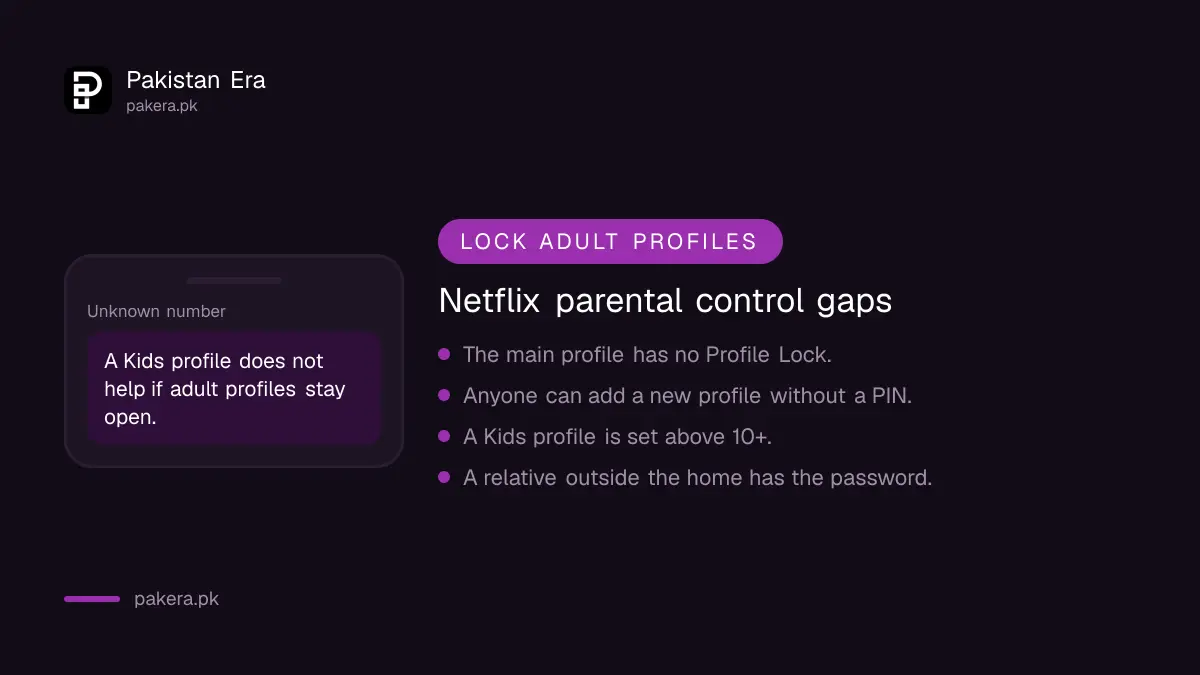
Most leaks happen through an unlocked adult profile, a child creating a new profile, or a shared password. Lock every adult profile, require a PIN for new profiles, and change the account password if a child or relative has it.
- Lock every adult profile, not only your own.
- Keep the account password private. If someone outside the home uses it, sign them out as shown in how to sign out all Netflix devices.
- After changing settings, switch profile and back, or sign out and in, so the TV picks up the change.
- Netflix controls cover Netflix only. Set up YouTube supervised accounts and check Roblox parental controls too.
Common questions
How do I put a PIN on Netflix in Pakistan?
Use Profile Lock. Open Manage Profiles, choose your profile, tap Profile Lock, then Create a Profile Lock and enter 4 numbers.
Can I make the main Netflix profile a Kids profile?
No. Netflix does not allow the main, first profile to be a Kids profile.
What maturity rating should I set for a 12-year-old?
Netflix lists 10+ as the top Kids rating in Pakistan and 13+ under Teens. Choose 10+ on a Kids profile, or 13+ on a normal profile for Teens titles.
Can I block one show on Netflix?
Yes. Use Block Titles in Viewing Restrictions, or Title Restrictions in a browser. For a Kids profile, use a browser.
I forgot my Netflix Profile Lock PIN. What now?
Tap Forgot PIN? on the lock screen, or go to netflix.com/account and edit or remove the PIN.
Does Netflix parental control cost extra?
No. Kids profiles, ratings, title blocks and Profile Lock are free on every plan.
How we verified this
What we checked and where we read it.
We checked Netflix Help Center pages with Pakistan selected on 15 November 2026: parental controls, creating a profile for kids, setting maturity ratings or blocking titles, adding a profile PIN, maturity ratings for TV shows and movies, and managing an account-level PIN. The Pakistan rating list and the steps come from those pages. The account-level PIN page says that information is not available for Pakistan.
About the author

Technology Journalist & Multimedia Producer
Ahmad Ali is a technology journalist and multimedia producer at Pakistan Era, joining the team in October 2026. He covers consumer technology and digital life for Pakistani readers, combining research with hands-on product testing.