Netflix Account Hacked in Pakistan: Sign Out of All Devices, Reset the Password and Every Other Step
Netflix account hacked or shared too widely in Pakistan? Sign out of all devices, reset the password by email or text, check details and spot fake messages.
If someone is using your Netflix account in Pakistan, sign out of all devices from the Manage Devices page, then reset your password by email or text and make sure the email and phone number on the account are still yours. Contact Netflix about any charge you do not recognise. Those four steps, in that order, lock out anyone using a password you shared or one that was stolen.
The signs are easy to miss: a profile you never made, strange titles in Continue Watching, or a "too many people" message when the house is quiet. We read Netflix's security and account help pages on 1 November 2026. Below is the order that actually removes an intruder, how to spot the fake Netflix messages doing the rounds on WhatsApp and SMS, and what to do when the account email is no longer yours.
Strange profiles and watch history are the first signs
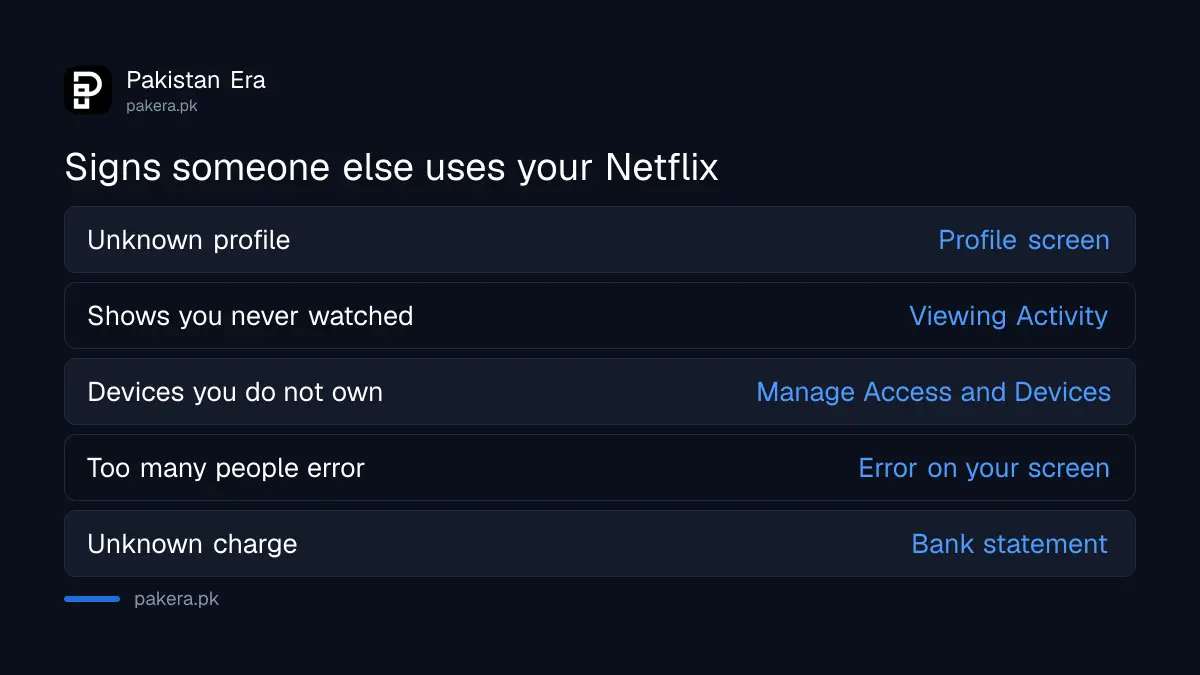
Someone else is likely on your account if you see a profile you did not create, shows you never watched in Viewing Activity, devices you do not own in the recent devices list, or the too-many-people error when nobody at home is streaming. Any one of these is reason enough to act.
| What you notice | Where to check |
|---|---|
| A profile you did not create | The profile screen when Netflix opens |
| Titles you never watched | Viewing Activity on each profile |
| Phones or TVs you do not own | Manage Access and Devices |
| Too many people error at a quiet time | The error code on your screen |
| A charge you do not recognise | Your card or bank statement |
Check every profile, because Netflix keeps Viewing Activity separately for each one. An intruder may make a new profile so their shows do not appear on yours.
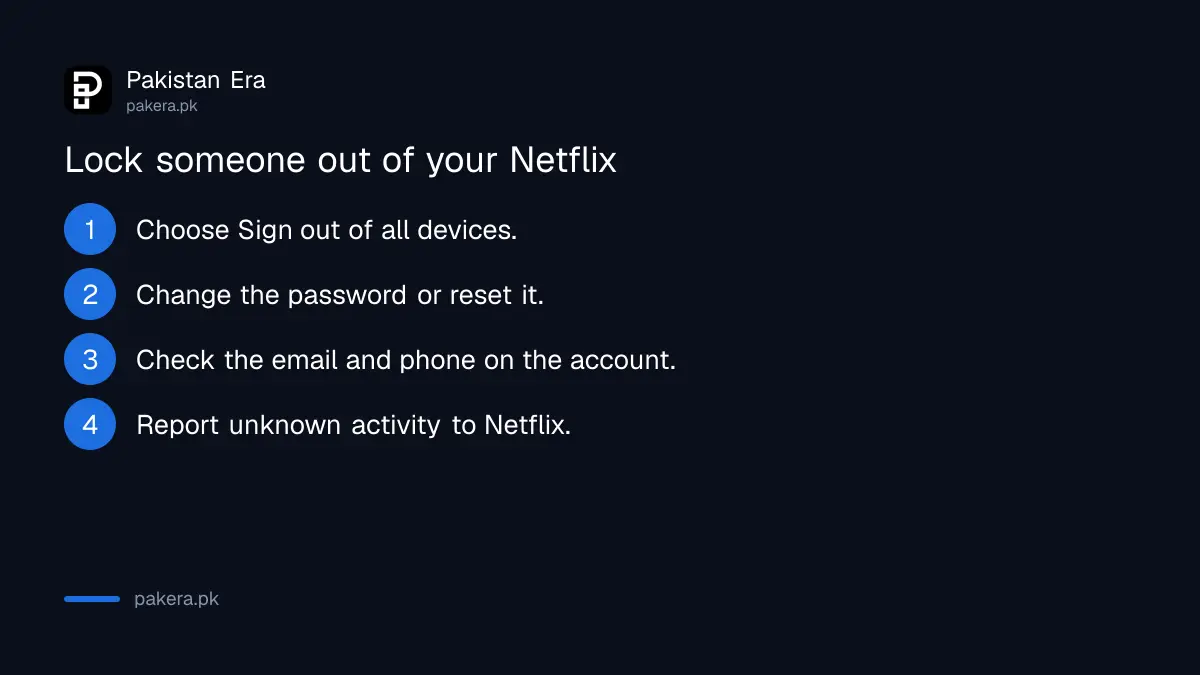
Lock the account in 4 steps, starting with Sign out of all devices
Sign out of all devices first so every current session ends, then change the password so nobody can sign back in. After that, confirm the account email and phone number are yours, and report any unknown activity or charges to Netflix. Do it from a browser, where every setting is available.
- Sign out of all devices: open the Manage Devices page in your account and choose Sign out of all devices. To remove only some, use Manage Access and Devices.
- Change the password: use the Change Password page, or send yourself a reset email or text from Netflix's LoginHelp page. Pick a password you use nowhere else.
- Check contact details: confirm the email and phone number on the account are current and yours. Add a phone number if there is none.
- Report it: contact Netflix about unauthorised activity or charges you do not recognise.
The order matters. Change only the password and a device that is already signed in can carry on watching. Sign out everywhere and the intruder is thrown off, then faces a password they do not know.
Fake Netflix messages are the usual way in
Netflix says it will never ask for your password or payment details by text or email. Open the Netflix app, or type netflix.com into your browser, rather than tapping a link. A message about a failed payment or a free upgrade is the classic trap.
In Pakistan these can arrive by SMS and WhatsApp as well as by email, often with a short link and a deadline such as "Your account will be suspended today". Open your account in the Netflix app instead. If it shows no billing warning there, treat the message as fake.
Netflix also warns against buying shared or cheap sign-in details on other websites, because accounts sold that way are often stolen. A cheap year-long Netflix deal from a social media page is exactly that kind of offer. The owner can sign everyone out at any time, and your card or wallet details are now with a stranger.
Reused passwords put Netflix and your email at risk together
Netflix asks for a password that is unique to Netflix. If the same password also opens your Gmail, an intruder who has one has both, and with your email they can reset Netflix again after you change it. Secure the email first if it shares the password.
A full Google Security Checkup shows whether someone also got into your Gmail. If they did, follow the steps for a Gmail account recovery before you return to Netflix. Music accounts are often hit in the same breach, and the Spotify hacked account steps follow the same pattern of sign out, reset and check.
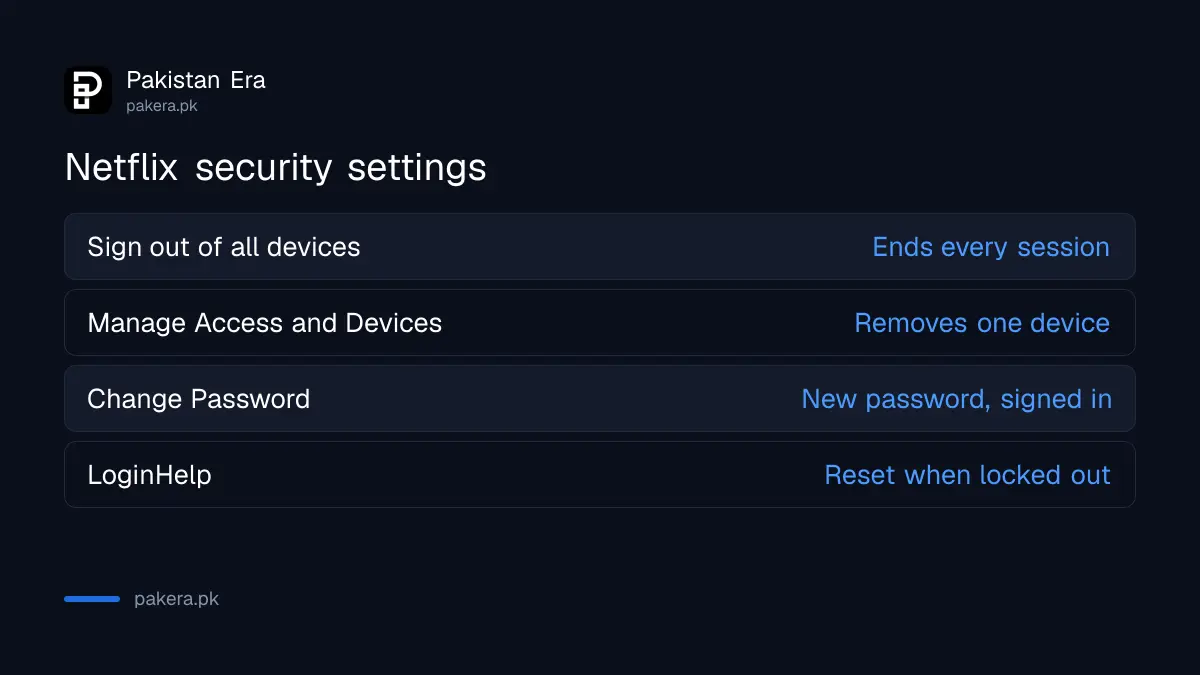
| Netflix setting | What it does |
|---|---|
| Sign out of all devices | Ends every session at once |
| Manage Access and Devices | Removes chosen devices only |
| Change Password | Sets a new password while signed in |
| LoginHelp | Sends a reset email or text when locked out |
Cancelling a shared account needs one more step
If you cancel Netflix because of a hack or a falling out, Netflix advises changing the password and choosing sign out of all devices as well. Otherwise someone who still knows the password could restart the membership without your permission.
Netflix keeps your Viewing Activity, ratings and account details for 24 months after you cancel, so a later restart picks up where you left off. The route to cancel Netflix in Pakistan stops the next charge, but signing everyone out is what stops the account being used. If the household itself is the issue, the separate Netflix household error explains why people outside your home get blocked.
Common questions
How do I sign everyone out of my Netflix account?
Open the Manage Devices page in your account settings and choose Sign out of all devices.
Should I change my password or sign out first?
Sign out of all devices, then change the password, so nobody stays signed in.
Does Netflix ask for my password by SMS or email?
No. Netflix says it never asks for passwords or payment details by text or email.
Can I remove just one device from Netflix?
Yes. Use Manage Access and Devices to sign out a single device.
Is it safe to buy a cheap shared Netflix account?
No. Netflix warns that accounts sold on other websites are often stolen.
How long does Netflix keep my profile after I cancel?
24 months, including Viewing Activity, ratings and account details.
How we verified this
What we checked, where we read it, and what we could not confirm.
Last checked 1 November 2026. We read Netflix's help pages How to keep your account secure (sign out of all devices, Manage Access and Devices, password reset by email or text, contact details, phishing, purchased accounts), How to cancel Netflix (24-month data retention, sign-out advice after cancelling) and error 3-5006 (Viewing Activity per profile) on 1 November 2026. Netflix's pages do not explain what to do when an intruder has already changed the account email, beyond contacting Netflix, so we have not described a separate process. We did not test a compromised account.
About the author

Technology Journalist & Multimedia Producer
Ahmad Ali is a technology journalist and multimedia producer at Pakistan Era, joining the team in October 2026. He covers consumer technology and digital life for Pakistani readers, combining research with hands-on product testing.