Find Messenger Message Requests in Pakistan: See Hidden Messages and Choose Who Can Reach You
Find hidden Messenger message requests in Pakistan, answer them safely and choose who can message you. Unanswered requests may be deleted after 6 months.
Someone says they messaged you on Facebook, but it is not in your chats? It is probably in Message requests, where Messenger puts messages from people who are not your Facebook friends. On a computer, click the Messenger icon on facebook.com, click Options next to Chats, then Message requests. Unanswered requests may be deleted after 6 months.
Requests sit outside your main inbox, so many people in Pakistan miss messages from buyers on Marketplace, job contacts and relatives abroad. This page shows where requests go, how to answer them safely, and how to choose who can reach you at all.
Where Messenger message requests go
Messages from people who are not your Facebook friends land in Message requests, not in your Chats list. Messages that Meta thinks are spam are filtered out of requests as well. Your friends' messages always go straight to Chats.
Meta splits incoming messages by who sent them. That keeps strangers out of your main inbox. But it also hides real messages from people you have not added yet.
- Chats list: your Facebook friends, people you deal with on Marketplace, Pages and businesses you already contacted, and people replying to your messaging ads.
- Message requests: friends of friends, people who have your phone number in their contacts, and everyone else on Facebook and Messenger, unless you change the setting.
- Filtered out: messages Meta's systems treat as spam, even from people you allowed.
New group chats from people you are not connected with also start as requests. Meta says new group chat requests are not delivered to your Chats list.
How to open message requests
On a computer, open facebook.com, click the Messenger icon at the top right, click Options next to Chats, and click Message requests. In the Messenger phone app, open the menu with the three lines and tap Message requests.
On a computer
- Log in to facebook.com.
- Click the Messenger icon at the top right.
- Click Options (three dots) next to Chats.
- Click Message requests.
On the Messenger app
- Open Messenger.
- Tap the menu (three lines) at the top left.
- Tap Message requests.

Requests that are not accepted or answered within 6 months may be deleted automatically. If you have an old request you want to keep, reply to it or download your message data from Facebook before then.
Accept, reply or delete a request
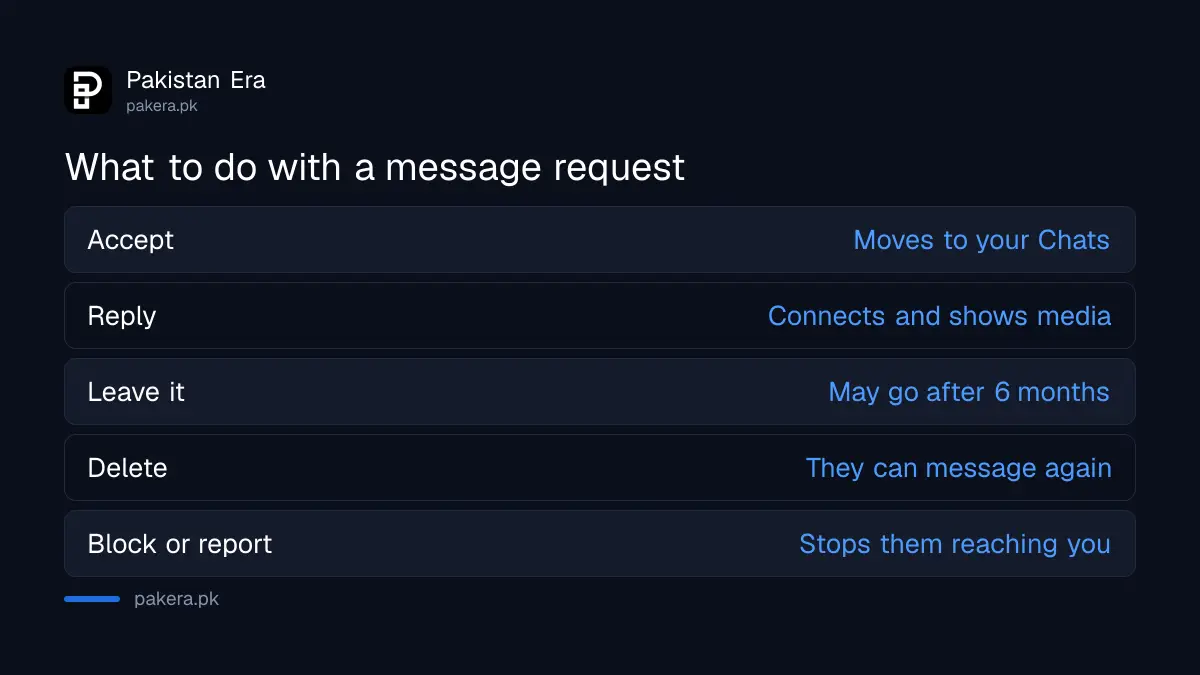
Accepting or replying moves the request into your Chats and connects you with the sender. Deleting removes it for you, and you cannot see it again, though the sender can message you again. Photos and links stay hidden until you reply.
| Action | What happens | Good for |
|---|---|---|
| Accept | The chat moves to your Chats list | Someone you know or expect |
| Reply | You are connected, and their photos and videos show | A buyer, seller or job contact |
| Leave it | Stays in requests, may be deleted after 6 months | Messages you are unsure about |
| Delete | Gone for you; they can message again | Spam or unwanted contact |
| Block or report | They cannot reach you, and Meta is told | Scams, threats or harassment |
Meta hides media in requests on purpose. A photo shows behind a dark cover first. Tap once and it shows blurred. Tap again, or reply, to see it clearly. Links cannot be opened from a request unless you reply or paste the link into a browser yourself.
That is a useful pause. Do not paste a link from a stranger's request into your browser. Prize, job and "your account will be disabled" messages with links are a common scam pattern.
Choose who can message you
Message delivery settings decide which groups of people reach your Chats, which go to requests, and which cannot message you at all. In the Messenger app: Menu, Settings, Privacy and safety, Message delivery, then pick a group and choose where its messages go.
- Open Messenger and tap the menu (three lines), then Settings.
- Tap Privacy & safety.
- Tap Message delivery.
- Tap a group, such as friends of friends or people with your phone number.
- Choose Chats, Message requests, or Don't receive requests.
The groups you can set are: friends of your Facebook friends, people who have your phone number in their contacts, friends using Messenger without Facebook, and everyone else. Pages and people in your Facebook groups also appear, for adults, where local law allows.
The phone number group matters in Pakistan. Shopkeepers, delivery riders and anyone who once saved your number can find you on Messenger through it. Setting that group to Message requests or Don't receive requests stops them landing in your Chats.
Message delivery is set only in the phone and tablet apps, not on a computer.
Stay safe with requests from strangers
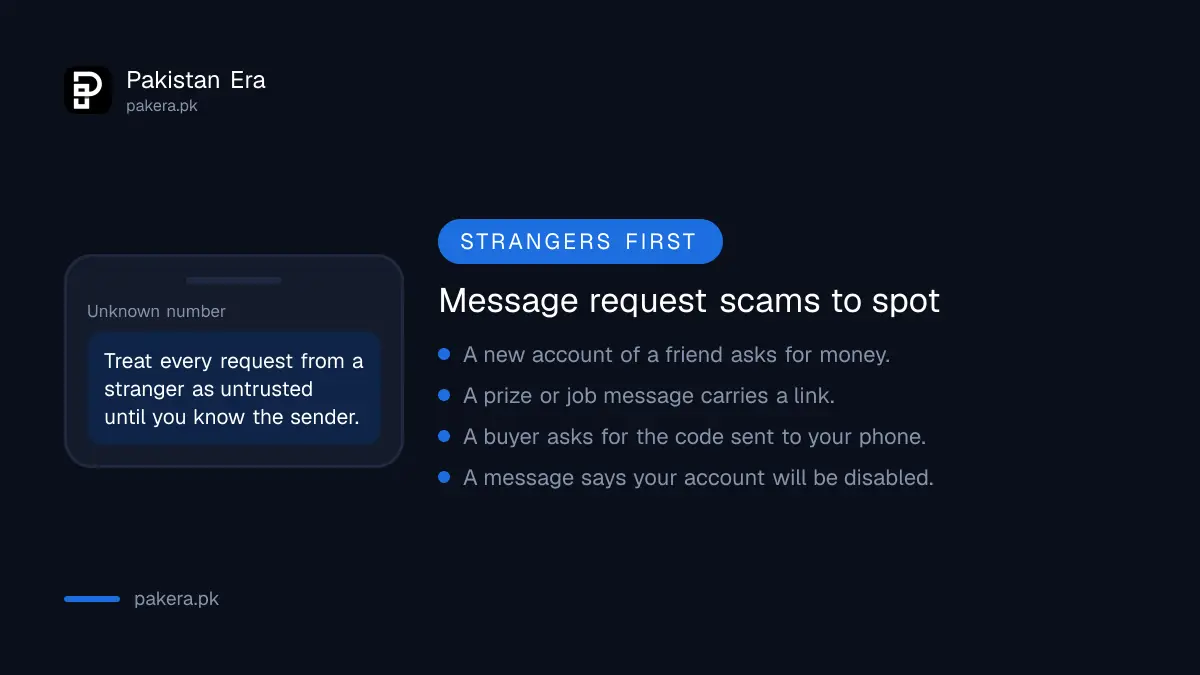
Treat any request from a stranger as untrusted until you know who sent it. Do not open links, share codes or send money. Block and report fake profiles, and never move a Marketplace deal off Messenger to an unknown payment link.
- A request from a "friend" with a new account asking for money is a common trick. Call the real person first.
- Never share a login code or OTP sent to your phone. No buyer, company or Facebook staff member needs it.
- If a profile pretends to be you or someone you know, follow reporting a fake Facebook profile.
- Instagram has its own filter for message requests, explained in Instagram Hidden Words.
- To limit who can find you on Facebook at all, run the Facebook privacy checkup.
Common questions about Messenger message requests
Why can't I see a message someone sent me on Messenger?
If they are not your Facebook friend, it is in Message requests. If Meta treated it as spam, it is filtered out of requests too. Ask them to send it again after you accept.
Does Messenger delete old message requests?
Yes. Requests that are not accepted or answered within 6 months may be deleted automatically. Reply or download your data to keep them.
Can I stop strangers messaging me on Messenger?
Yes. In Message delivery, set each group to Don't receive requests. Your Facebook friends can still message you.
If I delete a request, can the person message me again?
Yes. Deleting removes that request for you only. To stop them for good, block the profile.
Why are photos blurred in Messenger message requests?
Meta hides media in requests until you tap to view it or reply. It protects you from unwanted images from strangers.
How we verified this
What we checked and where we read it.
Last checked 15 November 2026. Facts come from Meta's help centres: About message requests on Facebook, Control who can message you on Messenger (Android version) and Check your message requests on Facebook, which gives the computer steps. Meta's pages give the computer path to requests; the phone menu path is the app's current layout.
About the author

Technology Journalist & Multimedia Producer
Ahmad Ali is a technology journalist and multimedia producer at Pakistan Era, joining the team in October 2026. He covers consumer technology and digital life for Pakistani readers, combining research with hands-on product testing.