Archive an Instagram Post in Pakistan: Hide It Without Deleting, and Show It Again
Archive an Instagram post in Pakistan to hide it from your profile but keep its likes and comments. Steps to archive, unarchive and find your Posts archive.
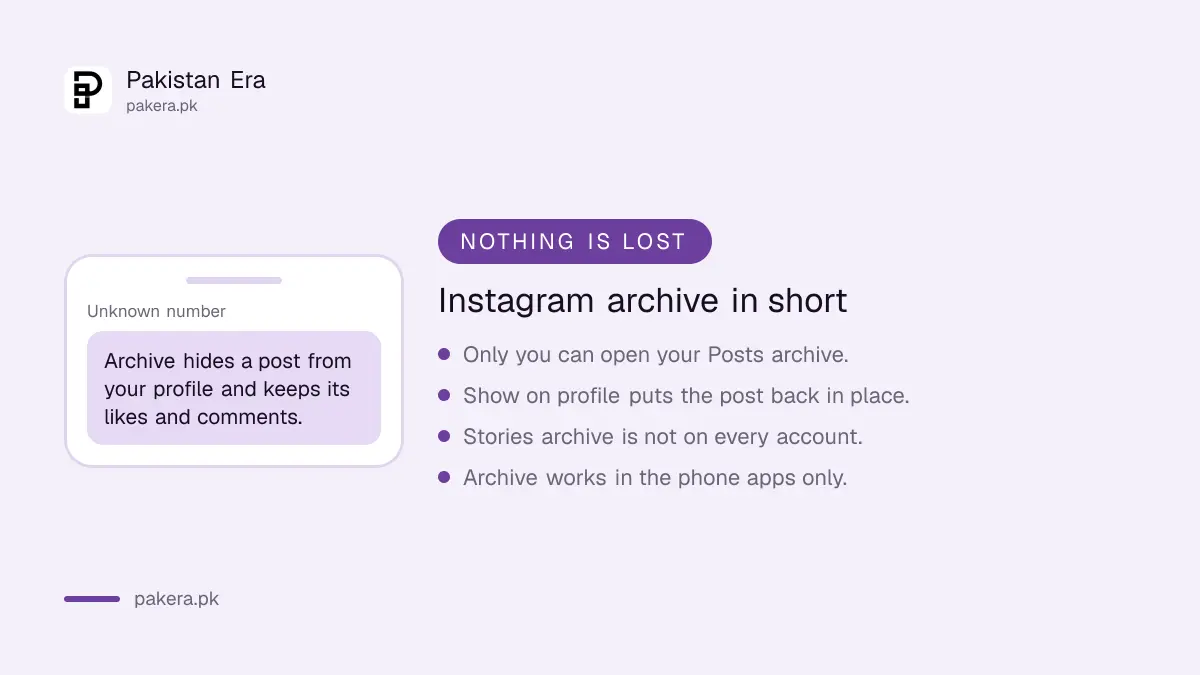
To hide an Instagram post without deleting it, open the post, tap the three dots and tap Archive. The post leaves your profile, but Instagram keeps all its likes and comments. To bring it back, go to your profile menu, tap Archive, switch to Posts archive, open the post, tap the three dots and choose Show on profile. It takes four taps each way and works in the Android and iPhone apps.
Archive is the quiet option. Nobody is told, nothing is lost, and you can undo it any time. That makes it the right choice for old photos, a post you are unsure about, or a clean-up before a job interview, when deleting would be too final.
How to archive an Instagram post
Go to your profile, tap the post you want to hide, tap the three dots, and tap Archive. The post disappears from your profile for your followers and for everyone else. Its likes and comments stay saved with it.
- Tap your profile picture at the bottom to open your profile.
- Tap the post you want to hide.
- Tap the three dots (Options) at the top of the post.
- Tap Archive.

Do this one post at a time. Each archived post moves to your private Posts archive, which only you can open.
Your followers simply stop seeing the post on your grid. Anyone who took a screenshot before you archived it still has that copy, so archive early rather than late.
How to show an archived post again
Open your profile, tap the menu icon, tap Archive under How you use Instagram, then switch from Stories archive to Posts archive. Open the post, tap the three dots and choose Show on profile. The post returns to its old place on your grid.
- Open your profile and tap the menu icon (three lines).
- Under How you use Instagram, tap Archive.
- At the top, tap Stories archive, then switch to Posts archive.
- Tap the post you want back.
- Tap the three dots, then Show on profile, and confirm.
Instagram puts the post back in its original position on your profile, so it sits among the posts from the same time rather than at the top.
Archive, delete or hide: which one to use
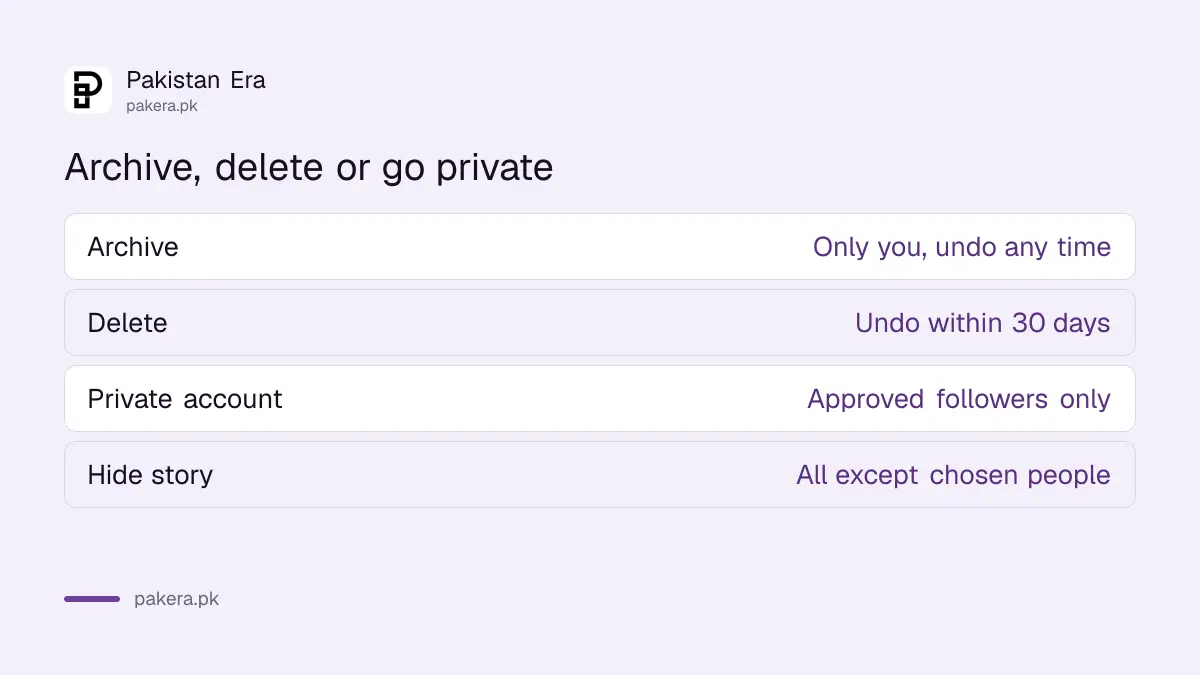
Archive hides a post from everyone but keeps it safe with its likes and comments. Delete sends it to Recently deleted for 30 days and then erases it. Making the account private keeps every post but limits who can see them. Pick by what you want to keep.
| Option | Who can see the post | Can you undo it |
|---|---|---|
| Archive | Only you | Yes, any time |
| Delete | Nobody | Only within 30 days |
| Private account | Approved followers only | Yes, any time |
| Hide story from someone | Everyone except people you choose | Yes, any time |
If the problem is one person rather than one post, archive is the wrong tool. Make the account private or restrict that person, as set out in making an Instagram account private and restricting someone. For stories, you can hide them from chosen people, which is covered in hiding an Instagram story from someone.
Stories archive and highlights
The same Archive screen also holds your Stories archive, where expired stories are saved if the setting is on. From there you can add an old story to a highlight. Instagram notes that Stories archive and Highlights are not available for every account.
Stories leave your profile by themselves after 24 hours. The archive is what keeps a copy for you. It matters for two reasons. You can add an old story to a highlight on your profile. And a deleted story that was in your archive can be restored for longer than one that was not.
Do not see Stories archive? Some accounts do not have it. In that case, only the Posts archive appears when you tap Archive.
A clean-up plan before you share your profile
Before you put your Instagram link on a CV, a shop page or a rishta profile, go through the grid and archive what you no longer want on show. It is faster than deleting and nothing is lost if you change your mind later.
- Start from the oldest posts. Old photos with friends, school uniforms or home addresses in the frame are the usual ones to hide.
- Check the captions and comments as well as the photo. Phone numbers in old comments are common.
- Archive posts that show your house, car or children's school if the account is public.
- Keep a full copy of your account with Instagram's Download your information tool before any big clean-up.
If you want to leave Instagram for a while instead, deactivation hides the whole account at once. The difference between that and deletion is in deleting or deactivating an Instagram account.
Common questions about Instagram archive
Does archiving an Instagram post delete the likes and comments?
No. Instagram keeps all the likes and comments on an archived post. They come back when you show the post on your profile again.
Can my followers see my archived posts?
No. An archived post is hidden from your profile for your followers and everyone else. Only you can see it in your Archive.
Where does an unarchived post appear on my profile?
Instagram returns it to its original position on your grid, among the posts from the same time, not at the top.
Can I archive a post on Instagram from a computer?
Instagram lists the archive feature for the Android, iPhone, iPad and Instagram Lite apps, not for computers. Use your phone.
Why don't I see Stories archive?
Instagram says Stories archive and Highlights are not available for all accounts. If yours does not have them, only the Posts archive shows.
How we verified this
What we checked and where we read it.
Last checked 15 November 2026. Steps come from the Instagram Help Center articles Archive a post you've shared and Show an archived post again in your Instagram profile, read in their Android and iPhone versions. The Android page places the post's three dot menu at the top left and the iPhone page at the top right; we have written "at the top" for both.
About the author

Technology Journalist & Multimedia Producer
Ahmad Ali is a technology journalist and multimedia producer at Pakistan Era, joining the team in October 2026. He covers consumer technology and digital life for Pakistani readers, combining research with hands-on product testing.