Forgot Messenger PIN in Pakistan: Restore Encrypted Chats With a One-Time Code, 5 Ways
Forgot your Messenger PIN in Pakistan? Restore encrypted chats with a one-time code from your old phone, Google or Apple account, or a 40-character code.
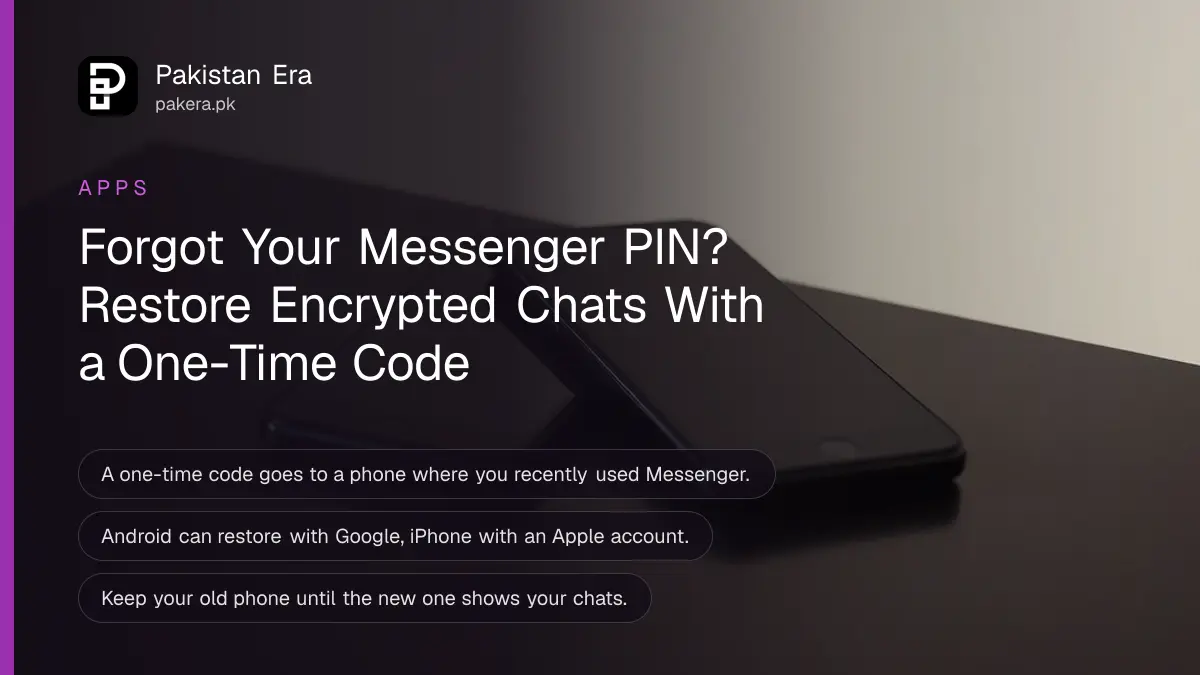
Messenger asking for a PIN on a new phone or laptop? That PIN unlocks your end-to-end encrypted chat history. If you forgot it, choose "use a one-time code instead": Messenger sends a code to another phone where you recently used Messenger. You can also restore with your Google account on Android, your Apple account on iPhone, or a 40-character code.
Your chats are not lost because you forgot the PIN. Messenger gives five ways to restore them. The trick is to keep your old phone, or any phone logged in to Messenger, close by while you set up the new one.
Why Messenger asks for a PIN
Messenger chats are end-to-end encrypted, so only you and the other person can read them. The chat history is stored in a locked backup. The PIN you chose when you set up that backup is the key that opens it on a new device.
End-to-end encrypted means the messages are scrambled on your phone and only unscrambled on the other person's phone. Meta cannot read them. That is good for privacy, but it also means Meta cannot simply hand your chats back. You need one of the restore methods below.
You will usually see the PIN screen after you log in on a new phone, after a factory reset, or when you open Messenger on a laptop for the first time.
Five ways to restore your Messenger chats
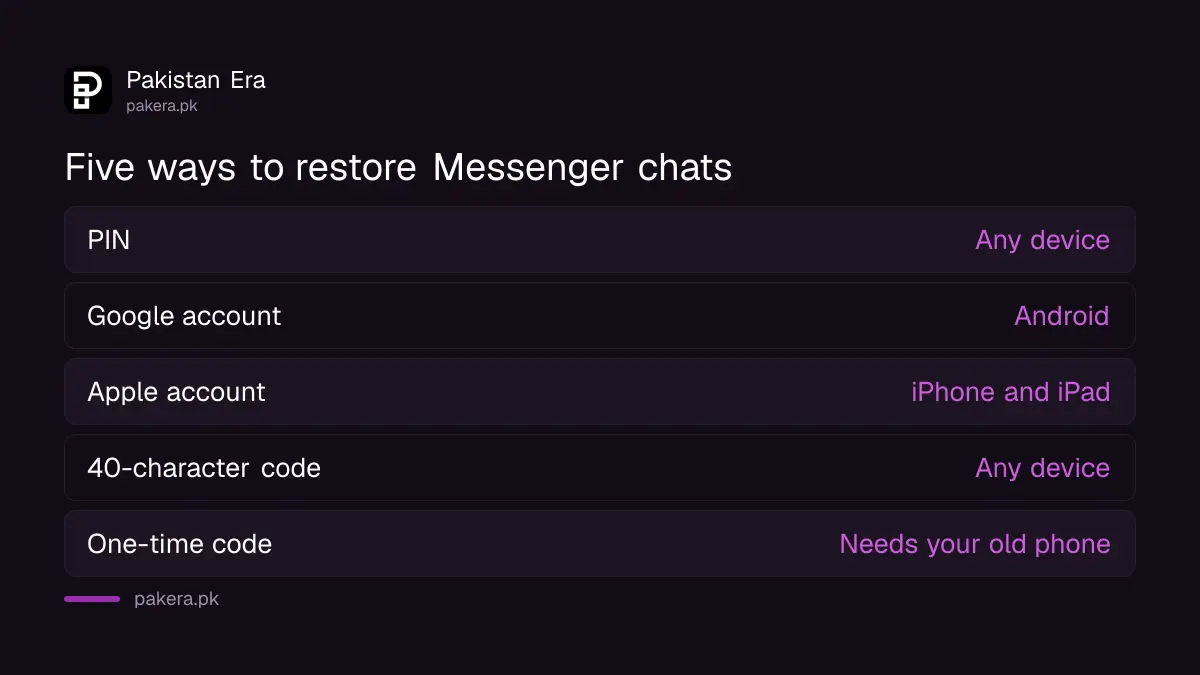
Messenger lists five restore methods: your PIN, your Google account on Android, your Apple account on iPhone, a 40-character code, or a one-time code sent to another device. Any one of them is enough. Pick the one you still have.
| Method | Works on | What you need |
|---|---|---|
| PIN | Any device | The PIN you created for your backup |
| Google account | Android | The Google account used for the backup |
| Apple account | iPhone and iPad | The Apple account used for the backup |
| 40-character code | Any device | The code saved when you set up the backup |
| One-time code | Any new device | A phone where you recently used Messenger |
Meta says these restore features are being added gradually, so some options may not show for your account yet.
Forgot the PIN: restore with a one-time code
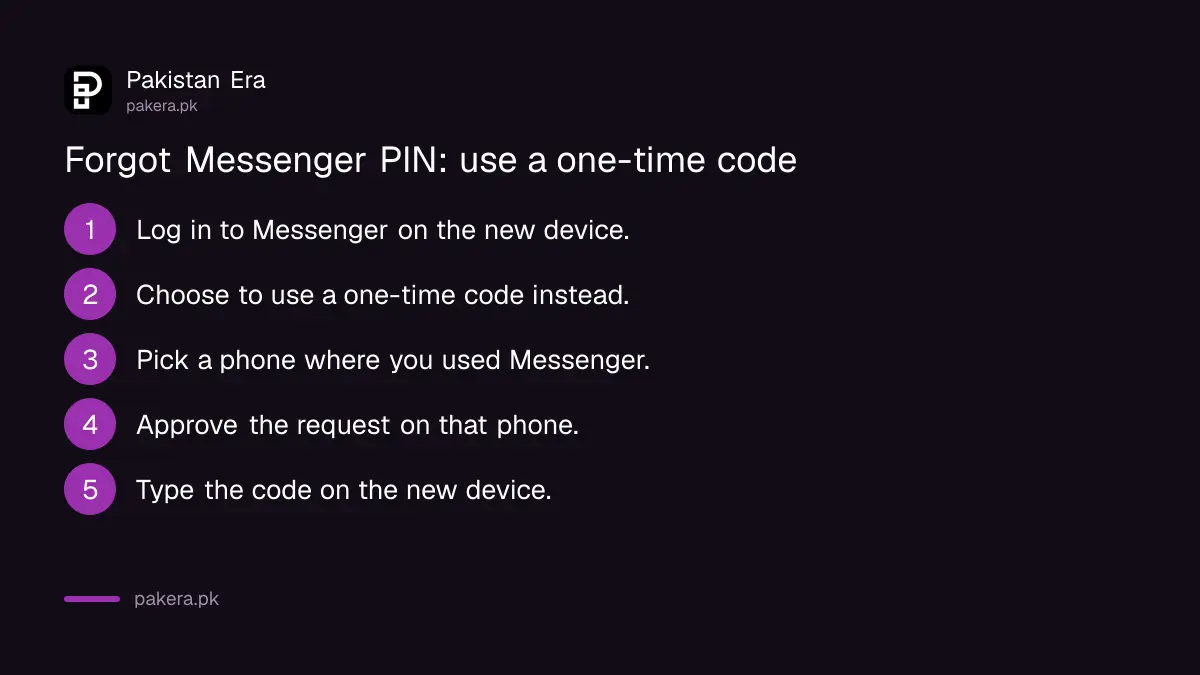
If you forgot the PIN, ask for a one-time code. Messenger sends it to the Messenger app on a phone where you recently used it. Approve the request on that phone, then type the code on the new device. A computer cannot receive the code.
- Log in to Messenger or messenger.com on the new device.
- On the PIN notice, choose the option to use a one-time code instead. If you see a 40-character code option first, open More options.
- Pick a phone where you recently used Messenger.
- On that phone, approve the request to get the code.
- Type the code on the new device. Your chat history starts to restore.
On facebook.com it works the same way. Log in, open Messenger from the site, and follow the same prompts. The approving phone must be one where you recently used Facebook or Messenger.
This is why you should not wipe or sell the old phone until the new one shows your chats. In Pakistan, many people hand an old phone to a family member or sell it the same day. Wait until the restore is done.
Reset the PIN or make a new 40-character code
Once you are back in, set a PIN you will remember, or make a new 40-character code and store it safely. Both live in Messenger Settings, under Privacy and safety, then End-to-end encrypted chats. Labels differ slightly between app versions.
Create a PIN
- Open the Messenger menu and tap Settings.
- Tap Privacy & safety, then End-to-end encrypted chats.
- Tap Message storage, then PIN.
- Tap Create PIN, type it, then type it again to confirm.
Create PIN shows only if you do not already have a PIN. If you have one you no longer remember, use the reset option on the same screen from a device that is still logged in.
Make a new 40-character code
- Open the menu, then Settings, then Privacy and safety.
- Tap End-to-end encrypted chats, then Chat history.
- Tap Other ways to restore.
- Choose to generate a 40-character code, and write it down.
Keep the code on paper or in a password manager, not in a screenshot in your gallery. A gallery photo can be lost with the phone.
Keep your Messenger chats safe
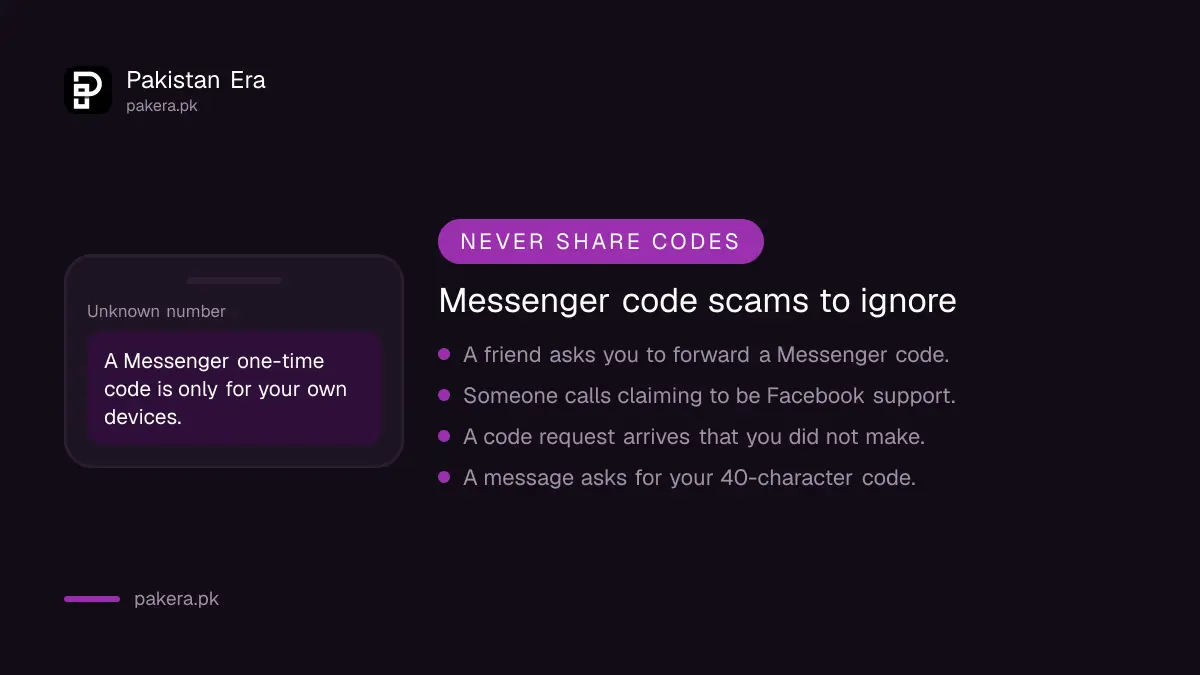
The restore system protects you only if strangers cannot use it. Never share a Messenger one-time code with anyone. If you get a code request you did not make, tap This wasn't me, then change your Facebook password and check your logged in devices.
- A friend or "Facebook support" asking for your code is a scam. The code is meant only for your own devices.
- Check where your Facebook account is logged in and remove any phone or browser you do not know.
- Turn on login codes as well, as set out in two-step verification for Gmail, Facebook and WhatsApp.
- If someone already took over the account, follow recovering a hacked Facebook account before you restore chats.
Common questions about the Messenger PIN
Is the Messenger PIN the same as my Facebook password?
No. The PIN is a separate code you made to protect your encrypted chat backup. Your Facebook password logs you in; the PIN restores your chat history.
Can I restore Messenger chats without the PIN?
Yes. Use a one-time code sent to another phone where you recently used Messenger, your Google or Apple account, or your 40-character code.
Why is the one-time code not coming to my laptop?
Computers cannot receive the code. It goes to the Messenger app on a phone where you recently used Messenger. Approve it there, then type it on the laptop.
Is the Messenger payments PIN the same as the chat PIN?
No. Meta has a separate PIN for Messenger payments. The chat PIN only protects your encrypted chat history.
Why don't I see all five restore options?
Meta says these restore features are being added gradually, so some accounts do not see every option yet. Use whichever method appears.
How we verified this
What we checked and where we read it.
Last checked 15 November 2026. Methods and steps come from the Messenger Help Center: Options to restore end-to-end encrypted chats, Restore with a one-time code, Restore with a PIN and Restore with a 40-character code. The PIN page calls the settings item Message storage while the 40-character code page calls it Chat history; both names appear in current app versions.
About the author

Technology Journalist & Multimedia Producer
Ahmad Ali is a technology journalist and multimedia producer at Pakistan Era, joining the team in October 2026. He covers consumer technology and digital life for Pakistani readers, combining research with hands-on product testing.