How to Check Where Your Facebook Is Logged In and Log Out Other Devices in Pakistan
See every device logged in to your Facebook in Pakistan and log out unknown ones: Accounts Centre steps, what to do next and when to recover the account.
Short answer: Open Facebook, go to Accounts Centre, then Password and security, then Where you're logged in. Look at the device, place and time of each session. Tap any you do not know and choose Log out, or use Select devices to log out several. Then change your password and turn on two factor login.
A common problem in Pakistan is a Facebook that was opened on a friend's phone, a shop computer or an internet cafe and never closed. In worse cases a stranger has your login.
Facebook keeps a list of every place your account is open. We read Facebook's help page on logging out of another device on 13 October 2026. This guide shows the steps and what to do if the list looks wrong.
Open the list of devices in Accounts Centre
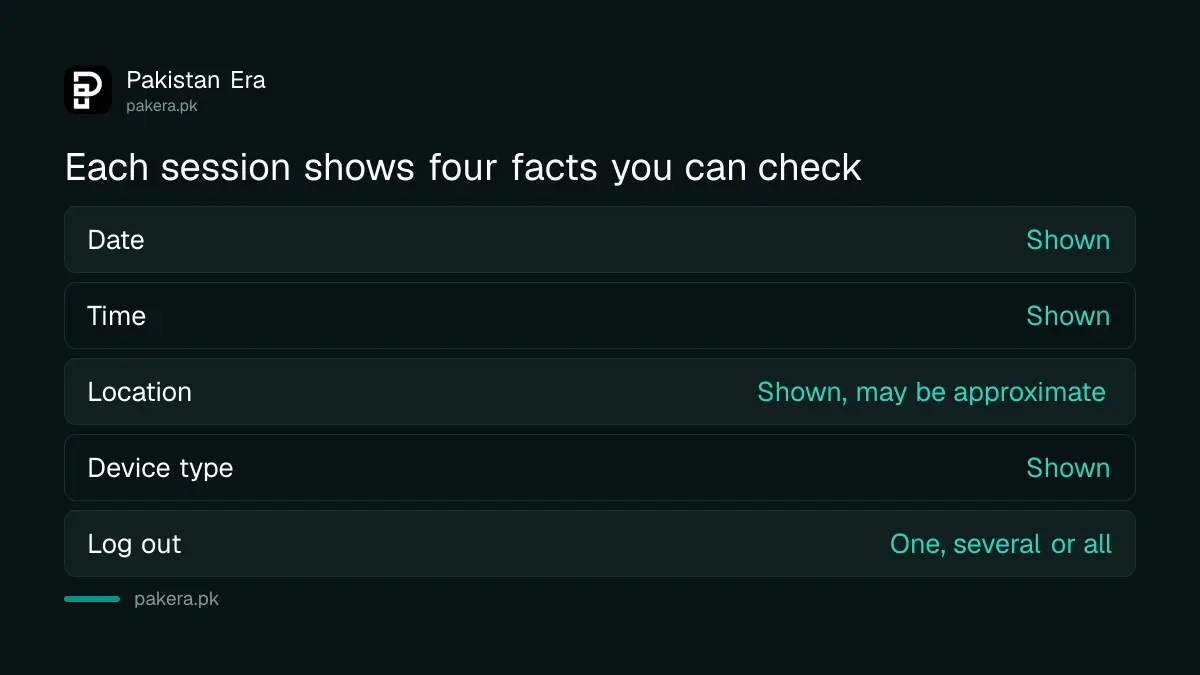
The list is in Accounts Centre under Password and security. It shows each session with the date, time, place and type of device. Look at the list slowly. A phone model you do not own or a city you have not visited is a warning sign.
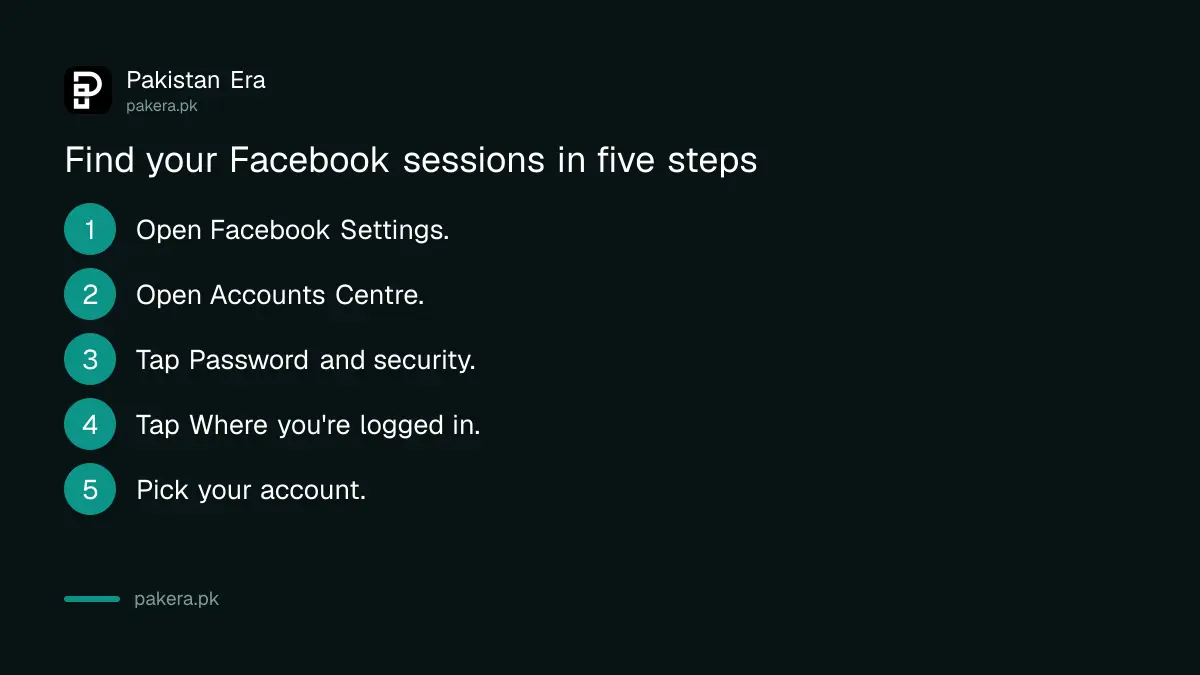
- Open Facebook and go to your Settings menu.
- Open Accounts Centre.
- Tap Password and security.
- Tap Where you're logged in.
- Choose your Facebook account if it asks.
Log out the sessions you do not know
Tap a session you do not recognise and choose Log out. To end several, tap Select devices to log out, tick them and confirm. Facebook says you are logged out of the selected devices at once. You can also select all to end every session.
Do not log out your own current phone by mistake unless you are ready to sign in again. If you do, you will only need your password and, if you use it, your second step code.
Location shown in the list can be approximate. Mobile data in Pakistan often shows the city of the provider, not your house. A different city is not proof of a hacker by itself, so look at the device type and time as well.
| What you see | What to do |
|---|---|
| Your own phone, your city | Leave it |
| Old phone you no longer use | Log it out |
| Shop or cafe computer | Log it out now |
| Device type you do not own | Log it out and change the password |
| A time when you were asleep | Log it out and change the password |
Change your password and add a second step
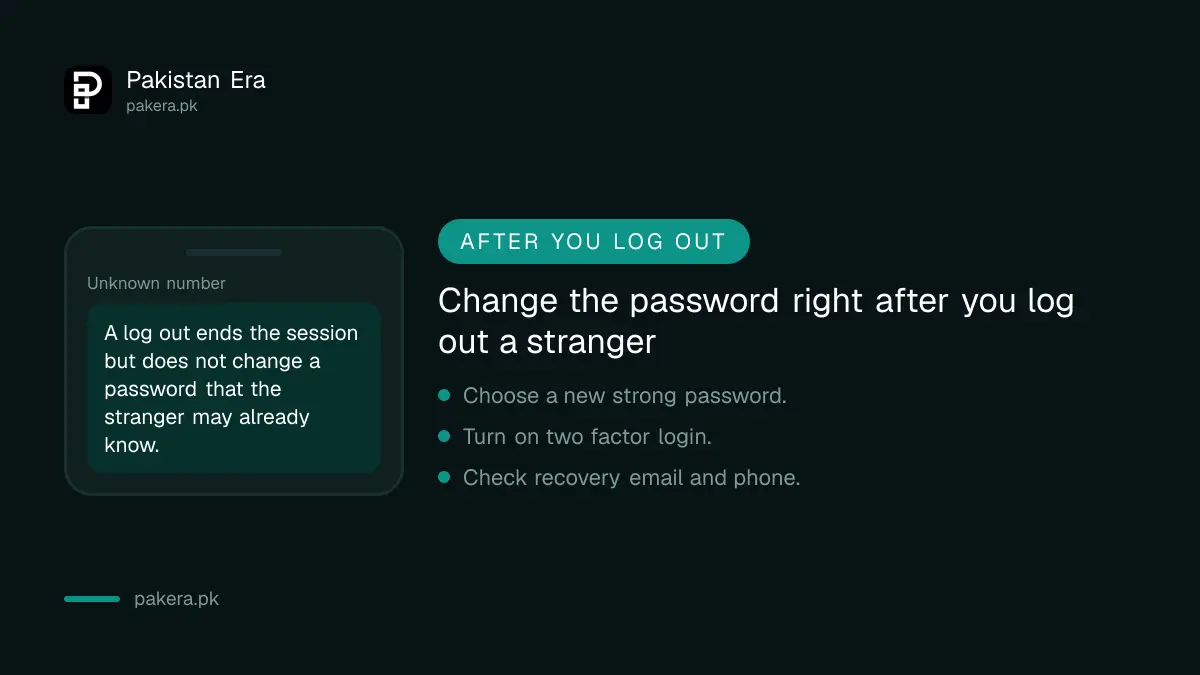
Logging out a stranger does not lock the door. They may still know your password. Change it to a strong password that you use nowhere else, then turn on two factor login so a password alone is not enough to get in.
The steps for two factor login on Facebook, WhatsApp and Gmail are in the guide to turning on two step verification. Also review who can see your posts using the Facebook privacy checkup.
Do not click a link in a message that says your account is at risk. Open the Facebook app yourself instead.
If you cannot log in, start recovery
If the password no longer works or the email on the account was changed, the account may have been taken. Do not keep guessing passwords. Use the recovery route and tell your friends not to send money if the account asks them for it.
The full recovery steps are in the guide to recovering a hacked Facebook account. If someone has made a copy of your profile, read how to report a fake Facebook profile.
If the hacker is blackmailing you or asking for money, do not pay. Keep screenshots and report it. The page on reporting online blackmail lists the steps.
Make a habit of checking every few months
A short check every few months keeps the list clean. It takes about two minutes. Log out old phones, shop computers and any device you sold or gave away. This matters most after you lend your phone to someone or use a public computer.
Always tap Log out when you finish on a shared computer. Closing the browser tab is not enough. Do not tick the option to save your login on a computer that is not yours.
When you sell or give away a phone, log out of Facebook first and then reset the phone. Otherwise the new owner may open your account.
Common questions
How do I see where my Facebook is logged in?
Go to Accounts Centre, then Password and security, then Where you're logged in. Facebook lists each session with its date, time, place and device type.
How do I log out of Facebook on another device?
Open Where you're logged in, tap Select devices to log out, tick the sessions and confirm. You are logged out of those devices at once.
Can I log out all devices at once?
Yes. Facebook's help page says you can click Select all to end every session.
Is a login from another city always a hacker?
No. Mobile data can show a provider's city. Check the device type and the time as well before you decide.
What should I do after logging out a stranger?
Change your password, turn on two factor login and check your recovery email and phone number.
What if I cannot log in anymore?
Use the recovery route and do not keep guessing passwords. Warn your friends not to send money if the account messages them.
How we verified this
What we checked, where we read it, and what we could not confirm.
Last checked on 13 October 2026, Pakistan time. We read Facebook's help page, Log out of Facebook on another device, which describes Password and security, Where you're logged in, and the Select devices and Select all options. Menu names can change between app versions and the page loaded in Urdu for us. We did not test the steps on a live account.
About the author

Technology Journalist & Multimedia Producer
Ahmad Ali is a technology journalist and multimedia producer at Pakistan Era, joining the team in October 2026. He covers consumer technology and digital life for Pakistani readers, combining research with hands-on product testing.