Restore Deleted Instagram Posts, Reels and Stories in Pakistan: Recently Deleted, 30 Days
Restore a deleted Instagram post, reel or story in Pakistan from Recently deleted within 30 days. App steps, the 24 hour story rule and what cannot return.
Deleted an Instagram post, reel or story by mistake? You have 30 days to get it back. In the app, go to your profile, tap the menu, tap Your activity, then Recently deleted. Pick the item, tap the three dots and tap Restore. A story that was not in your archive stays for only 24 hours. It works in the Android and iPhone apps, not on a computer.
Recently deleted is Instagram's bin. Most things you delete sit there first, so you can change your mind. Below are the steps, the time limits for each type, and what cannot come back.
How to restore a deleted Instagram post or reel
Open your profile, tap the menu icon, tap Your activity, then Recently deleted. Choose Posts, Reels and videos, or Stories at the top. Tap the item, tap the three dots, tap Restore, and tap Restore again to confirm.
- Update the Instagram app from the Play Store or App Store first.
- Tap your profile picture at the bottom to open your profile.
- Tap the menu icon (three lines) at the top.
- Under How you use Instagram, tap Your activity.
- Under Removed and archived content, tap Recently deleted.
- At the top, choose Posts, Reels and videos, or Stories.
- Tap the item you want back, tap the three dots, then tap Restore and confirm.

A restored post goes back to your profile. Restore one item at a time; each needs its own confirm tap.
Do not see Recently deleted at all? Instagram shows the option only when there is something in it. If you have not deleted anything in the last 30 days, the menu item does not appear.
How long Instagram keeps deleted content
Instagram keeps deleted posts, reels and videos in Recently deleted for 30 days, then removes them for good. A story that was not saved in your story archive is kept for only 24 hours. After that, there is no restore button.
| What you deleted | Time to restore | Where to find it |
|---|---|---|
| Photo or carousel post | 30 days | Recently deleted, Posts |
| Reel or video | 30 days | Recently deleted, Reels and videos |
| Story saved in your archive | 30 days | Recently deleted, Stories |
| Story not in your archive | Up to 24 hours | Recently deleted, Stories |
| Direct message | Cannot be restored | Not available |
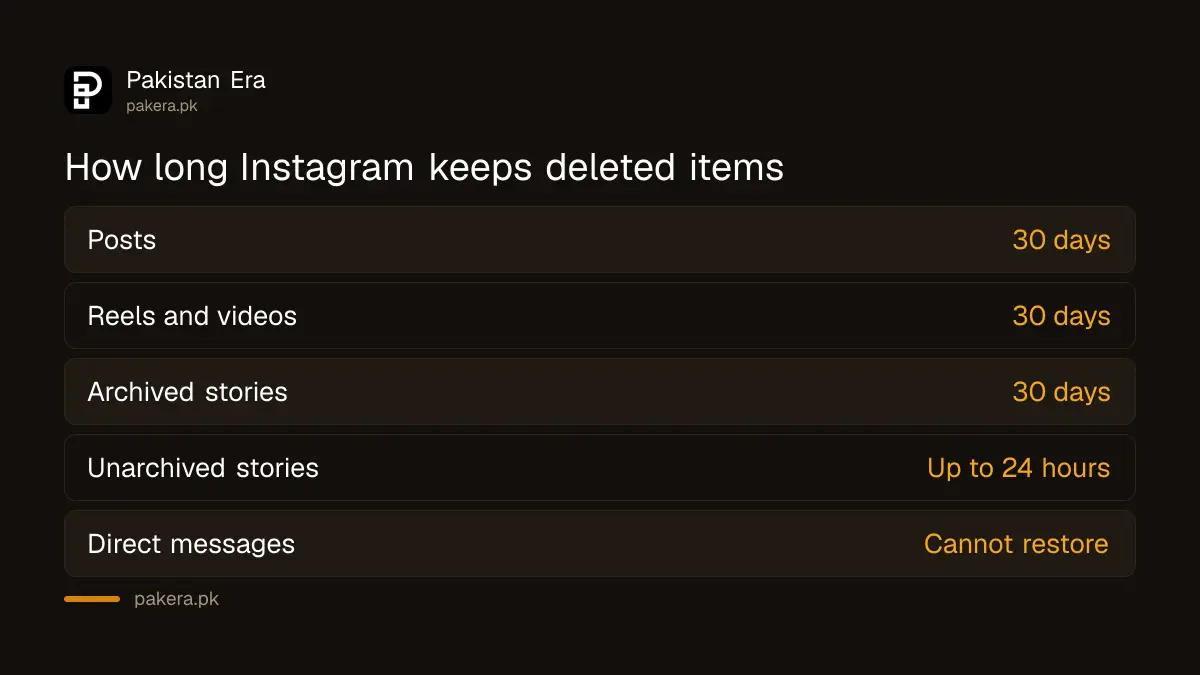
So the story archive setting decides your window. If your archive is on, a deleted story gets the full 30 days. If it is off, you have one day.
Once 30 days pass, Instagram starts the full deletion. It says that process can take up to 90 days to finish, and that some copies may stay in backup storage after that for disaster recovery. None of those copies can be restored by you.
What Recently deleted cannot bring back
Recently deleted cannot restore direct messages, anything older than 30 days, or content Instagram removed for breaking its rules. It also does not work on a computer. Use the Android or iPhone app, on the same account that deleted the item.
- Messages. Instagram says deleted messages cannot be restored. A downloaded copy of your data will not include them either.
- Removed by Instagram. A post taken down for breaking the Community Guidelines is not in Recently deleted. Check Settings, Account Status, and request a review there.
- Older than 30 days. Once the item drops out of the bin, it is gone from your account.
- Computer. instagram.com on a laptop has no Recently deleted page.
Still have the photo on your phone? Check your gallery's own bin before you give up. Android and iPhone keep deleted gallery photos for a while too, and recovering deleted photos on Android and iPhone walks through it.
Delete for good, or archive instead
From the same Recently deleted screen you can delete an item permanently, before the 30 days end. If you only want a post off your profile for a while, archive it instead. An archived post stays saved and can be shown again any time.
To delete for good, open the item in Recently deleted, tap the three dots and choose Delete, then confirm. Do this only if you are sure. There is no second bin.
Archive is the better choice for old photos you do not want on show, or a post you are unsure about. It hides the post from everyone but you, and it has no 30 day clock. You will find Archive in the same menu, under How you use Instagram.
When someone else deleted your posts
If posts vanished and you did not delete them, someone may have logged in to your account. Restore what you can from Recently deleted, then change your password, turn on two-factor login and check which devices are logged in.
A hacker who deletes posts may also change your email or phone. If you can no longer log in, follow recovering a hacked Instagram account first, then come back to Recently deleted within the 30 days.
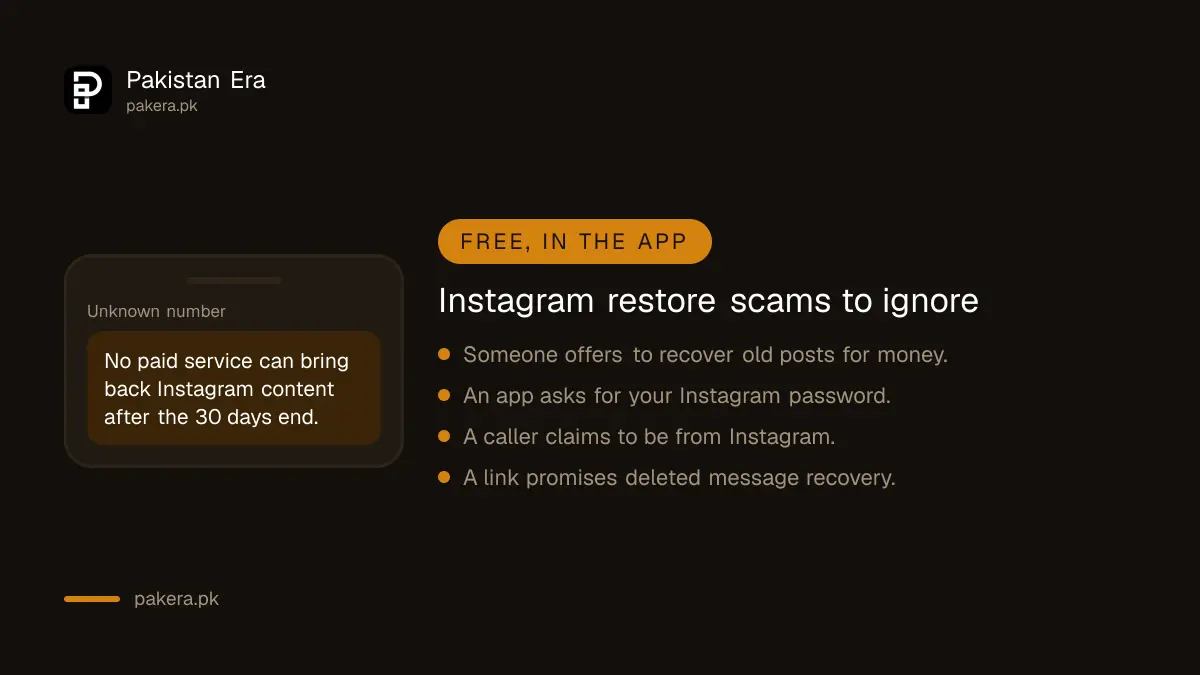
Ignore anyone who offers to "recover deleted Instagram posts" for money after the 30 days. Instagram gives no route for that, and these offers often end with your password being stolen. To keep your own copy of everything before it is too late, use Instagram's Download your information tool.
Common questions about restoring Instagram posts
Can I recover an Instagram post deleted more than 30 days ago?
No. Instagram removes items from Recently deleted automatically after 30 days, and there is no restore option after that.
Why can't I find Recently deleted on Instagram?
It appears only when you have deleted something in the last 30 days. Also make sure the app is updated, and use a phone, since it is not on the computer.
Can I restore deleted Instagram messages?
No. Instagram says deleted messages cannot be restored, and they are not in a data download either.
Can I restore deleted Instagram posts on a laptop?
No. Recently deleted is only in the Instagram app for Android and iPhone. Log in on your phone to restore.
Can I restore a story I deleted yesterday?
If the story was in your story archive, yes, within 30 days. If it was not archived, Instagram keeps it for only up to 24 hours.
How we verified this
What we checked and where we read it.
Last checked 15 November 2026. Steps come from the Instagram Help Center article How to recover deleted Instagram photos, videos, reels and stories (Android app version). Time limits and the 90 day deletion note come from What happens to content you delete on Instagram. The two pages differ slightly: one lists direct messages among content moved to Recently deleted, while the restore page says deleted messages cannot be restored.
About the author

Technology Journalist & Multimedia Producer
Ahmad Ali is a technology journalist and multimedia producer at Pakistan Era, joining the team in October 2026. He covers consumer technology and digital life for Pakistani readers, combining research with hands-on product testing.