Recover Deleted Photos on Android and iPhone in Pakistan: Google Photos, Recently Deleted and iCloud (Every Place to Look)
Deleted photos wait 30 days in Google Photos Trash or iPhone Recently Deleted. Restore them step by step, and check the archive, Locked Folder and iCloud.com.
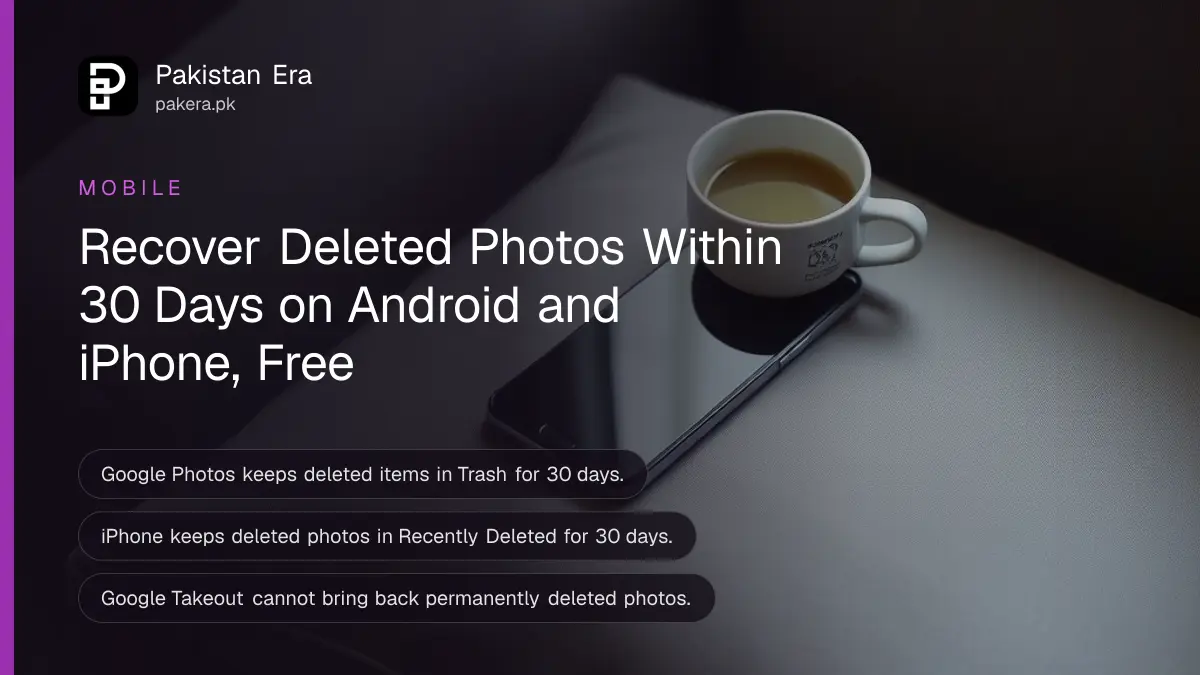
To recover deleted photos in Pakistan, open the trash first: in Google Photos tap Collections, then Trash; on an iPhone open Photos, then Collections, then Recently Deleted. Both keep deleted photos and videos for 30 days. After that, Google and Apple both say the items are gone for good. Below is every place a missing photo can hide, the steps for each phone, and what to do when the trash is empty.
The 30 day clock is the reason to act today, not next week. We read Google Photos and Apple's own help pages on 24 October 2026, and every step and time limit below comes from them. Many "lost" photos are not deleted at all. They are archived, locked, in another account, or dated wrongly.
Deleted photos stay in the trash for 30 days on both Android and iPhone
Google Photos keeps deleted items in Trash for 30 days, whether they were backed up or not on Android 11 and up. Apple keeps them in Recently Deleted for 30 days. In both cases you can restore them inside that window, and not after it.
| Where | How to open it | Days kept | Restores to |
|---|---|---|---|
| Google Photos app (Android) | Collections, then Trash | 30 | Albums, library and the phone's gallery |
| Google Photos on a computer | photos.google.com, Trash on the left | 30 | Albums and library |
| iPhone Photos app | Collections, Recently Deleted, unlock | 30 | Your library on all Apple devices |
| iCloud.com | icloud.com/photos, Recently Deleted | 30 | Every device with iCloud Photos |
One warning from Google is worth knowing. If you see "Delete permanently" when you try to move something to trash, your trash is full. Emptying it to make room deletes everything inside it for good. Restore what you need first.

Restore deleted photos in Google Photos on Android in 4 taps
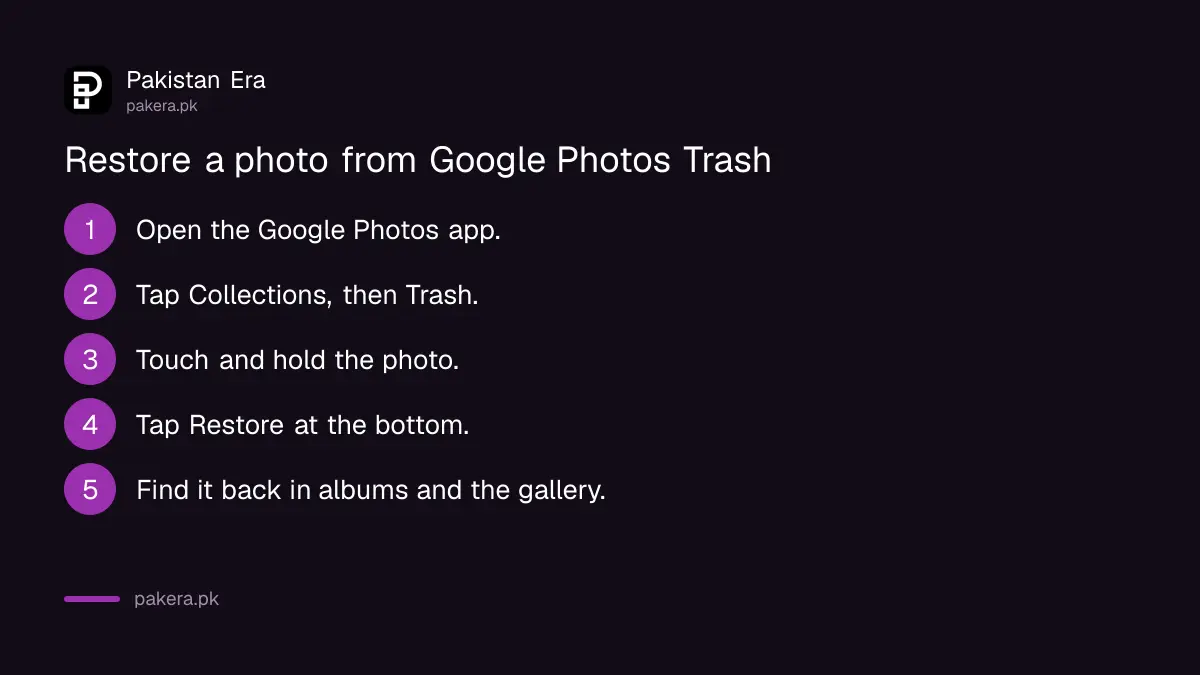
Open Google Photos, tap Collections at the bottom, then Trash. Touch and hold the photo, then tap Restore. Google says it returns to its albums, your Google Photos library and the phone's gallery app. If it is not in Trash, it may already be permanently deleted.
- Open the Google Photos app.
- Tap Collections at the bottom, then Trash.
- Touch and hold each photo or video you want back.
- Tap Restore at the bottom.
On a computer, go to photos.google.com, click Trash on the left, select the item and click Restore at the top right. This is useful when the phone itself is lost or broken. You only need to sign in with the same Google Account.
Google lists three conditions for a restore to work. You moved the item to Trash less than 30 days ago. You have not emptied Trash. And you have not deleted that item permanently from Trash.
Restore deleted photos on iPhone from Recently Deleted
Open Photos, tap Collections, then the Recently Deleted collection below Utilities. Tap View Album and unlock with Face ID, Touch ID or your passcode. Tap Select, choose the photos, then tap Recover. Apple keeps them there for 30 days.
If you use iCloud Photos, Apple says anything you delete is deleted on all your devices. The good side is that recovery works everywhere too. You can sign in at icloud.com/photos on any computer, open Recently Deleted in the sidebar, select the items and choose Recover.
Apple adds one more place to check. If a photo is missing from Recently Deleted, it may be in the Recovered collection. Apple explains how to save or delete recovered items on a separate page of its iPhone guide.
Recently Deleted and Hidden are locked by default. If you cannot open them, unlock with the same Face ID or passcode you use for the phone. A backup is the only route after 30 days, so check that you back up your iPhone to iCloud and know when the last backup ran.
Missing photos are often archived, locked or in another account
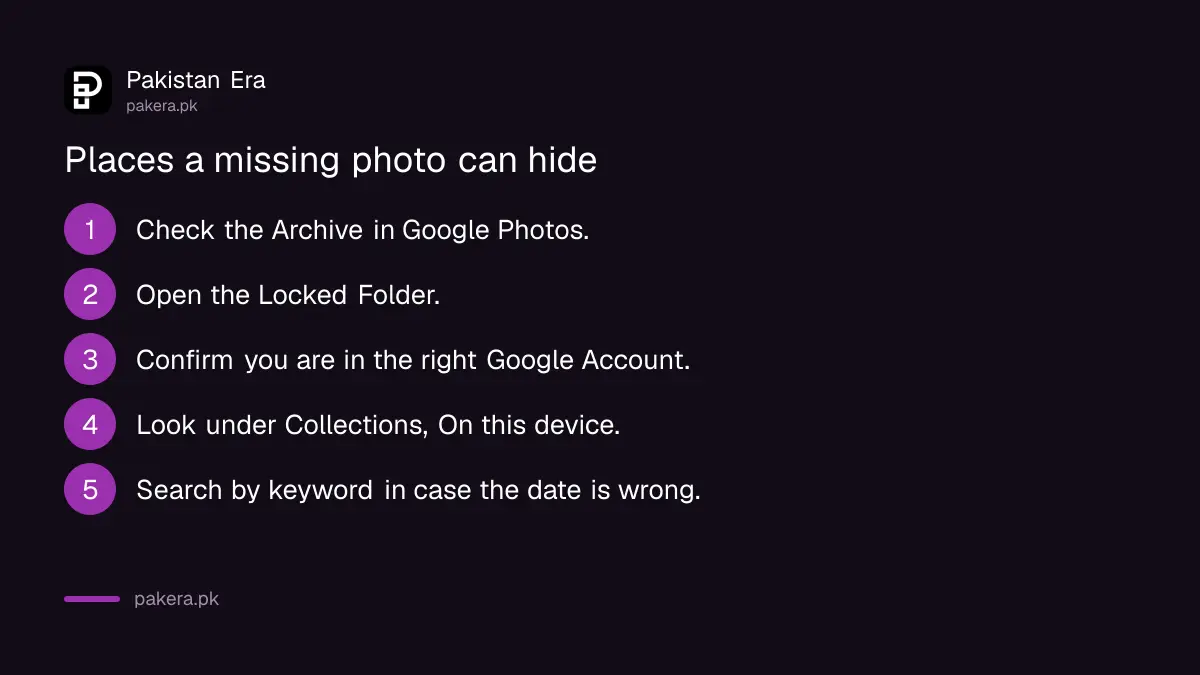
Before giving up, check four places Google names: the Archive, the Locked Folder, a second Google Account, and the device folders on your phone. Photos with the wrong date can also hide far down the timeline. None of these are deleted.
- Archive: archived photos leave the main view but stay in albums, search and device folders.
- Locked Folder: Google says to check it if you cannot find an item.
- Another account: photos seem to vanish when you are signed in to a different Google Account.
- Device folders: photos from WhatsApp, Facebook or Instagram may sit under Collections, On this device, and never reach the cloud.
- Wrong date: photos taken before 4 am are sorted into the previous day. Search with keywords instead.
Google also says new photos can take time to become searchable. If a search finds nothing, it suggests trying again in 3 to 5 days, or checking the Recently Added view first.
After 30 days, deleted photos cannot be recovered from Google or Apple
Once the trash is emptied or 30 days pass, Google says items cannot be restored, and Google Takeout cannot fetch them either. Apple says items are permanently removed from all devices. Only a separate copy, such as a backup or a shared chat, can help then.
Think about where else the photo went. If you sent it on WhatsApp, the chat or the other person's phone may still have it. If you shared it in an album, the other members may hold a copy. WhatsApp media sits inside the chat backup, so the steps to recover deleted WhatsApp messages also bring back photos that were in the last backup.
There is one more trap on Android. Google warns that if you delete a photo in another gallery app, you may delete it before Google Photos has backed it up. Samsung and other phones have their own gallery trash too. We could not open Samsung's help page on 24 October, so we do not quote its time limit here. Open the gallery app's menu and look for Trash or Recycle bin.
To stop this happening again, turn on backup in Google Photos and keep an eye on storage. Each Google Account includes up to 15 GB shared with Gmail and Drive, and the steps for Google Photos backup and free storage show how to check it. If your phone itself is full, the fixes for phone storage full on Android and iPhone come first.
Common questions
How long do deleted photos stay in Google Photos trash?
30 days. Google says this applies to backed-up items and, on Android 11 and up, to items that were not backed up.
Can I recover photos deleted more than 30 days ago?
Not from Google Photos or Recently Deleted. Both are permanently cleared after 30 days. Only another copy, such as one sent in a chat, can help.
Where is Recently Deleted on iPhone?
In the Photos app, tap Collections and find Recently Deleted below Utilities. Tap View Album and unlock with Face ID, Touch ID or your passcode.
Does Google Takeout recover deleted photos?
No. Google says Takeout exports only what you still have. It cannot retrieve items that were permanently deleted.
Why did deleting a photo on my iPhone remove it from my iPad too?
With iCloud Photos on, Apple deletes the item on every device. You can recover it on any of them, or at icloud.com/photos, within 30 days.
Can I recover photos from a lost phone?
Yes, if they were backed up. Sign in at photos.google.com or icloud.com/photos with the same account. To find the phone itself, use Find Hub or Find My.
How we verified this
What we checked, where we read it, and what we could not confirm.
Last checked 24 October 2026. We read Google's help pages on restoring recently deleted photos and videos (computer and Android versions), deleted photos and trash rules, and finding lost photos, plus Google One's storage page. We read Apple's iPhone User Guide page on deleting, hiding and recovering photos and the iCloud User Guide page on recovering photos at iCloud.com. Samsung's help page did not load for us, so Samsung Gallery's trash period is not stated. We did not test a recovery on a live phone. Menu names can differ by app version.
About the author

Technology Journalist & Multimedia Producer
Ahmad Ali is a technology journalist and multimedia producer at Pakistan Era, joining the team in October 2026. He covers consumer technology and digital life for Pakistani readers, combining research with hands-on product testing.