Recover Deleted WhatsApp Messages in Pakistan: Every Method, With or Without a Backup
Deleted WhatsApp chats come back only from a backup. Check your last backup, restore on Android or iPhone, and see what works when there is no backup at all.
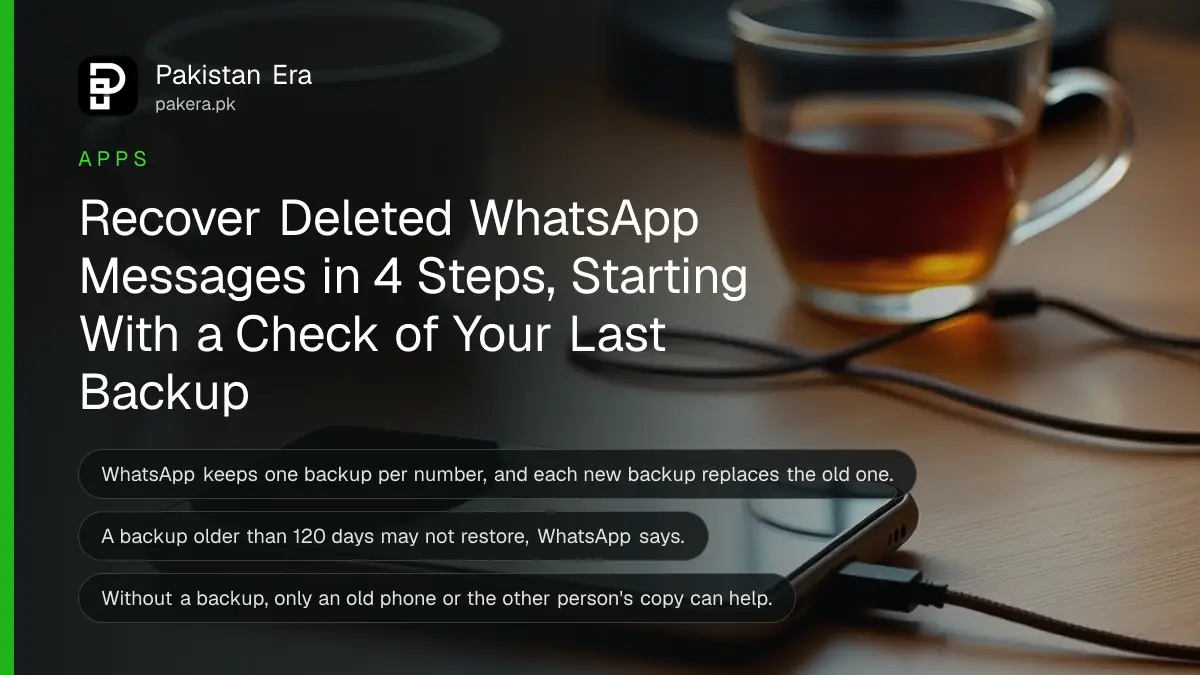
You can recover deleted WhatsApp messages in Pakistan only from a backup: uninstall WhatsApp, reinstall it with the same number, and tap Restore when asked. WhatsApp says it cannot restore chats for you, because your chat history is not stored on its servers. So the backup on your phone's Google Account, iCloud or WhatsApp cloud storage is usually the only copy. Below we cover every case: with a backup, without one, on a new phone, and the one mistake that wipes your chats for good.
Most people search for this a few minutes after deleting a chat by accident, or after a phone reset. Speed matters, but the first step is to do nothing that creates a new backup. We read WhatsApp's own help pages on restoring, backing up and transferring chats on 24 October 2026, and the steps below follow them.
A new backup can erase the chats you want back
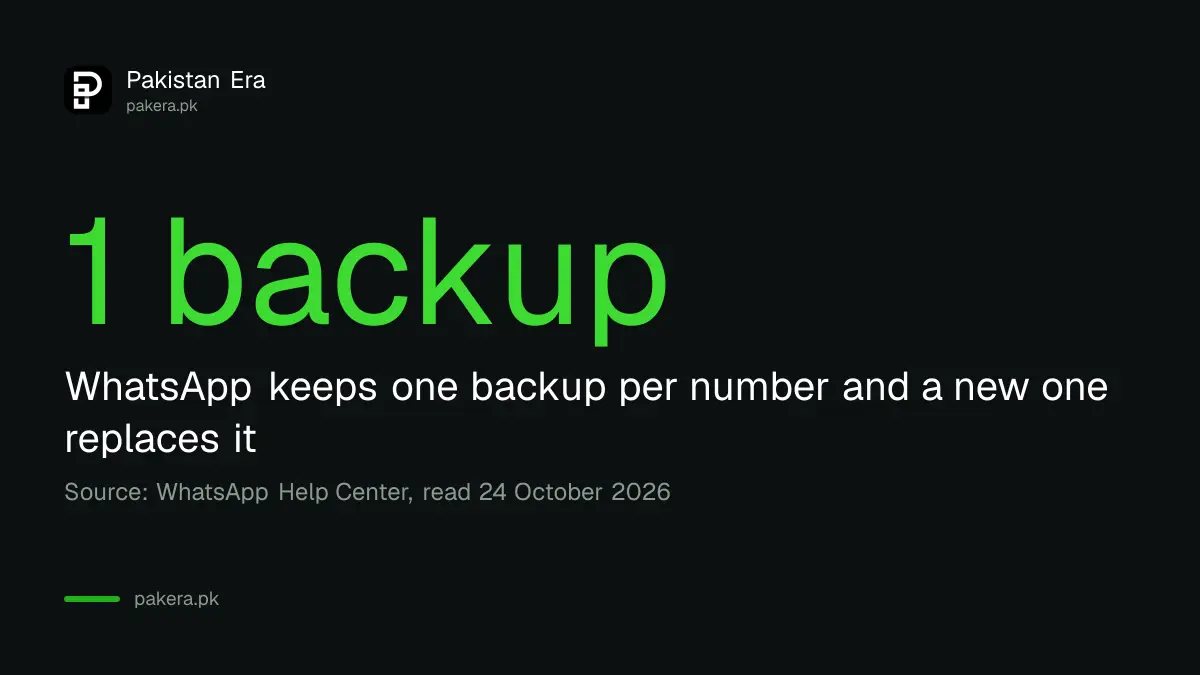
WhatsApp keeps only one backup per phone number. Each new backup replaces the old one completely. If your missing chats sit in last night's backup and WhatsApp makes a fresh backup today, the old copy, with your deleted messages, is gone for good.
WhatsApp's own advice for missing chats is plain: do not create a new backup, do not delete your existing backup, and do not factory reset the phone. Check that a backup exists first. That is the single most useful thing on this page.
So before anything else, turn off mobile data and Wi-Fi for a moment if a nightly backup is about to run. Then check what backup you have.
Check your last WhatsApp backup in under a minute
Open WhatsApp, go to Settings, then Chats, then Chat backup. You will see the time and size of your last backup. If that time is before you deleted the messages, your chats are probably inside it and you can restore them.
- Open WhatsApp and tap Settings.
- Tap Chats, then Chat backup.
- Read the date and time of the last backup.
- Compare it with when the messages were deleted.
- If the backup is older than the deletion, do not tap Back up. Go to the restore steps.
If the backup is newer than the deletion, the messages are almost certainly not in it. WhatsApp also warns that a backup more than 120 days old may not restore at all, even if your account is still active.
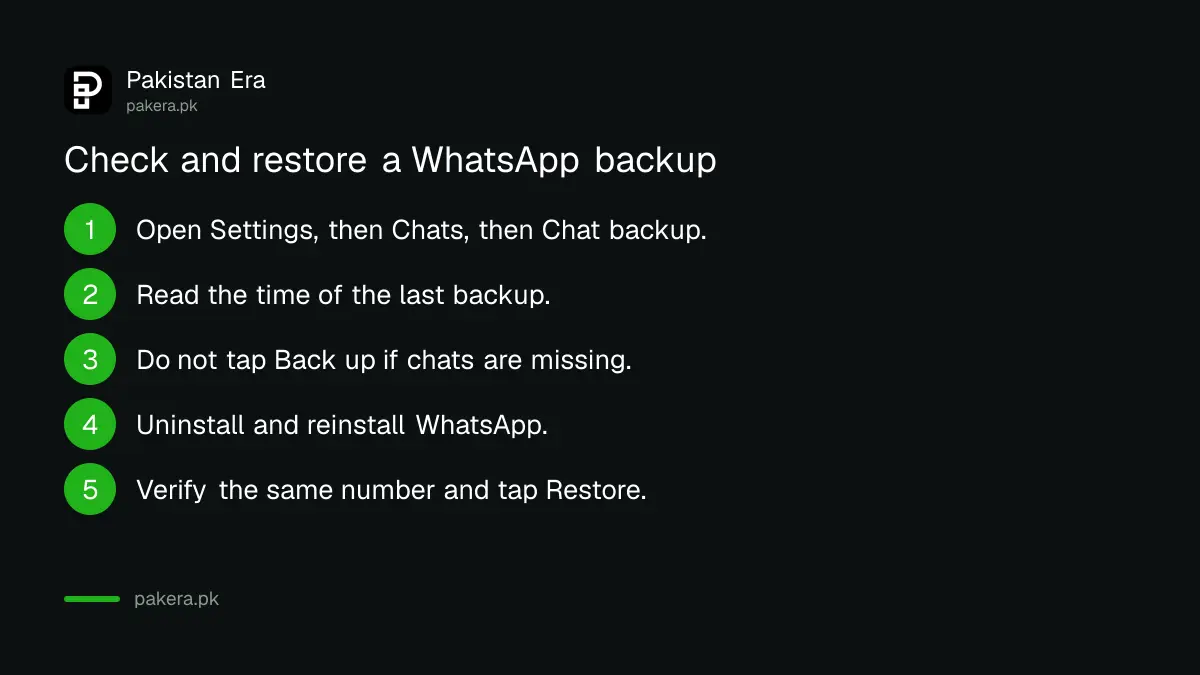
Restoring deleted WhatsApp messages from a backup takes 4 steps
Uninstall WhatsApp, reinstall it from the Play Store or App Store, verify the same phone number, and tap Restore (Android) or Restore Chat History (iPhone). Messages come back first and media follows in the background. Never tap Skip if you want old chats.
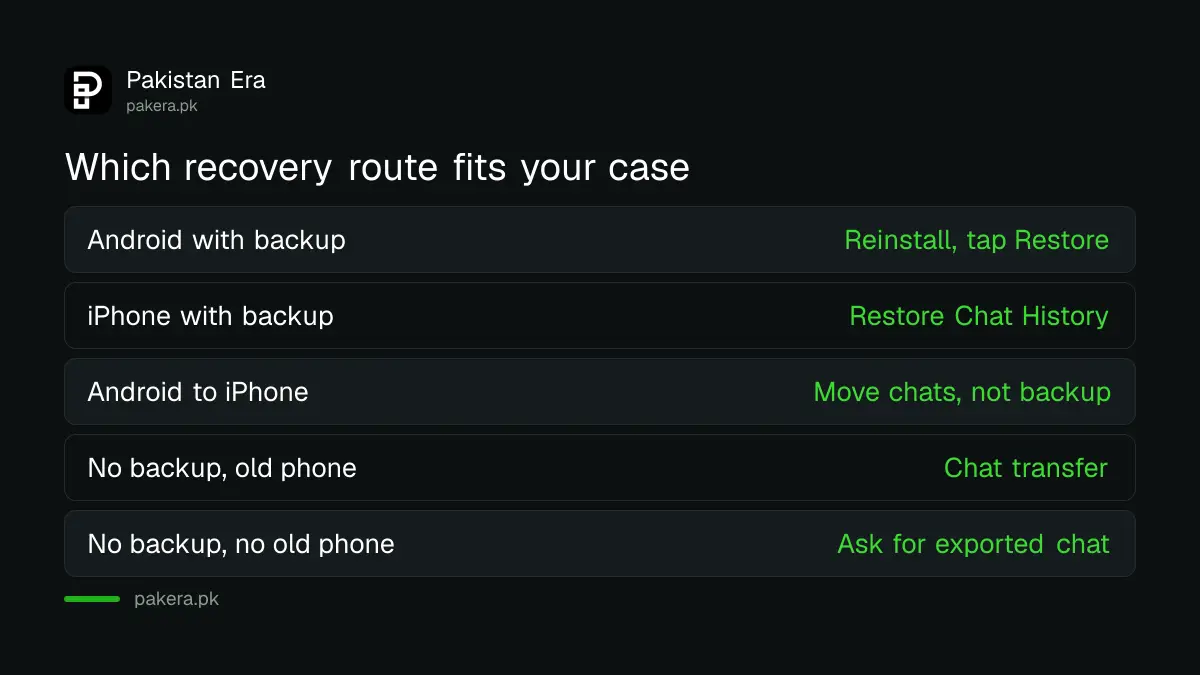
| Your phone | Where the backup lives | Button to tap | Extra check first |
|---|---|---|---|
| Android | Google Account or WhatsApp cloud storage | Restore | Same number, enough free phone storage |
| iPhone | iCloud or WhatsApp cloud storage | Restore Chat History | iCloud Drive on, WhatsApp allowed to sync |
| Android to iPhone | Backups do not cross | Use chat transfer instead | Old phone still working |
| No backup at all | Only your old phone | Transfer from old phone | Old phone not wiped |
On an iPhone, open Settings, tap your name, then iCloud, then iCloud Drive. Turn on Sync this iPhone and make sure WhatsApp is on under Apps Syncing to iCloud Drive. WhatsApp lists this check before the restore. The iPhone also asks you to verify your Apple ID during setup.
WhatsApp may ask you to verify your identity with a code by SMS or a call. Keep your SIM in the phone. If you set an end-to-end encrypted backup, you need its password, passkey or 64-digit key. Without it, the backup cannot be opened by anyone, including WhatsApp.
The restore needs room. WhatsApp says your phone's free space must be larger than the backup, or you may get a partial restore. Clearing space first with the steps to free up WhatsApp storage on Android can save a failed attempt. Keep the phone on Wi-Fi and on charge until media finishes.
What a WhatsApp restore will not bring back
A restore brings back what was in the last backup and nothing else. Messages sent or received after that backup are lost. Videos come back only if Include videos was on when the backup was made. Backups made on Android cannot be restored on an iPhone, or the reverse.
The number must match too. The phone number used for the backup and the restore has to be the same. If you have since moved to a new number, the steps to change your WhatsApp number and keep chats show how WhatsApp carries your account across, which is a different process from a restore.
Media in WhatsApp Channels is not restored unless you were the channel admin. And if you tap Skip media restore on an iPhone, WhatsApp says you cannot restore that media later.
Without a backup, your options are the old phone and the other person
With no backup, WhatsApp cannot recover deleted chats. Two honest routes remain: move chats from an old phone that still has them, using WhatsApp's chat transfer, or ask the person you were chatting with to export their copy of the conversation.
Chat transfer works between two Android phones running Android 6 or later. Both need Wi-Fi turned on and should be on charge. On the old phone, go to Settings, Chats, Transfer chats, Start. On the new phone, choose Transfer from old phone and scan the QR code. WhatsApp says not to wipe the old phone until you confirm everything arrived.
The other person's copy is often forgotten. When you delete a chat on your own phone, the person on the other end still has their messages. They can open the chat and use WhatsApp's export option to send you a copy. It will not put the messages back inside your app, but you get the text.
Be wary of apps and websites that promise to recover deleted WhatsApp messages without a backup. WhatsApp's position is that it cannot restore chats that are not in a backup. If you installed one from a link and now see strange pop-ups, the steps to remove a fake APK installed from WhatsApp are the place to start.
Turn on daily backups so this does not happen again
Go to Settings, Chats, Chat backup, and set automatic backups to daily. On Android you can back up to your Google Account or WhatsApp cloud storage. Turn on Include videos if you want videos saved, and check the last backup time once a week.
Google storage is shared across Gmail, Drive and Photos, and each Google Account includes up to 15 GB. If that is full, backups fail. You can switch your WhatsApp backup to WhatsApp cloud storage, which is always end-to-end encrypted. WhatsApp says this option is still being tested and may not show for everyone yet.
On an iPhone the backup goes to iCloud instead, and the full settings for both phones are in the steps to back up and restore WhatsApp chats.
Common questions
Can I recover deleted WhatsApp messages without a backup?
Not through WhatsApp. It says it cannot restore chats because they are not stored on its servers. Your options are chat transfer from an old phone or a copy exported by the other person.
Will reinstalling WhatsApp delete my chats?
Reinstalling is how the restore works, but only tap Restore if a backup exists. If you tap Skip and a new backup runs, the old chats are replaced.
How far back can I restore WhatsApp messages?
Only to your last backup. WhatsApp keeps one backup per number, and a backup more than 120 days old may not restore.
Can Google restore my WhatsApp backup from Drive?
No. Google's Drive help says the WhatsApp backup is managed and encrypted by WhatsApp, so Google cannot view or restore it.
Why did my photos not come back after the restore?
Media restores in the background after messages. Keep the phone on Wi-Fi and charge. Videos return only if Include videos was on when the backup ran.
Can I restore an Android WhatsApp backup on an iPhone?
No. WhatsApp says Android backups cannot be restored on an iPhone, or iPhone backups on Android. Use WhatsApp's move chats feature between platforms instead.
How we verified this
What we checked, where we read it, and what we could not confirm.
Last checked 24 October 2026. We read WhatsApp's help pages on restoring your chat history (Android and iPhone versions), backing up chat history, transferring chats between Android phones, and the page on backups that cannot be restored, all at faq.whatsapp.com on 24 October 2026. We also read Google's Drive file recovery page, which states Google cannot restore WhatsApp backups, and Google One's storage page for the 15 GB figure. We did not delete and restore a real chat for this check, and we did not test any third-party recovery app. Menu names can change with app updates.
About the author

Technology Journalist & Multimedia Producer
Ahmad Ali is a technology journalist and multimedia producer at Pakistan Era, joining the team in October 2026. He covers consumer technology and digital life for Pakistani readers, combining research with hands-on product testing.