Close or Delete a SadaPay or NayaPay Account in Pakistan: App Steps, the Rs 10 Rule and 4 Things to Do First
Close or delete a SadaPay or NayaPay account in Pakistan from the app, clear NayaPay's Rs 10 balance rule, and move your money and Raast ID out before you go.
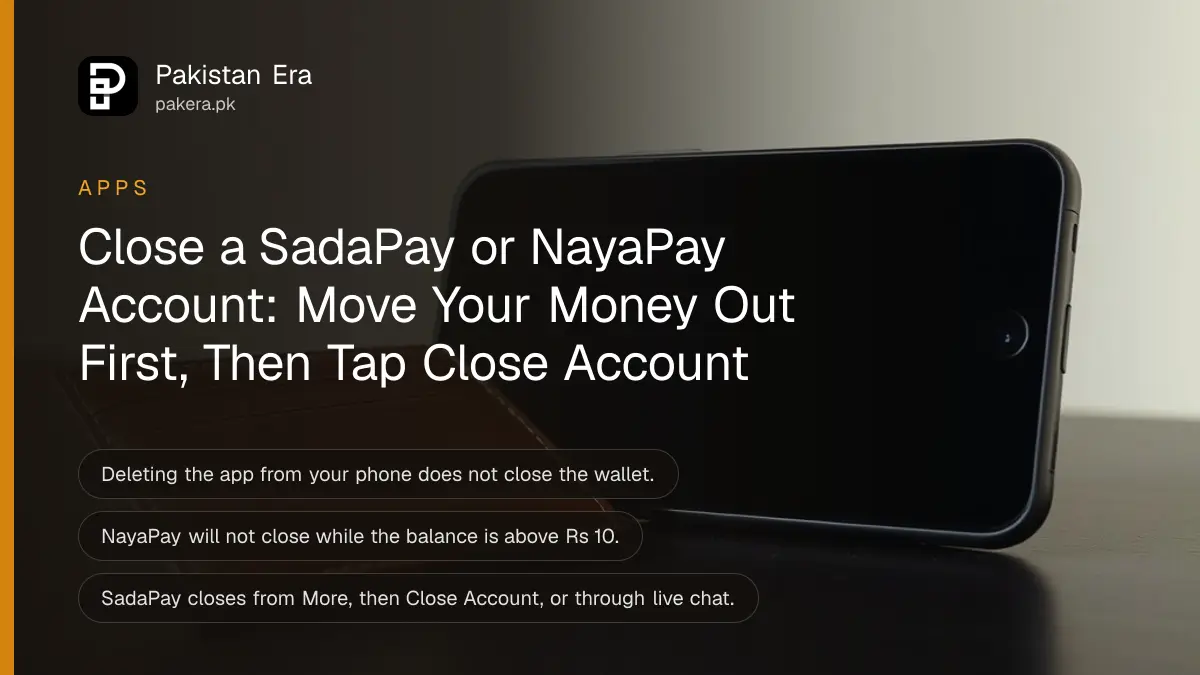
To close a SadaPay account, open More in the app and tap Close Account. To close a NayaPay account, go to Settings, Account Settings, scroll down and tap Close Account, then confirm with your MPIN. NayaPay closes it at once, but only after you clear any fees, withdraw a balance above Rs 10 and close open disputes. Both are free. Deleting the app from your phone does not close the account.
People close these wallets when they move to a bank app, switch numbers or simply stop using them. Do it in the right order and the money comes out first, so nothing is left stuck in a closed account.
Uninstalling the app does not close your wallet
Removing SadaPay or NayaPay from your phone only deletes the app. The wallet, the IBAN and the card stay open, and so does any balance. To close the account itself you must use the Close Account option inside the app, or ask support.
| SadaPay | NayaPay | |
|---|---|---|
| Where to close | More, then Close Account | Settings, Account Settings, Close Account |
| Confirm with | On-screen steps | Your MPIN |
| Before closing | Follow the on-screen steps | Pay fees, withdraw balance above Rs 10, close disputes |
| Cannot log in | Ask in live chat | Call 021-111-222-729 |
| When it closes | After the steps are done | Immediately, with an email confirmation |
| Fee | None stated | None stated |
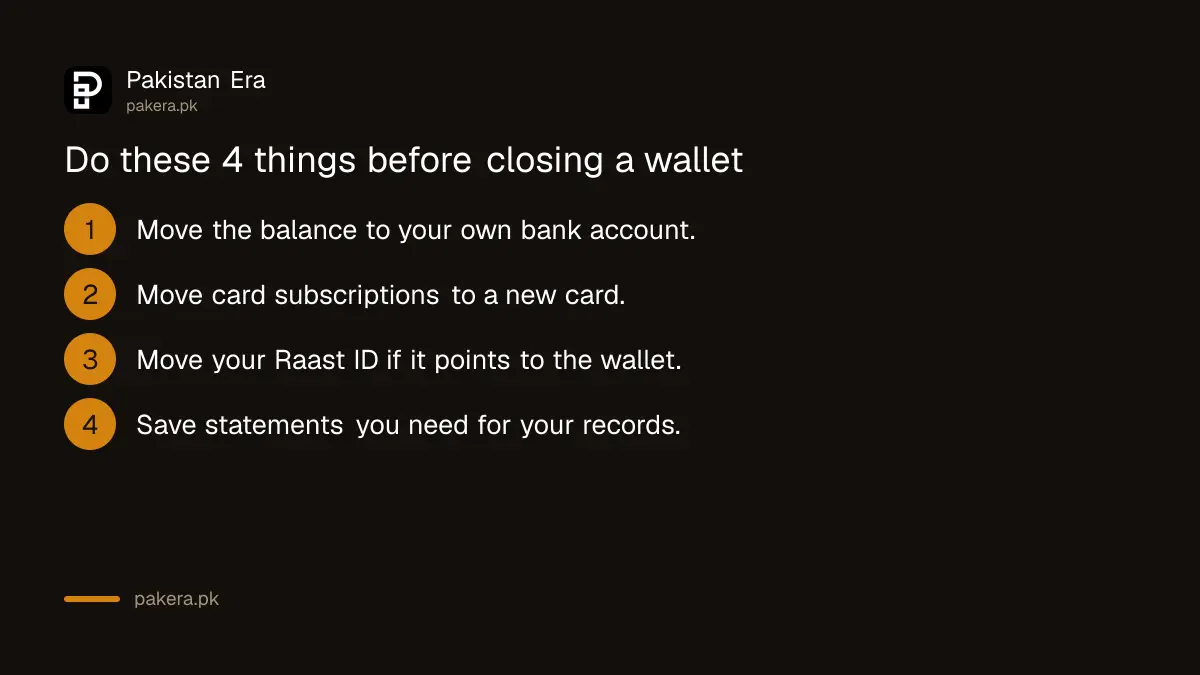
Do these 4 things before you close either wallet
Move your money out first, then stop anything that charges the card, then move your Raast ID if it points to the wallet. Save any statements you may need for tax or freelancing records. After closing, NayaPay says you cannot log in at all.
- Move the balance to your bank account by bank transfer or Raast. Send it to an account in your own name.
- Stop card payments. Switch Netflix, Spotify, Google Play or any other subscription to a new card first, or cancel it.
- Move your Raast ID if your mobile number is linked to this wallet. The steps are in how to move your Raast ID to another bank.
- Save records, such as screenshots or statements of past transfers, if you use the wallet for freelance income.
Freelancers who get paid into these wallets should change the payout method on Upwork or Fiverr before closing. Otherwise the next payment goes to an account that no longer exists.
How to close a SadaPay account
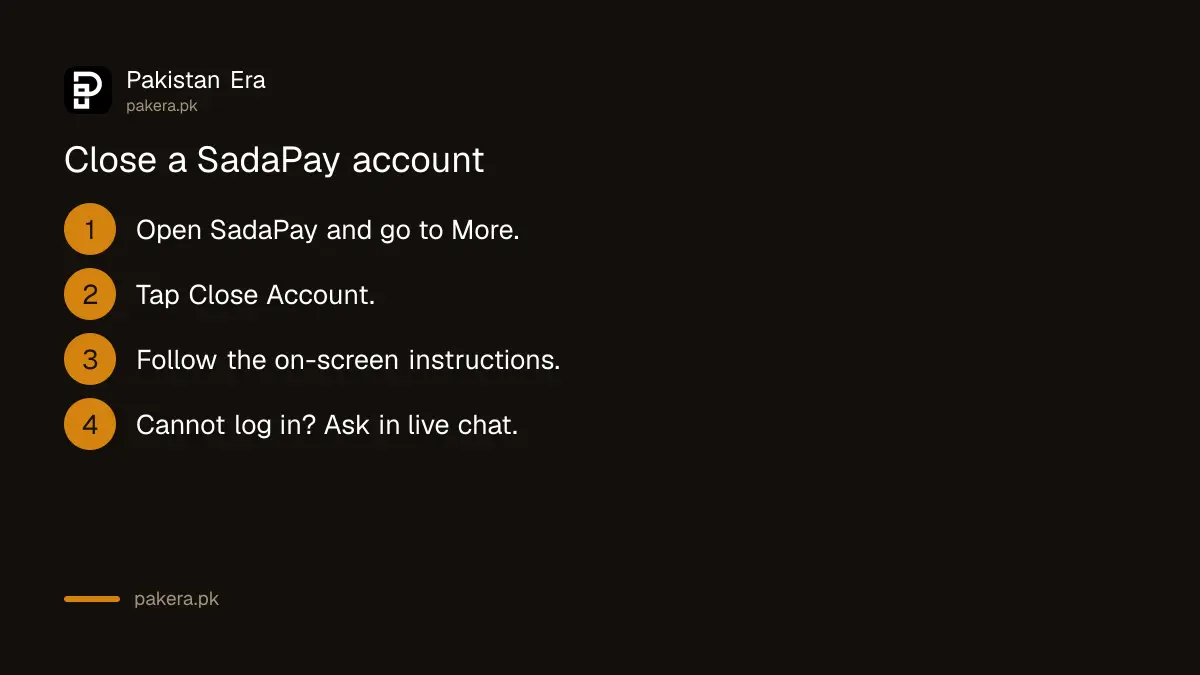
In the SadaPay app, open the More section, tap Close Account and follow the steps on screen. If you cannot log in, you can still ask to close the account through SadaPay's live chat, and the team handles it from there.
- Open SadaPay and go to the More section.
- Tap Close Account.
- Follow the on-screen instructions to finish.
Locked out because you forgot the App PIN? Reset it first with the steps in SadaPay forgot App PIN, so you can move the money out before you close.
Changed your mind about SadaPay
SadaPay handles reactivation through support. Reach out through the in-app chat and ask for your account to be reactivated, and the team updates you once it is done.
How to close a NayaPay account
Go to Settings, then Account Settings, scroll to the bottom and tap Close Account. Choose Continue to Close Account, clear anything the app flags, then tap Close Account and enter your MPIN. NayaPay closes it immediately and emails you a confirmation.
- Open NayaPay, go to Settings and tap Account Settings.
- Scroll to the bottom and select Close Account.
- Choose Continue to Close Account, or Talk to Us to chat with support first.
- If the app asks you to pay a fee, withdraw a balance or close a dispute, follow those prompts.
- Tap Close Account and enter your MPIN.
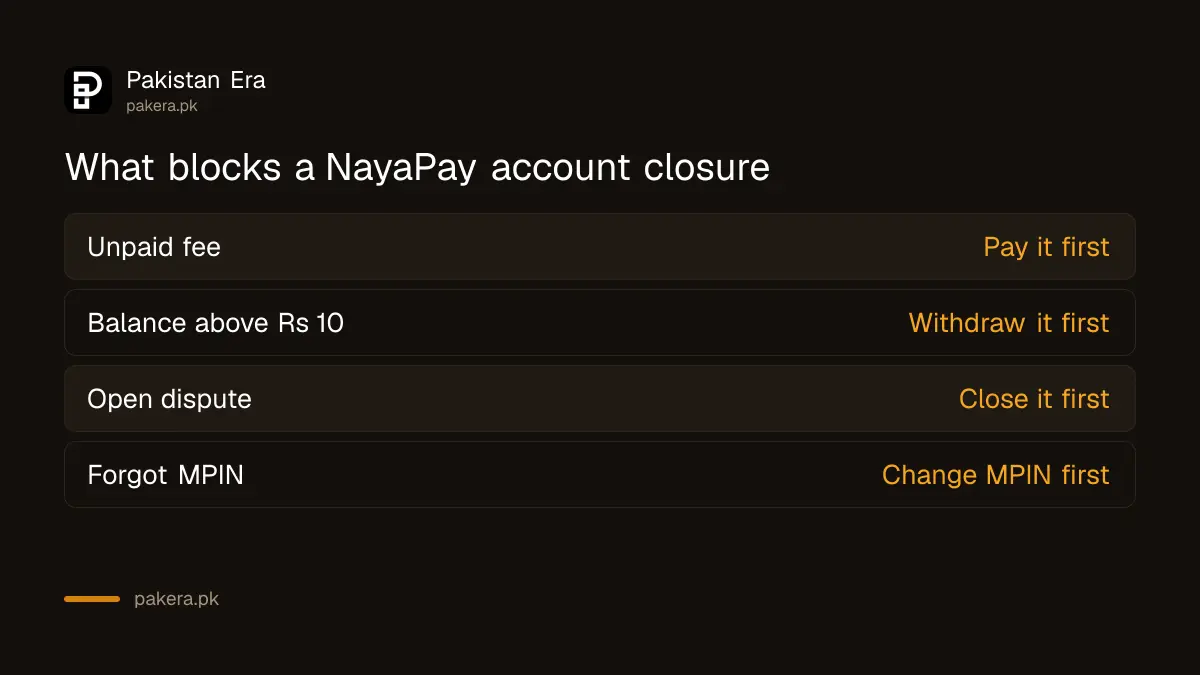
NayaPay blocks closing while any of three things is open: an unpaid fee, a balance above Rs 10, or an active dispute. A balance of Rs 10 or less does not stop the closure.
Forgot the NayaPay MPIN
You need the MPIN for the last step. If it is gone, or the account is locked after five wrong tries, follow NayaPay forgot password or MPIN first.
Problems when closing and who to contact
The most common block is money still in the wallet, followed by an open dispute or a fee. If the Close Account button does not help, use SadaPay's live chat or NayaPay's Talk to Us option. NayaPay's helpline is (021) 111-222-729.
- Close Account will not finish on NayaPay. Check the balance. Anything above Rs 10 has to come out first.
- A dispute is still open. Wait for it to finish, or ask support to close it, before closing the account.
- The money is stuck or a complaint goes nowhere. Use the escalation steps in the SadaPay and NayaPay complaint guide.
- Someone offers to close it for you. Ignore them. Neither company needs your PIN, MPIN or OTP to close an account.
Common questions about closing SadaPay and NayaPay
Does deleting the SadaPay app close my account?
No. The account, card and any balance stay open. Use More, then Close Account in the app, or ask SadaPay in live chat.
Can I close my NayaPay account with money in it?
Only if the balance is Rs 10 or less. A higher balance must be withdrawn first, and any fees or open disputes cleared.
How long does NayaPay take to close an account?
NayaPay says the account closes immediately once you finish the steps, and you get an email confirmation. You cannot log in after that.
Can I close SadaPay without logging in?
Yes. SadaPay says you can request closure through its live chat if you cannot access the app, and the team closes it.
Can I reopen a closed SadaPay account?
Ask SadaPay through the in-app chat. Its help centre says the team handles reactivation requests there and updates you.
How we verified this
What we checked and where we read it.
Last checked 14 November 2026. The SadaPay steps come from its help articles I want to delete my SadaPay account and I want to reactivate my SadaPay account. The NayaPay steps and the three conditions come from How can I close my account?, last updated on 4 February 2025. Neither help page lists a closing fee. The advice on moving money, subscriptions, Raast IDs and freelance payouts is ours.
About the author

Technology Journalist & Multimedia Producer
Ahmad Ali is a technology journalist and multimedia producer at Pakistan Era, joining the team in October 2026. He covers consumer technology and digital life for Pakistani readers, combining research with hands-on product testing.